




Buying guide
Eight receipt printers in two widths: 58 mm for a narrow ticket or a mobile lane, 80 mm for a busy till. Paper width picks the model; the interface and the cutter pick the rest. Label stock is a different mechanism and lives on its own page.
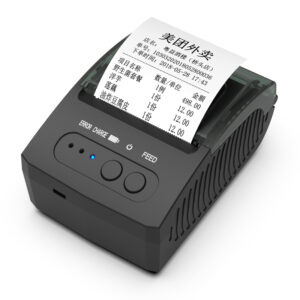
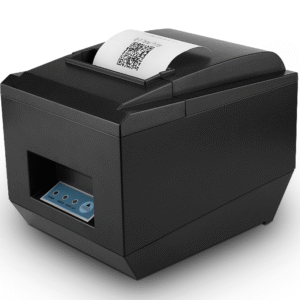
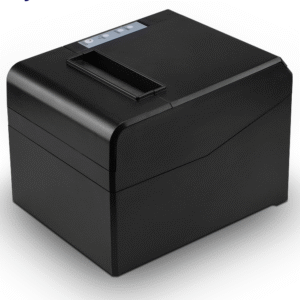
58 mm units such as the POS-5890A, POS-5890U and POS-5811 suit a small counter, a mobile setup or a narrow ticket. 80 mm is the default for a busy till: the POS-8220, 8250, 8330, 8360 and 8370 all take a full-size roll - 83 mm on the 8220, 8250, 8330 and 8370, and 80 mm on the shorter 8360 body - so a shift needs fewer paper changes.
The POS-8330 prints at 260 mm/s and the POS-8370 at 220 mm/s, both with an auto cutter. At a high-ticket counter the cutter is not optional. A manual tear bar produces ragged receipts, and the tear is what slows the queue at the end of a transaction.
Label stock runs on a head built for it and on a platen with the pressure for it, with gap and black-mark sensing: the thermal label printer range covers 58 to 110 mm, direct thermal, 203 dpi, no ribbon. A receipt printer cannot be re-tasked for labels by changing a setting. If one counter needs both, that is two machines - or the 4 inch units on that page, which print receipts as well as labels.
| Group | Models | What that means |
|---|---|---|
| 58 mm receipt | POS-5811, 5890A, 5890U | portable or USB, narrow ticket |
| 80 mm receipt | POS-8220, 8250, 8330, 8360, 8370 | 220-260 mm/s, auto cutter, USB and LAN |
Yes on the 80 mm models with an RJ11 port. The drawer opens when the receipt prints, driven by the printer rather than by the POS software. Match the drawer trigger voltage: all four drawers are built to 12 V or 24 V, so the setting follows the printer rather than the model code.
Order by how the POS talks, not by what is in stock. The POS-8220 and POS-8250 offer USB, RS232 and LAN, the POS-8330 USB, Ethernet and serial, and the POS-8360 combinations of USB, LAN and Bluetooth.
It needs direct thermal rolls, with no ribbon and no ink. Check the roll core diameter against the printer holder, and keep coated thermal paper away from heat and direct sun, which is what fades a receipt in a car.
Read nextWhat is a thermal printer, and how does it print without ink?
Send the paper width, the daily receipt count and the interface, and we will quote the model with the drawer trigger configured. Counter setups are described on the retail page.
This is a gallery to showcase images from your recent social posts
“A review from a customer who benefited from your product. Reviews can be a highly effective way of establishing credibility and increasing your company's reputation.”
Customer Name
“A review from a customer who benefited from your product. Reviews can be a highly effective way of establishing credibility and increasing your company's reputation.”
Customer Name
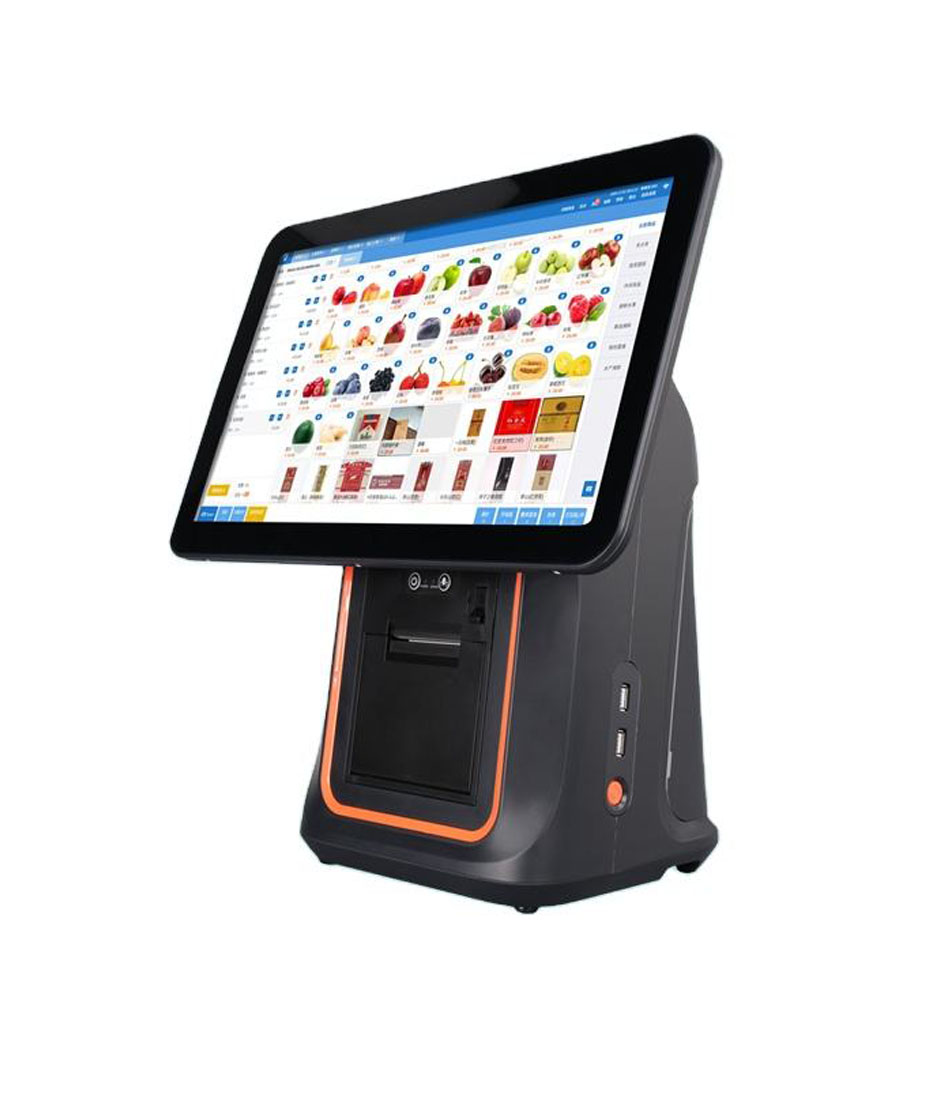

Premium POS Hardware Manufacturer Trusted by 3,000+ Customers | OEM/ODM Touch Screen Solutions Since 2013.
Furong Lantian Industrial Park, Xinqiao,Shajing Town,Shenzhen China.
Get the latest updates via email.Any time you may unsubscribe.