
Buying guide
Eight scanners, three form factors, two engine types. The choice usually comes down to one question - does the workflow include a code on a screen or a stacked code on a document - and to whether the cashier has a free hand.
The POS-1670 carries a 1D CMOS engine, and its published decode list stops at the retail bar set. A 2D imager reads an image, so it also decodes QR and Data Matrix on phone screens, PDF417 on licences and manifests, and GS1 DataBar on loose produce. Every other model here is a 2D imager, so if a QR payment or a PDF417 label appears anywhere in the workflow, the 1670 is the wrong purchase.
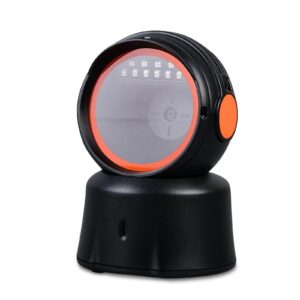
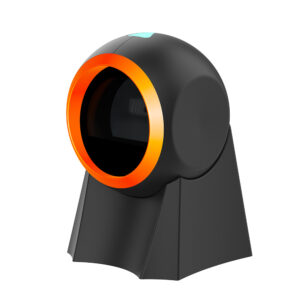
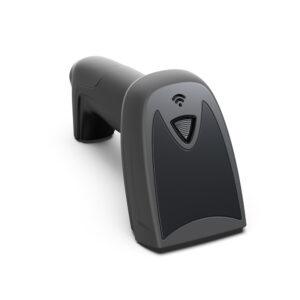
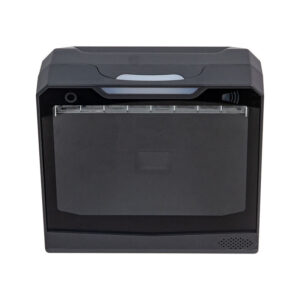
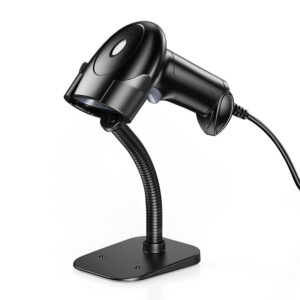
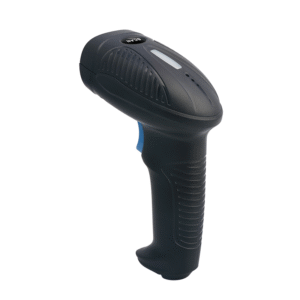
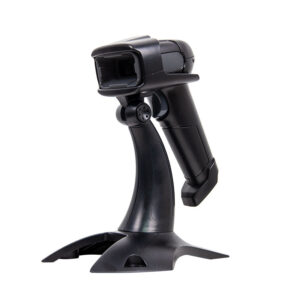
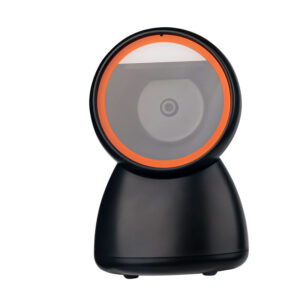
The POS-1800A, 2210A and 3230A are handhelds for a till where the operator picks the item up. The POS-7200, 8800F and 8280A sit on the counter and read what is presented to them on continuous auto-sensing, which is the right arrangement when both hands are holding the goods. The POS-8230 is a hands-free omni unit for a supermarket lane that reads from any direction.
USB-HID needs no driver but types into whatever field has focus. USB-COM and RS-232 hand the POS software a serial port, which is what most EPOS applications expect on a fixed lane. The POS-8230 and POS-7200 offer RS-232; the POS-2210A adds 2.4 GHz wireless with storage for 100,000 codes, for stocktaking away from the counter.
| Model | Form | Engine | Interface |
|---|---|---|---|
| POS-1670 | Handheld | 1D CMOS | USB |
| POS-1800A | Handheld | 2D CMOS | USB |
| POS-2210A | Handheld, wireless | 2D CMOS | USB + 2.4 GHz, 2600 mAh |
| POS-3230A | Handheld | 2D CMOS | USB-C + Bluetooth 5.0 |
| POS-7200 | Desktop presentation | 2D CMOS | USB-HID / USB-COM, RS-232 |
| POS-8800F | Desktop auto-sensing | 2D CMOS | USB |
| POS-8230 | Hands-free omni | 2D CMOS | USB, RS-232 |
| POS-8280A | Omni presentation | 2D CMOS | USB |
No. A 1D engine decodes a bar pattern line by line, and a QR code is a two-dimensional matrix, so there is nothing for it to read even when the screen is clean and bright. Every 2D model in this range decodes screen codes, which is why a lane taking QR payments should not be fitted with the POS-1670.
Not on USB-HID. Plugged in, they enumerate as a keyboard and type the code into the active field. Use USB-COM or RS-232 when the POS application wants a serial port, and tell us the keyboard layout at order time if the till does not run a US layout.
The POS-8230 and POS-7200 are rated for repeated 1.5 m drops onto concrete, and the POS-3230A for 1.2 m. The other handhelds are ABS+PC shells - fine at a counter, not on a forklift.
Read nextWhat is a barcode scanner? 1D, 2D and the numbers behind both
Tell us what the scanner has to read - EAN only, or phone screens and PDF417 - and how the lane is laid out, and we will quote the model with the matching stand or cable. Scanners ship alongside the terminals on the POS system hardware page.
This is a gallery to showcase images from your recent social posts
“A review from a customer who benefited from your product. Reviews can be a highly effective way of establishing credibility and increasing your company's reputation.”
Customer Name
“A review from a customer who benefited from your product. Reviews can be a highly effective way of establishing credibility and increasing your company's reputation.”
Customer Name


Premium POS Hardware Manufacturer With 5000+ Projects Completed | OEM/ODM Touch Screen Solutions Since 2014.
Furong Lantian Industrial Park, Xinqiao,Shajing Town,Shenzhen China.
Get the latest updates via email.Any time you may unsubscribe.