|
Specification
|
|
|
Product Name
|
DCA-Q3
|
|
Color
|
Black + White
|
|
Screen Size
|
15.6 inch
|
|
Installation
|
Desktop
|
|
Touch Screen
|
USB multipoint capacitive screen
|
|
Brightness
|
350cd
|
|
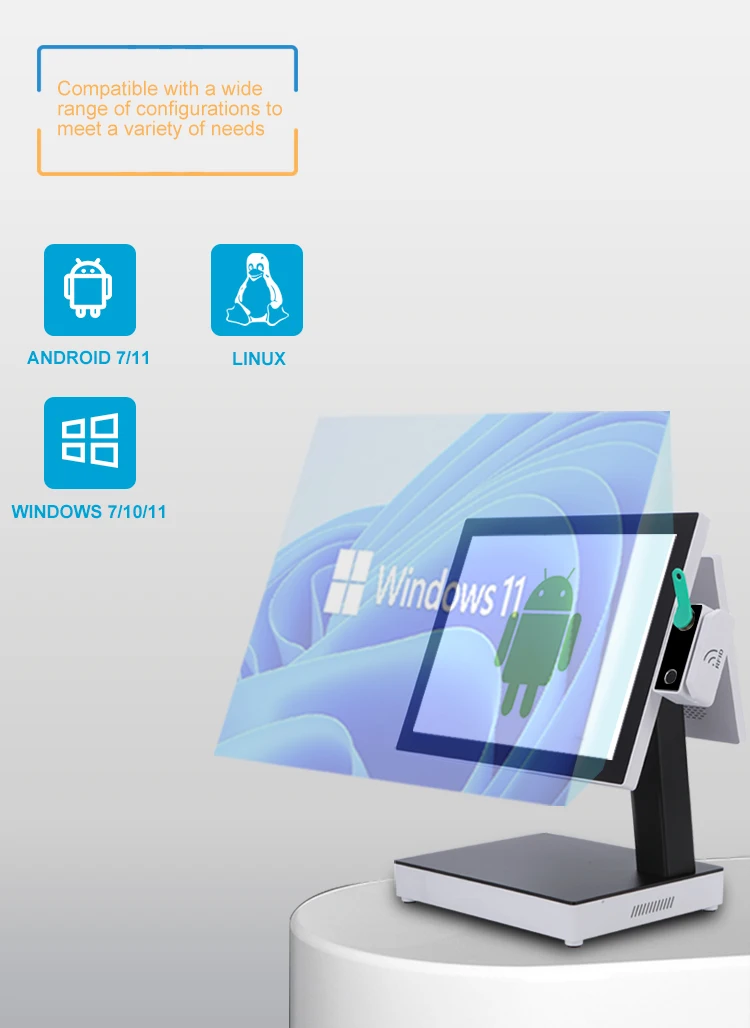
Support Win7/10/11 OS
|
|
|
CPU
|
J1900/J6412/i3/i5
|
|
RAM
|
DDR3L-4GB
|
|
ROM
|
MSSD-128GB
|
|
Optional Accessories
|
|
|
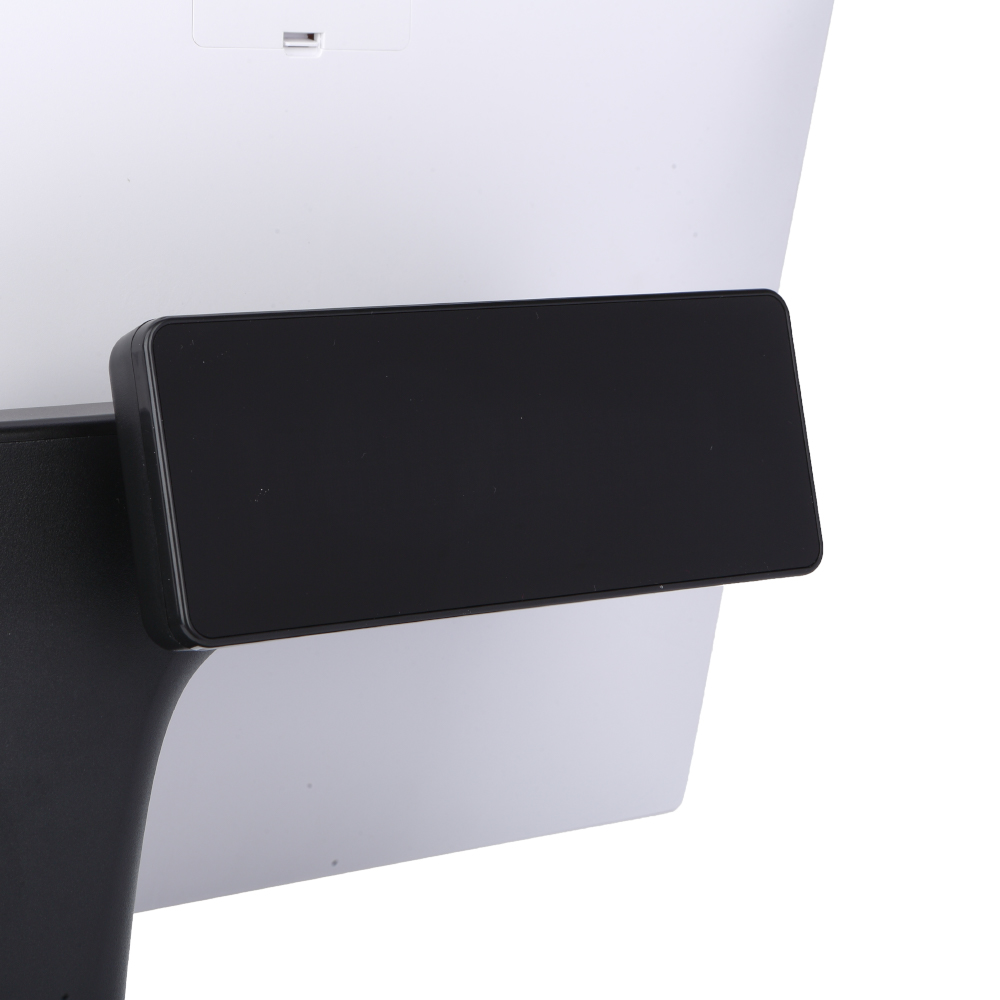
Rear Display
|
11.6″ 15″
|
|
Thermal Printer
|
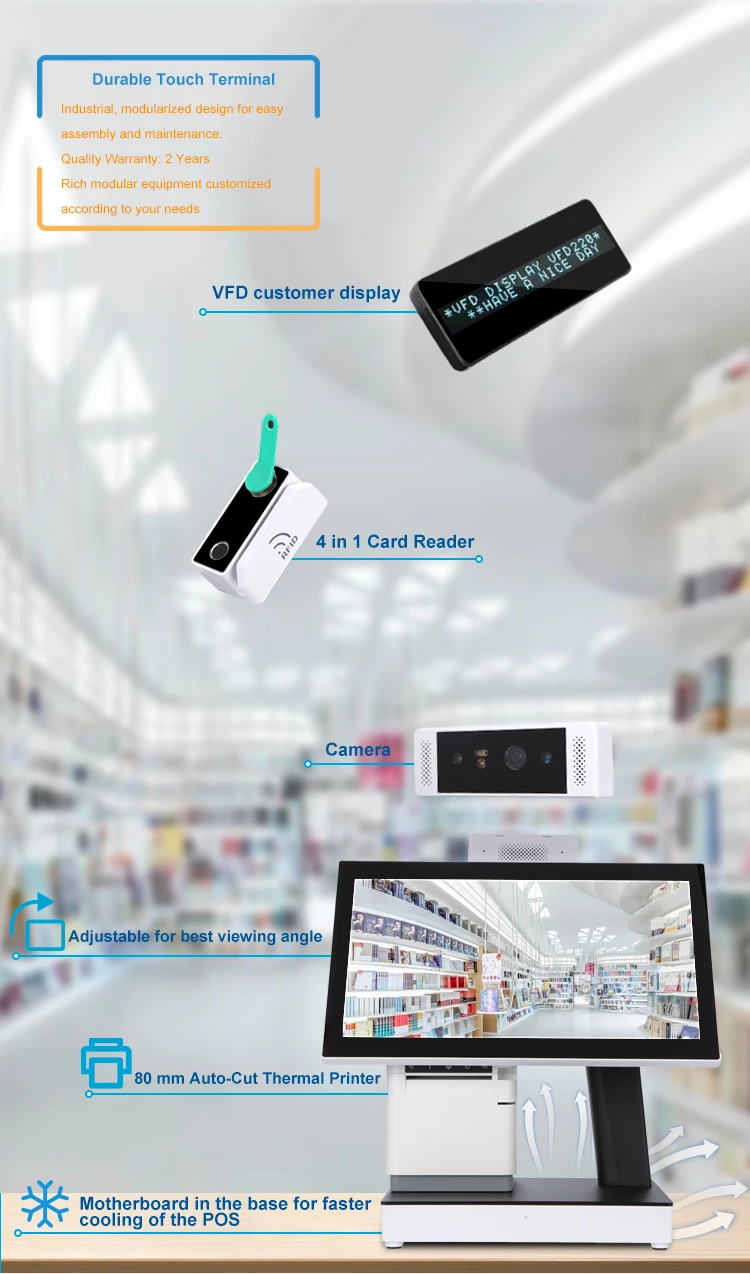
Buit-in 80mm thermal printer
|
|
Customer Display
|
2*20 VFD
|
|
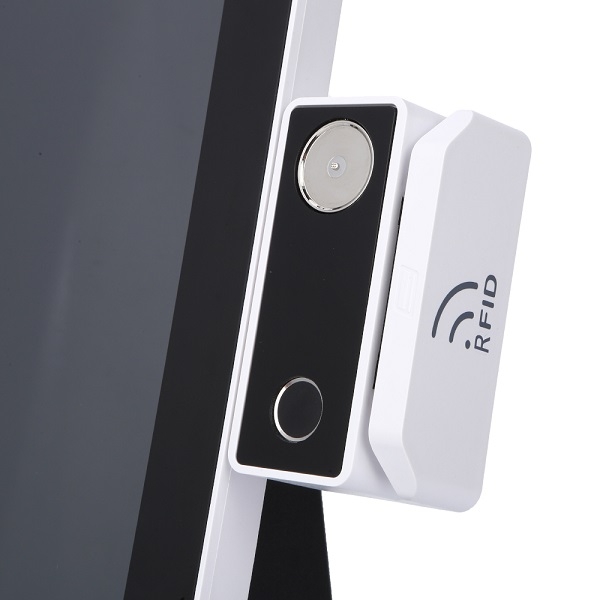
MSR + Dallas Key
|
Yes
|
|
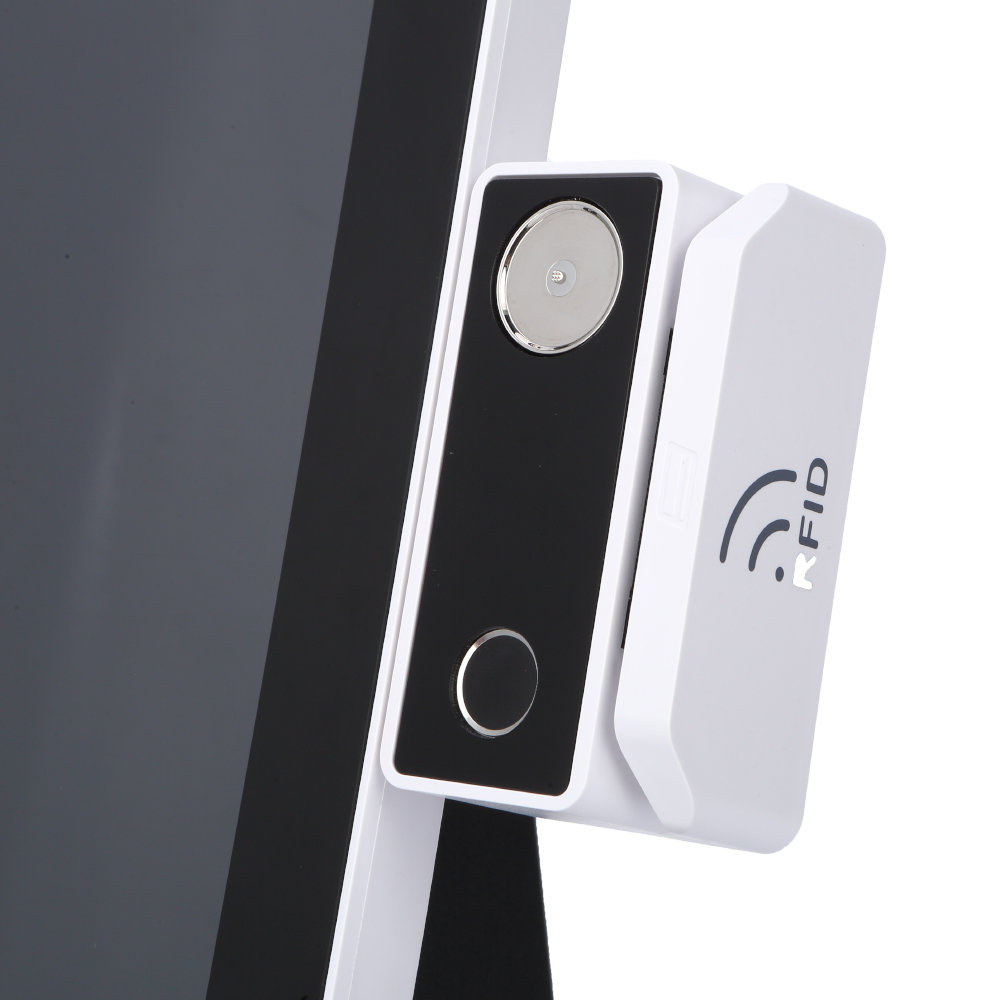
Fingerprint Reader
|
Yes
|
|
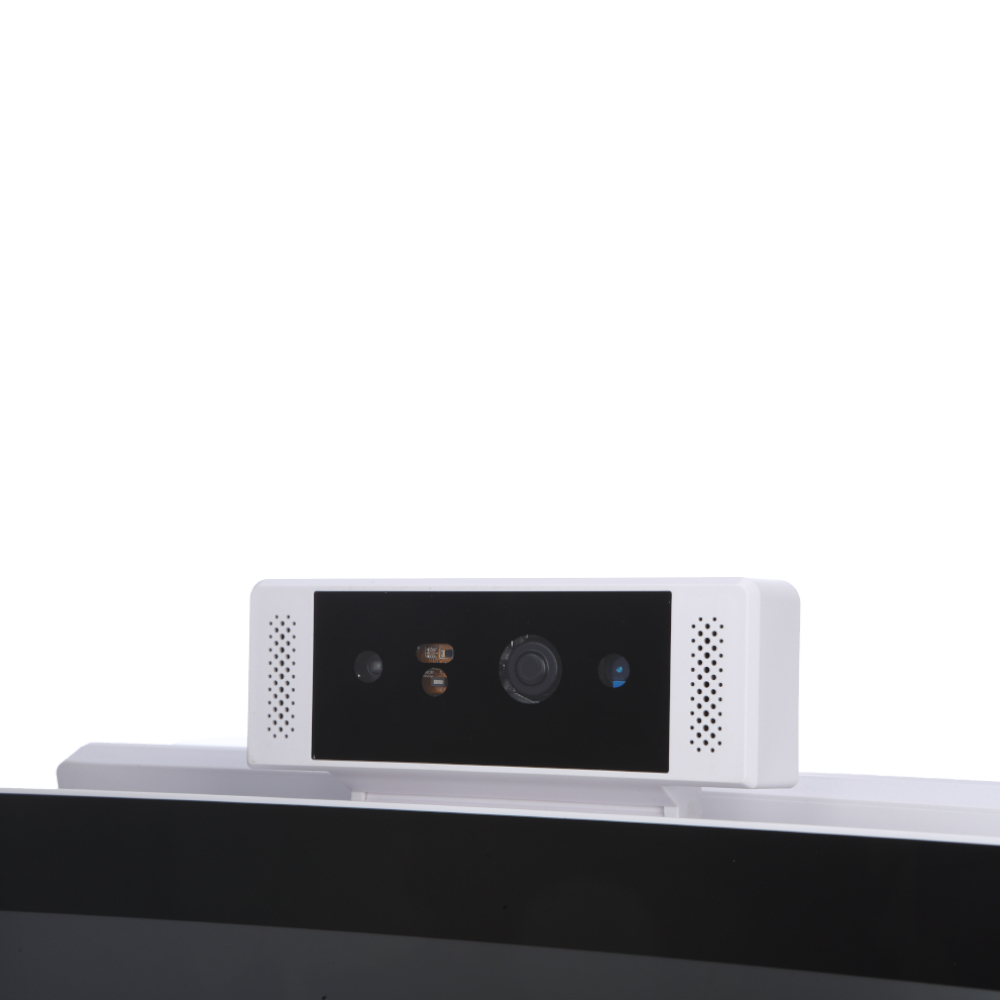
Camera
|
Yes
|
|
Card Reader
|
Support IC card / ID card / NFC / RFID
|
|
VESA Mounting
|
75 x 75mm / 100 x 100mm
|
|
Wi-Fi module
|
Yes
|
|
Speaker
|
2 x 2W Internal Speaker
|
|
Power Supply
|
60-90W (12V,5A,7.5A) External Adapter
|
|
Material
|
Alumium Die-casting + Plastic + Glass
|
|
Housing Color
|
Sliver Gray
|
|
Operating Temperature
|
0ºC ~ 40ºC, 10% ~ 90% RH, non-condensing
|
|
Storage Temperture
|
-20ºC ~ 60ºC, 10% ~ 90% RH, non-condensing
|
|
Dimension( W x H x D)
|
440*300*360 mm
|
|
Weight
|
7.0KG
|
|
Gross Weight
|
8.5KG
|
|
Certification
|
CE EMC, FCC SDOC, RoHS, UKCA
|
|
Warranty Time
|
2 Years
|
The Windows Workhorse for Software That Cannot Move
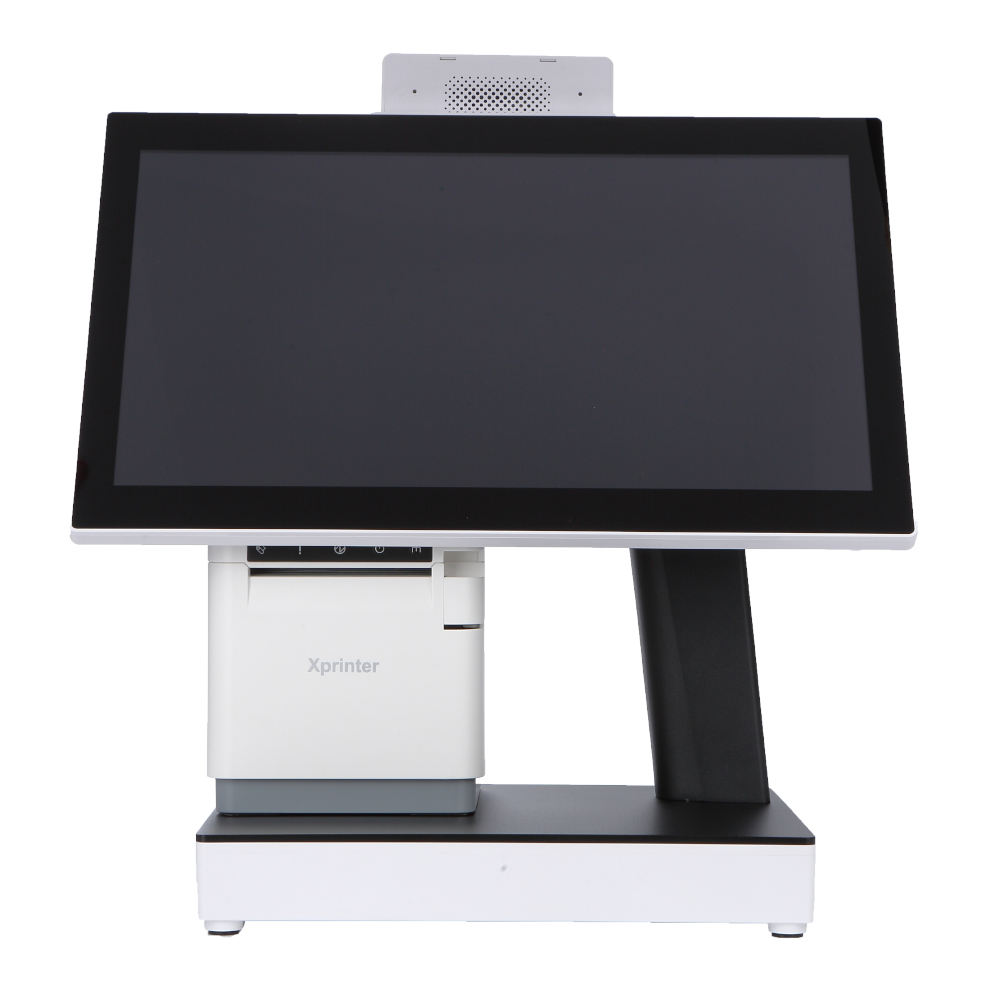
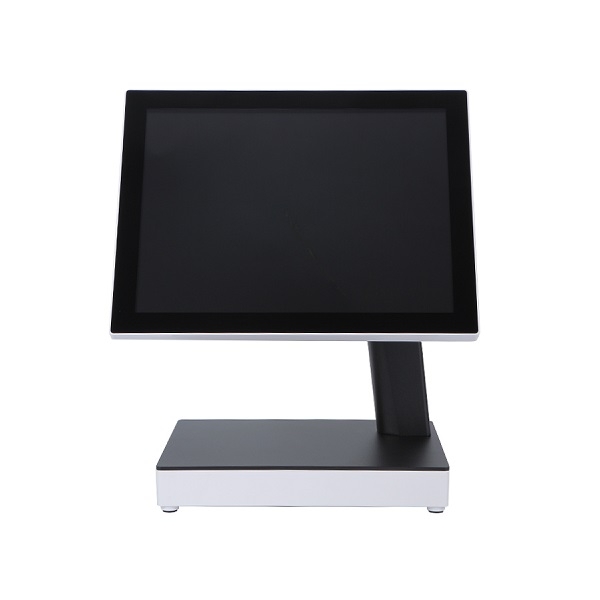
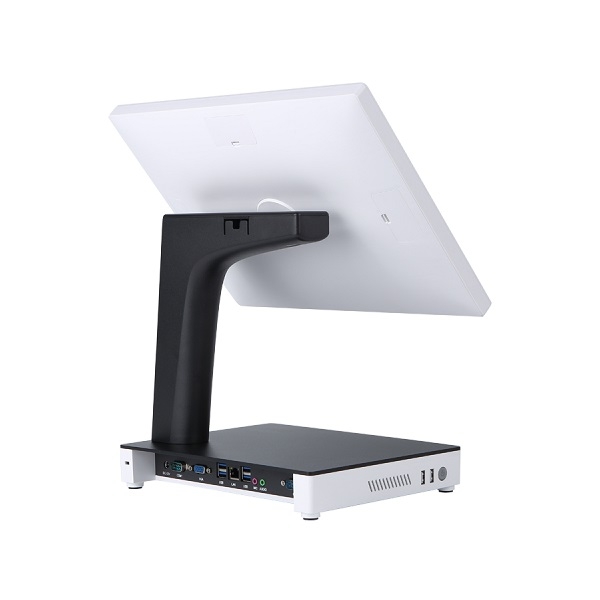
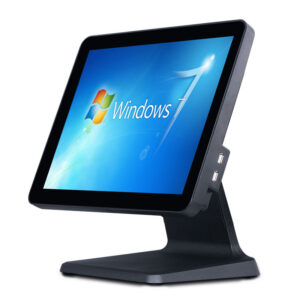
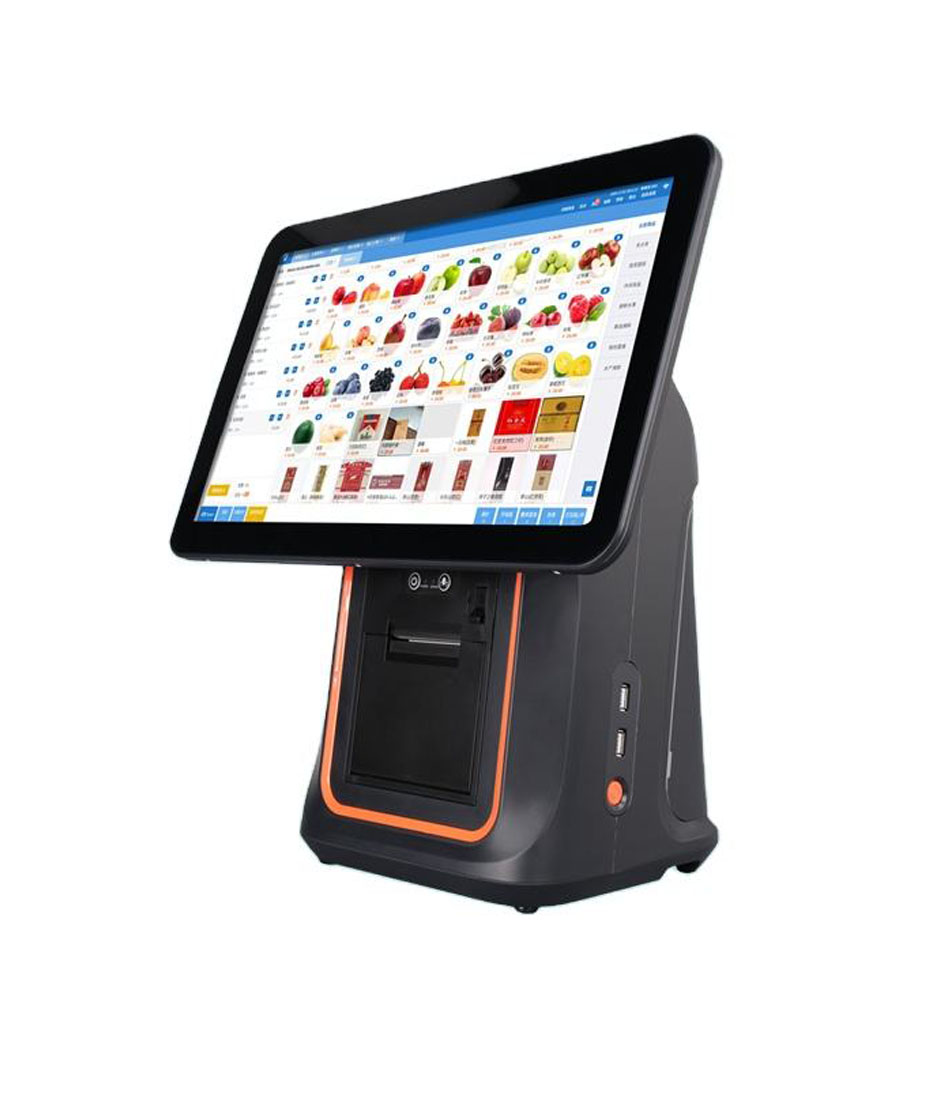
Plenty of POS software in the field is Windows-only and will stay that way: legacy ERP clients, weighing-scale integrations, pharmacy and clinic systems with hardware dongles, back-office tools built on desktop frameworks. Replacing that software is a business project; replacing the hardware is a purchase. The DCA-Q3 is the terminal for the second path — a 15.6-inch Windows POS with J1900, J6412, i3 or i5 options, 4 GB DDR3L, 128 GB mSATA SSD, and a built-in 80 mm thermal printer.
Built Around Thermal Reality
The Q3’s housing is aluminium die-casting rather than plastic, and that is a thermal decision as much as a cosmetic one. A Windows terminal with an i5 and a printer mechanism in the same box generates continuous heat; a die-cast body spreads it instead of trapping it. In practice this is what separates a terminal that still boots reliably in year three from one that starts randomly restarting in a hot kitchen in July.
Where the Q3 Is the Right Terminal
- Restaurants running Windows POS software. Order entry, printing to the built-in 80 mm printer, and a rear display for the customer.
- Retail with legacy ERP integration. Where the till must talk to an on-premise system that expects a Windows client and COM ports.
- Pharmacy, clinic and service counters. Software with proprietary drivers, label printing and card reader integrations that have no Android equivalent.
- Back-office and stock-room stations. A Windows machine with a touch screen, mounted where a desktop PC would otherwise be cabled to a monitor.
Configuration: Choosing the CPU Honestly
J1900 is enough for a single POS application with printing, on a terminal that does one job. It is the value option, and it is genuinely adequate — until someone installs antivirus, a browser with twelve tabs and a reporting add-on on the same machine.
J6412 is the modern low-power replacement and the sensible default for new deployments: better performance per watt than J1900, and it keeps the unit cool.
i3 for terminals that also run back-office software, multiple browser windows, or local reporting.
i5 where the terminal doubles as a workstation — video, large spreadsheets, local databases. Paying for i5 on a plain order-entry till buys heat and nothing else.
Memory and storage. 4 GB DDR3L with a 128 GB mSATA SSD is the standard build. For Windows 10/11 with modern software, 8 GB is worth considering; and keep the SSD — a spinning disk in a hot counter is a failure waiting to happen.
Display and Peripherals
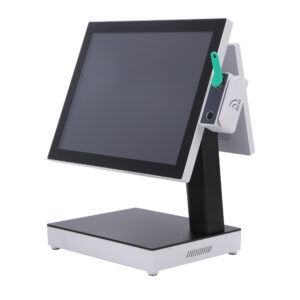
The main panel is a 15.6-inch USB multi-point capacitive touch screen at 350 cd/m². Note “USB” — it is a USB-connected touch controller, which is relevant if you image your own Windows build and need to install the correct driver. Rear displays of 11.6 or 15 inch are available for customer-facing totals, and the built-in 80 mm thermal printer with auto cutter handles receipts.
Windows Licensing and Imaging
Be explicit about licensing at order stage: whether the unit ships with a Windows licence and which edition. For fleets, we can pre-image your build, apply drivers for the touch controller and printer, and test the result before packing — which removes the single largest cost in a multi-site Windows rollout.
Frequently Asked Questions
Can I install my own Windows image?
Yes. We can supply the unit without an OS image, or pre-install yours. If you image it yourself, make sure the touch controller and printer drivers are included — those are the two components that differ from a generic PC.
Does it support two screens?
The main 15.6-inch panel plus an optional rear display of 11.6 or 15 inch. The rear display is intended for customer-facing totals, not as a full second workstation.
Is Windows 11 supported?
It depends on the CPU option — J1900 platforms do not meet Windows 11 requirements. If Windows 11 is a requirement, specify J6412 or above at quotation stage.
How does this differ from the Q3S?
They share the same 15.6-inch desktop platform and the same CPU range. The difference is in configuration and positioning rather than core hardware — tell us what you need and we will confirm which build matches it, or quote whichever is available sooner.
Next step: send the software you run and its Windows version requirement, plus whether you need a rear display — we will confirm the CPU and quote factory-direct. Email sales@dcapos.com or contact us.
Related: DCA-152W foldable-stand POS · Windows POS systems · DCA-Q3S dual-screen POS · DCA-KSA all-in-one · POS peripherals