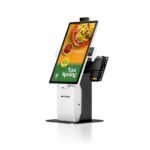
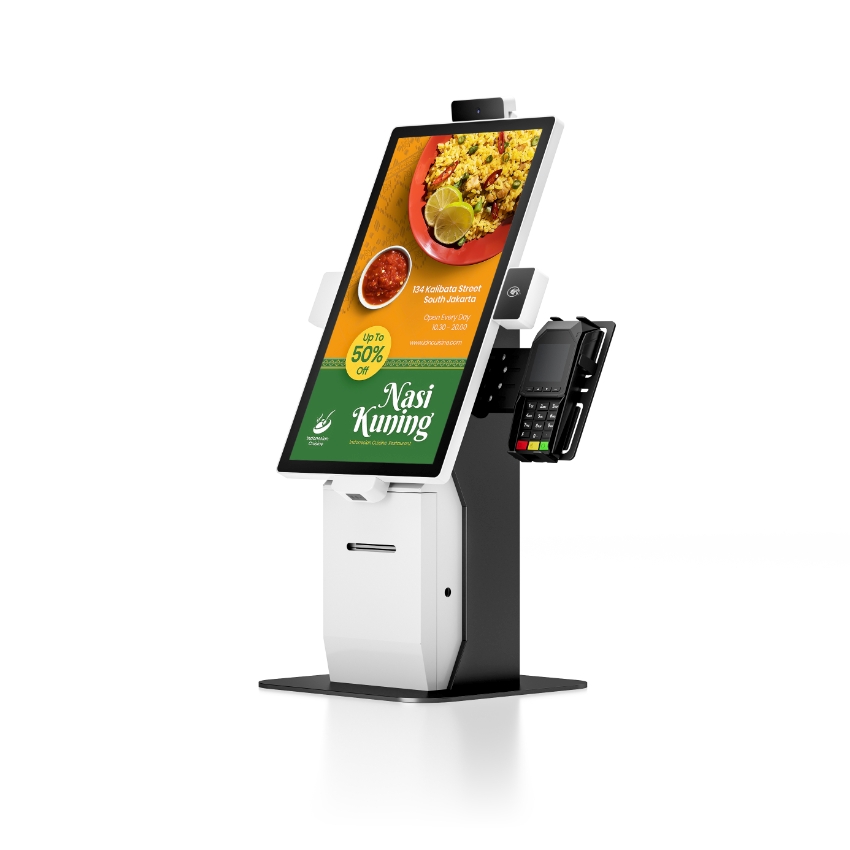
An all-in-one POS system is a single chassis that contains what would otherwise be three devices: the touch terminal, the receipt printer, and often the customer display or the magnetic stripe reader. It occupies the counter space of one machine, runs from one power adapter, and connects to the cash drawer through a single RJ11 port on the back.
The appeal is obvious at the counter and less obvious in the service bay. An all-in-one takes one socket instead of three, one cable run instead of three, and it cannot be assembled wrong by whoever sets it up. It also means the printer is inside the device that holds the sales records, so a paper jam can take the whole till offline — which is a trade, not a defect.
Integration has three depths, and price tracks the depth
| Depth | What is inside the chassis | What is still a separate box | What it saves |
|---|---|---|---|
| Screen only | Panel, mainboard, ports | Printer, drawer, scanner, customer display | Nothing but desk space — this is a terminal, not an all-in-one |
| Screen and printer | Panel, mainboard, 58 or 80 mm thermal mechanism | Drawer and scanner | One power cable, one footprint, one cable to the drawer |
| Screen, printer and identity | Plus MSR, fingerprint reader, 2×20 VFD display, second screen | Drawer and scanner | A counter with no separate peripherals at all |
The third depth is where the weight and the cost go. A 15.6-inch terminal without a printer is about 3.2 kg and runs from a 12 V 2 A adapter. The same panel with an 80 mm printer, a VFD display, a magnetic stripe reader and a fingerprint sensor is around 7 kg and needs a 60 to 90 W adapter. That is 24 W against 60–90 W for the same screen — the printer and the peripherals are most of the electrical load.
What the printer adds to the box
The mechanism itself is small. What it brings with it is not: a roll compartment deep enough for a 60 mm diameter roll, a paper path from that compartment to a slot in the front bezel, a motor, and a cutter. On a 15.6-inch unit the whole footprint is 363 × 210 mm, and the roll is most of the 210: the mechanism sits at the back of the chassis, the mainboard beside it, and the paper path runs forward to the slot. Height is the other number — 350 mm, which is what puts a 15.6-inch panel at a comfortable angle.
| Specification | Without printer | With 80 mm printer |
|---|---|---|
| Adapter | 12 V / 2 A (24 W) | 12 V / 5 A or 7.5 A (60–90 W) |
| Net weight | 3.18 kg | 7.0 kg on a 15-inch unit with VFD, MSR and fingerprint |
| Footprint depth | no roll compartment | 210 mm on the 15.6-inch build |
| Print speed | n/a | 200 mm/s on the 11.6-inch build; 260 mm/s on a counter printer |
| Print width | n/a | 72 mm of 576 dots on 80 mm paper |
| Service access | None inside | Roll door and cutter, both at the front |
The 200 versus 260 mm/s figure is the one buyers notice after installation. An embedded mechanism runs slower than a standalone counter printer because it has less room for the motor and shares a power budget with the panel. On a busy till that is the difference between a receipt in the customer’s hand before the card clears and a receipt printed after it.
The counter it is designed for
An all-in-one makes sense when three things are true: the counter is small, the volume per till is moderate, and there is no technician on site. A cafe with two till points and a 400 mm deep counter is the canonical case. Everything is in one place, the drawer hangs off the back, and the staff have one thing to switch on.
It stops making sense when any of those three changes:
- High print volume. A bar or a busy quick-service counter prints several receipts per minute at peak. A standalone 260 mm/s printer with an 83 mm roll lasts longer between changes and can be swapped in two minutes when it fails.
- A service contract with a response time. If a jam means the till goes to the back office, the contract has to cover a spare unit. With separate components, the printer is the spare.
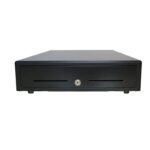
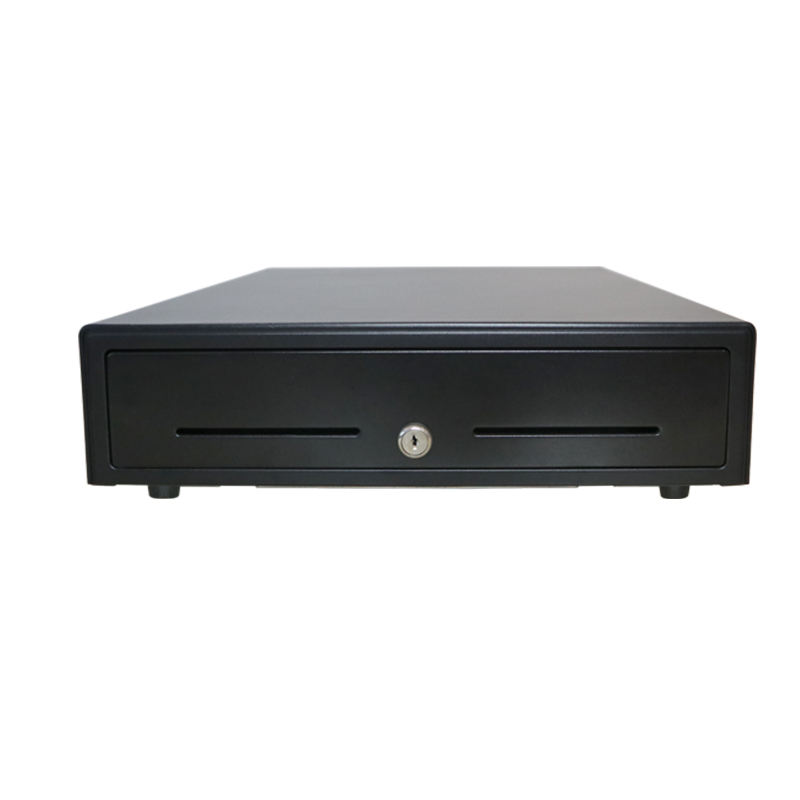
- Cash-heavy operation. The drawer is a separate box in every configuration, so an all-in-one does not reduce the cash workflow at all — it only removes the printer from the counter.
The specification lines that matter on an integrated unit
Because the parts are inside one box, the specification has to be read as a system rather than as a list of components. Four lines carry most of the decision.
| Line | Why it matters on an all-in-one | What to ask for |
|---|---|---|
| Panel mm per pixel | The panel cannot be upgraded later; the chassis is built around it | Width ÷ resolution. 15.6″ at 1366 is 0.253 mm/px; at 1920 it is 0.180 |
| Printer speed and width | Sets the peak receipt rate and the layout | 200 mm/s minimum, 72 mm print width, 576 dots |
| Adapter rating | Undersized adapters produce grey print and random reboots | 12 V 5 A or more with the printer fitted |
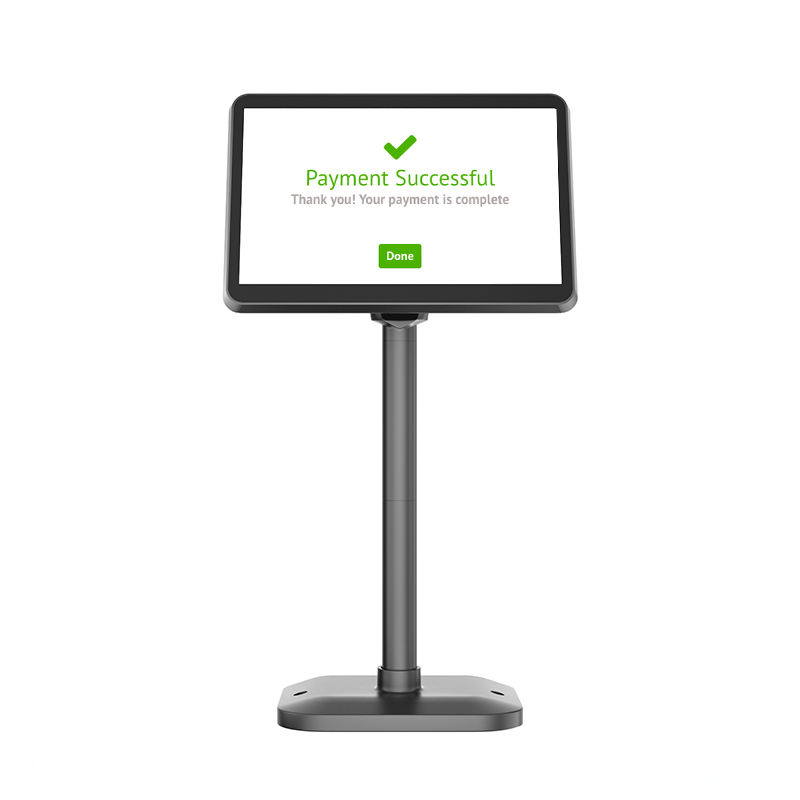
| Second display | Adds a hinge, a cable and 1–2 kg; be sure it is wanted | 12.1″ or 15.6″ touch or non-touch, VFD 2×20 as the cheaper option |
The panel figure is worth doing the arithmetic on because it cannot be changed later. A 15.6-inch panel at 1366×768 gives 0.253 mm per pixel, so a 96-pixel button is about 24 mm across. The same panel at 1920×1080 gives 0.180 mm per pixel and a 17 mm button — sharper text, smaller targets. Neither is wrong; they suit different counters, and the decision is made once, at purchase.
The adapter that ships in the box
An all-in-one with a printer fitted needs the larger adapter. We have seen units deployed with the 12 V 2 A supply from a printerless configuration, because the two adapters have the same plug. The symptom is a receipt that prints grey at speed and a terminal that reboots when the cutter fires.
What it does not fix
An all-in-one does not remove the printer from the maintenance schedule, does not make the receipt paper cheaper, and does not add a port that was not there. It also does not solve the two problems that actually stop a till: a drawer that receives the wrong pulse voltage, and an application that looks up prices in the cloud instead of on the terminal. Both of those are configuration, and both look like hardware failure from behind the counter.
The drawer point deserves repeating because it is the most common false alarm on an integrated unit: the RJ11 port on the back of an all-in-one is wired to the printer module, not to the mainboard, and it delivers the printer’s own rail. A drawer whose solenoid expects a different voltage will click and stay shut. The kick-out signal is worth reading before the first install, not after.
FAQ
Is an all-in-one POS system better than separate components?
It depends on the counter. All-in-one wins on footprint, cabling and setup errors — one socket, one cable to the drawer, nothing to assemble. Separate components win on service: any part can be replaced in minutes, and a printer failure does not take the till with it.
Does the built-in printer use the same paper as a counter printer?
Yes on an 80 mm unit: 79.5 mm paper, 72 mm print width, 60 to 83 mm roll diameter depending on the compartment. The constraint is roll diameter, not paper width — a chassis built for a 60 mm roll will not close over an 83 mm one.
Can I add a second screen later?
Rarely. The second display is a factory option that mounts on the chassis and connects to an internal header. On most models there is no external port for it, so the decision is made at order time. A VFD 2×20 display is the cheaper alternative if only the total needs to be shown.
Why does the receipt print slowly on an integrated terminal?
The embedded mechanism shares a power budget with the panel and has less room for the motor, so it is typically rated at 200 mm/s against 260 mm/s for a standalone counter printer. If receipt speed is the bottleneck, the answer is an external printer, not a different all-in-one.
What happens when the printer jams?
On an integrated unit the roll door is at the front, so clearing a jam is a 30-second job for staff. If the mechanism itself fails, the whole terminal goes for repair — which is the argument for keeping one spare terminal per site rather than one spare printer.
Where to go next
Integration is a footprint decision with a service consequence. Both are visible on the datasheet once you read the adapter rating and the roll diameter.
Android all-in-one terminals Windows POS terminals custom POS system builds what a POS system is how the built-in printer works