A fan-cooled mini PC in a retail or kitchen environment works fine for the first year. Then the fan starts to sound different, the box runs warmer, and eventually it shuts down under load on a hot afternoon. By the time anyone opens it, the heatsink has a mat of dust and the bearing is dry.
The point is not that fans are unreliable in general. It is that a fan pulls unfiltered air through the chassis, and the environments where POS and kiosk hardware lives are exactly the ones with airborne particles: flour in a bakery, oil in a kitchen, cardboard fibre in a stockroom, street dust behind a lobby kiosk.
The fan is a dust pump
A small fan in a small chassis has to move a lot of air to cool a 15 W processor, which means it runs at speed and it runs continuously. There is no filter in a commercial mini PC. Whatever is in the air ends up on the fins, and the fins are the only thing standing between the CPU and thermal throttling.
The failure is gradual and self-reinforcing: dust reduces airflow, temperature rises, the fan runs faster, it pulls more dust, the bearing wears, and eventually the fan stops or the machine throttles to the point where the POS application stutters at the worst possible moment.
What fanless actually buys
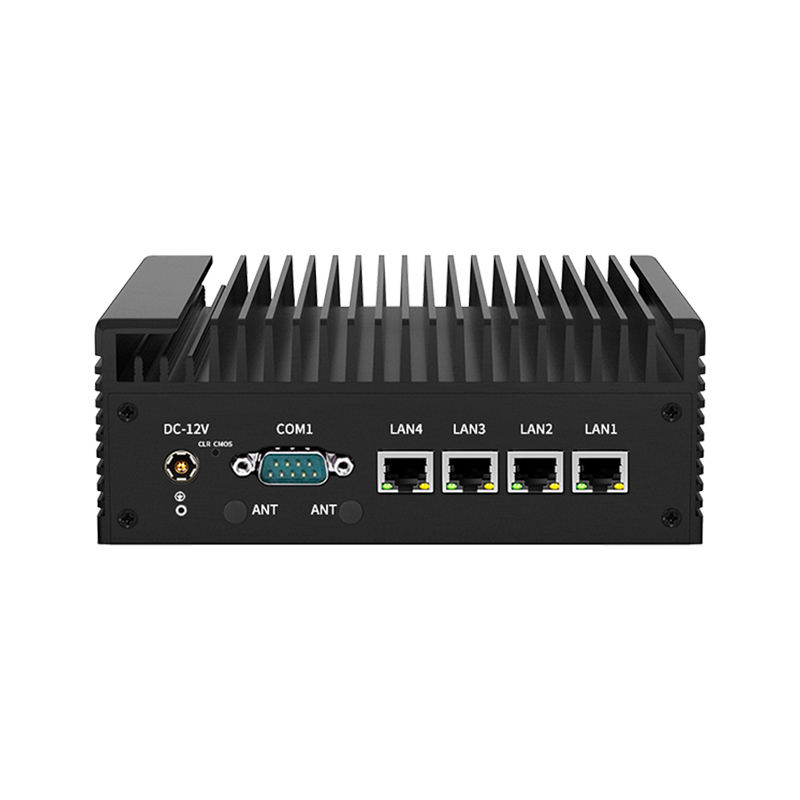
Removing the fan removes the only moving part in the computer. That single change eliminates filter servicing, bearing wear, and the noise that a counter-mounted unit makes in a quiet shop. The chassis becomes the heatsink: an aluminium body with external fins that dumps heat by convection.
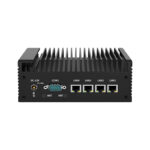
The cost is thermal headroom. A fanless design runs at a lower sustained power envelope, so the processor choice is constrained — which is why fanless units cluster around low-TDP parts rather than desktop-class chips. The DCA-M300 pairs an Intel Celeron J6412 with an aluminium chassis rated from -20 to 65 degrees C, and that rating is the number that matters when the unit sits behind a screen in a lobby with no air conditioning.
A practical caveat: fanless does not mean sealed. Dust still settles on the outside of the fins and still needs blowing out at a service visit. It just no longer accumulates where it does damage.
I/O is the real specification
Memory and storage are commodity choices. The ports are what make an industrial box suitable for a POS or kiosk deployment, and they are fixed at purchase.
- Serial. Scales, older receipt printers, cash drawer sense lines and payment terminals still speak RS-232. The DCA-M300 carries two COM ports; the DCA-M400 goes to twelve, with RS232/RS422/RS485 options.
- LAN count. More than one port lets you keep payment traffic on its own segment, separate from signage or guest Wi-Fi. The DCA-M100 provides four RJ45 ports on an Intel N100.
- Displays. A kiosk often drives the customer screen, an operator screen and a menu board. The DCA-M300 drives three independent displays from two HDMI and one DisplayPort.
- Storage. M.2 2280 NVMe on the DCA-M300, SATA plus M.2 on the DCA-M100. Kiosks write logs continuously, so endurance matters more than peak speed.
One honest limitation worth stating because it catches people out: the DCA-M300 has no RJ45 port of its own, so wired networking runs through a USB 3.0 adapter. If native Ethernet is a requirement, specify the DCA-M200 instead. This is the kind of line that should be on the datasheet rather than discovered at commissioning.
Unattended operation changes the requirements
A kiosk in a lobby or a self-service terminal in a car park has no keyboard, no mouse and nobody nearby. Three features stop mattering as nice-to-haves and start being the reason to choose the box:
- Watchdog timer — reboots the machine if the application hangs, without a site visit
- Auto power-on after mains loss — the unit comes back when power returns instead of waiting for a button
- RTC wake — scheduled reboot at 04:00, so the terminal is fresh when the first customer arrives
None of these appear in a consumer mini PC, and all three are standard on industrial boards. If a deployment has more than a handful of sites, they pay for themselves in the first month of avoided callouts.
Most of the fleet deployments we ship into are unattended public-facing terminals — lobby check-in, corporate visitor management, and clinic intake — where nobody is present to press a power button when something hangs.
Power: the specification nobody reads
Mains in a retail back office is not clean. A unit that expects a stable 19 V brick will reboot when a compressor starts on the same circuit. Industrial units take a wider DC input range and tolerate sag; some also support ignition-style power sequencing, which is what you need in a vehicle-mounted terminal.
If the site has a generator or a long cable run to the kiosk, put the supply question on the survey sheet next to the screen size.
Comparison
| Specification | DCA-M100 | DCA-M200 | DCA-M300 | DCA-M400 |
|---|---|---|---|---|
| Processor | Intel N100 quad-core | Intel quad-core, fanless | Intel Celeron J6412 | Intel 4th–13th Gen Core |
| Cooling | Fanless | Fanless | Fanless aluminium | Fanless |
| Wired LAN | 4 x RJ45 | 4 x LAN | None (USB 3.0 adapter) | Per configuration |
| Serial | — | — | 2 x RS-232 | Up to 12, RS232/422/485 |
| Displays | Multi | HDMI / DP / Type-C | 2 x HDMI + 1 x DP | Multi |
| Temperature | Commercial | Commercial | -20 to 65 °C | Industrial |
| Best for | Multi-network edge node | Kiosk with native Ethernet | Three-display kiosk or menu board | Machine control, many serial devices |
The full chassis and port matrix is in the fanless industrial mini PC range. Compare ports before processors — the processor is the part you can work around, and the ports are the part you cannot.
Storage endurance, not capacity, decides lifespan
A kiosk writes constantly: transaction logs, application state, screenshot diagnostics, cached content. Over three years in an unattended unit that adds up, and flash memory wears out cell by cell. The number that predicts failure is not gigabytes but endurance — total bytes written before the drive degrades.
Two consequences for specification. Prefer a drive with a stated endurance rating over one that only quotes capacity and speed, and reduce write volume in software: log rotation, RAM-backed temporary files, and no continuous screenshot capture. A kiosk that writes ten gigabytes a month will outlive its own enclosure; one that writes a gigabyte a day will not.
Sudden power loss is the other half of the problem. A unit on a circuit shared with refrigeration or a door motor loses mains without warning, and a drive caught mid-write can corrupt the filesystem badly enough that the unit needs a site visit. Watchdog timers recover the hang; they do not repair the volume.
Mounting, airflow and where the heat goes
A fanless chassis dumps heat through its fins by convection, which only works if air can move past them. Three mounting mistakes defeat the design:
- Bolting the unit flat against a panel, so one whole face of fins is blocked
- Mounting it directly above a power supply or display driver board, so it draws in that component’s waste heat
- Enclosing it in a sealed box sized to the chassis, with no clearance at the top or sides
VESA mounting on a wall or inside a kiosk works when there is clearance on the finned faces and a path for air to enter low and leave high. If the enclosure is genuinely sealed — an outdoor unit, a wash-down area — the thermal problem moves to the enclosure and needs to be solved there, not by choosing a smaller processor.
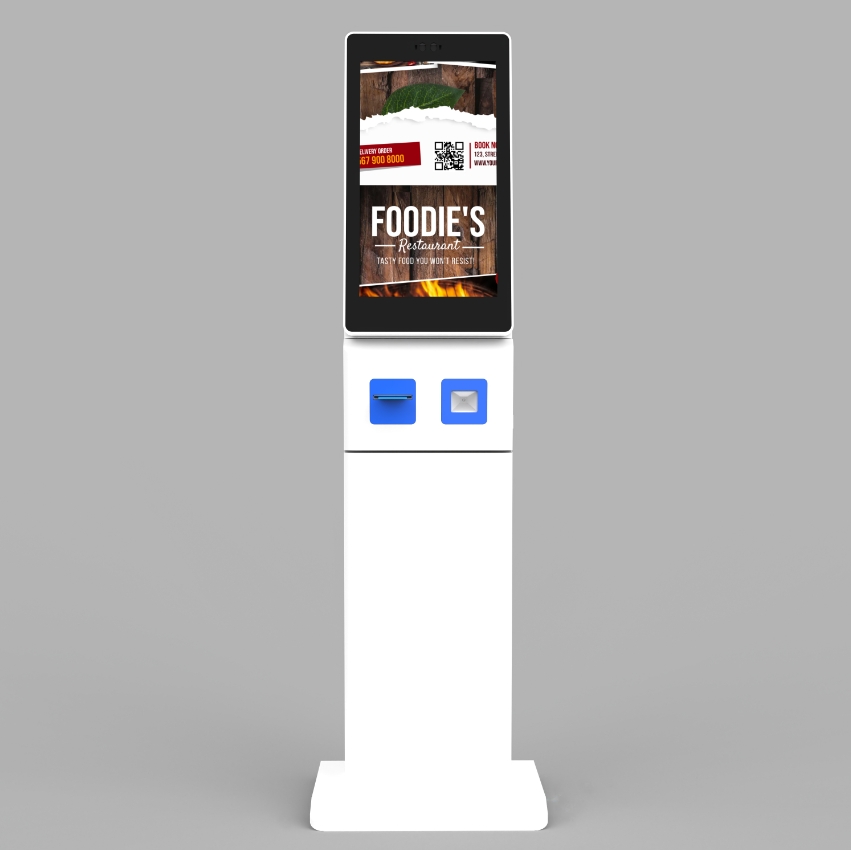
This is the same airflow problem that decides whether a self-service kiosk survives a summer, and the reason the DCA-A238 enclosure routes intake low and at the back.
When a mini PC is the wrong answer
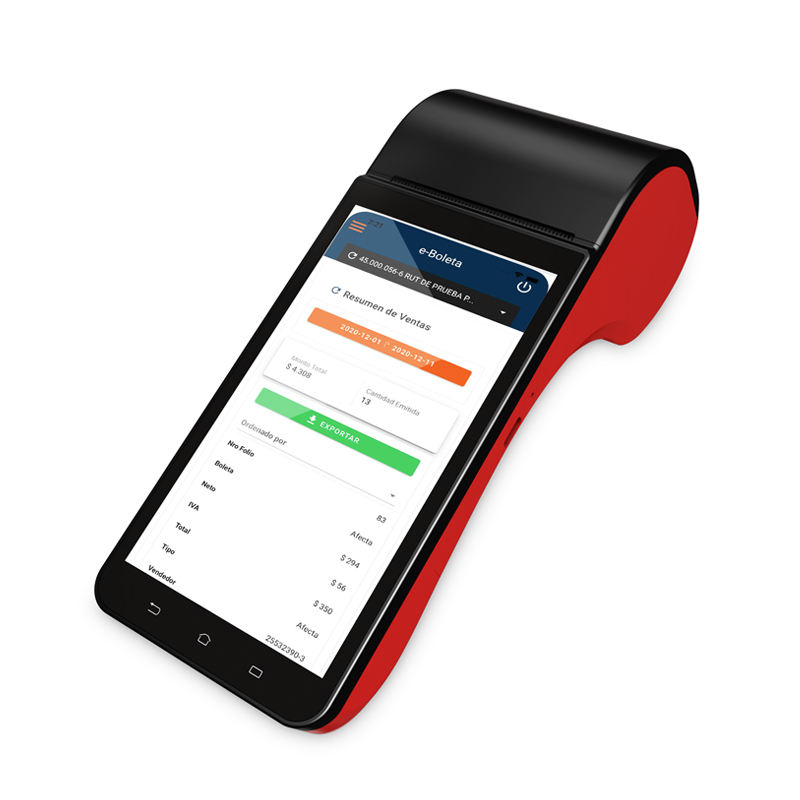
For a single till in a shop, an Android all-in-one is smaller, cheaper, and has the printer and drawer port built in. The mini PC earns its place when the display is separate from the compute — a kiosk enclosure, a wall-mounted menu board, a counter with a customer-facing screen — or when the site needs serial ports and multiple networks that an all-in-one does not expose.
Questions from integrators
Is fanless fast enough for a kiosk running video?
For menu content and short promotional clips, yes. For continuous 4K playback across multiple screens, no — that is a signage player class with hardware decode, and spec it as such rather than hoping.
How do I choose between M.2 NVMe and SATA?
NVMe for the boot drive in anything that reboots often; SATA is fine for bulk storage of logs or media. In a kiosk, prioritise endurance rating and power-loss protection over sequential speed.
Does fanless mean it can go outdoors?
Not by itself. The temperature rating covers the electronics, not water ingress or UV. An outdoor kiosk needs an enclosure with its own IP rating and a thermal design that accounts for solar gain.