A fixed budget does not answer the question of which POS to buy. It answers a narrower and more useful one: where the money goes. Three bundles cover almost every small shop, and the choice between them is decided by two numbers you already know, average daily transactions and how much of the menu gets modified at the counter.
Start with two numbers, not with a brand
Before comparing anything, write down two figures from last month. Average daily transactions, and the share of orders that involve a modification, a split bill or a weight. Everything else about the choice follows from those two, because they decide whether the bottleneck is throughput, order accuracy, or floor coverage.
| Daily transactions | Modified orders | The bottleneck is | Bundle |
|---|---|---|---|
| Under 80 | Under 20 percent | Cash handling and reconciliation | A, single countertop terminal |
| 80 to 250 | Under 20 percent | Queue at peak | A or B, depending on space |
| 80 to 250 | Over 30 percent | Order accuracy and re-entry | B, screen per station |
| Over 250, or multi-floor | Any | Floor coverage and table turns | C, handheld plus a fixed till |
The reason to start here is that a small shop buying the wrong bundle almost always buys too much of the wrong thing: a second screen where the queue was never the problem, or a single till where staff spend the evening walking. Neither mistake is visible in a showroom. Both are obvious in the second week.
Bundle A: one countertop terminal, everything wired
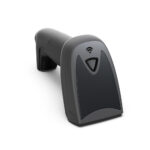
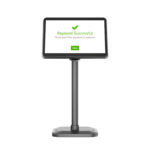
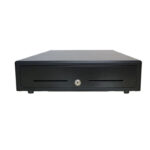
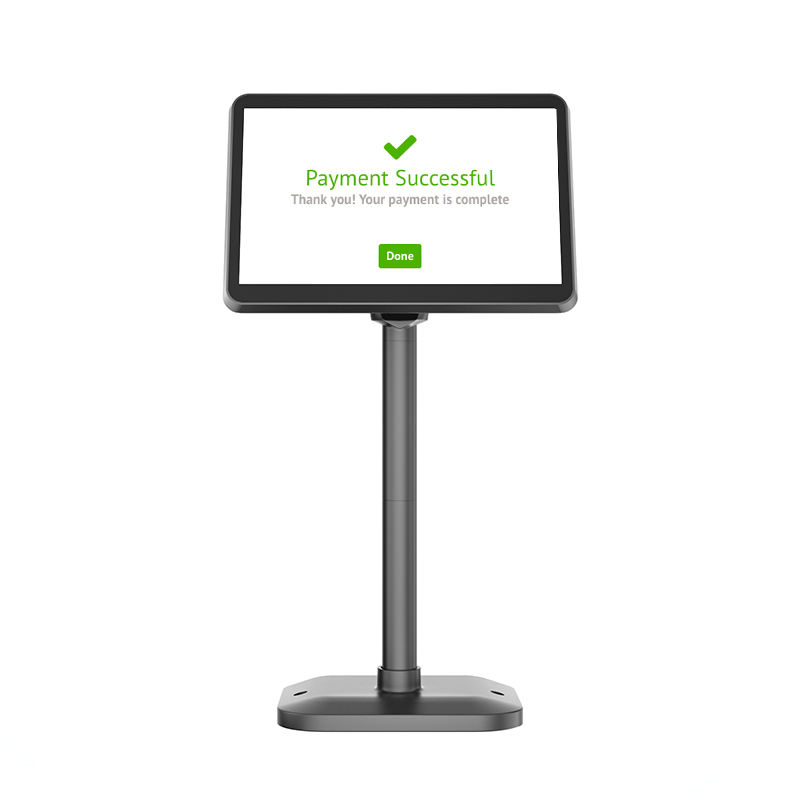
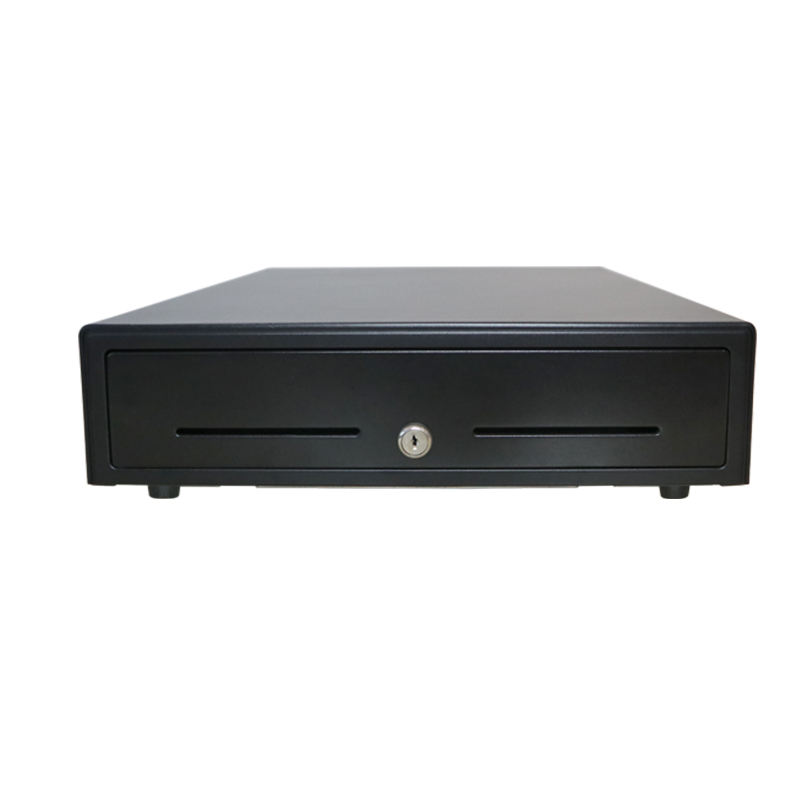
A 15.6-inch Android terminal with an integrated or attached 80 mm printer, an RJ11 cash drawer, a wired 2D scanner and a pole display. One power outlet, one network cable, one place to stand. Roughly 1,100 to 1,400 US dollars for the hardware at factory-level pricing, before software.
This bundle wins when the counter is a single point and the queue is short. It loses when two staff need to take orders at once, because the second person has nowhere to stand and no second screen. It also loses when the shop is on a street with a glass front and the terminal faces the window, which is a brightness problem rather than a hardware-tier problem, and it is covered properly in the note on panel specifications below.
Wiring is the hidden advantage. A wired scanner cannot be left in a drawer, a wired printer does not lose its pairing at the worst moment, and a fixed IP on the terminal means the kitchen display always finds it. Shops that eventually move to bundle C often keep the wired till as the fallback, and that is the right way to do it.
Bundle B: two screens, tablet or all-in-one, one per station
Two terminals, each with its own printer or a shared one on the network. The cheap version uses consumer tablets on stands; the durable version uses commercial all-in-ones. The price difference is real, around 900 to 1,600 dollars for the pair either way, but the difference in what happens in year three is larger than the price gap.
| In year three | Consumer tablet | Commercial |
|---|---|---|
| Battery | Swollen or below 80 percent capacity; the tablet lives on the charger and the cable is the failure point | Field-replaceable pack, or no battery at all on a mains-powered unit |
| Thermal path | Passive, sealed in a plastic case, throttles in a hot kitchen | Ventilated or fanless metal chassis designed for continuous duty |
| Mount | The stand is a separate purchase and the lock is usually plastic | VESA or a purpose-built bracket, screwed to the counter |
| Camera and scanner | Camera decode only, poor in low light and on curved labels | Dedicated 2D imager with aimer and fill light |
Bundle B is the right answer for any shop where order accuracy costs more than hardware. If a wrong order means a remake, and a remake costs six dollars, then twenty remakes a week pays for the second screen in under a year. That arithmetic is worth doing before choosing, because it turns a preference into a payback period.
Bundle C: handheld plus a fixed till
Two or three handheld terminals for the floor, one fixed terminal at the till for cash and for the end-of-day. This is the only bundle that scales with floor area rather than with transaction count, which is why it shows up in shops with tables, in shops with a stockroom that is also a sales floor, and in market stalls that pack down every night.
Three handhelds with a 58 mm printer come to roughly 900 to 1,300 dollars. The cost that surprises buyers is not the hardware, it is the access points. A handheld that loses its connection between the stockroom and the front counter produces a silent failure: the order is taken, the customer is told it is in, and the kitchen never sees it. Budget for one access point per 80 to 100 square metres of floor, and check the roaming behaviour rather than the headline speed.
The budget line most buyers forget
Hardware is the visible number and therefore the one that gets negotiated hardest. In a five-year view it is rarely the largest. Four lines belong in the budget sheet from day one, and three of them are not hardware.
| Line | Annual cost | Five-year note |
|---|---|---|
| Hardware | One-time, 900 to 2,000 dollars | Plus one battery or print head replacement per unit |
| Software subscription | 480 to 960 dollars | 2,400 to 4,800 dollars over five years, usually more than the hardware |
| Card processing | 2.4 to 2.9 percent plus a fixed fee per transaction | On 300,000 dollars of annual card volume this is 7,200 to 8,700 dollars a year |
| Paper and consumables | 80 to 150 dollars | Cheap, but running out mid-service is expensive |
| A spare unit | 10 percent of hardware | The only line that protects a Saturday night |
Put those five rows next to each other and the negotiation priorities change. Squeezing two hundred dollars off a terminal saves two hundred dollars once. Moving the card rate by a tenth of a percent saves three hundred dollars every year for as long as the shop exists. The hardware decision deserves attention because it is hard to reverse, but it is not where the money is.
What installation actually adds
The quotation covers boxes. Opening night also needs a qualified electrician, a network drop where the counter actually is rather than where the old phone line was, and about three hours of training per person, done twice because the first session never sticks. None of that appears on a hardware invoice, and all of it lands in the same week.
| Item | One-time cost | Who does it | If skipped |
|---|---|---|---|
| Extra power outlet at the counter | 80 to 200 dollars | Electrician | A daisy-chained extension lead under a wet floor |
| Network point, or a dedicated access point | 60 to 250 dollars | Electrician or IT | The terminal sits on shop Wi-Fi shared with customers |
| Fixed IP or DHCP reservation | Free, one hour | Whoever has the router login | The kitchen display loses the printer after a power cut |
| Training, two sessions | 3 hours per person, twice | Whoever knows the system best | Two weeks of workarounds that become permanent |
| Menu or catalogue loading | 4 to 12 hours | You, not the supplier | Every price entered twice and one of them is wrong |
The training line is the one that gets compressed and the one that costs most. A two-hour session on a new till produces staff who can complete a sale and cannot process a refund, void an item or close the day. Those three operations account for most of the calls to a supplier in the first month, and most of them are not the supplier’s fault. Book the second session for the end of week one, when people have questions that only occur in use.
Where not to save
Three places where the cheaper option reliably costs more within two years. The power adapter, because a 36 W supply on a unit that peaks at 55 W browns out during printing and produces restarts that look like software bugs. The panel, because a 250-nit screen in a shop with a window is a daily argument with customers about what the total says. And the print head, because the difference between a 50 km head and a 100 km head is about fifteen dollars and one service call in the first year.
Everything else can be traded down. Casing material, speaker quality, the number of decorative ports, the brand of the SSD inside an Android box: none of these decide whether the shop opens on time.
FAQ
Is a tablet POS cheaper than an all-in-one?
At purchase, sometimes. Over three years, usually not, because the stand, the second charger, the battery replacement and the labour to keep it charged add up to more than the difference. Tablets make sense when you already own them or when you need the screen to leave the counter.
How many terminals does a 60-seat restaurant need?
Two handhelds and one fixed till for most layouts, plus a kitchen display. The test is not seat count, it is the longest walk from the furthest table to the nearest terminal. If that walk takes more than twenty seconds at a normal pace, you need another device.
Should the printer be integrated or separate?
Integrated saves desk space and one cable, and turns a fifteen-dollar consumable into a workshop repair when the mechanism jams. Separate is easier to service and lets you put the printer where the customer can reach the receipt.
Where to go next
The two numbers to write down first are daily transactions and the share of orders that get modified at the counter. Everything in this page follows from them.
Which terminal, printer, drawer and scanner to put on the counter · The four-gate procurement process for a POS rollout Which handheld specifications matter for which retail station Cash register versus POS: the five-year cost of each · the five parts of a POS system · a bubble tea counter specified end to end · a coffee shop counter specified end to end · the five lines on a POS bill, and the two nobody quotes