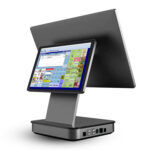
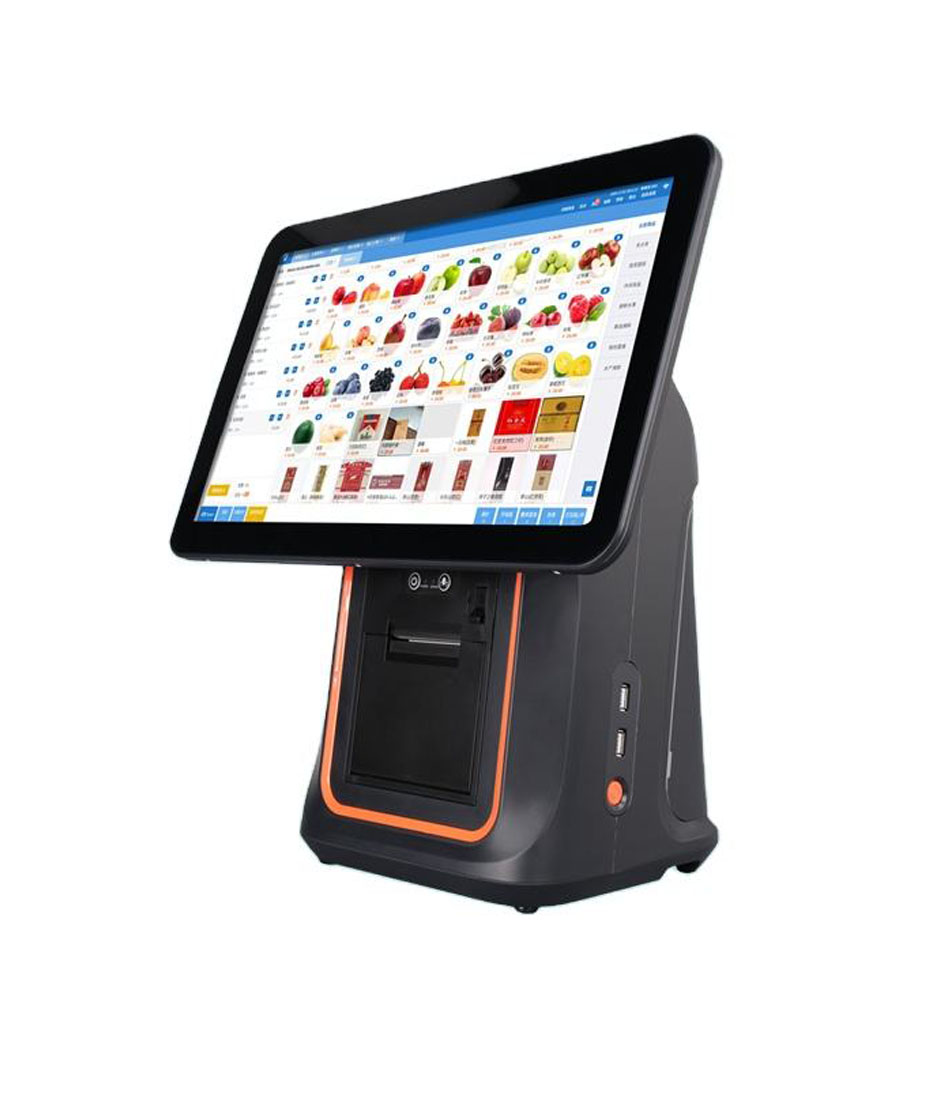
A bubble tea order is not one product. It is a size, a sugar level, an ice level and usually a topping — four decisions made in about nine seconds, several hundred times on a Saturday. Every hardware problem in this format traces back to that ratio: many decisions, almost no time, and a customer watching the screen.
That is why buying bubble tea POS hardware from a generic restaurant checklist goes wrong. The checklist asks about screen size, Android version and payment support. None of those are the constraint. The constraints are how many decisions fit on one screen without paging, and whether the label that comes out of the printer is still legible on a sweating cup ten minutes later.
Why this is a modifier problem, not a menu problem
Three sizes, five sugar levels, four ice levels and eight toppings is 480 combinations. A shop actually sells about 25 drinks. If the software enumerates combinations as separate items, the catalogue is 480 SKUs deep before anyone adds a seasonal drink — and the cashier is scrolling through 60 screens to find a large mango tea.
Good software stores 25 items and four modifier groups. That distinction is not cosmetic, because it decides what the terminal has to hold in memory. A 2 GB Android terminal runs the POS app, the order screen, a print service and whatever the payment SDK left behind. Enumerate 480 SKUs with product images and you have given the low-memory killer a reason to reclaim the print service.
Failure worth asking about
The printer works all morning and stops around 2 PM, then works again after a reboot. That is not a printer fault — it is the Android low-memory killer evicting the print service while the order screen holds the foreground. A 480-SKU catalogue with images is a common trigger. The fix is a smaller catalogue and 4 GB of RAM, in that order.
So the first hardware test is not a benchmark, it is a catalogue test: load your real menu, then switch between ten categories twenty times. Any switch that takes longer than about 400 ms is the app re-reading the catalogue from disk instead of holding it in memory. On a terminal that is going to be tapped 300 times an hour, that delay compounds into the queue.
Taps per cup is the only throughput number that matters
Count the taps, not the features. A modifier that has its own button is one tap. The same modifier inside a dropdown is three: open, scroll, confirm. On a 15.6-inch screen with a well-built grid, a medium milk tea at 70% sugar with less ice is four taps. On a flat SKU list it is seven.
| Order | Taps on a modifier grid | Taps on a flat SKU list | What the extra taps are |
|---|---|---|---|
| Medium milk tea, 70% sugar, less ice | 4 | 7 | size, sugar and ice each open a list |
| Fruit tea with two toppings | 6 | 11 | toppings become separate SKUs |
| Three cups, mixed | 14 | 26 | the second and third cup re-navigate the catalogue |
These are counts of required selections, not a benchmark — count them on your own menu before you buy. The useful version of the exercise is to time ten of your best-selling cups on a demo unit and compare that to the same ten on your current setup. Six seconds saved per cup is 30 minutes a day at 300 cups, which is not really the point. The point is that six seconds per cup is the difference between a queue that clears and one that does not at 3 PM.
Touch target size decides whether the modifier grid works at all
A modifier grid only helps if the buttons can be hit without looking. That comes down to a number nobody puts on a datasheet: millimetres per pixel.
Divide the panel width in millimetres by the horizontal resolution. A 15.6-inch 16:9 panel is about 344 mm wide at 1366 pixels, so one pixel is 0.252 mm. An 88-pixel button is 22 mm wide. Run the same 88-pixel button on an 11.6-inch panel and it is 16.6 mm. On a 10.1-inch panel it is 15 mm.
| Panel | Width | Resolution | mm / px | An 88 px button |
|---|---|---|---|---|
| 15.6″ 16:9 | 344 mm | 1366 x 768 | 0.252 | 22.2 mm — six columns fit |
| 14″ 16:9 | 309 mm | 1366 x 768 | 0.226 | 19.9 mm — five columns fit |
| 11.6″ 16:9 | 257 mm | 1366 x 768 | 0.188 | 16.5 mm — four columns |
| 10.1″ 16:10 | 217 mm | 1280 x 800 | 0.169 | 14.9 mm — three columns |
The working floor for a cashier under time pressure, with damp hands, is about 18 mm by 12 mm. Below 15 mm the miss rate climbs fast and staff start aiming instead of tapping, which is exactly the behaviour you were trying to remove. Eight toppings at six columns is two rows and no paging. Eight toppings at three columns is three pages, and paging a topping grid is where drinks get made wrong.
The printer that matters is the label printer, not the receipt printer
A bubble tea counter prints two things: a receipt for the customer and a label for the cup. The receipt is a record. The label is the production instruction, and it is the one that fails in ways nobody warns you about.
Label width versus head width
Cup labels are typically 40 x 30 mm or 50 x 40 mm. A 58 mm head prints 48 mm across; an 80 mm head prints 72 mm. A 40 mm label uses 83% of a 58 mm head and 56% of an 80 mm head. Buying an 80 mm head for cup labels buys print width that never gets used, and a wider platen that collects more adhesive.
Adhesive bleed is the failure that ends a printer
Die-cut label stock has a liner slightly wider than the label itself. If the liner is narrower than the platen, adhesive squeezes out at the edges of the web on every pass. After a few thousand labels the platen carries a tacky band at the edge of the label path. The first symptom is labels feeding slightly crooked. The second is the label wrapping the roller mid-service.
Tell-tale to check on any demo unit
Open the cover and look at the platen roller where the label edges run. A shiny, slightly tacky band means the liner is narrower than the platen. Clean it with isopropyl alcohol and it comes back within a week — the fix is a wider liner, not more cleaning.
Condensation is specific to cold cups
A cup filled with ice sweats within twenty seconds, and the label goes on that cup. Direct thermal paper is water-sensitive: the coating darkens where it is scratched and lifts where it is wet. A matte top-coated label survives a wipe with a cloth. An uncoated glossy label smears and the sugar level becomes unreadable in about ten minutes — which is when the customer picks the drink up.
Ask for top-coated stock, and place the label above the condensation line rather than at the base of the cup. Both cost nothing. Neither is on a quotation.
Where the queue actually breaks: the sugar confirmation
The most common remake in a bubble tea shop is not a wrong drink. It is a drink the customer says they did not order — 70% sugar when they said 30%, or regular ice when they said less. The POS cannot prevent that. A customer-facing display can, because the sugar and ice levels are on screen before payment is taken.
What matters on that display is not resolution, it is viewability at an angle, because the customer stands to the side of the counter rather than in front of it. A 10.1-inch IPS panel at 1280 x 800 with 430 cd/m² and an HDMI input does the job and enumerates as a standard second monitor, so it survives an Android update. A 7-inch 1024 x 600 display is enough for a running total and not enough for a four-line modifier list.
Failure worth asking about
A second display that needs a vendor driver will stop working after a firmware update and take the register down with it while someone reinstalls it. If the display only has a USB input and no HDMI, ask what happens on the next OS update before you buy twelve of them.
Line-busting only works if the printer is on the same network
Taking orders in the queue with a handheld is the standard answer to a 3 PM rush, and it works — as long as the label prints inside. If the handheld is on 4G and the label printer is on the shop LAN, the job routes through the cloud: two to six seconds, and it stops entirely when the uplink drops. During a rush, that is the moment it drops.
The requirement is that the handheld and the label printer sit on the same subnet over Wi-Fi, or that the handheld docks to a counter printer over Bluetooth inside about ten metres. Ask for the network path, not the feature list.
Battery is the second constraint and it is usually misread. Printing is not what empties the pack — a 40 mm label is about a second of head time, and three hundred of them is a few percent of a 5,000 mAh cell. The screen and the radio are what empty it: a 6-inch panel on all day with Wi-Fi and 4G is a six to nine hour device, and no printer changes that number much.
What the printer does add is a peak load. The motor and head pull a short burst of current, and on an eighteen-month-old cell that burst is enough to sag the rail and reboot the handheld mid-label. The symptom is memorable: it only reboots when it prints, never when it is idle, so it gets diagnosed as a printer fault. Budget two batteries and an external charger rather than one bigger pack, because the pack also has to stay light enough to carry for eight hours.
Hardware by station
A bubble tea shop is four stations, and only one of them needs the big screen.
| Station | What it has to do | The spec that decides it |
|---|---|---|
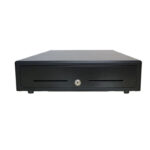
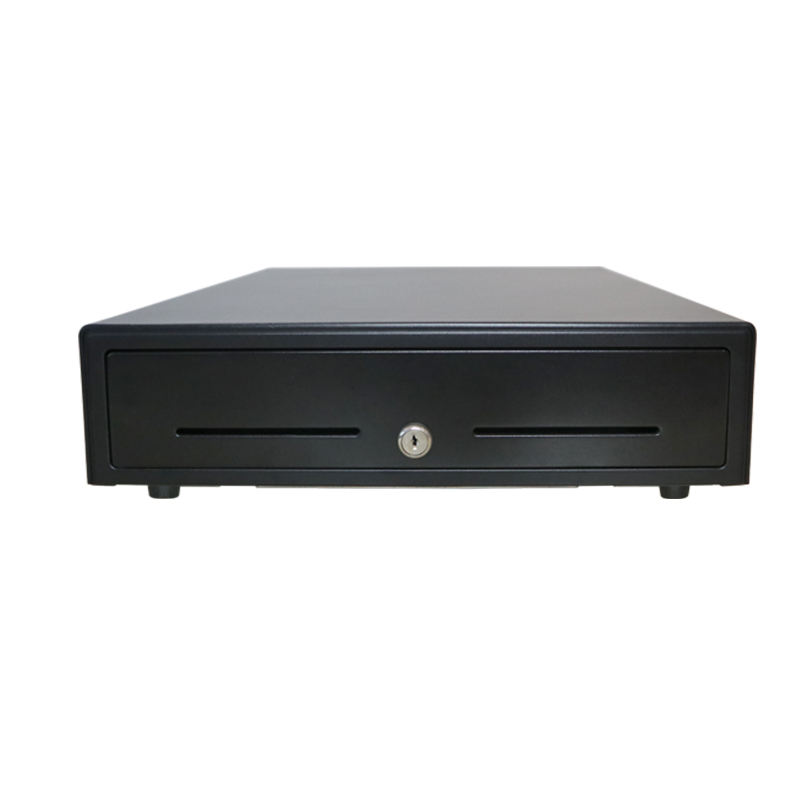
| Order counter | Four decisions per cup, eight toppings, no paging | 15.6″ 1366 x 768, 0.25 mm/px, PCAP touch, 4+ USB, RJ11 for the drawer |
| Payment side | Show sugar and ice before the customer pays | 10.1″ 1280 x 800 IPS, 430 cd/m², HDMI input, no driver |
| Cup labelling | One 40 x 30 mm label per cup, all day | 58 mm label printer, die-cut stock, liner wider than platen, matte top-coat |
| Queue | Order before the customer reaches the counter | 5.7–6″ handheld, Wi-Fi on the shop subnet, removable battery |
| Under 12 m² | Everything in one box | 11.6″ all-in-one with built-in 58 mm printer |
The all-in-one option deserves a warning: a built-in printer means one power supply and one cable, which is why small shops like it. It also means a printer fault takes the register with it. If your shop cannot serve customers for twenty minutes without a printer, keep the printer separate.
Five checks before you sign
- Load your real menu — 25 items, four modifier groups — and switch categories twenty times. Anything over about 400 ms per switch is a disk re-read.
- Count the taps for your three best-selling cups on the demo unit. More than five means the menu structure is wrong, and no screen size fixes that.
- Measure a modifier button with a ruler against the glass, not in the spec sheet. Under 15 mm, reject it.
- Print 500 labels on the demo printer and inspect the platen at the label edges. A tacky band means the liner is too narrow.
- Put a filled cold cup with a label in a fridge for twenty minutes, then wipe the label with a thumb. If it smears, the stock is wrong.
FAQ
Can a tablet run a bubble tea counter?
It can run the ordering screen and it cannot open a cash drawer. Tablets have no RJ11 port, so the drawer needs either a Bluetooth trigger or a printer that drives the drawer on the tablet’s behalf. They also have no built-in printer and one port shared between charging and peripherals. If your shop is card-only and the labels print from a separate printer, a tablet is workable. If cash is more than a token share of takings, it is not.
58 mm or 80 mm receipt printer for the customer copy?
58 mm if the receipt is a two-line summary plus a total. 80 mm if you print the full modifier list, because 58 mm gives 32 characters per line at Font A and a four-modifier line wraps into two.
Do I need a self-ordering kiosk?
Only if the queue is caused by ordering rather than by production. Watch the counter for ten minutes: if four staff are filling cups and the queue is not moving, a kiosk adds orders to a line that is already saturated. Kiosks help when the bottleneck is the cashier’s mouth, not the shaker.
Where to go next
If you are specifying a bubble tea counter, the counter terminal, the label printer and the customer display are three separate decisions with three different failure modes. Start with the terminal that fits your counter footprint:
Android POS terminals DCA-156A 15.6-inch terminal DCA-POS116A 11.6-inch with printer POS-5816 58 mm label printer POS-CD10H 10.1-inch customer display why receipt printers fail in kitchens F&B hardware by station · VFD, pole LCD or a second screen · a coffee shop counter specified end to end
Specifying the hardware? The hardware side is covered in Cafe POS, station by station — how 48 characters on a ticket change the printer you need.