Most POS buying guides are checklists of features. A checklist cannot stop you at the right moment. This is the four-gate sequence that buyers who get a rollout right actually run, what you should hold at the end of each gate, how long each one takes, and the specific signal that tells you to stop before the next.
Why a feature checklist fails against a real supplier
A feature list has three structural problems, and all three cost money at the point where it is hardest to walk away.
The first is that the words have no unit. A line that says the display is bright cannot be accepted or rejected. The supplier ships it, you look at it in a dim shop and it seems fine, and six months later you put the terminal next to a window and nobody can read the total. The second is that a list does not rank. If twenty requirements sit in one column, a supplier will satisfy the cheap ones and give you a paragraph of explanation about the expensive ones. The third is that a list has no time axis. The questions you want answered at sample stage and the things you can still change at first production are not the same set, and a checklist treats them as if they were.
The one sentence worth remembering
A requirement you cannot measure is a preference. A preference gets negotiated at delivery, not at design, and by then the tooling is cut.
The four gates, and what you hold at the end of each
Read this as a sequence with checkpoints, not as stages of a project plan. Each row is something you physically have in your hands. If you cannot point at the artefact, the gate is not closed.
| Gate | Held at the end | Typical duration | Signal to stop |
|---|---|---|---|
| 1. Requirement freeze | Six measurable lines, signed by the person who closes the till at night | 3 to 5 days | Two staff describe the same need and neither can put a number on it |
| 2. Sample unit | One working unit on your own counter, running your real menu or SKU list | 10 to 15 days | The sample only runs the supplier demo data |
| 3. Small batch | 10 to 30 units in daily use for a full month, with a serial range recorded | 25 to 35 days | The supplier cannot tell you the serial numbers of that batch |
| 4. First production lot | 100 or more units, each carton with a filled inspection record | 30 to 45 days | The inspection report is a blank template |
Gate 1: turn the requirement into six measurable lines
Six is not a magic number. It is roughly the number of items a small team can hold in its head and defend in a meeting. Every line needs a number and a stated way to test it, otherwise it does not survive the first negotiation.
| Usually written | Write instead | How it gets tested |
|---|---|---|
| Bright and easy to read | 350 nits or more, matte surface, no mirror finish | Read the total from 700 mm away with the terminal facing a window at 2 pm |
| Runs your software | Android 11 or later, 4 GB RAM, 64 GB storage | Install the APK you actually use, not the vendor demo |
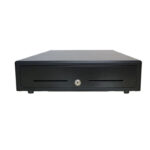
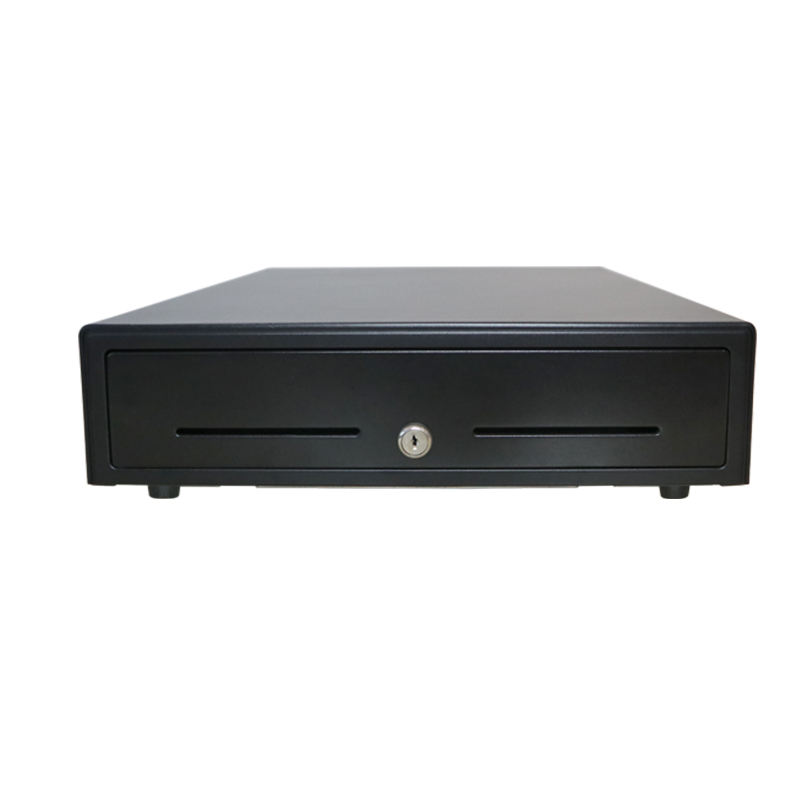
| Connects to our peripherals | 1 USB-A for the printer, 1 RJ11 for the drawer, 1 RJ45 for the network | Plug all three in at once, print a receipt while the drawer kicks open |
| Fast enough | Item search under 1 s with 8,000 SKUs loaded | Load the real catalogue, search the item at the end of the alphabet |
| Good battery life | 8 hours of continuous ordering on one charge, battery field-replaceable | Run one full shift on the unit; do not accept a datasheet figure |
| Works when the internet drops | Queues at least 200 orders and syncs later without duplicates | Pull the network cable in the middle of an order |
The line that gets left out most often is the last one. A dropped connection is not an exception in a shop, it is a weekly event: the cleaner unplugs the router, the ISP has maintenance at 2 am, somebody adds a device that floods the 2.4 GHz band. If the terminal stops taking orders when the network goes, you have bought a device that fails on a schedule you do not control.
Write the six lines down and have the person who closes the till sign them. That signature is worth more than a page of adjectives, because it converts a taste argument later into a specification argument now.
Gate 2: one sample unit, two weeks
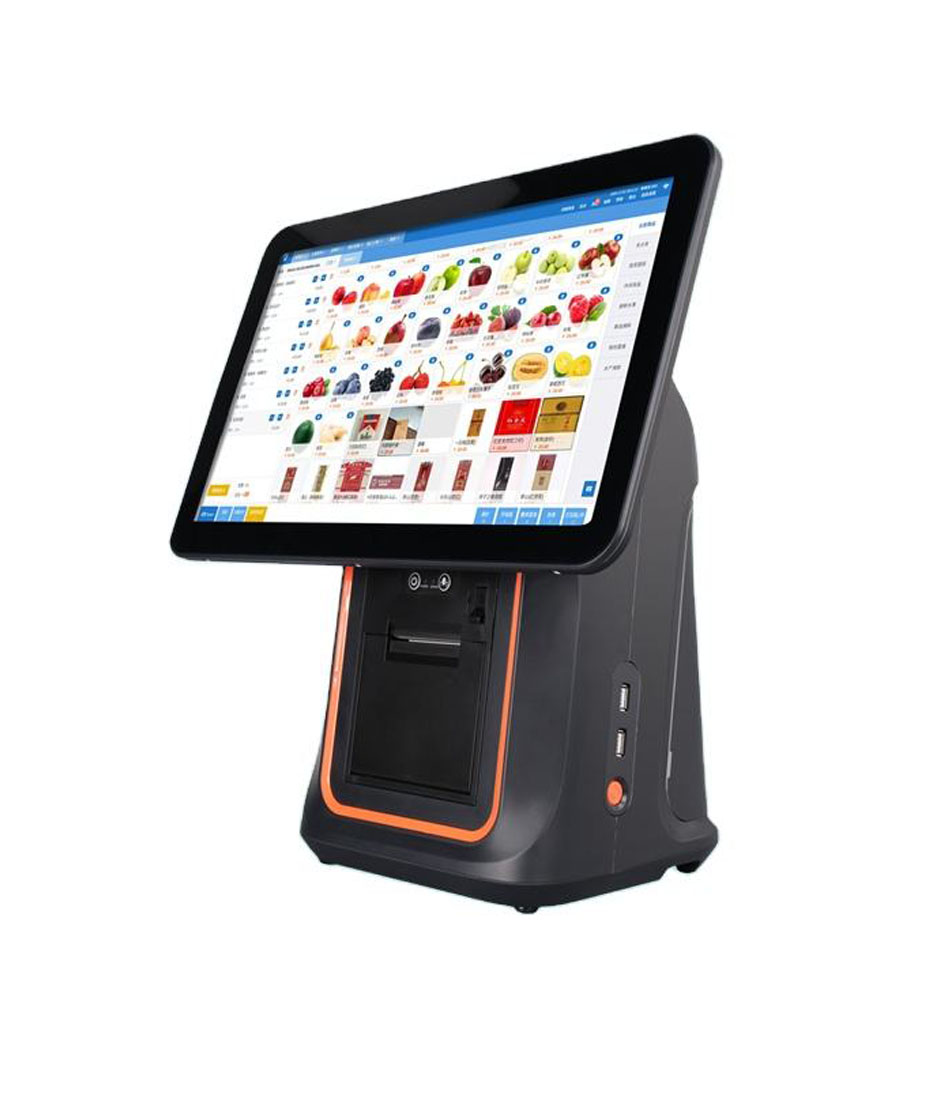
The purpose of a sample is not to look at the casing. It is to put your own data inside somebody else’s hardware and see what breaks. What arrives is usually a stock build rather than a bespoke one — a 15.6-inch Android terminal or the same panel size with the printer inside the housing — and the fortnight is where you find out which of the six lines that stock build fails. Three things to do with it, in this order.
- Load the real menu or the real SKU list. A sample running a demo database proves that the demo works, which was never in doubt.
- Print twenty receipts and compare the twentieth with the first. Thermal heads lose density as they heat and as the paper advances; a head that starts crisp and ends grey will look fine in a photo and bad in a customer’s hand.
- Hand it to the least technical person on the team for ten minutes and write down every question they ask. Those questions are your training document, and each one is also a design complaint you can still act on.
Two weeks is enough because the only things still free to change at this point are structure and connector positions. Changing the screen size re-cuts the housing and costs three to five weeks. Moving a connector on the rear cover is a redraw and a day. Changing the mainboard layout means starting again. This is why the freeze at gate 1 matters more than any negotiation later: the expensive changes all live upstream of this gate.
Gate 3: a small batch, one month
Ten to thirty units, in real shops, for a month. This gate is not about performance, it is about the support path: who answers when something breaks, and how fast. Four observations, four pass lines.
| What you observe | Pass line |
|---|---|
| Hardware failures in 30 days | Zero units. Software issues are counted separately, because they are fixable remotely |
| First response to a fault report | Someone replies within 24 hours with a diagnosis, not an acknowledgement |
| Firmware update method | Remote, over the network. If it requires shipping the unit back, the answer is no |
| Spare parts availability | Print head, battery and power adapter can be ordered individually, with a price and a lead time |
The most common failure at this gate is not a dead unit. It is one machine running a different firmware version from the rest, which produces a fault that nobody can reproduce. Ask for the serial number range of the batch and the firmware build number written on the acceptance sheet. Six months later that line is the only thing that lets you tell a batch problem from a single-unit problem.
A month is the right length because it covers one full ordering cycle: a month-end rush, a stocktake, a price change, and at least one staff member leaving. Devices that survive a staff change are usually the ones that survive everything else.
Gate 4: first production lot and the eight-point inspection
Sampling is not a feeling, it is a table. For a lot of 501 to 1,200 units, inspection level II gives you a sample size of 80. At AQL 0.65 for major defects, you reject the lot if more than one unit in those 80 fails. That is a stricter line than most buyers expect, and it is the reason to write the eight checks before the container ships rather than after.
| Check | How to check it | Reject if |
|---|---|---|
| Housing and seams | Eye, plus a 0.2 mm feeler gauge at the seam | Any visible gap, or a creak when you press the bezel |
| Panel and touch | Full white, full black and a grey ramp, then tap all four corners | Bright or dark spots, or a tap within 5 mm of the edge that does not register |
| Print quality | Print a test page, measure character height and density | Missing rows, or skew over 1 mm across 80 mm |
| Keys and ports | Plug and unplug every port once, including the drawer | Any loose connector, or a drawer that does not kick |
| Network | Join 2.4 GHz and 5 GHz once each, then measure throughput | 5 GHz refuses to associate, or packet loss above 1 percent |
| Battery | One full discharge, timed | Under 80 percent of the rated runtime |
| Serial and firmware | Record both per unit | Any unit that does not match the packing list |
| Packaging | Inspect carton corners; drop three cartons from 0.8 m | Shifted foam, or a unit that moves inside the box |
Item seven looks like paperwork. It is the only item that makes a warranty claim possible six months later, because it ties a physical unit to a build date and a firmware version. Buyers who skip it end up arguing about which batch a failure came from, and that argument is always lost by the buyer.
What to do when a gate fails
The four gates fail in different ways and the correct response is not the same. Treating them alike is how a bad rollout gets a second month added to it.
- Gate 1 fails because nobody can put numbers on the requirement. That is not a supplier problem, it is a measurement problem. Spend a week counting orders, timing the queue at peak and writing down what actually goes wrong. Come back with data.
- Gate 2 fails because the sample will not take your data. Changing the software stack is a project; changing the hardware supplier is a phone call. Do the cheap one first.
- Gate 3 fails on reliability. Ask for replacement units and ask to keep the failed units for inspection. Do not accept a promise to look at them with no date attached.
- Gate 4 fails on inspection. Reject the lot. A common counter-offer is to ship the good units now and replace the rest later, which sounds reasonable and leaves you holding the evidence.
Four things not to do
- Do not collect twenty quotations before gate 1. Without a frozen requirement the quotations are not comparable, and the cheapest one is usually cheapest because it answered a different question.
- Do not negotiate price at gate 2. The sample is a test instrument. Turning it into a bargaining chip gets you a cheaper sample, not a cheaper product.
- Do not add requirements at gate 3. The small batch exists to verify, not to redesign. Every added requirement resets the clock.
- Do not judge gate 4 on appearance. The housing is the easiest part to get right and the least likely to fail in year two.
FAQ
How long does the whole sequence take?
Ten to sixteen weeks end to end, of which perhaps three weeks involve you doing anything. The rest is tooling, certification queues and shipping. Buyers who compress the sequence usually compress the wrong parts, cutting the small batch and keeping the negotiation.
Can we skip the small batch if the sample was perfect?
The sample was chosen for you. It was either the best unit off the line or a hand-built one, and in both cases it tells you the ceiling, not the average. The small batch is the only gate that shows you the average.
Who should sign the requirement freeze?
The person who closes the till at night and reconciles the cash. Not the person who is excited about the new system. The six lines should be recognisable to someone whose day gets better or worse depending on them.
Where to go next
If only one thing from this page gets used, make it gate 1. Six measurable lines turn every later argument into a comparison against something written down.
Fifteen questions to ask a POS hardware manufacturer Choosing the right smart POS hardware Why commercial POS hardware outlasts consumer tablets · the four POS form factors · EPOS against POS, in one paragraph · a bubble tea counter specified end to end · a coffee shop counter specified end to end
Specifying the hardware? The hardware side is covered in The five lines on a POS bill — which of them are hardware and which are not.