Coffee shops move fast.
A few customers can quickly turn into a long queue—especially before work, during lunch breaks, or on weekends. One barista is preparing drinks, another is taking orders, and customers are often waiting for payment, pickup, or asking for custom milk and add-ons.
In that environment, POS hardware matters more than many café owners expect.
A slow touchscreen, unstable printer connection, or awkward checkout flow can interrupt service and create unnecessary delays during peak hours.
That’s why more coffee shops are switching to Android POS hardware.
Android POS systems offer flexibility, easier software integration, and hardware options that fit both independent cafés and growing chains.
In this guide, we’ll explain how to choose the best POS hardware for coffee shops in 2026—and which Android POS setup makes the most sense based on your store size and workflow.
Why Coffee Shops Need the Right POS Hardware
Coffee shops operate differently from retail stores.
A typical order may include:
- drink size
- hot or iced
- milk selection
- syrup
- extra espresso shot
- bakery add-ons
- loyalty redemption
That means checkout needs to be fast and clear.
At the same time, coffee shops often work with limited counter space.
The POS hardware needs to fit alongside:
- espresso machines
- grinders
- pastry display
- cups and lids
- pickup counter
A POS terminal for a café needs to support daily operations without slowing the team down.
The goal is simple:
faster ordering, smoother payment, fewer mistakes.
Why Android POS Is Popular in Coffee Shops
More cafés are choosing Android POS terminals because Android gives both operators and software providers more flexibility.
For coffee shop owners, Android POS hardware usually offers:
- lower hardware cost
- flexible screen sizes
- faster deployment
- easy software installation
- cloud POS compatibility
- easier expansion with accessories
For POS software companies and distributors, Android also makes customization easier.
That may include:
- custom firmware
- remote OTA updates
- logo branding
- SDK integration
- deployment across multiple locations
That flexibility matters more as cafés scale.
What POS Hardware Does a Coffee Shop Need?
The right hardware depends on store size.
Most coffee shops typically combine several core devices.
1. Android Countertop POS Terminal
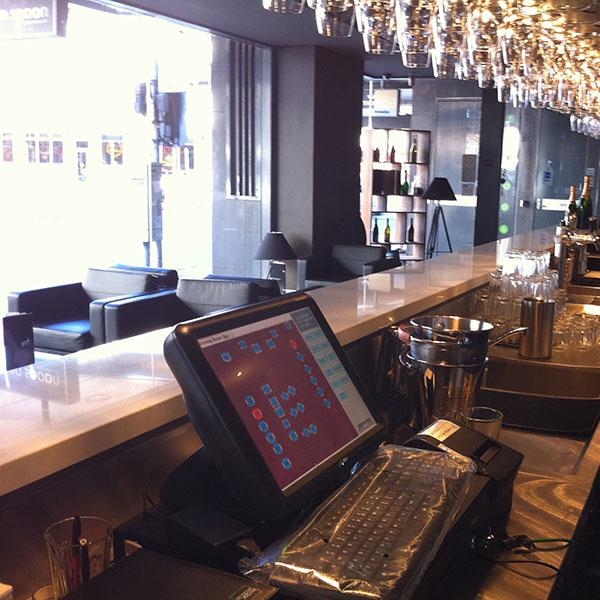
This is the center of the checkout process.
Used for:
- order entry
- payment
- loyalty management
- discount handling
- staff operations
For cafés, the most common size is:
10-inch or 15-inch touchscreen.
A compact setup usually works better than oversized hardware.
Coffee shop counters need space.
Hardware should stay practical.
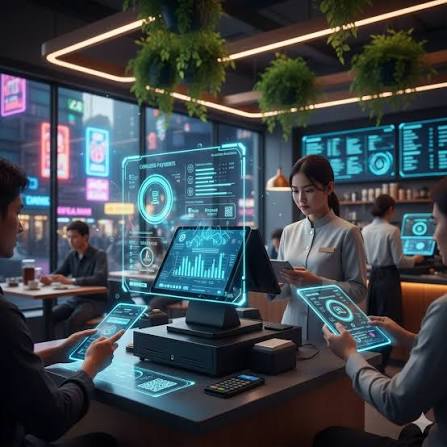
2. Customer-Facing Display
A customer display helps confirm orders before payment.
Especially for:
- milk selection
- syrup add-ons
- bakery combo
- loyalty points
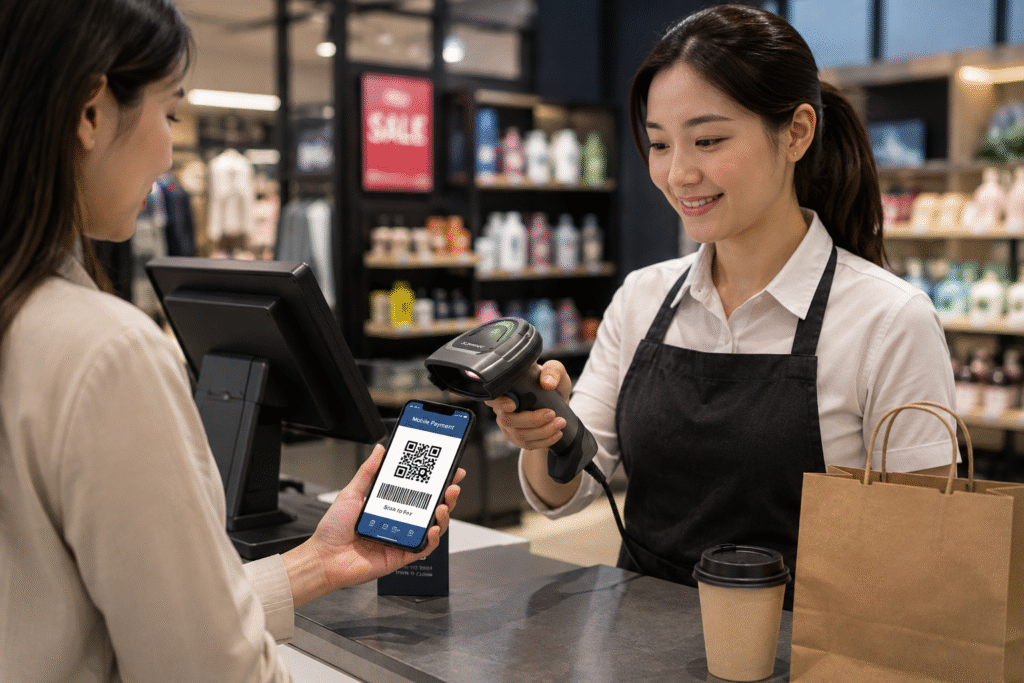
- QR payment
Coffee shops handle many repeat customers.
A display improves order accuracy and helps reduce corrections after payment.
It also creates a more professional checkout experience.
3. Thermal Receipt Printer
Even digital-first cafés still need printing.
Common use:
- receipts
- takeaway order tickets
- queue number slips
- refund receipts
Fast printer response matters during busy periods.
A delayed printer may sound small.
But during morning rush, it becomes obvious very quickly.
4. Handheld POS Device
Useful for:
- queue ordering
- outdoor ordering
- food truck coffee
- mall kiosks
- large cafés with table service
Staff can take payment and complete checkout without sending customers back to the main counter.
That improves traffic flow.
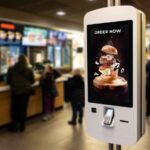
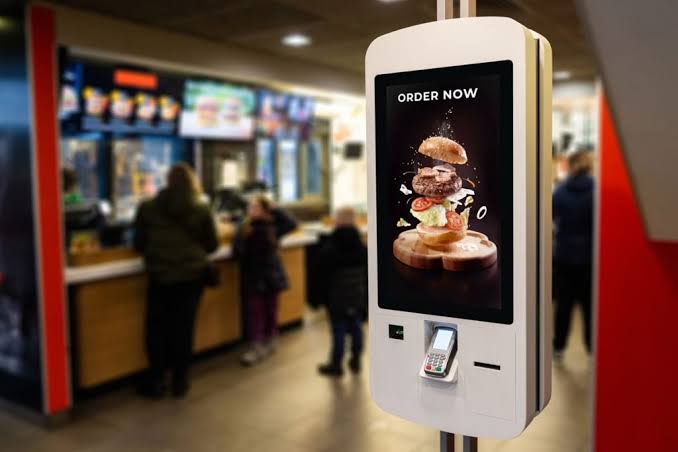
5. Self-Ordering Kiosk
Coffee chains increasingly use kiosks.
Especially in:
- office towers
- shopping malls
- airport cafés
- bakery chains
A kiosk helps with:
- reducing line pressure
- loyalty signup
- digital menu presentation
- upselling pastries
- promoting add-ons
Examples:
- extra shot
- oat milk
- croissant combo
- retail coffee beans
Small upsells can significantly increase average ticket value.
Key Features to Compare Before Buying
Before choosing coffee shop POS hardware, compare the details that actually affect daily workflow.
Fast Modifier Entry
Coffee orders involve modifiers.
Baristas need quick buttons for:
- whole milk
- oat milk
- soy milk
- syrup
- iced / hot
- extra espresso
A complicated interface slows checkout.
Simple workflow matters more than advanced-looking UI.
Compact Design
Coffee counters are busy.
Hardware should leave space for operations.
For many cafés, smaller POS hardware works better than larger displays.
Choose based on real workflow.
Not appearance.
Stable Android Firmware
For POS software providers and multi-store cafés:
This matters.
Check:
- Android version
- SDK compatibility
- OTA update support
- long-term firmware maintenance
Stable deployment matters more than specs on paper.
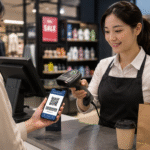
Payment Flexibility
Coffee customers expect fast checkout.
Common payment methods include:
- NFC tap
- QR code payment
- Apple Pay
- Google Pay
- credit card
Fast payment helps reduce queues.
Especially before work hours.
Long Operating Stability
Coffee shops often open early and close late.
Hardware should handle:
- 10–14 hours daily
- frequent touch interaction
- warm equipment nearby
- continuous checkout
Reliable hardware matters.
Unexpected downtime during busy hours creates immediate problems.
Coffee Shop POS Hardware vs Consumer Tablet
Some cafés begin with tablets.
That works for small operations.
But commercial POS hardware usually performs better long-term.
| Consumer Tablet | Coffee Shop POS Hardware |
|---|---|
| consumer-grade | commercial-grade |
| fewer ports | more connectivity |
| shorter lifecycle | stable long-term use |
| limited accessories | printer + display support |
| frequent upgrades | easier long-term deployment |
For growing cafés, dedicated POS hardware is usually the better long-term investment.
Typical Coffee Shop POS Hardware Cost in 2026
Approximate ranges:
| Hardware | Price Range |
|---|---|
| Android countertop POS | $150–$350 |
| Dual-screen POS | $300–$650 |
| Handheld POS | $180–$450 |
| Self-order kiosk | $800–$3000+ |
| Customer display | $80–$180 |
The lowest price is not always the best option.
Reliable hardware often saves more over time.
How to Choose a POS Hardware Supplier
If you are sourcing POS hardware for cafés, distributors, or software integration, ask:
- OEM / ODM available?
- Android firmware customization?
- SDK support?
- long-term supply?
- branding options?
- sample lead time?
- global shipping support?
For software companies:
firmware and support matter.
For chains:
stable supply matters.
For cafés:
reliability matters every day.
FAQ
What is the best POS hardware for coffee shops?
For most cafés, an Android countertop POS terminal with customer display and receipt printer is the most practical setup.
Is Android POS good for cafés?
Yes.
Android POS hardware is flexible, cost-effective, and works well with modern cloud POS systems.
Do coffee shops need customer displays?
In many cases, yes.
They improve payment flow and reduce order mistakes.
Is self-order kiosk useful for coffee shops?
For high-traffic cafés and chains, kiosks can improve efficiency and increase upsell opportunities.
Final Thoughts
Coffee shops are fast-moving environments.
Customers expect quick service.
Staff need simple tools.
The POS hardware should support that.
For most coffee shops in 2026, the best setup usually includes:
- Android POS terminal
- customer-facing display
- receipt printer
- handheld POS when needed
- optional self-order kiosk
The right hardware helps reduce checkout friction, improve customer experience, and support long-term growth.
Choosing the right system early often saves time and reduces operational issues later.
Looking for Coffee Shop POS Hardware?
DCAPOS provides Android POS hardware for:
- coffee shops
- cafés
- bakery cafés
- specialty coffee chains
- POS software companies
- distributors
Support includes:
- OEM / ODM customization
- Android firmware customization
- logo branding
- SDK support
- fast sample delivery
- global shipping
Contact our team to discuss your coffee shop POS hardware project.