
If you want more information of our industry and products,please contact us.
Get to Know Us Now
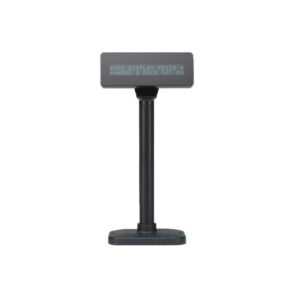
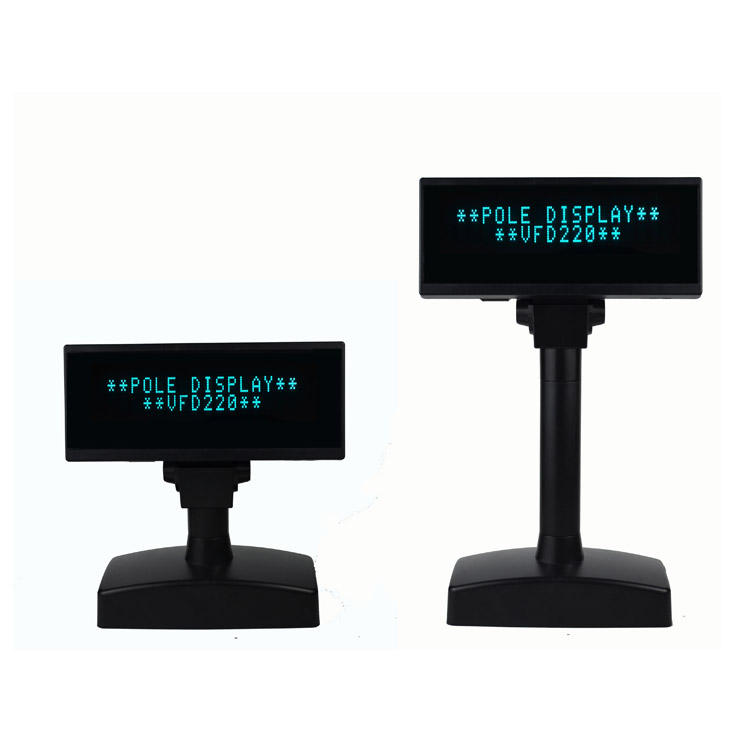
The vacuum fluorescent display has survived three decades of LCD competition because it does one thing better than anything else: it is readable. A VFD emits its own light, so it has no backlight to wash out, no viewing-angle falloff, and a blue-green glow that stays legible across a counter in bright shop lighting. It shows twenty characters on two lines and nothing else, which for a checkout is exactly the information the customer needs.
The VFD220 is that display, with one unusual addition: alongside RS232 and USB, it also offers Bluetooth 2.0 and Wi-Fi (802.11 b/g/n). A customer display without a data cable is a strange idea until you meet the installation that needs it.
Most customer displays are wired, and for a fixed till that is correct — a cable is reliable, cheap, and never needs pairing. There are, however, four situations where running a cable to a pole display is the hard part of the job:
What wireless costs you is the guarantee. A cable either works or is visibly broken; a radio link can be congested, and a customer display that stops updating is not always noticed immediately — the cashier is looking at their own screen. If you take the wireless option, treat the display’s connection status as something to check at shift start.
RS232, USB, Bluetooth 2.0 and Wi-Fi. The practical mapping:
A VFD shows ASCII, and ASCII is not enough for a shop that sells in a language with accents, or one that needs a currency symbol outside the basic set.
This model carries 96 alphanumeric characters plus thirteen international character sets across twenty code pages. In practice that means accented Latin characters, the extended European set, and the currency symbols those markets need — without the customer seeing a question mark where a price should be.
Two limits worth knowing before you specify it:
If you need arbitrary characters, symbols or a logo, the PD220V-II supports nine downloadable characters, and an LCD display such as the POS-CD7A removes the limit entirely.
200 cd/m² is the published brightness. That is lower than the LCD displays in this range, and it is not a fair comparison — a VFD’s characters are emissive and have very high contrast against an unlit background, so a 200 cd/m² VFD reads more clearly than its luminance figure suggests. It is comfortable under indoor retail lighting and degrades gracefully: a VFD at an angle dims slightly rather than washing out.
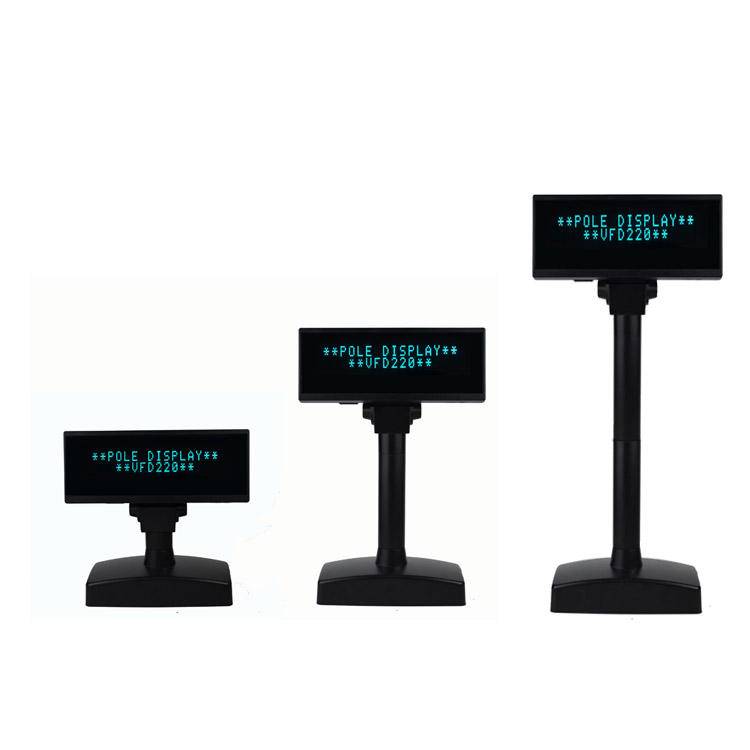
The viewing area is specified from −5° to 60°, and the head rotates through a maximum of 350° horizontally. That range is why a VFD is easy to live with: the cashier can turn the display towards the customer during a transaction and back towards themselves when the counter is idle, without a tool.
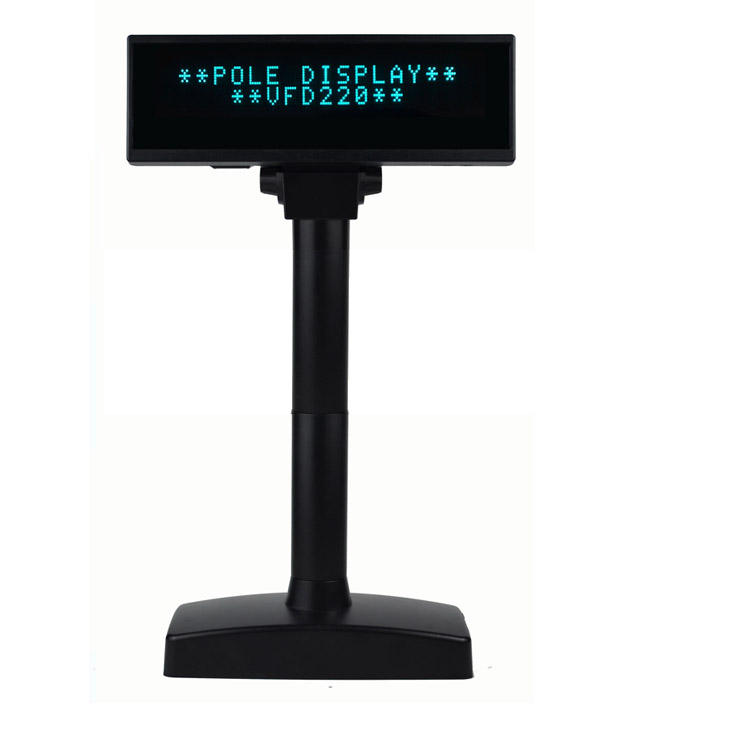
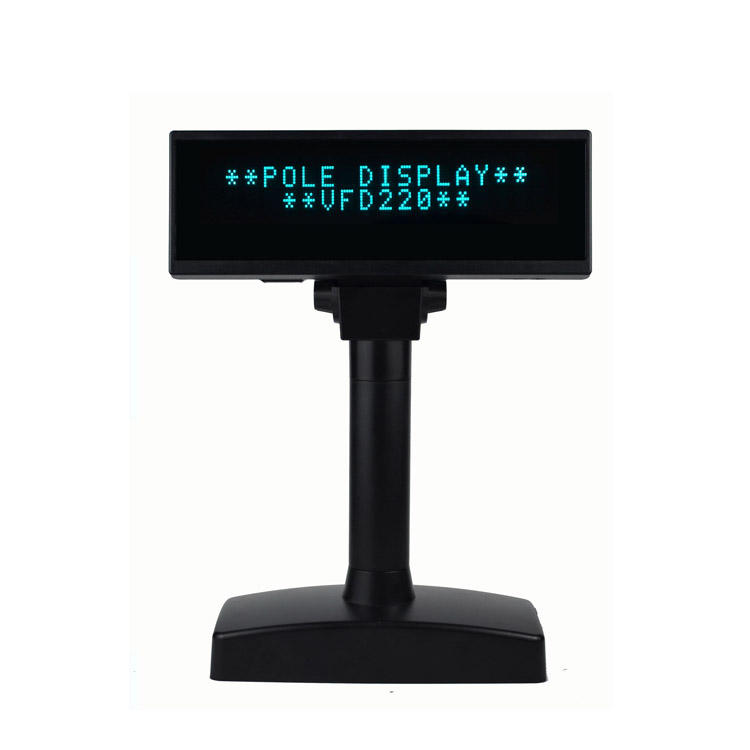
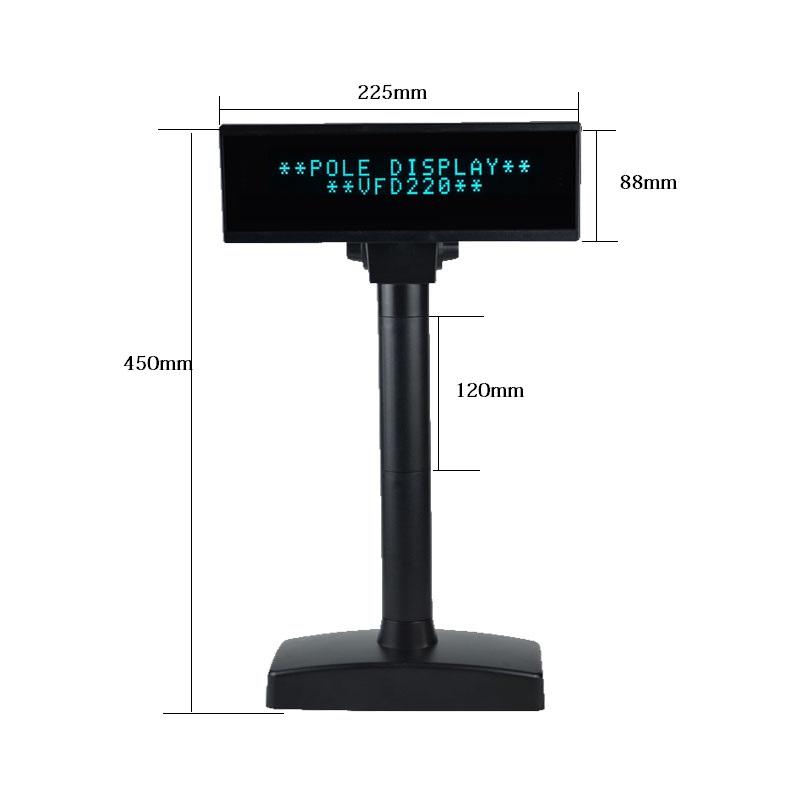
Housing is 224 × 85 × 40 mm at 1.05 kg, in black, white or cyan. Cyan is not a gimmick — it disappears against a pale counter and matches the display’s blue-green glow, which is a detail that matters to shopfitters specifying a colour scheme.
DC 5 V at 1 A, which is a small supply and, more usefully, one that can come from a USB port rather than a wall adapter. In a counter with limited sockets that is a real advantage over LCD displays that need 12 V at 3 A.
MTBF is 40,000 hours — the highest in this range. At ten hours of trading a day that is roughly eleven years of mean time between failures, which is the argument for a VFD in a high-turnover site: the display outlives the terminal it is attached to and moves to the replacement.
Command support covers ESC/POS, CD5220, DSP800 and UTC. That covers most POS software, but VFD protocols are the single most common compatibility trap in this category — if your software names a specific command set, check it against this list before ordering, and against the eleven-protocol list of the PD220V-II if yours is not here.
It requires network configuration before use — the credentials have to be set for the display to join the shop network. Plan that as part of commissioning, and give the unit a reserved IP address.
Partially. Twenty characters per line means a short product name or an abbreviated one fits; a full description does not. For itemised product names, an LCD display is the right choice.
ESC/POS, CD5220, DSP800 and UTC are supported. If your POS software names a different protocol, check the PD220V-II’s eleven-protocol list before ordering.
It runs on DC 5 V / 1 A, which can come from a USB port. Confirm the port can supply 1 A — a passive hub port may not.
The viewing area is specified from −5° to 60°, and the head rotates up to 350°, so the display can be turned to face the customer during a transaction.
12 months minimum, CE / RoHS / FCC certified. OEM branding and housing colour are available — black, white or cyan as standard.
Next step: tell us the terminal’s available ports, the POS software’s display protocol and whether a cable run is possible — we will confirm the interface option and quote factory-direct. Email sales@dcapos.com or contact us.
Related: POS peripherals · PD220V-II VFD display · POS-CD7A 7-inch display · POS systems
|
Frame color
|
Black / white/Cyan
|
|||
|
Display Color
|
Blue-Green
|
|||
|
Display Method
|
Vacuum Fluorescent Display
|
|||
|
Display Mode
|
2lines*20characters
|
|||
|
Brightness
|
200cd/m2
|
|||
|
Character type
|
96 alphanumeric,13Kinds of international character set
|
|||
|
Character font
|
5X7 Dot matrix
|
|||
|
Character size
|
9.0mm x 5.25mm
|
|||
|
Dot Size
|
1.33 x 1.1 mm
|
|||
|
Code page
|
20 Code page
|
|||
|
Viewing Area
|
-5~60°
|
|||
|
Panel Dimension
|
224(W)*85(H)*40(D)
|
|||
|
Viewing Angle
|
188mm(L)×40mm(W)
|
|||
|
Horizontal Rotation
|
Max 350°
|
|||
|
Weight
|
1.05KG
|
|||
|
Commands Mode
|
ESC/POS/CD5220/DSP800/UTC……
|
|||
|
Interface
|
RS232 (serial)
|
USB
|
Bluetooth 2.0
|
WIFI(802.11b/g/n)
|
|
Baudrate
|
2400/9600 BPS,
|
|||
|
MTBF
|
40,000 hours
|
|||
|
Power supply
|
DC5V 1A
|
|||
|
Certificate
|
CE,ROHS,FCC
|
|||


First time specifying a two-line pole display? Read VFD or pole LCD before you pick a screen height, then what a POS system is made of to see where the display is driven from.