If you want more information of our industry and products,please contact us.
Get to Know Us Now
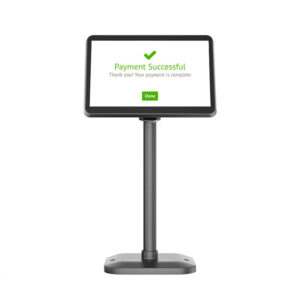
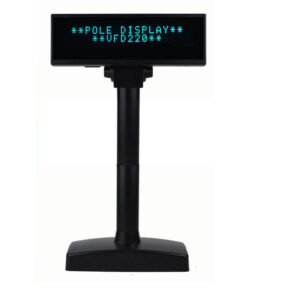
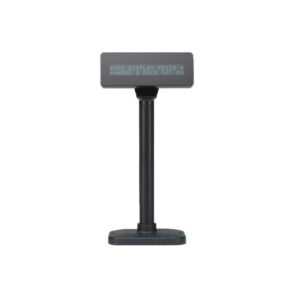
Customer displays come in three technologies, and the choice is usually made on counter space rather than on preference. A 2 × 20 VFD shows a number and nothing else. A 10-inch LCD shows a product name, a price and a logo. A 7-inch LCD is the size that fits between the two — big enough to show an itemised line, small enough to sit on a counter that has no room for a second monitor.
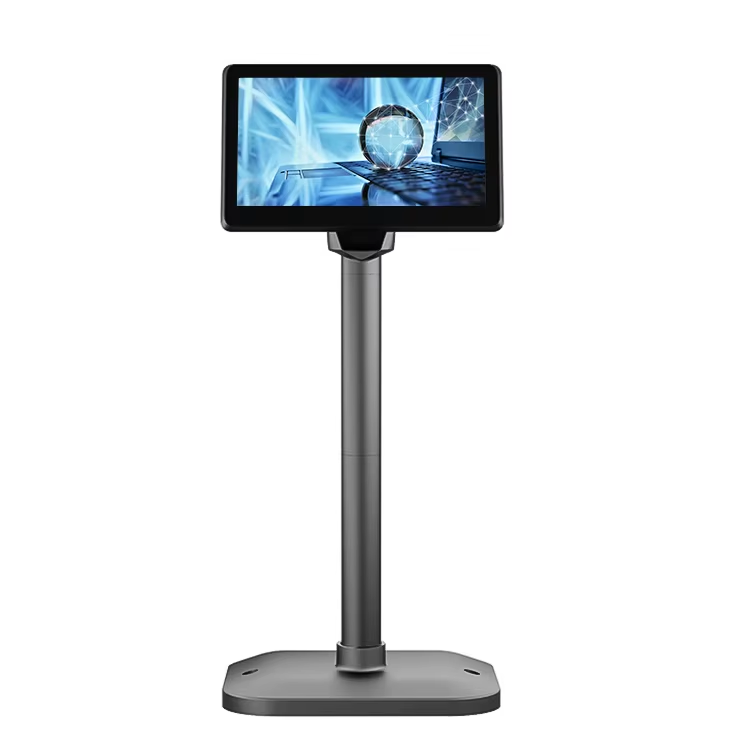
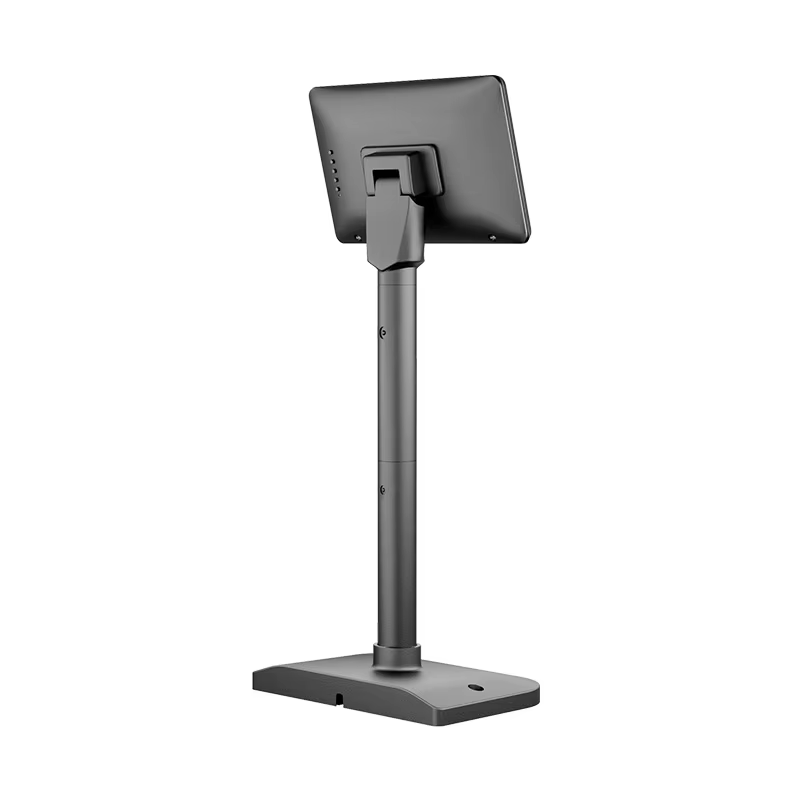
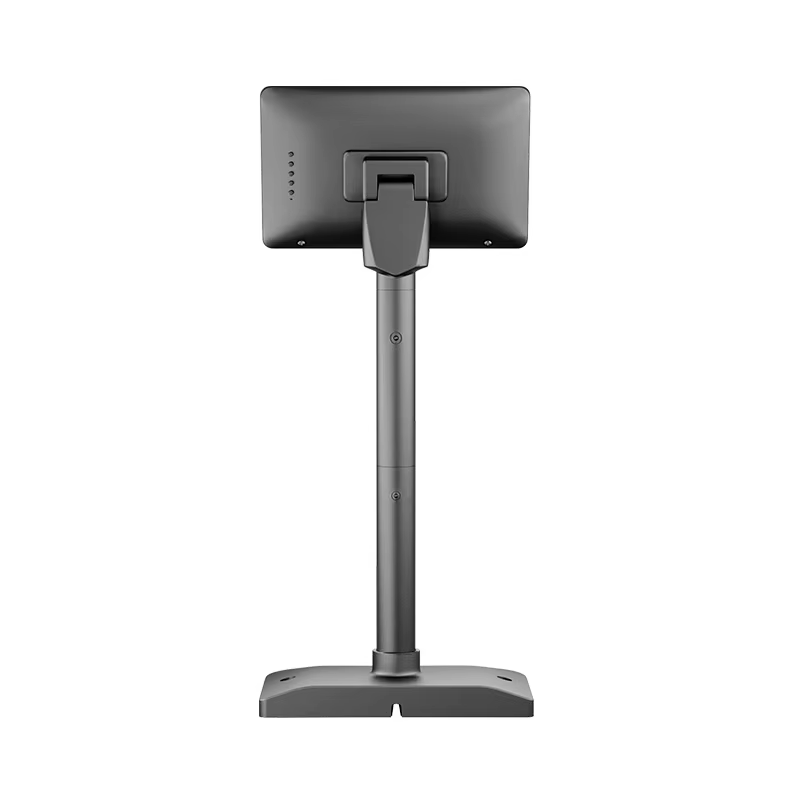
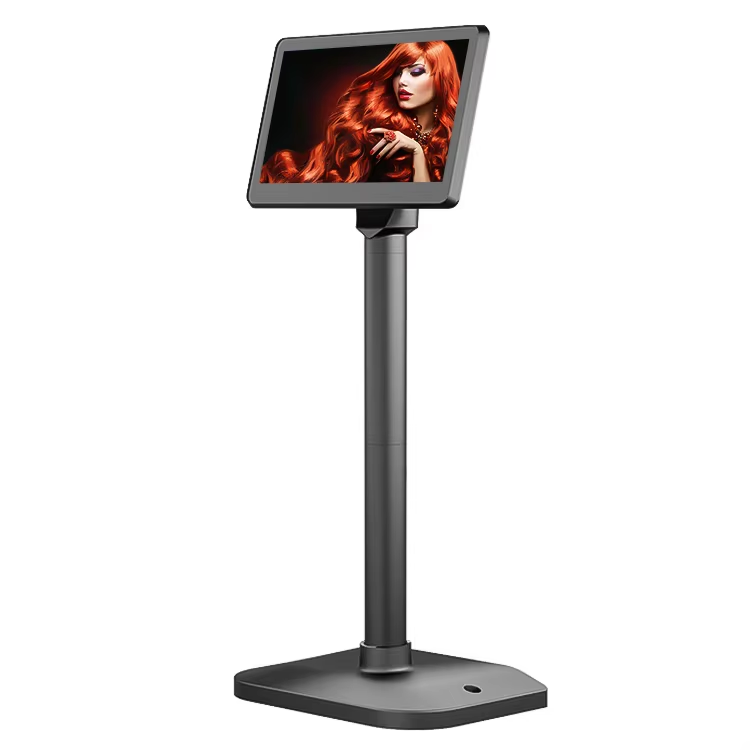
The POS-CD7A is that unit: a 7-inch 1024 × 600 IPS panel at 430 cd/m², 16:9, in a plastic case, driven by VGA or HDMI and powered from a 12 V / 3 A adapter.
Seven inches at 1024 × 600 works out to roughly 170 pixels per inch — denser than a 10.1-inch 1280 × 800 panel at about 150 ppi, and much denser than the 15.6-inch 1366 × 768 main screens on most all-in-one terminals.
What that means in practice is that small text stays legible. On a customer display the useful content is not a photograph, it is four or five lines of text: item name, quantity, unit price, line total, and the running total in a larger size. At 170 ppi a 7-inch panel renders that cleanly, which is why a 7-inch display can do the job that used to need 10 inches.
What it cannot do is be a menu board. 1024 × 600 is not enough for a promotional image with readable pricing at two metres. If the plan involves showing product images or video to a customer standing back from the counter, the 10.1-inch POS-CD10H at 1280 × 800 is the correct panel.
The unit accepts either VGA or HDMI, and the choice is not cosmetic — it decides what hardware can drive it.
HDMI is the modern case. It enumerates as a standard second monitor on any host with a spare video output, needs no driver on Windows, Linux or Android, and carries audio if ever needed. Nothing to install, nothing to break after an OS update. The constraint is that the host must have a free HDMI port — on a compact mini PC or an all-in-one terminal, there may not be one.
VGA is the legacy case, and it is why this model still exists. A large installed base of POS terminals, industrial boards and older mini PCs has a VGA header and nothing else. An HDMI-only customer display cannot be added to those machines without a converter, and a converter is one more thing to fail in a counter that gets cleaned daily. If the terminal in the field has a VGA port, a VGA-input display is the difference between an upgrade and a replacement.
Two practical notes either way:
The display is non-touch as standard, with a touch option. For a customer-facing pole display, non-touch is normally the right configuration, for three reasons:
Touch only makes sense where the display is genuinely interactive — a self-service ordering point, a survey prompt, a signature or tipping screen. If that is the requirement, specify the touch option at order; it is not a field upgrade.
430 cd/m² on an IPS panel. The brightness figure matters because a customer display faces the shop floor, which is usually the brightest direction — windows, display lighting, downlights. A 250 cd/m² TN panel in that position looks washed out; 430 cd/m² IPS holds up in normal retail lighting, though not in direct sunlight.
IPS is the part that matters for the viewing angle. The customer stands off to the side of the terminal, not directly behind it, so the panel is being viewed at 30–60° off axis. A TN panel at that angle shifts colour and darkens; IPS does not.
Response time of 25 ms is irrelevant for static content and adequate for simple animation — a scrolling promotional line, a tipping prompt, a progress indicator. It is not a gaming panel and does not need to be.
12 V / 3 A from an external adapter, with plug types for US, EU, UK and AU markets. That is a heavier supply than the panel needs at steady state — the headroom covers backlight inrush on power-up, which is why a 12 V / 1 A adapter that “should be enough” causes flicker or failure to start.
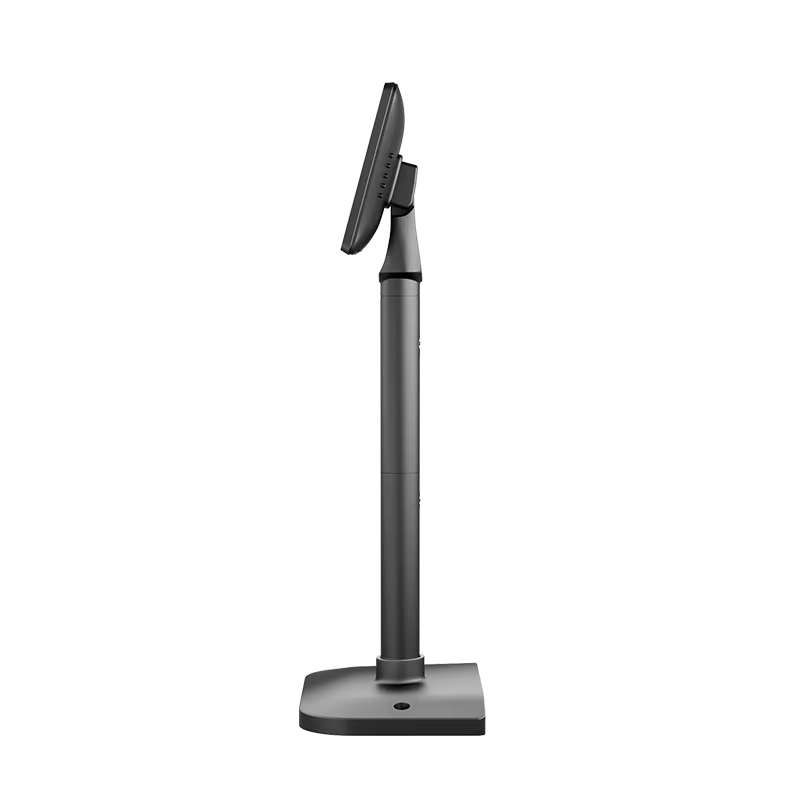
The 16:9 aspect ratio at 7 inches gives a display about 155 × 87 mm. On a pole mount that is a small footprint that does not block the cashier’s view of the customer, which is the practical argument for the size: a customer display that the cashier has to lean around is a customer display that gets turned off.
No. It presents as a standard second monitor over HDMI or VGA. What the host does with it is decided by the POS software’s second-display support.
No — it needs a second display output. A USB customer display or a VFD over USB or serial is the answer for a host with no spare video port.
No, non-touch is standard and touch is an option. Specify it at order; it is not a field upgrade.
Yes, if the POS software drives a second display — most do, either natively or through an extension. The panel shows whatever the host renders at 1024 × 600.
430 cd/m² IPS is comfortable under retail lighting. It is not a sunlight-readable panel, so not for a window-facing counter in direct sun.
12 months minimum, CE and RoHS certified. OEM branding is available — ask at quotation stage.
Next step: tell us the host terminal’s available video output (VGA or HDMI) and how much counter space you have — we will confirm the panel, the pole or bracket and a factory-direct quote. Email sales@dcapos.com or contact us.
Related: POS peripherals · POS-CD10H 10.1-inch display · PD220V-II VFD · POS systems
| Model NO. | POS-CD7A |
| Monitor proportion | 16:9 |
| Standard Resolution | 1024×600 |
| Case | Plastic Case |
| Brightness | 430cd/m2 |
| Power supply | Optional ( US EU UK AU ) |
| Touch Screen | Non-Touch ( Touch Function Optional ) |
| Response Time | 25ms |
| Panel Type | IPS Screen |
| Interface | VGA or HDMI |
| Power Supply | 12V 3A |


First time specifying a 7-inch customer display? Read VFD or pole LCD before you pick a screen height, then what a POS system is made of to see where the display is driven from.