If you want more information of our industry and products,please contact us.
Get to Know Us Now
Nobody returns a vacuum fluorescent display because the panel is bad. They return it because the POS software sends a command the display does not understand, and the twenty characters on the pole show garbage, stay blank, or show the last thing they displayed while the transaction moves on without them.
That is a protocol problem, and it is the single most important specification on any VFD. The PD220V-II carries eleven command modes: LD220, EPSON POS D101, AEDEX, UTC/S, UTC/P, ADM788, DSP800, CD5220, EMAX and LOGIC CONTROL. In practice that list is the reason to choose this model — it covers the command sets that older POS software, regional systems and OEM terminals were written against.
A customer display protocol is a small command language: cursor position, clear line, brightness, and how to write text to line one or line two. They are all similar and none of them are identical, and the differences are exactly the ones that break things.
The practical instruction is simple and worth acting on: if your POS software names a display model or command set, match it against this list before ordering. A VFD that speaks eleven protocols is not over-specified — it is the difference between a drop-in replacement and a support ticket.
The published brightness spans 500–1000 cd/m², which is a high figure for a VFD and is the reason this unit holds up where a standard display does not.
The scenario is a counter under a window, a shop with high-output display lighting, or a glazed frontage where the customer stands with daylight behind them. A VFD is emissive, so it does not wash out the way a backlit LCD does — but at low brightness the characters lose contrast against ambient light. At 500 cd/m² and above, the blue-green characters stay distinct even with the sun on the counter.
Brightness is typically adjustable by command, which matters for the opposite case: a dim restaurant or a boutique where a full-brightness display is glaring and draws attention away from the product. A display that can only run at one brightness is a display that gets turned off at night.
A VFD has a fixed character generator — 95 alphanumeric characters plus 32 international characters here — and whatever is not in that ROM cannot be shown. That is the limit that produces a question mark where a currency symbol should be.
Nine downloadable characters fix it. The host can define up to nine glyphs and upload them to the display, which covers the symbols that matter at a checkout:
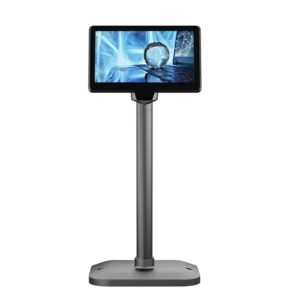
Nine characters is not many, and it is enough. If you need more than that, or you need a logo, the answer is an LCD display rather than a VFD — the POS-CD7A at 1024 × 600 or the POS-CD10H at 1280 × 800 are not limited by a character ROM.
The supply range is 5–24 V DC, which is unusually wide and solves a specific installation problem.
Most customer displays ship with a 5 V or 12 V adapter, and in a counter with three peripherals already plugged in, the display is the fourth wall socket. A display that accepts anything from 5 to 24 V can be powered from whatever the installation already has: a spare 12 V terminal supply, a 24 V rail from a printer adapter, or USB at 5 V. In an OEM build, it can be wired into the terminal’s own supply instead of shipping a separate brick.
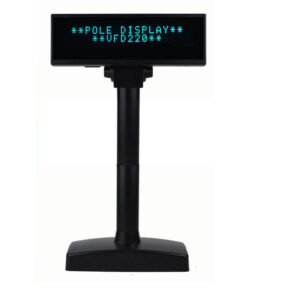
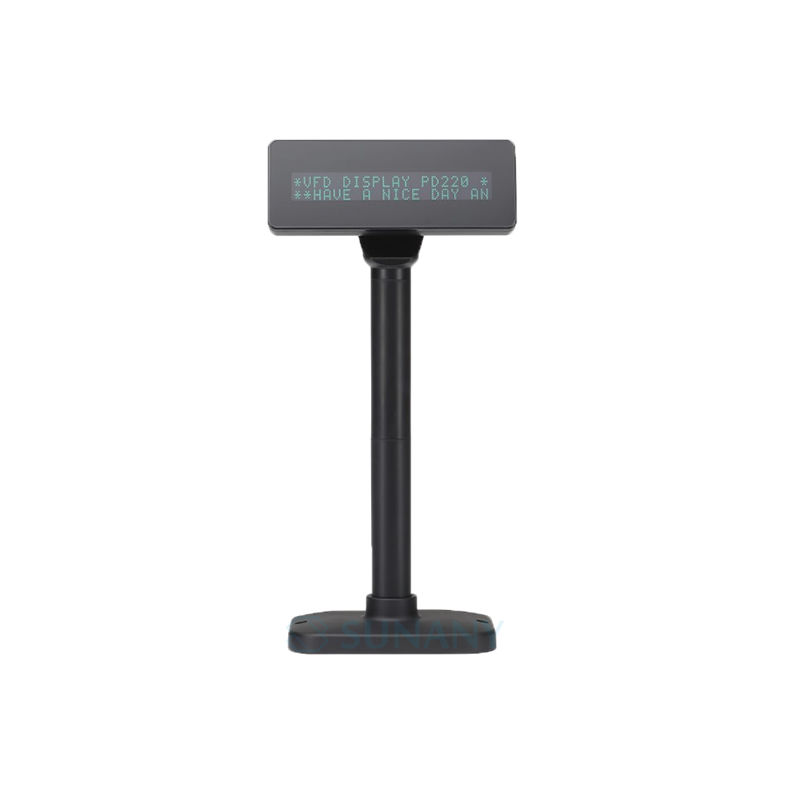
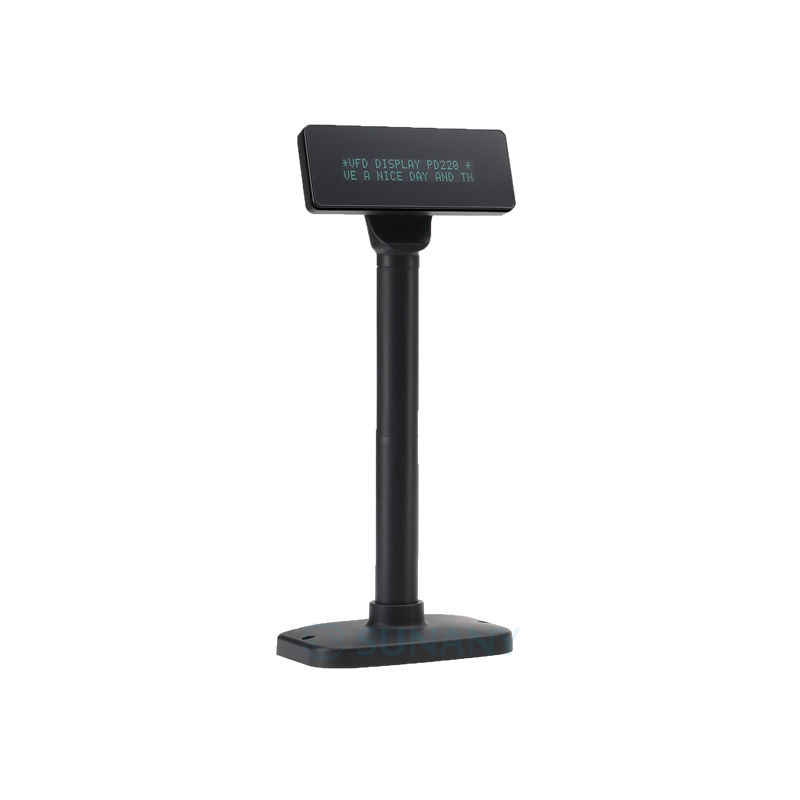
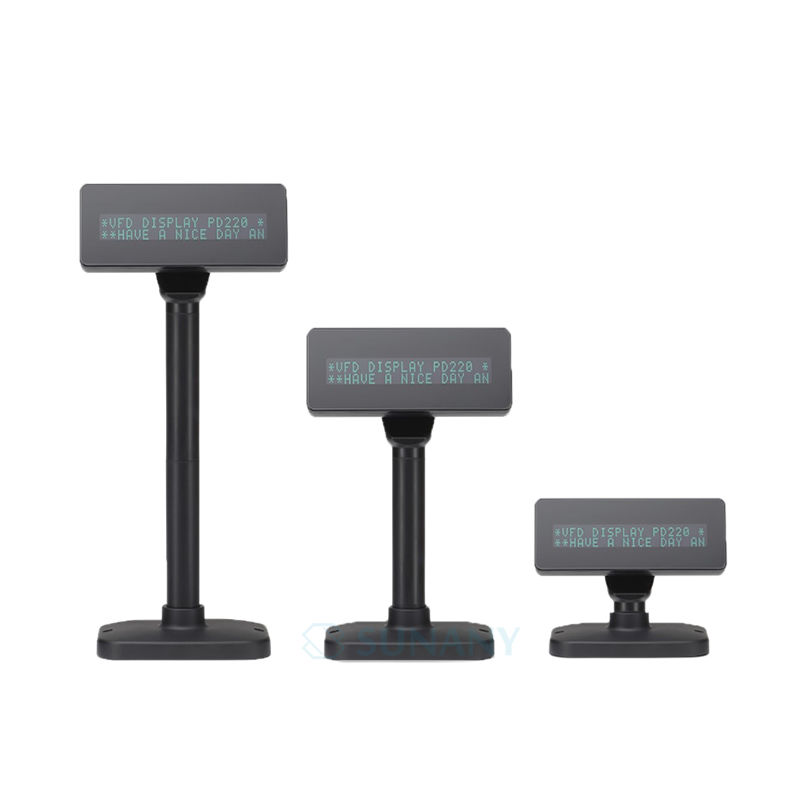
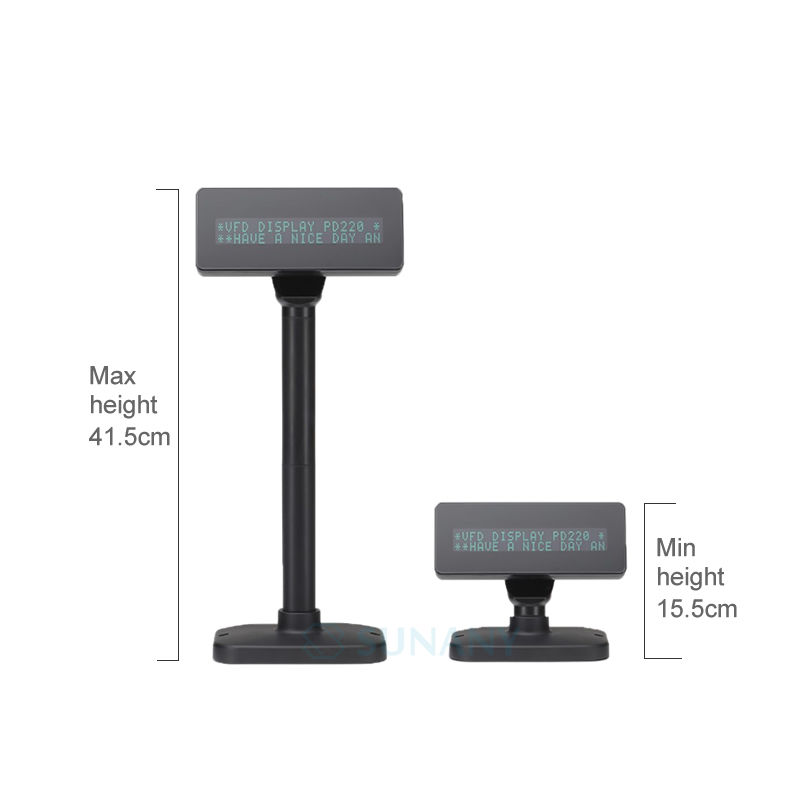
The other end of the same decision is the cable. The pole is 140 mm long at 34.5 mm diameter, and the display height adjusts from 15.5 cm to 41.5 cm — so the same unit fits a low reception counter and a high checkout station without a different part number. Horizontal rotation is 355°.
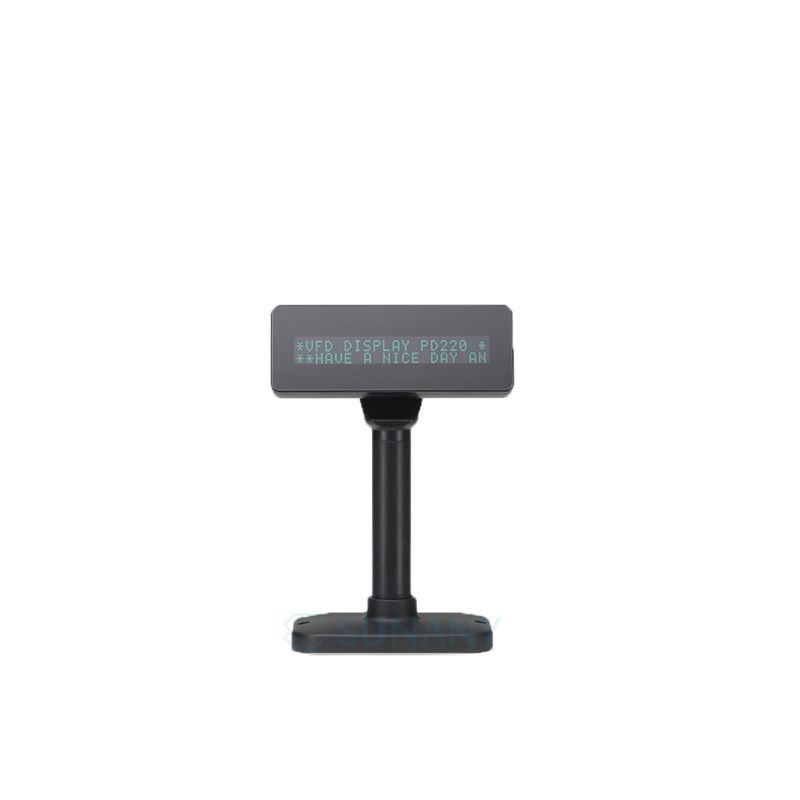
Net weight is 0.83 kg, packing 28 × 23 × 8 cm. The 2 × 20 character format is the standard VFD layout: 20 columns, two lines, 5 × 7 dot matrix, characters 9.02 × 5.25 mm.
MTBF is 30,000 hours. That is lower than the 40,000 hours of the VFD220, and the honest reading is that the higher brightness of this unit costs some tube life. At ten hours a day, 30,000 hours is still over eight years — well beyond the life of the terminal it is attached to — so for most installations the brightness is worth more than the difference in MTBF. If the deployment is a 24-hour site, that trade is worth reconsidering.
Interfaces are USB as standard with RS232 optional, at 9600 or 19,200 bps. Language support covers French, German, English, Danish, Swiss, Italian, Spanish, Japanese, Slavonic, Russian, Portuguese and Canadian French.
Very likely — eleven command modes are supported, including EPSON POS D101, CD5220, AEDEX, ADM788, UTC/S, UTC/P, DSP800, LD220 and EMAX. If your software names a specific display model, match it against that list.
The display shows garbage, blanks, or freezes on its last content while the transaction continues. It is rarely an obvious error message, which is why the protocol check belongs before the order rather than after.
Yes, if it is one of up to nine downloadable characters. The host defines the glyph and uploads it to the display.
500–1000 cd/m², which is high for a VFD and designed for bright retail lighting. Brightness is normally adjustable by command for dimmer environments.
It accepts 5–24 V DC so it can run from an existing supply; confirm what ships with the order for your market’s plug type.
12 months minimum. OEM branding, housing colour and pre-set protocol are available — ask at quotation stage.
Next step: tell us the POS software and its display protocol, the counter height and whether the position faces a window — we will confirm the protocol setting and quote factory-direct. Email sales@dcapos.com or contact us.
Related: POS peripherals · VFD220 pole display · POS-CD7A 7-inch display · POS systems
|
Part No.
|
PD220V-II
|
|
Series Type
|
PD220 Series
|
|
Interface
|
USB
|
|
RS232 (optional)
|
|
|
Display Method
|
Vacuum Fluorescent Display (Blue-green)
|
|
Number of characters
|
40 (20 columns* 2 lines)
|
|
Brightness
|
500~1000 cd/m2
|
|
Character font
|
5* 7 dot matrix
|
|
Character type
|
95 Alphanumeric, 32 International Characters
|
|
Character size
|
9.02(H)* 5.25(W)mm
|
|
Dot Size ( X* Y )
|
0.86* 1.05mm
|
|
Download characters
|
9 characters
|
|
Pole Dimension
|
Per support length: 140(L)* 34.5(Dia)mm
|
|
Viewing Aangle
|
Max. 60°
|
|
Horizontal Rotation
|
Max. 355°
|
|
Command Mode
|
LD220,EPSON POS D101, AEDEX, UTC/S, UTC/P, ADM788, DSP800, CD5220, EMAX, LOGIC CONTROL
|
|
Language Support
|
FRENCH, DEUTSCH, ENGLISH, DENISH, SWISS, ITALIAN, SPANISH, JAPANESE, SLAVONIC, RUSSIAN, PORTUGUESE, CANADIAN, CANADIAN, NORDIC,
TURKISH, GREEK, WEST EUROPEAN LATIN, CP858, CP860, WPC1252, CP857 (TURKISH), POLISH,WPC1250,WPC1253, (GREEK), WPC1255 (HEBREW) , WPC1251, CP866, CP852, CP737 (GREEK) CP858, CP864 (ARABIC), FARSI (IRAN) |
|
Connection
|
Baud rate direct connection 9600 or 19,200 bps
|
|
Reliability
|
MTBF 30,000 hours
|
|
Consumption
|
5~24V DC
|
|
Minimum Height
|
15.5cm
|
|
Maximum Height
|
41.5cm
|
|
Net Weight
|
0.83kg
|
|
Packing Dimension
|
28*23*8cm
|
|
Gross Dimension
|
1.1kg
|


First time specifying a VFD customer display? Read VFD or pole LCD before you pick a screen height, then what a POS system is made of to see where the display is driven from.