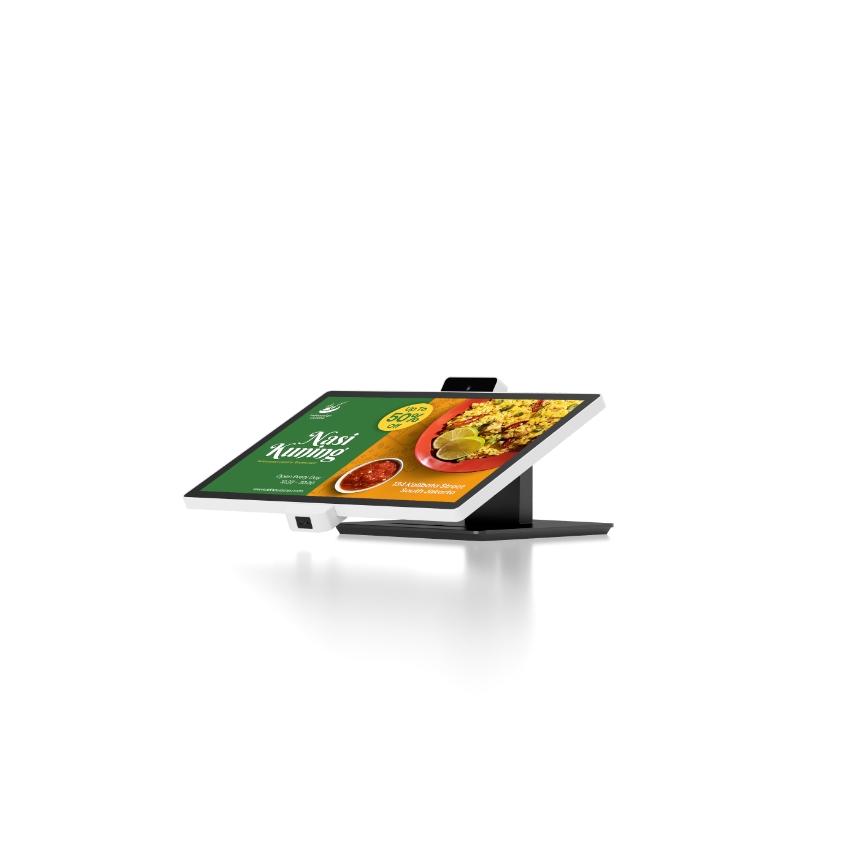

If you want more information about our industry and products, please contact us.
Get to Know Us Now

|
Specification Data
|
||
|
LCD Touch Panel
|
LCD Size
|
15.6″ 21.5″23.8″
|
|
Brightness
|
350 nits/450nits
|
|
|
Resolution
|
1920*1080; 16:9
|
|
|
Touch Screen
|
True Flat, Capacitive Multi-touch
|
|
|
System
|
OS
|
Windows 7 / 10/11 ; Android 10 / 12
|
|
CPU Optional
|
Intel® Bay Trail-J1900, 2M Cache, 2.0 GHz Intel® Core i5-3317U, 3M Cache, 3.50 GHz
RK3288 Cortex A17 Quad core 1.8 GHz
RK3399 Cortex A17 Quad core 1.8 GHz
|
|
|
Memory
|
4GB/ 8GB
|
|
|
Storage
|
MSSD-128GB ( 256GB, 512GB)
|
|
|
Speaker
|
HD Audio
|
2 x 5W (8Ω) Internal Speaker
|
|
Power
|
Power cable
|
110-240V, 2A
|
|
Modular accessory
|
Scanner
|
1D/2D Code, small window
|
|
Thermal Printer
|
embeded Printing width: 72mm
Cut method: Partial cut
print speed: 170 mm/s( max)
Paper feed method: Easy loading
Paper roll
diameter(max): 58mm / 80 mm |
|
|
WiFi
|
IEEE802.11b/g/n 2.4G
|
|
|
Environmental
|
Operating Condition
|
0ºC ~ 40ºC, 10% ~ 90% RH, non-condensing
|
|
Storage Condition
|
-20ºC ~ 60ºC, 10% ~ 90% RH, non-condensing
|
|
|
Application
|
/
|
Indoor
|


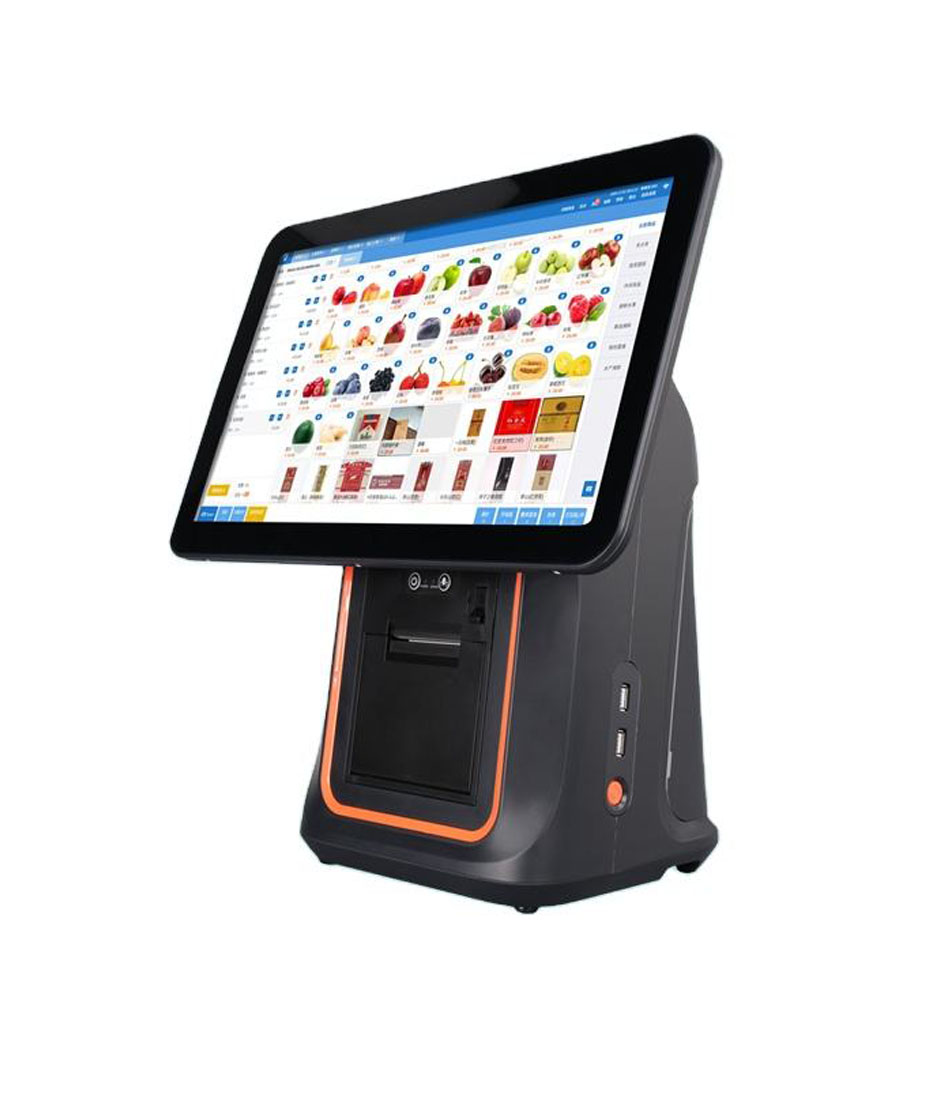
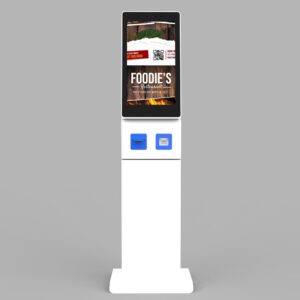
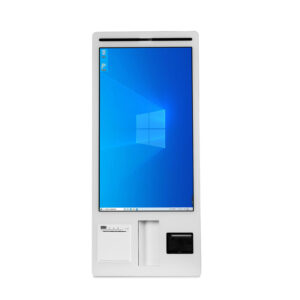
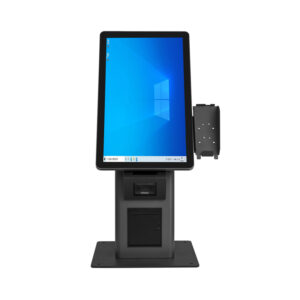
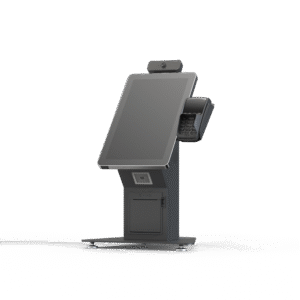
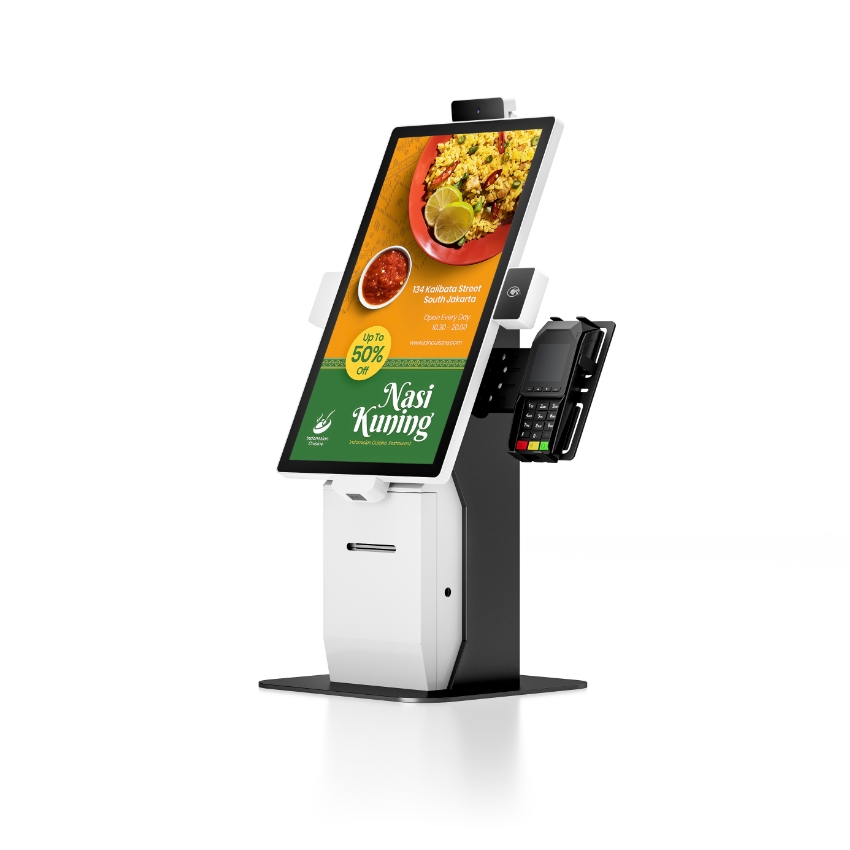
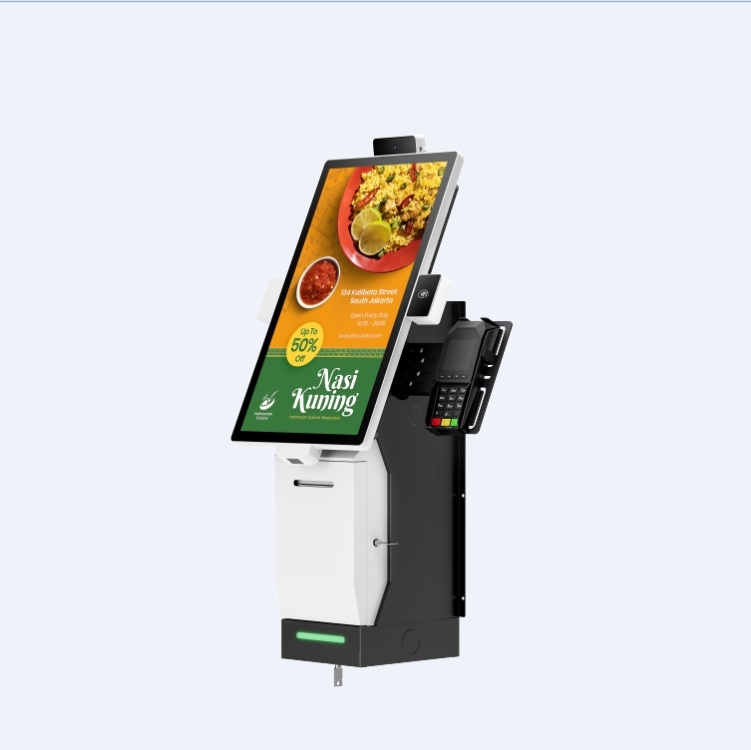
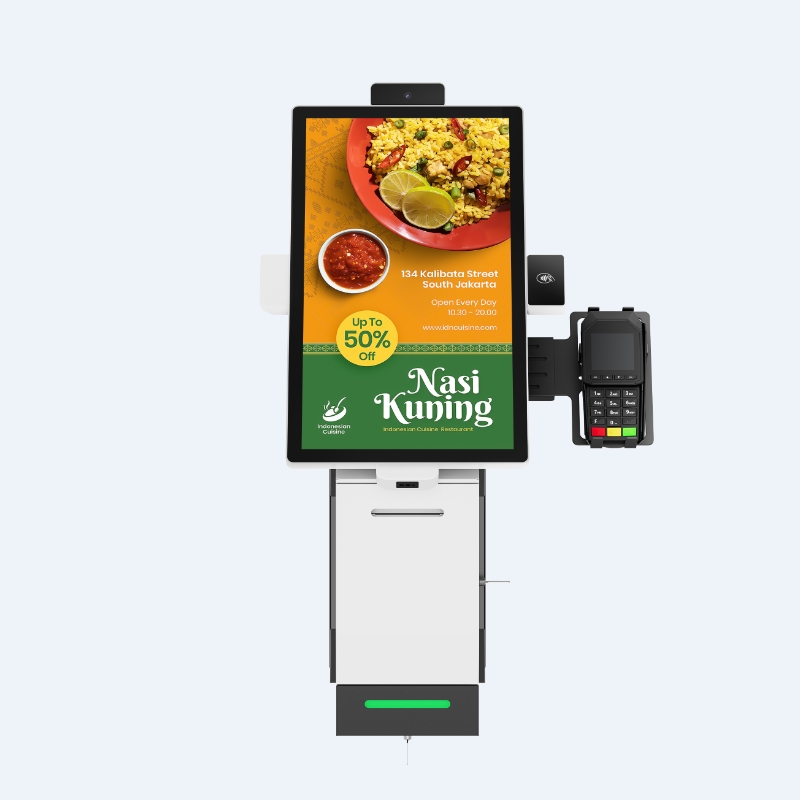
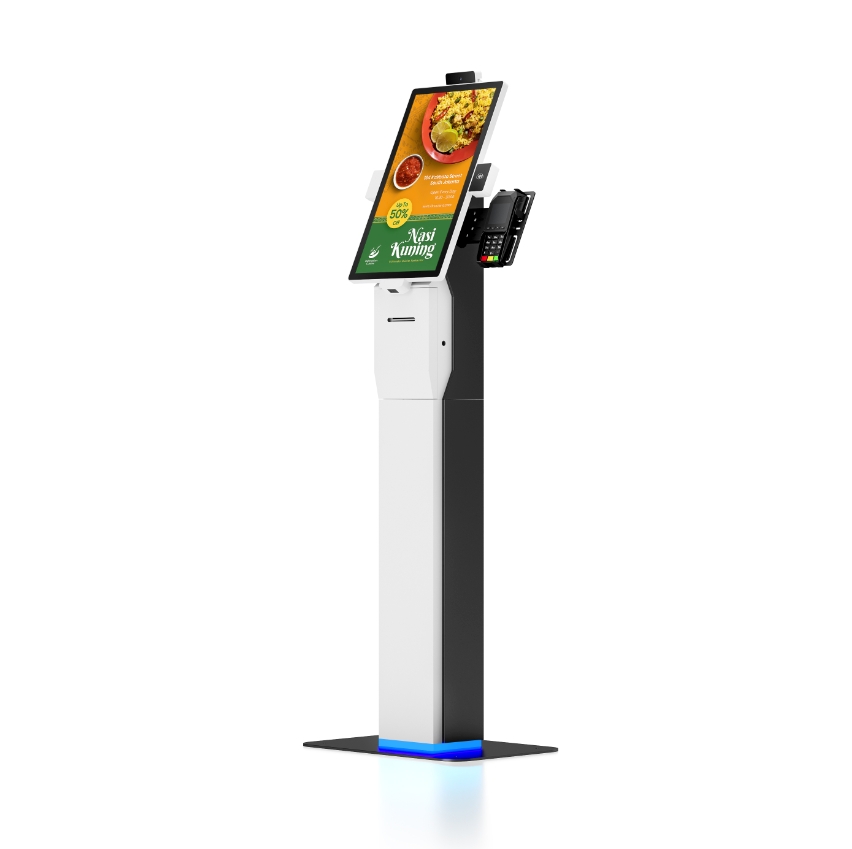
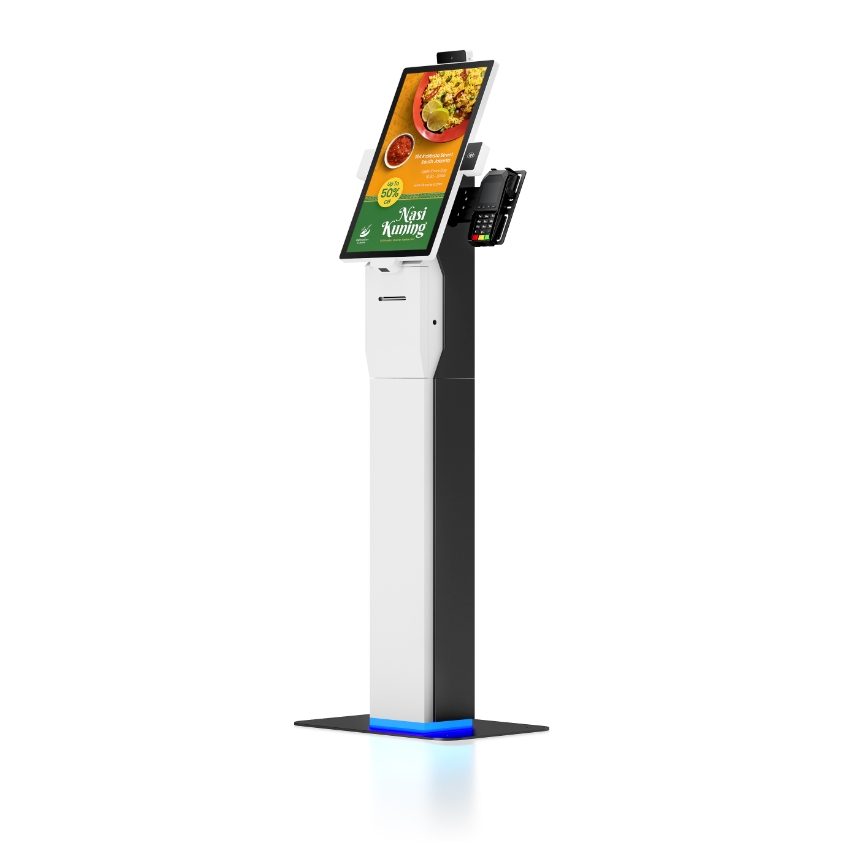
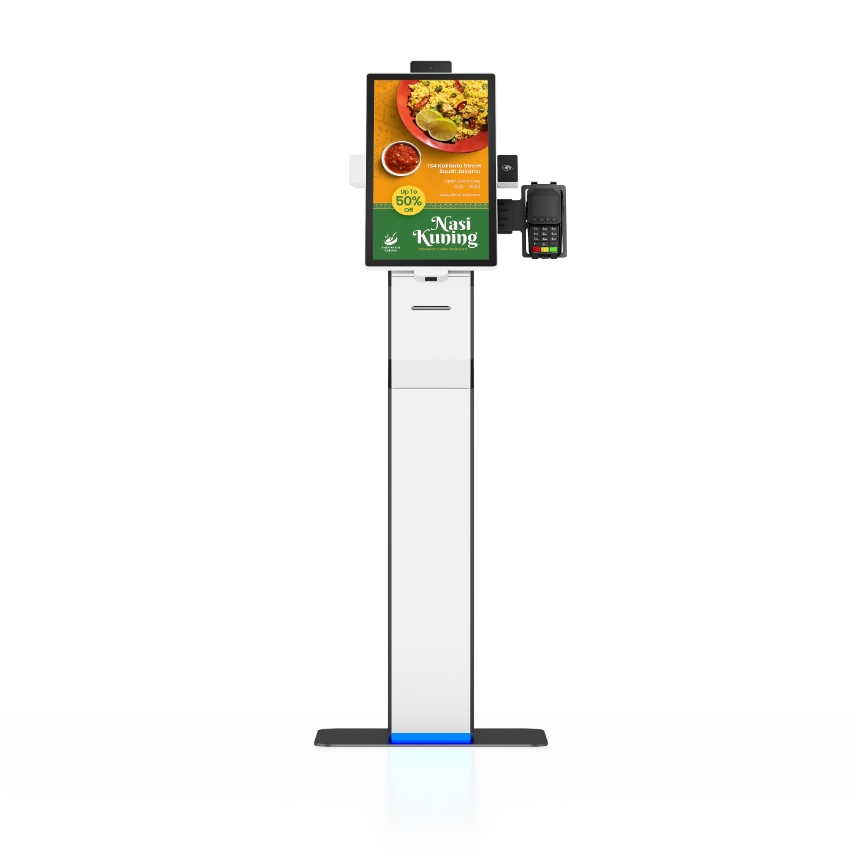
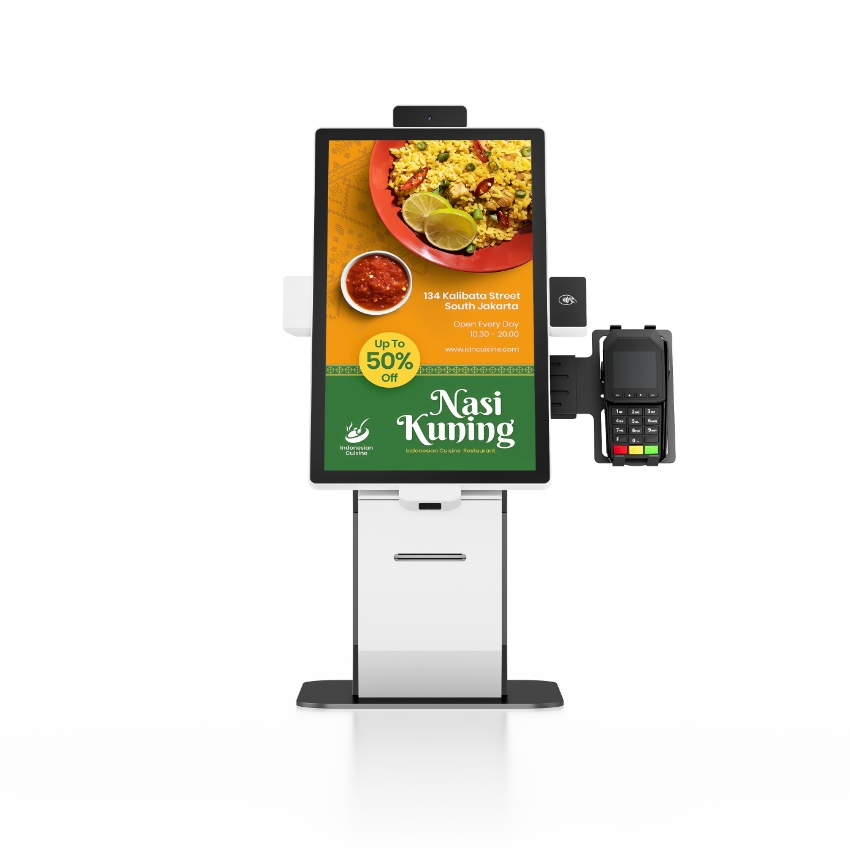
The R Series is the modular entry in our self-service line. One core hardware platform — the same mainboard, the same touch panel technology, the same Windows and Android image — is offered in three screen sizes and three mounting configurations, with peripheral modules that attach rather than force a new model. That matters when you are rolling out self-service across a chain where a canteen counter, a hospital corridor and a hotel lobby all need a terminal but none of them can take the same footprint.
Practically, it means one software build, one service procedure and one spare-parts list can cover a mixed fleet. For distributors, it means a single SKU family you can position at three price points without stocking three unrelated products.
Screen size follows viewing distance, not preference. Countertop ordering at arm’s length: 15.6 inch. Standing order kiosk at 50–70 cm: 21.5 inch. Wayfinding, digital posters or menu boards viewed from 1.5 m or more: 23.8 inch. All three run 1920×1080 at 16:9, so your layout does not need reworking when you move up a size.
Processor should be chosen from your software’s real requirement. The Intel J1900 handles a browser-based ordering page or a simple check-in form comfortably and keeps the unit cost down. The i5-3317U is the right pick when the kiosk runs a full Windows application, local video, or several browser windows at once. On Android, RK3288 covers standard ordering apps; RK3399 gives noticeably more headroom for animation-heavy menus and on-device image processing.
Peripherals are where most projects get the details wrong. The integrated thermal printer prints 72 mm width with a partial cut — right for order tickets and receipts, not for full A4 documents. The scanner window reads 1D and 2D codes from a phone screen at close range, which is what queue-ticket and loyalty scanning needs. If you need cash acceptance, card payment or an A4 printer, plan the mounting and cable routing at specification stage rather than after the enclosure is tooled.
Power input is 110–240 V at 2 A, so the same unit ships to most markets without a voltage variant. Floor-standing units should be anchored; wall-mounted units need a backing capable of holding the panel plus the accessory modules, and the mounting height should be set from the actual user population — a kiosk specified for adults is unusable for a 1.4 m customer. Leave ventilation clearance at the rear and sides; a kiosk boxed into a millwork recess will run hot and shorten panel life.
Enclosure colour, logo placement, boot screen, packaging and accessory kit are all configurable on the standard platform. Where the deployment needs a different bezel, a changed port position, an additional module bay or a screen size outside the three standard options, the project moves to ODM and we quote tooling separately so you can see exactly what the customisation costs. Certification for your market (CE, FCC, RoHS, CCC) is planned at the same stage.
Yes — the platform is offered with either, and the choice is made per order. It is not a field-swappable option, so decide before production: Windows for existing desktop software, Android for cloud-based or web-app deployments where lower power and faster boot matter more.
Built in, on the models specified with the printer module. That removes a cable, a power adapter and a failure point, and it also prevents the printer from being removed or swapped by users.
It depends on whether the change is cosmetic or structural. Logo, colour and packaging on the standard enclosure start at a much lower volume than a new bezel or a new module cut-out, which requires tooling. Send the requirement and we will quote the actual figure.
We supply spare-part kits matched to the configuration you ordered — panels, printer modules, scanner modules, power boards — and agree RMA terms in the supply contract. For chains deploying in phases, we recommend holding one spare unit per site cluster rather than per site.
Next step: tell us the deployment (indoor/outdoor, standing or seated, expected transactions per day) and we will recommend the size, processor and module set, then quote factory-direct. Email sales@dcapos.com or contact our team.
Related: H Series kiosk · self-service kiosk range · K Series compact kiosk · Q Series self-ordering kiosk · OEM/ODM services
First time specifying a freestanding self-service kiosk? Read the four modules behind the glass before you size the enclosure, then countertop, handheld, kiosk or tablet to see where a kiosk sits against a staffed till.