
If you want more information about our industry and products, please contact us.
Get to Know Us Now

|
Specification Data
|
||
|
LCD Touch Panel
|
LCD Size
|
15.6″ 21.5″
|
|
Brightness
|
350 nits
|
|
|
Resolution
|
1920*1080; 16:9
|
|
|
Touch Screen
|
True Flat, Capacitive Multi-touch
|
|
|
System
|
OS
|
Windows 7 / 10/11 ; Android 7 / 12
|
|
CPU Optional
|
Intel® Bay Trail-J1900, 2M Cache, 2.0 GHz Intel® Core i5-3317U, 3M Cache, 3.50 GHz
RK3288 Cortex A17 Quad core 1.8 GHz
RK3399 Cortex A17 Quad core 1.8 GHz
|
|
|
Memory
|
4GB/ 8GB
|
|
|
Storage
|
MSSD-128GB ( 256GB, 512GB)
|
|
|
Speaker
|
HD Audio
|
2 x 5W (8Ω) Internal Speaker
|
|
Power
|
Power cable
|
110-240V, 2A
|
|
Modular accessory
|
Scanner
|
1D/2D Code, small window
|
|
Thermal Printer
|
embeded Printing width: 72mm
Cut method: Partial cut
print speed: 170 mm/s( max)
Paper feed method: Easy loading
Paper roll
diameter(max): 58mm / 80 mm |
|
|
WiFi
|
IEEE802.11b/g/n 2.4G
|
|
|
Environmental
|
Operating Condition
|
0ºC ~ 40ºC, 10% ~ 90% RH, non-condensing
|
|
Storage Condition
|
-20ºC ~ 60ºC, 10% ~ 90% RH, non-condensing
|
|
|
Application
|
/
|
Indoor
|


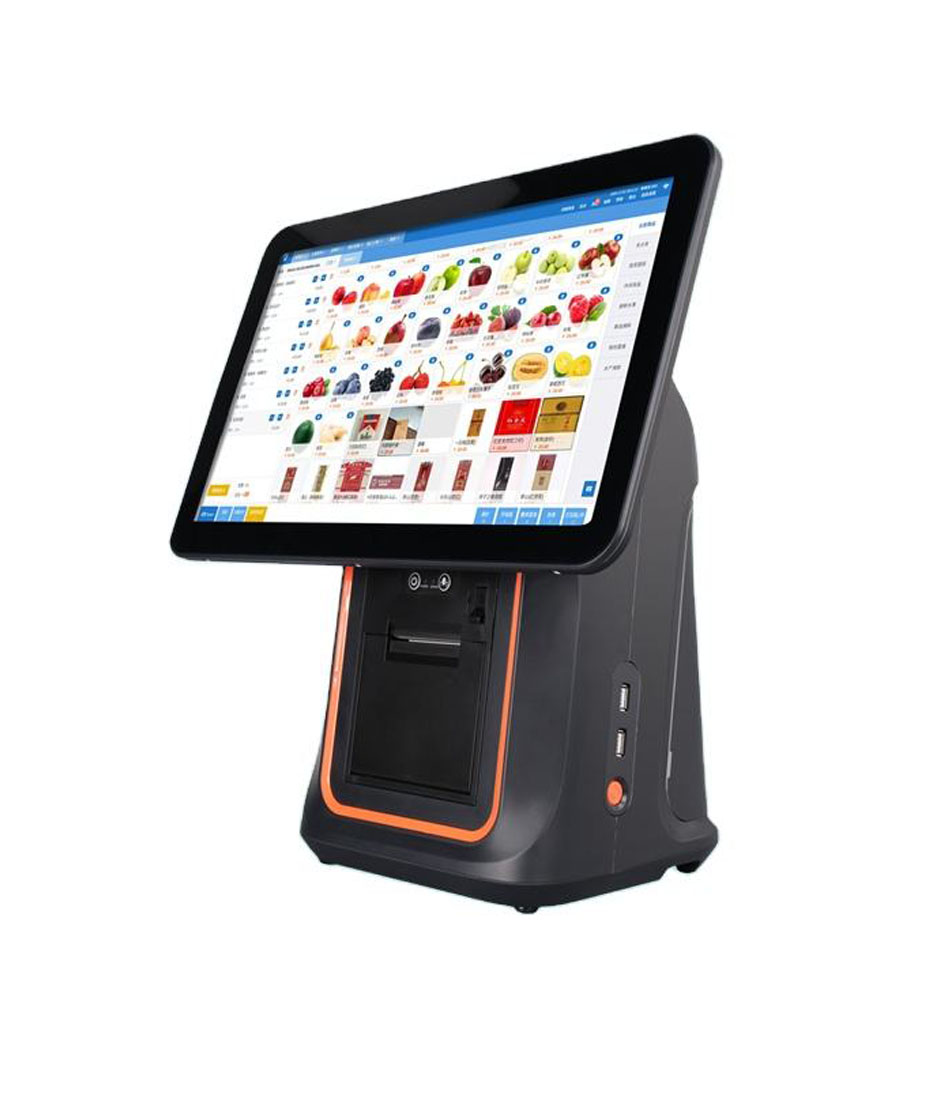
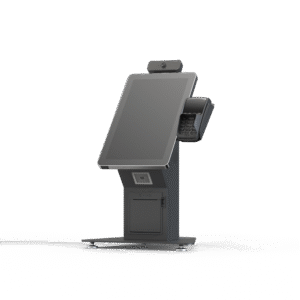
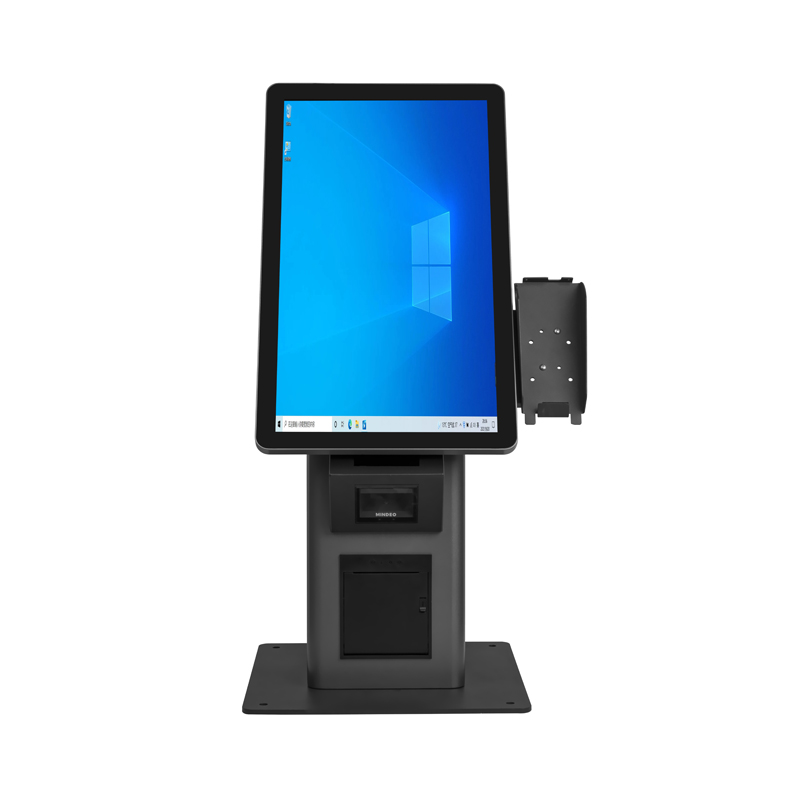
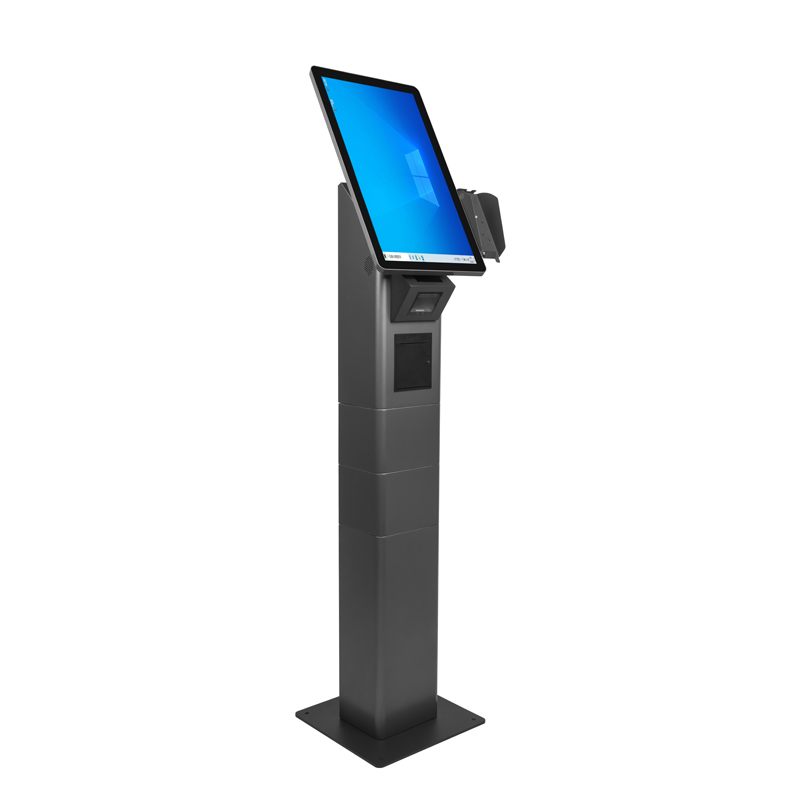
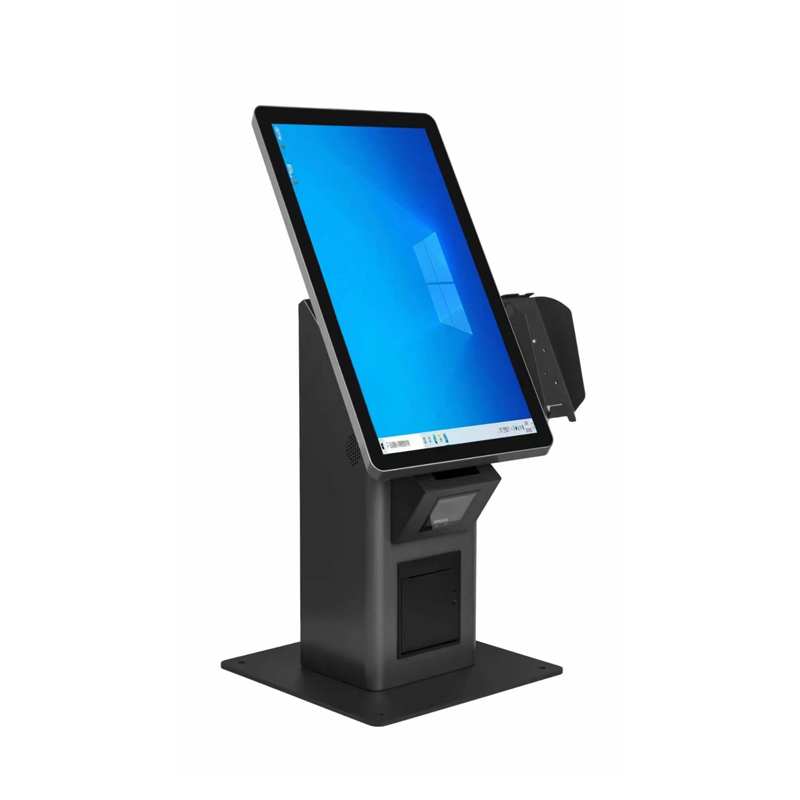
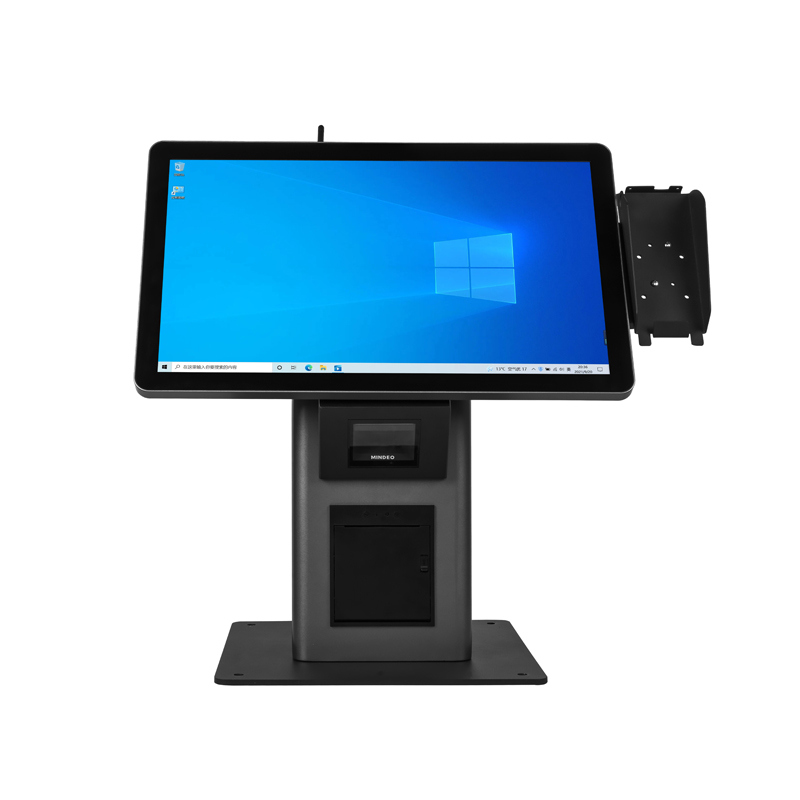
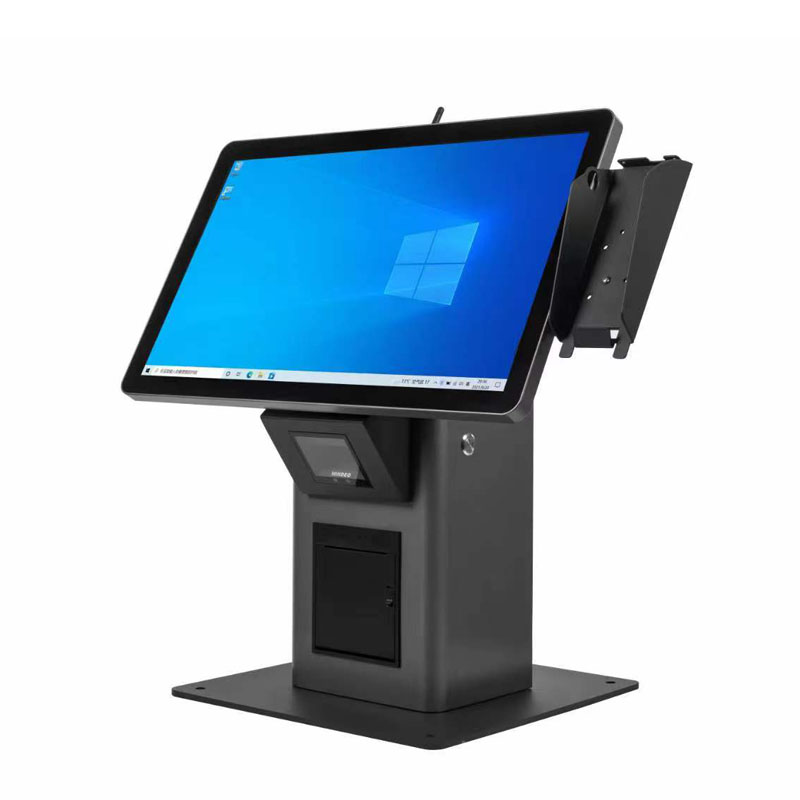
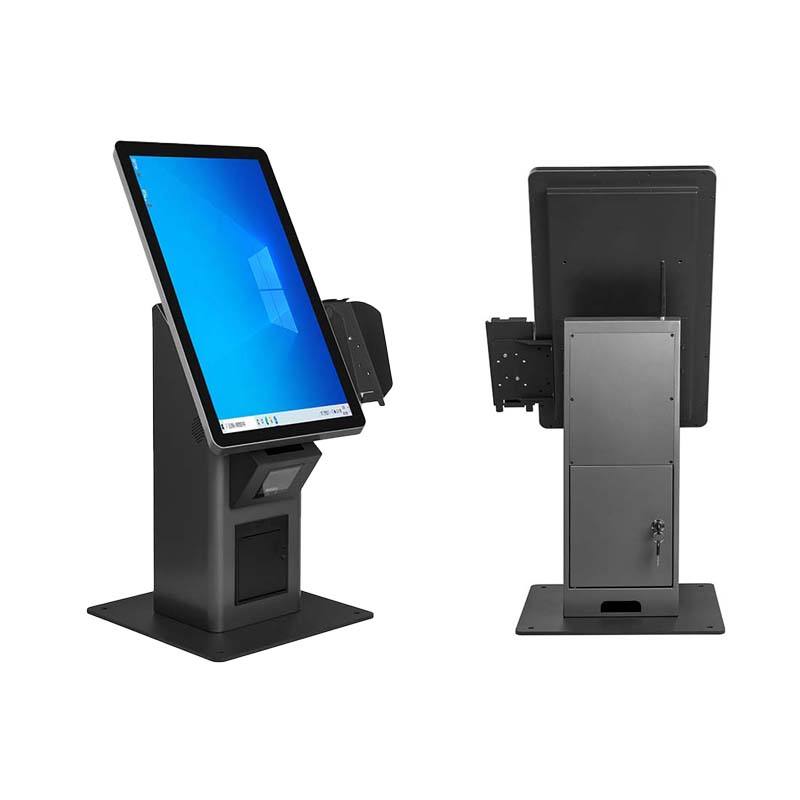
Most self-service kiosks are order-entry devices: the customer selects, a ticket prints, and they queue again to pay. The H Series is built around the opposite assumption. Its dual-screen configuration pairs a customer-facing touch panel with a second display for staff or for payment confirmation, and integrates the peripherals a transaction actually needs — an 80 mm thermal printer, a 1D/2D barcode scanner and the mounting for a payment terminal. The result is a single unit that takes the order, takes the payment and issues the proof.
A second display is not simply an extra panel — it changes what the kiosk can be trusted with. On a single-screen kiosk, confirming a payment means either turning the screen around or asking staff to trust a sound. With a customer-facing panel plus a staff-facing display, the transaction state is visible to both parties at once, which removes the most common source of disputes at unattended payment points.
It also lets one unit serve two audiences: an ordering interface for customers, and a queue status, order number or staff prompt on the second screen. In a small outlet that replaces two devices.
Screen size. 15.6 or 21.5 inch, 1920×1080 true-flat capacitive multi-touch, 350 cd/m². Choose 15.6 for counter-mounted transactional use where the customer is close to the panel; 21.5 where the kiosk also carries menu content that has to be read while queueing.
Platform. Windows 7/10/11 or Android 7/12. If your payment integration runs a Windows SDK, or your POS software is Windows-only, this is the deciding factor — an Android build will not run it, and no amount of hardware specification fixes that.
Processor and memory. J1900 with 4 GB handles a lean ordering and payment flow; the i5-3317U with 8 GB is the safer choice when the same unit runs video, a browser-based menu with imagery, and payment middleware simultaneously. On Android, RK3288 for standard workloads and RK3399 where the interface is animation-heavy.
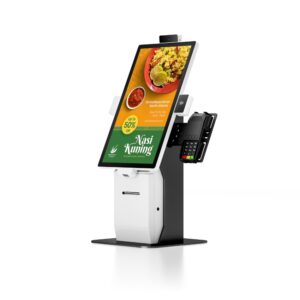
Peripherals. Embedded 72 mm thermal printer with partial cut at up to 170 mm/s, small-window 1D/2D scanner, and a mounting position for the payment terminal of your choice. Cash handling, if required, is a third-party module — tell us the model so the enclosure and cable route are planned for it.
This is the model most often requested as a private-label product, because “all-in-one transactional hub with your branding” is a proposition distributors can sell. Enclosure colour, logo, boot screen, second-screen content template, packaging and documentation are all configurable. Where the brand needs a distinct industrial design — different proportions, a payment bay integrated into the front glass, a different stand — the project moves to ODM with tooling quoted separately.
Yes. The two displays are driven independently, so the customer panel can run your ordering interface while the second shows a payment total, an order number or a promotional loop. The split is defined by your software, and we can pre-configure the display arrangement before shipping.
No — payment terminals are supplied by your acquirer or preferred vendor. What we provide is the physical integration: mounting position, cable routing, power and the cut-out in the enclosure so the terminal looks built in rather than bolted on.
Yes, within the limits of a 72 mm receipt printer. Many customers run two printers — one at the kiosk for the customer receipt, one in the kitchen — rather than trying to route both jobs through a single unit.
That is a software behaviour, not a hardware one. We test your application’s offline queueing during sampling, and we recommend a UPS for sites where a power interruption would otherwise corrupt an in-progress payment.
Next step: tell us the payment terminal model, the software stack and the expected transaction volume — we will confirm the dual-screen configuration and quote factory-direct. Email sales@dcapos.com or contact us.
Related: Q Series self-ordering kiosk · DCA-A238 kiosk · self-service kiosk range · R Series modular kiosk · retail POS solutions · OEM/ODM services
First time specifying a dual-screen self-service kiosk? Read the four modules behind the glass before you size the enclosure, then countertop, handheld, kiosk or tablet to see where a kiosk sits against a staffed till.