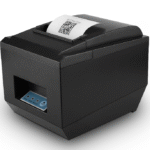
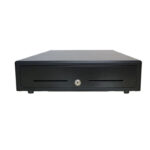
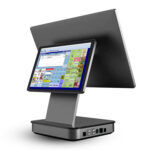
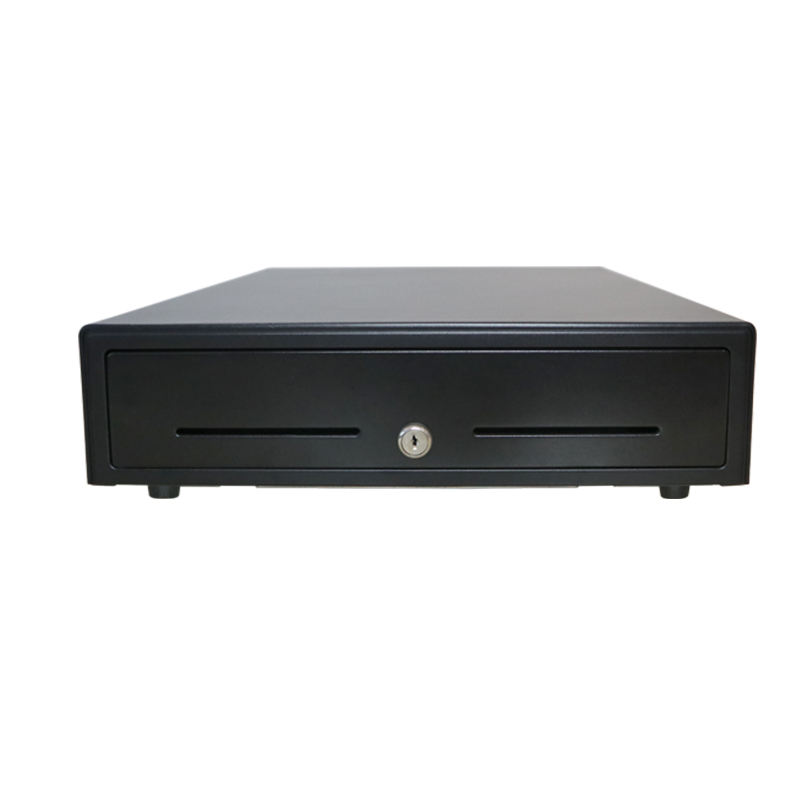
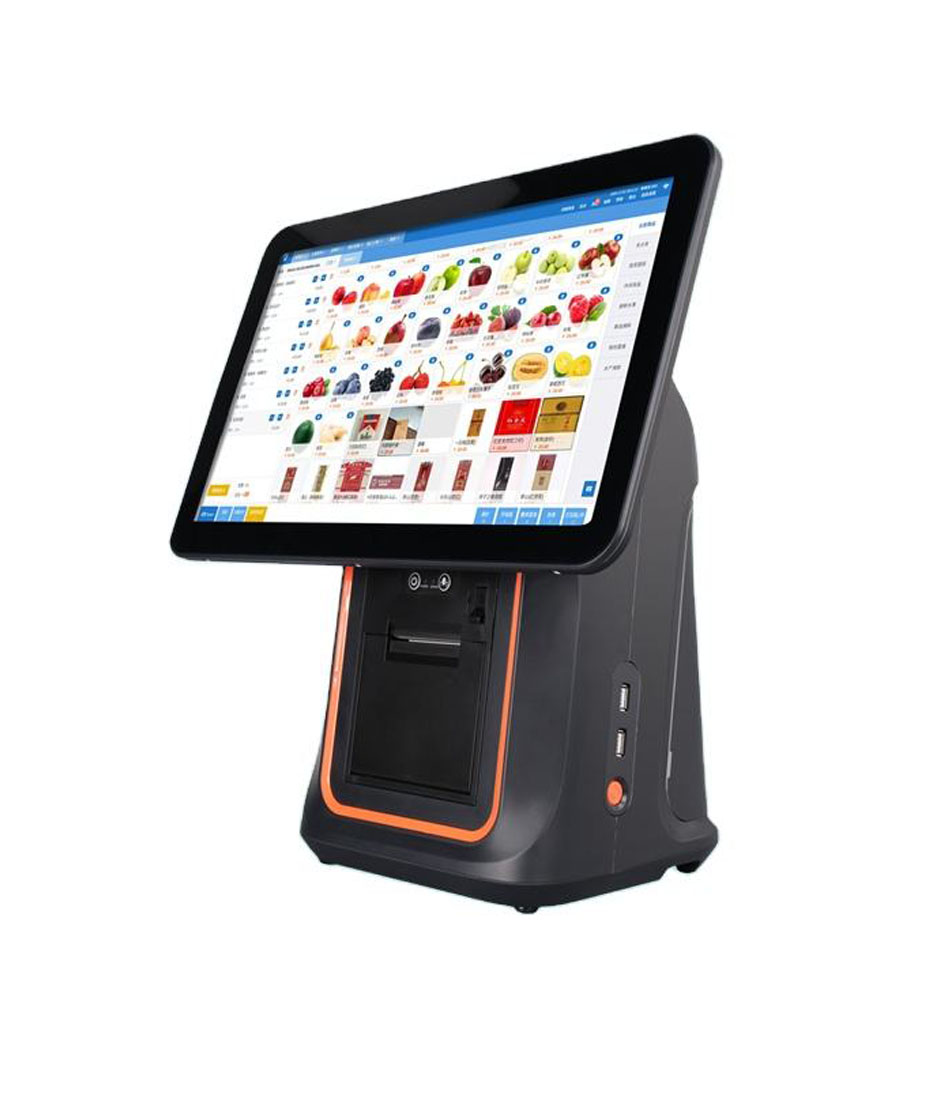
Shopify’s own hardware list is short: a handheld that runs the app on its own screen with the reader and barcode scanner built in, three certified card readers, one of which is a countertop terminal with a printer inside, and a dock that gives a tablet USB and Ethernet. Everything else on the counter has to be hardware the app can address: a receipt printer it has a driver for, a drawer it can reach through that printer, and a scanner it can read as a keyboard.
That list is published, and it is short. A Shopify counter is not hard to build, but the boundary is narrow in ways the product pages do not make obvious. What follows is the boundary itself: which device types the app can talk to, how many of each, and what the hardware has to carry to be on the list.
The app runs on hardware it does not control, and the hardware sets the ports
Shopify POS runs on iPadOS 18 or later, iOS 18 or later, and Android 13 or later with Google Play. Which of those you hold decides what you can plug in before you have chosen anything else, because USB support is not uniform across the four device classes.
| Device | USB accessories | Network | The consequence |
|---|---|---|---|
| iPad | Yes, through the POS Hub | Wi-Fi, or Ethernet through the Hub | The only Apple class that takes a wired printer, drawer or scanner |
| iPhone | None | Wi-Fi | Bluetooth accessories only, so printer and scanner must both be wireless |
| Android tablet | Yes, direct on selected Samsung models, or through the Hub | Wi-Fi | Direct USB works on some hardware and not others; check the model before ordering |
| Android phone | None | Wi-Fi, or mobile data | Same limit as the iPhone, with a different connector |
The line worth reading twice is the iPhone one. A phone is the cheapest way into Shopify POS, and it cannot take a USB receipt printer at all. That is not a driver problem you can solve: the device has no host port for one. A shop that starts on an iPhone and later adds a counter printer has not bought the wrong printer, it has bought the wrong host.
The printer list is a driver list, and it has six entries
Shopify states the rule plainly: receipt printers require driver-specific integration with Shopify POS. That is a different kind of requirement from the scanner one further down, and it is the single most expensive thing to get wrong, because a printer that prints perfectly well from a laptop will simply not appear in the app’s printer settings.
Six models, not a class
The compatibility page lists six printers. A barcode scanner only has to behave like a keyboard; a printer has to be one the app has code for. Nothing about ESC/POS compatibility puts a printer on that list.
| Model | Connection | Paper | Speed | Drawer port |
|---|---|---|---|---|
| Epson TM-m30III | Wi-Fi, Bluetooth, USB, Ethernet | 80 mm | 300 mm/s | Yes |
| Epson TM-T88 IV to VII | Wi-Fi, USB, Ethernet | 80 or 58 mm | 500 mm/s | Yes |
| Star TSP143IIIBI2 | Bluetooth | 80 mm | 250 mm/s | Yes |
| Star TSP143IIIW | Wi-Fi | 80 mm | 250 mm/s | Yes |
| Star mPOP | Bluetooth | 58 mm | 100 mm/s | No |
| Star mPOPCI | USB | 58 mm | 100 mm/s | No |
Two of the six print at 58 mm and 100 mm/s: a fifth of the top speed in the same table, and the narrowest paper in the set. Those two are the mPOP family, and the reason they have no drawer port is that the drawer is underneath them: the mPOP is a printer with a cash drawer built into its base, which is a good answer for a small counter and a bad answer for a shop that already owns a 410 mm drawer.
A drawer is never a device on this system
Shopify’s own wording is that most cash drawers with an RJ12 port work, because the drawer connects to the receipt printer and the printer sends the open signal. There is no drawer driver, no drawer in the app’s device list, and no way to plug one into a tablet. The drawer inherits every property of the printer it hangs from: its voltage, its pulse length, and whether it exists at all.
This is the same mechanism Square uses, and the failure modes are the same ones: a printer whose kick-out port sits on pin 4 at 24 V will not reliably fire a drawer wound for 12 V, and a drawer with no port to reach cannot be added to an mPOP base. The electrical side is set out in the kick-out signal guide, and the measurement side in the pulse test.
Which makes the printer choice the drawer choice. Pick the printer first, then match the drawer to its port and its voltage; the reverse order produces a drawer that is the right width and the wrong coil. The range is in cash drawers, and the printers with kick-out ports are in receipt printers.
The drawer list has a jack in it that will not mate
Shopify lists three drawers. Two are Kingly units, 19-inch and 15-inch, both with RJ11/RJ12 connectors. The third is APG’s 16-inch Vasario, listed with an RJ45 connector.
The jack, not the brand
RJ12 is 6P6C. Six positions, six contacts. It is what a printer’s kick-out port is.
RJ45 is 8P8C. Eight positions. It is the same shell as Ethernet and a different electrical interface at the same time.
A 6-position plug will enter an 8-position socket. It seats, it looks connected, and the contacts land in the wrong place. The drawer does not open and nothing on either side reports an error.
Check the socket on the printer, not the plug on the drawer. A 405 or 410 mm drawer with an RJ12 tail needs a printer with an RJ12 kick-out jack.
Scanners are the opposite case, and that is why the two lists differ
There are eighteen verified scanners on the Shopify list, and the note beside them says most USB barcode scanners work if they support HID mode, which is keyboard emulation. That is a test record, not a gate: a scanner that is not on the list is untested rather than excluded, and the thing that decides it is whether the scanner types characters into a focused field.
The same three checks that decide a scanner on a Square counter decide it here, because the mechanism is identical: the interface mode, the keyboard layout, and the character that ends the read. They are set out in the HID mode guide, and the layout half is in why some labels mangle. A scanner is the one accessory on a Shopify counter you can buy from anyone, which is exactly why it is the one that gets bought last and tested least.
The POS Hub is three ports, one jack, and one cable that carries the power
The Hub is a Shopify-made dock: one USB-C to the tablet, three USB-A for accessories, one RJ45 for Ethernet, and enough power to charge the tablet and the accessories together. It does not work on its own, which matters when a counter is being specified from a parts list rather than from the store page.
Three ports is enough on a Shopify counter in a way that three is not enough on a Square Stand, because the drawer never takes one. A printer takes a port, a scanner takes a port, and the third is spare. Ethernet takes no USB port at all, because it has its own jack. The arithmetic only fails when a shop adds a second USB device, such as a customer display or a scale, and finds the spare already spent.
The card reader is the one part you cannot bring
Shopify certifies three readers: its own POS Terminal, the Verifone Victa Mobile and the BBPOS WisePad 3. The stated reason is payment certification and PCI compliance, and it is a real constraint rather than a commercial preference: a reader has to have its keys managed by the processor, and an uncertified reader cannot be part of that chain.
So the Shopify counter splits cleanly. Printer, drawer and scanner are open: buy them from whoever builds the one you want, and verify the printer against the six-model list. The reader is closed. A reseller fitting these counters should price the reader as a fixed cost and compete on the other three, which is where the margin and the service burden actually sit.
Offline, the app keeps selling, but not on cards
Shopify POS will keep taking cash and manually entered tenders with no connection and sync when it comes back. Card payments need the connection. That asymmetry changes what the hardware has to do: in an outage the drawer is the only thing still working properly, so its fit, its lock and its insert are the parts of the counter that matter, not the screen.
It also means the drawer is not an accessory you can defer. A counter specified without one is a counter that stops when the uplink does. The general case is in what offline mode actually covers.
What to order, in the order the decisions bind
- Host first. iPad if you need USB at all. An iPhone or an Android phone means a Bluetooth printer and a Bluetooth scanner, and a 100 mm/s printer is the realistic ceiling.
- Reader second. It is the only locked part, so it sets the budget line before anything else is chosen.
- Printer third, from the six. Check the drawer port column before the paper width: a 58 mm mPOP has no jack to give a drawer.
- Drawer fourth, matched to the printer’s jack and voltage. RJ12 tail to RJ12 port, and the coil wound for the voltage that port supplies.
- Scanner last, and tested on the counter. HID mode, layout, and the terminator.
Two of those five come from us: the POS-8250 and the POS-8370 both carry an RJ11 kick-out port, and the POS-410B is the 410 mm drawer that matches them. They are not on Shopify’s six-model list, and that is the honest position: they are printers for counters where the software is on a PC or an Android terminal, not for a counter where the software is the Shopify app.
Questions before you buy
Is any receipt printer compatible with Shopify POS?
No. Six models are verified, all Epson or Star, and the app needs a driver for the specific model rather than for the protocol. A generic 80 mm ESC/POS printer will print a test page and still not appear in the app.
Can I use my existing cash drawer with Shopify POS?
If it has an RJ12 port and the printer you choose has an RJ12 kick-out jack, usually yes. The drawer is never listed as a device, so there is nothing to configure and nothing to troubleshoot beyond the printer. Check the voltage the port supplies against the coil.
Do I need the Shopify POS Hub?
Only if you want wired accessories on an iPad, or Ethernet. Bluetooth printers and scanners pair directly, and HID scanners work without the Hub. On an iPhone or an Android phone the Hub does not help, because those devices take no USB accessories at all.
Can I use a USB barcode scanner with an iPhone?
No. The iPhone class has no USB accessory support in the compatibility table. Use a Bluetooth scanner in HID mode, and expect to charge it between shifts.
Does Shopify POS work without an internet connection?
It keeps taking cash and manually entered payments and syncs later. Card payments need a connection, so the drawer is the part of the counter that has to be right.
Where to go next
The Square version of this article is the four boxes and what each replaces, which is a different set of constraints on the same peripherals. The drawer mechanics are in the printer-driven drawer guide, and the scanner checks in 1D against 2D.
If you are specifying a counter and the software is still undecided, the choice between a tablet, a terminal and a box under the counter is in the four shapes. For a printer, drawer or scanner that has to work on this kind of counter, send the tablet model and the printer you are considering through the contact form; the answer is a port, a voltage and a part number.
Specifying the hardware? The hardware side is covered in Android barcode scanners — what USB-HID versus USB-COM changes.