Offline mode is not a switch. It is a statement about where the data lives. A terminal that keeps a local copy of the catalogue and writes each sale to disk before uploading survives an outage; one that renders every screen from a server stops at the first failed request, with the same printer and drawer six inches away. Both are sold as cloud POS, and the hardware difference is smaller than the software one.
So the useful order is a sequence of failures: which link breaks, which write stops the queue, and what a shop can still do at 12:30 on a Saturday with no uplink. The last part is a test.
Four outage shapes, and only one is the internet
Four breaks, identical from the counter: a frozen screen, a spinner, or a payment that will not authorise.
| Break | What still answers | What the cashier sees | First check |
|---|---|---|---|
| The uplink | LAN, printers, terminal to terminal | Card refused, or a spinner on every page | Ping the router on its LAN address, then a public address |
| Switch, access point or lead | Nothing beyond the dead device | One lane dead, the others fine | Link LED, then swap the patch lead |
| Names or certificates only | Routing is intact | Login fails, “no internet”, half a page | Open a raw IP address; check the certificate date |
| The payment host | Everything except authorisations | Cash works, every card fails | One second card, then the terminal’s own test print |
Only the first is an internet problem. The third gets misdiagnosed as a dead router, because the status bar shows a strong signal while every name lookup fails, and on a shop network with a guest Wi-Fi it is common after a power cut: the POS reaches the internet through a portal page nobody has accepted again.
One sale writes to seven places
A sale is not one request but a sequence of lookups and writes, and which of their homes is remote decides how much survives.
| Step | Usually lives | If it is unreachable |
|---|---|---|
| Barcode to product | A cache on the terminal, or the cloud | Unknown item; the cashier types a price |
| Price and promotion | The cloud | The old price, or no discount at all |
| Tax rate and rounding | The cloud | A receipt with the wrong tax line |
| Stock decrement | The cloud | Oversell, corrected after the fact |
| Tender authorisation | The acquirer’s host | The card sale is refused |
| Receipt number | A server sequence | A gap in the audit trail |
| Reporting and loyalty | The cloud | The day’s totals arrive late |
Two rows decide whether the shop trades at all: product lookup and authorisation. The rest can be reconciled afterwards. What stops a queue is not the missing report but a cashier holding a tin with no price.
The card terminal dies first, and it is not the POS
A chip transaction is an authorisation by the issuer: a live message to a host, which means the internet. That is the design, not a defect — the terminal is not trusted to decide whether a card has funds. Contactless is no different; in most markets the terminal goes online for every tap.
The three routes around a dead link
Issuer stand-in — when the acquirer cannot reach the issuer, the issuer’s stand-in parameters may still approve. That helps only if the merchant’s own link to the acquirer is alive.
Store and forward — the terminal approves locally below a floor limit and uploads later. The limit is set by the acquirer, is zero in many markets, and when it exists the merchant carries the disputed transactions.
Voice authorisation — the oldest fallback and still the one to write into the procedure: a phone number, a ceiling and a named person who may say yes.
The timing empties the shop. A terminal waits 30 to 45 seconds before it gives up, and a cashier who tries twice has spent ninety seconds on one customer. Six customers later the queue reaches the door.
What keeps working, and why
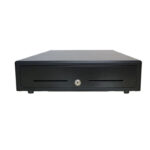
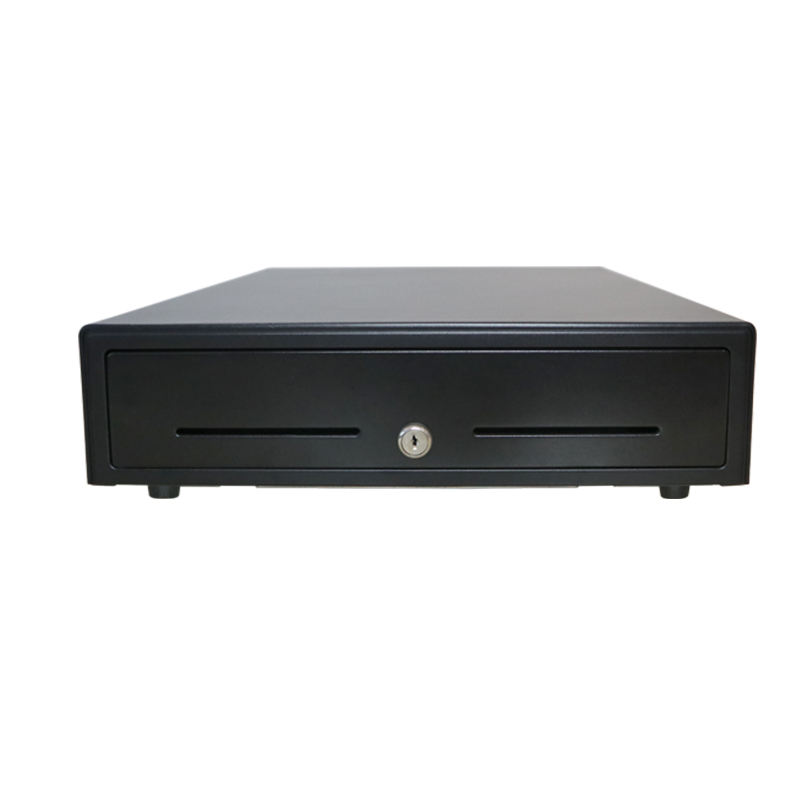
Cash, printing, scanning and the drawer need no internet at all. None of them is a cloud service: the barcode is decoded inside the scanner, the receipt is rendered to ESC/POS bytes by the local application, and the drawer fires on a pulse from the printer. A printer fault therefore looks like a software fault at exactly the moment nobody can check.
Product lookup survives only if the catalogue was cached, and that cache is smaller than most people assume. Twelve thousand lines at about 120 bytes each is 1.4 MB, so a 3 MB local database holds the whole shop with room for a day of sales. “The catalogue has to be online” is a software decision, not a hardware limit.
A kitchen display on the same switch keeps receiving tickets, because the ticket travels over the LAN. That holds only if both are wired to the same switch, or the access point is on the same battery. When the access point is what failed, the kitchen is blind while the internet is healthy.
Fail-closed and fail-open are architectures
Three shapes are sold as offline capable. The difference between them is architecture rather than a setting, and the path of one sale through each differs.
| Architecture | First ten seconds | After a minute | After an hour |
|---|---|---|---|
| Browser client on a cloud app | The last screen stays | A reload kills it; nothing loads | Dead, and the cache may have expired |
| Native app with a cache | Cached prices serve | Sales queue in memory | A crash or a battery swap loses the queue |
| Native app with a local database | Identical to normal | Queue on disk, journal intact | Trading normally, sync pending |
The middle row is the trap. “Works offline” usually means the session stays alive; a page refresh, an Android low-memory kill or a shift restart ends it, and the sales since the outage began go with it. Ask where the queue is written: memory, or disk.
One test separates the rows
Take a single sale with the uplink down, then force-stop the application and reopen it. If the sale is still in the list, the queue is durable. If it has gone, the offline mode was a session, and the next outage costs a shift of takings.
The queue breaks on reconnect, not mid-outage
Store and forward is calm while the link is down and unpleasant when it returns, because every terminal tries to upload at once. Eight hours at forty sales an hour is 320 sales, about 3 kB each, so roughly 1 MB — trivial to carry, awkward to apply.
- Ordering — without a server-side sequence, two lanes interleave and the day’s total is right while each lane’s is not.
- Duplicates — a sync that times out after the server committed writes a second copy unless every sale carries an idempotency key.
- Clock skew — a sale stamped from the terminal’s clock arrives out of order; minutes reorder the day, an hour moves it into the previous trading day.
- Throttling — 320 sales in one burst is fine as data and not fine if the gateway allows twenty requests a second and the client retries without backoff.
- Stock — the same item sold on two lanes from a cached count goes negative, and the fix is a stocktake rather than an edit.
Receipt numbers, tax and the audit trail
A receipt number is not a label. In most markets it is the identity of a tax document, and a sequence with a hole in it is a question at an audit. A server-issued number cannot help a terminal that is not talking to the server, which is why an offline-capable system numbers locally from a counter per device, usually with a terminal prefix: 03-00128 rather than 00128. The server records what it was given instead of assigning one.
Some jurisdictions go further and require a certified signing module on every transaction; Germany’s TSE is the clearest example. That is accounting territory rather than hardware, so confirm the rule for the shop’s country, then check one behaviour: whether an offline sale is marked as offline in the record. A Z report taken from a cloud dashboard is short by exactly the queue that has not uploaded, and the till is not.
Four values that drift
Between the outage and the reconciliation, four values move without anyone deciding they should.
| Data | What a two-hour outage does | What to do |
|---|---|---|
| Price and promotion | A change or a timed promotion does not land, or lands late | Show the age of the catalogue; a timestamp beats a support call |
| Stock | Two lanes sell the last three units | Accept oversell in retail; block it for one-off stock |
| Stored value | One gift card is redeemed in two shops at once | Fail closed: no stored value offline |
| Tax rate | A midnight rate change is applied late | Pin the rate to the transaction date, not the sync time |
Stored value is the row to refuse. Cash is anonymous and the drawer is counted; a gift card is a promise recorded in a database the shop cannot see. Two sites offline at once will redeem the same balance twice, and the loss appears as a real number in the reconciliation.
The fifteen-minute test, run before you need it
Do this on a quiet Tuesday, and pull the cable at the router rather than switching a terminal off — a terminal with no power tests the battery, not the network.
| Step | What to do | Pass |
|---|---|---|
| 1 Notice | With a sale on screen, disconnect the uplink | A banner or icon within 30 seconds |
| 2 Scan | Scan three items from different departments | Names and prices appear |
| 3 Tender | Take one cash sale, print it, open the drawer | Receipt, correct tax line, drawer out |
| 4 Card | Attempt one card sale | A clear refusal, not a spinner |
| 5 Queue | Take five more sales offline | All five appear in the sales list |
| 6 Restore | Reconnect and watch the queue | It clears, with no duplicates |
| 7 Reconcile | Compare counts and totals | Offline sales match the till |
Write down two numbers: the time from disconnect to the warning, and the time from reconnect to an empty queue. The first says whether the shop knows it is offline; the second, how long a shift review has to wait.
Sizing the fallback: a 4G router and a battery
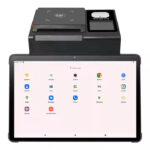
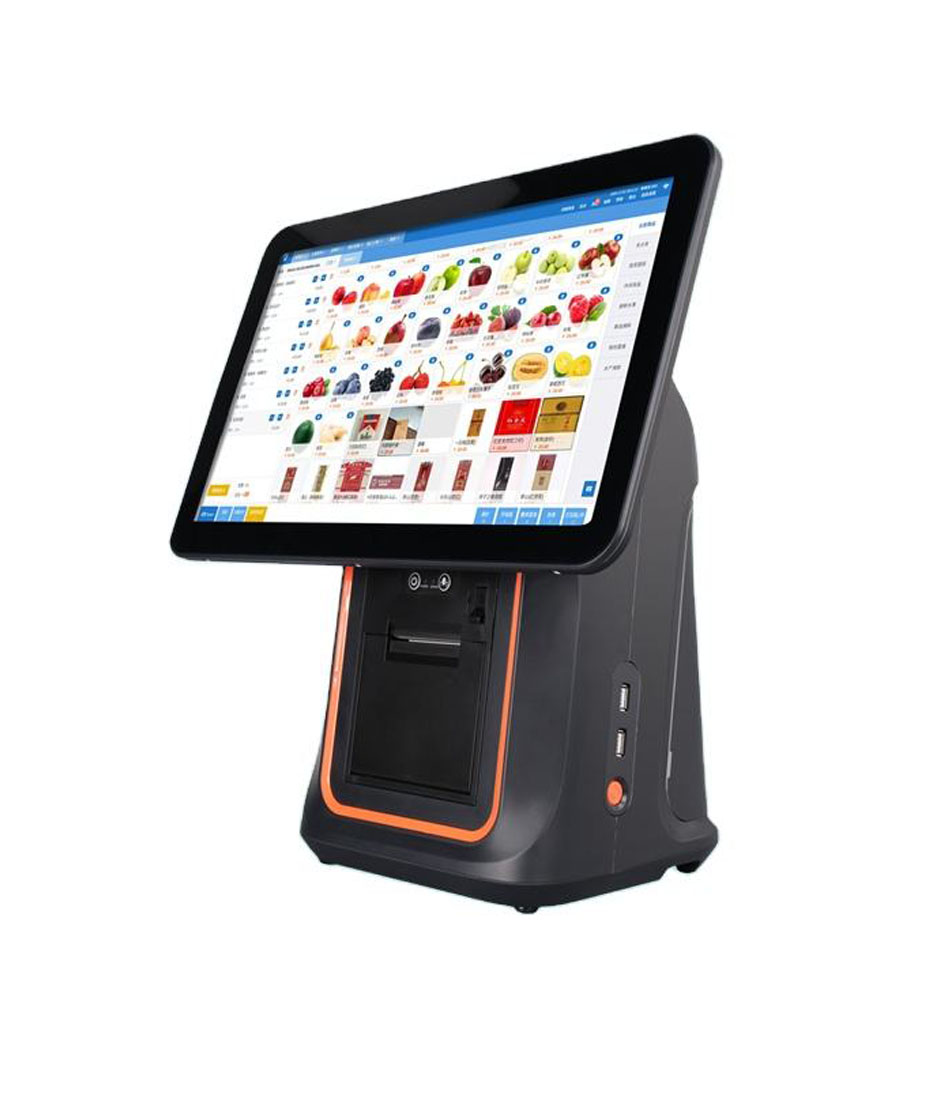
A second uplink is not offline mode, but it covers the failure that actually happens: a line cut, a fibre fault, or a router nobody on site can reboot. On the terminal side that is an ordinary Android unit with a wired port and a SIM slot — the 11-inch NB11 carries RJ45, two SIM positions and 4G, and the H80 does the same job on a counter with no cabling.
Data is not the constraint: a trading day of 320 sales is about 1 MB if the software batches, so a 1 GB monthly SIM covers a year of outages. Addressing is the constraint: most mobile networks put the SIM behind carrier-grade NAT, so nothing reaches the router from outside and remote support is outbound only. Power is the other half. A counter with a terminal, a printer, a switch and a 4G router draws about 150 W; a 600 VA unit with one 12 V 9 Ah battery holds 108 Wh, of which about 85% survives the inverter — roughly 35 minutes, enough to finish the sale and print a close. A fanless M200 belongs on the same battery if it is the local hub.
Six questions before you sign
- Where is the catalogue stored? “In the cloud” means the shop cannot price a tin without a link.
- Where is the sales queue written? Memory or disk, demonstrated with a forced restart.
- How long can one terminal work offline? A number, in hours, per device. Vendors publish different windows for the same feature, which tells you it is a parameter.
- Who issues the receipt number? A local sequence with a device prefix is the answer that survives an audit.
- What is the card floor limit? Zero is an answer. So is store and forward with the merchant carrying the risk.
- Who reconciles the queue, and when? Declines, tips and the shift review need an owner before the first outage.
Questions we get
Does a POS system work without internet?
The hardware does. Cash sales, scanning, printing and the drawer are local, and they keep working as long as the terminal has power. What stops is anything that has to ask a server: card authorisation, gift-card balance, loyalty points, and product lookup on a system that never cached its catalogue. Trading through an outage is a software question wearing a hardware costume.
How long can a POS run offline?
As long as its queue has room and its cache is valid, which in practice means days: 320 sales occupy about 1 MB. The real limits are elsewhere — the card floor limit, the cache refresh window, and whatever the licence allows. Ask for the number per device in writing.
Do card machines work when the internet is down?
Usually not. A chip transaction asks the issuer whether the card has funds, which needs a live link, and contactless does the same. Offline approval exists as a floor limit set by the acquirer and as terminal store and forward, but both shift the disputed transactions onto the merchant, which is why many acquirers set the limit to zero.
What happens to sales taken while offline?
They sit in a queue and upload when the link returns, in order, with an idempotency key so a timed-out retry does not double-post. The work starts after the upload: declined payments, pending tips, and whether the shift review can close.
Is a phone hotspot enough for a shop?
For an hour, yes; for a trading day, no. A hotspot shares one radio between every device, drops when the phone walks away, and its battery is the power supply. A 4G router with an external antenna costs little more and holds the address the terminals already know.
Will a UPS keep the shop trading?
It will keep the shop closing. At roughly 150 W for a counter, a 600 VA unit with a 9 Ah battery runs about 35 minutes — enough to finish the transaction in progress and print a report. Size it for the close, not for the shift, and keep the router and switch on it.
Where to go next
The hardware side of a cloud deployment is in cloud POS hardware, and the all-in-one guide covers the chassis. If the screen is frozen rather than offline, start with the printer checks; if the link is fine and the drawer is not, it is the pulse. Most Android terminals here can be specified with a wired port, and we will tell you which keep the SIM slot — send the counter layout.
Specifying the hardware? The hardware side is covered in The five lines on a POS bill — which of them are hardware and which are not.