Search for a self-service kiosk and almost every result is a restaurant ordering terminal. That is where the volume is, but it is not where the hardware differences are interesting. Retail checkout, hotel check-in and clinic intake all run on the same class of enclosure, and they ask for completely different peripherals, heights and printer duty.
Specifying one of those three by copying a restaurant kiosk is how a project ends up with a screen at the wrong height and a printer that runs out of paper twice a day.
One chassis, four jobs
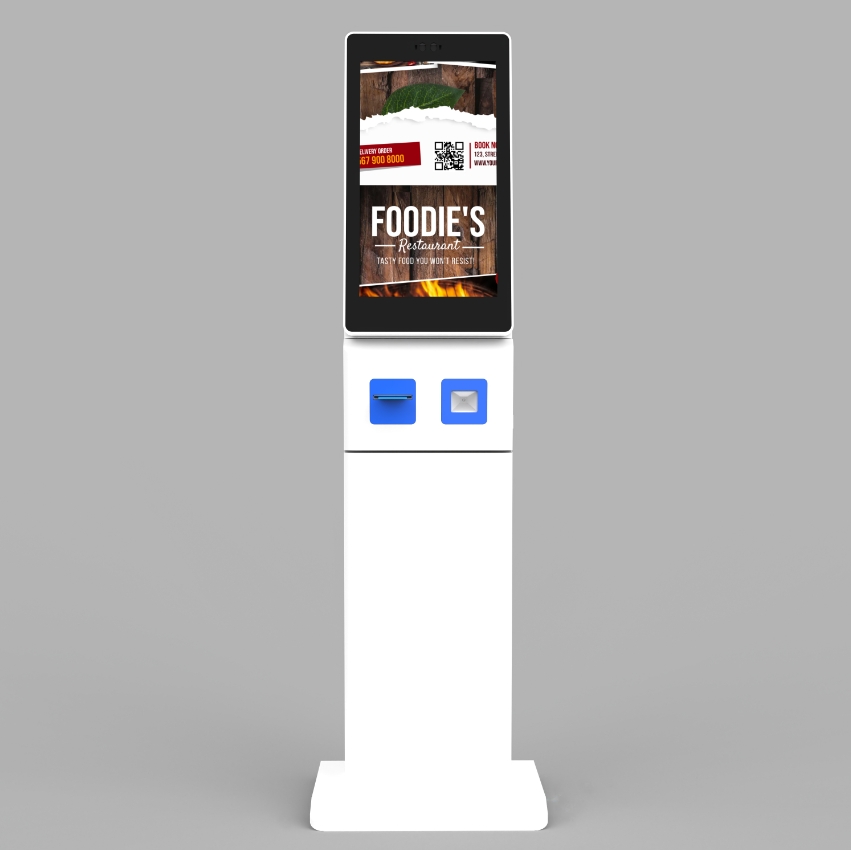
The common core is straightforward: a commercial panel, a capacitive touch layer, an embedded computer, a thermal printer and a scanner, in a steel enclosure with a service door. What changes is which of those peripherals is load-bearing.
- Restaurant ordering — menu browsing, modifier selection, payment. Printer duty is high, scanner duty is low.
- Retail checkout — every item scanned, bagging area, payment terminal. Scanner duty is high, printer duty moderate.
- Hotel check-in — identity capture, room assignment, key encoding. Scanner and reader duty moderate, printer duty low, and height is critical.
- Clinic intake — insurance and ID capture, forms, queue ticket. Scanner and reader duty moderate, privacy matters, and the ticket printer is separate from any receipt printer.
Retail: the scanner decides throughput
A retail kiosk lives or dies on scan speed, and in 2026 that means a 2D imager without argument. Payment wallets, loyalty codes and click-and-collect confirmations all arrive on phone screens, and a 1D laser cannot read them at all.
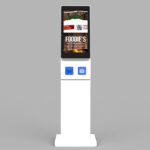
The DCA-A238 integrates a QR scanner and an 80 mm printer into a 23.8-inch 1920 x 1080 IPS unit, with processor options from Celeron J1900 up to Core i3/i5/i7 and 4/8/16 GB of RAM. That range matters because the kiosk application often grows after deployment — product imagery, video, a recommendation engine — and the compute has to absorb it without a hardware refresh.
Two physical details get missed. First, the scan window has to be at a height where a customer can present a phone without bending, which usually means the window is below the screen, not beside it. Second, a self-checkout kiosk needs a bagging ledge, and that ledge has to be part of the enclosure rather than bolted on, because it takes weight and impact.
Hotel: height, identity and the key
A check-in kiosk is used standing, by someone with luggage, often in a hurry. The screen centre wants to be around 1500 mm from the floor — noticeably higher than a seated ordering kiosk. A 23.8-inch panel in portrait gets closer to the proportions of a check-in counter and puts the signature and key steps at hand height.
Peripherals are the hard part. Passport and ID capture needs a dedicated reader with its own illumination, not a repurposed barcode scanner. Key encoding needs a vendor-specific module with a mounting cut-out that has to be designed in from the start. And the printer is usually a folio or registration slip rather than a receipt, which changes the paper path.
This is where a modular platform earns its cost. The R Series is built around a modular peripheral bay with screen sizes from 15.6 to 23.8 inches, in floor-standing, wall-mounted or countertop formats, so a hotel variant and a retail variant can share tooling.
Clinic: privacy and the queue ticket
A clinic kiosk is used by people who are unwell, often with a companion, and the information on screen is sensitive. That changes three specifications:
- A privacy filter or a narrow viewing angle, so the next patient in line cannot read the screen
- No persistent display of personal data after the session times out
- A queue ticket printer separate from the receipt printer, because the ticket is taken away and the receipt often is not
Insurance card capture is a scanning job, not a barcode job — the reader needs to handle a plastic card at close range under fluorescent light, which is a different optical requirement from reading a QR on a phone held at arm’s length.
The specs that actually move between the four jobs
| Specification | Restaurant | Retail checkout | Hotel check-in | Clinic intake |
|---|---|---|---|---|
| Screen size | 21.5 in typical | 23.8 in or larger | 23.8 in, portrait often better | 21.5 in typical |
| Screen centre height | ~1100 mm | ~1200 mm | ~1500 mm | ~1200 mm |
| Scanner | 2D for wallets | 2D, high duty | ID/passport reader | Card and document reader |
| Printer | 80 mm receipt, high duty | 80 mm receipt, moderate | Slip printer, low duty | Queue ticket |
| Touch | PCAP | PCAP | PCAP | PCAP, privacy filter |
| Payment | Integrated terminal | Integrated terminal | Integrated terminal | Often counter payment instead |
Brightness is the row that is usually missing. Indoor public space panels in the 400–500 cd/m² class are enough for a lobby but not for a glass façade at midday, where solar gain washes out a 430 cd/m² panel completely. If the kiosk faces a window, that is a different panel, not a brightness setting.
Screen sizes, peripheral bays and mounting formats across the platform are listed in the self-service kiosk range, which is organised by enclosure rather than by application.
Duty cycle and thermal management
A kiosk is on for the length of a trading day, every day, in an enclosure with the compute, the panel driver and a printer motor inside it. The thermal design is not about the processor alone; it is about where the heat goes when the enclosure is closed and the ambient is 30 degrees C.
Two practical consequences. Vents on the customer-facing side pull in spilled liquid and dust — route intake low and at the back. And a printer that sits inside a warm enclosure needs a duty rating for that ambient, not for a lab at 22 degrees C.
Serviceability is a daily requirement, not a design flourish
The one thing staff do to a kiosk every day is change the paper. If that means removing four screws and lifting a panel, they will stop doing it before the morning rush, and the kiosk will be “out of order” more often than it is working. A front-access or side-access door with a key is the difference between a kiosk that stays in service and one that does not.
Design the paper path so a roll change takes under a minute without tools, and put the roll specification on a label inside the door. It sounds trivial until you manage forty sites.
Power, network and the run to a floor-standing unit
A kiosk is usually placed where customers are, which is rarely where the network socket is. That single fact drives more installation cost than the kiosk itself.
Wired Ethernet is preferable where it can be reached, because it removes a Wi-Fi dependency from a device that must work unattended. Where the run is impractical, Wi-Fi is workable but needs a survey at the kiosk position, not at the front desk — a lobby with a glass wall and a metal escalator core can have excellent signal three metres away and none where the unit stands.
Power has two practical constraints. The circuit should not be shared with refrigeration or a door motor, for the reason described in the mini PC section; and a floor-standing unit needs the cable to enter through the base, not the side, or it becomes a trip hazard and a cleaning problem.
If the site expects a kiosk to run through a power cut, a small UPS inside the enclosure is worth more than a larger battery in the compute module, because it protects the printer mid-cut as well as the unit.
What fails first in year two
The failures that matter in a kiosk fleet are not the ones a datasheet anticipates. In order of frequency across the deployments we see:
- The printer. Paper, cutter and head cleaning. This is the highest-touch component and the one staff interact with daily.
- The scan window. Grease, fingerprints and scratches. A scratched window scatters light and produces intermittent read failures that look like a software fault.
- The touch layer. Usually impact rather than wear — a trolley, a wet mop, a child with a coin.
- The service door lock. Ignored until a key breaks in it, at which point the kiosk is out of service for a locksmith visit.
Designing for year two means making all four replaceable as modules rather than as parts of the enclosure. Sector-specific configuration detail sits in our retail, hospitality and healthcare notes, and the restaurant kiosk guide covers the ordering case this article deliberately leaves aside.
Questions from project teams
PCAP or infrared touch?
PCAP for a smartphone-like feel and multi-touch gestures, which is what customers expect. Infrared is more tolerant of surface damage and works through a gloved hand, which still matters in some industrial and clinical settings. Both are available across the range.
Android or Windows inside the kiosk?
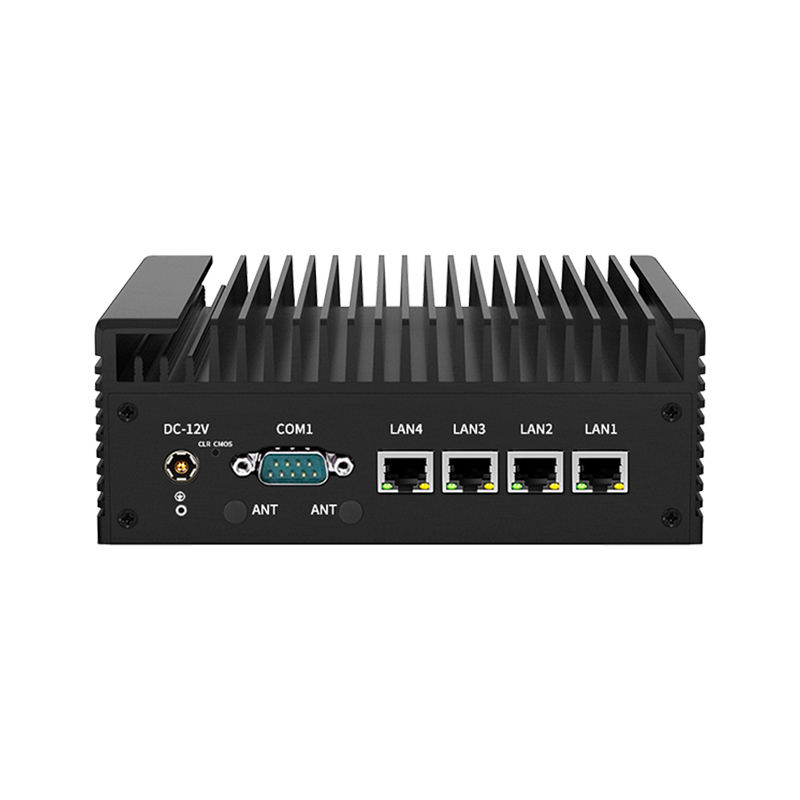
Android when the application is a web app or a purpose-built APK, and cost and remote management matter. Windows when the application depends on desktop software, a specific driver, or a peripheral that only ships a Windows SDK. The K Series supports Windows 7 through 11 and Linux, which covers most integrations.
How do we handle payment terminals across markets?
Reserve space and a mounting cut-out for the customer’s own locally certified terminal rather than integrating one. Card terminal certification is market-specific, and a kiosk with a built-in terminal from the wrong market cannot be deployed.