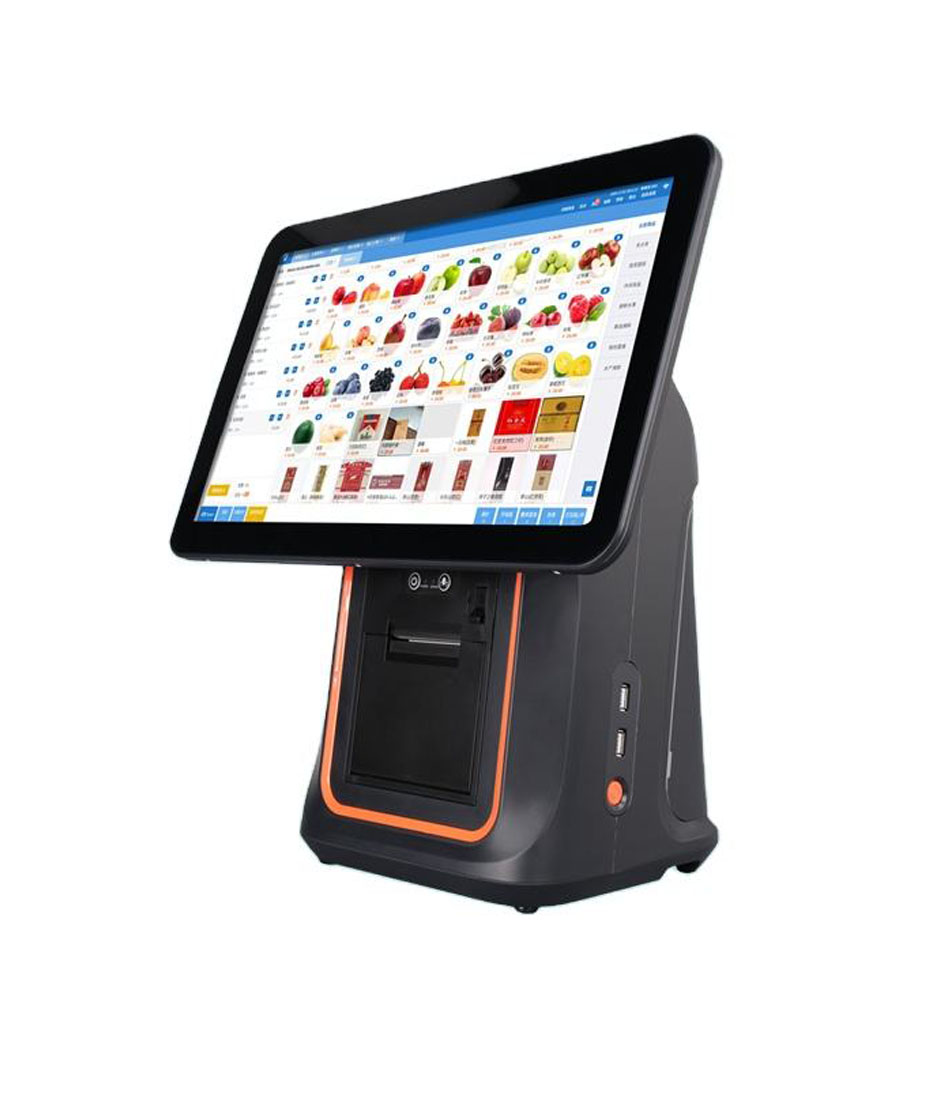
A receipt printer is bought once and the paper is bought every month, which is why the paper line on the invoice deserves more attention than it usually gets. Two cartons can carry the same “80 x 80” label, cost the same, and deliver 12% different paper length — because one number in that label is a diameter and one is a weight class, and neither of them is length.
This page is the arithmetic behind the roll: what caliper does to metres, what GSM does and does not tell you, which dimensions the printer mechanically accepts, and how the roll interacts with the print head that reads it. Width — 80 mm versus 58 mm — is a separate decision and is covered in 80 mm vs 58 mm thermal receipt printers.
The only number that decides how much paper you get
A roll is a spiral, so its length is the area of the annulus divided by the thickness of one turn. With D the outer diameter, d the core diameter and t the caliper (thickness) of the paper in millimetres:
L = π(D² − d²) / (4t), in millimetres, then divide by 1000 for metres.
Worked at a caliper of 0.07 mm and a 12.7 mm core, which is the common 80 mm retail roll:
| Roll OD | Paper length | Receipts at 25 cm | Where it normally appears |
|---|---|---|---|
| 40 mm | 16.1 m | 64 | Portable 58 mm units, belt printers |
| 50 mm | 26.2 m | 104 | 80 mm portable, POS-8007 label stock |
| 60 mm | 38.6 m | 154 | Mobile terminals, DCA-NB11 maximum |
| 80 mm | 70.0 m | 279 | Standard desk 80 mm printer |
| 100 mm | 110.4 m | 441 | High-volume counters, 9220 label stock |
Read the second column against the first: doubling the outer diameter from 40 to 80 mm does not double the length, it multiplies it by 4.3, because area grows with the square of the diameter. That is why a “big roll” saves labour out of proportion to its size, and why a 60 mm roll on a desk printer is a false economy.
Caliper: the number nobody quotes, and the one that moves the total
Change nothing but caliper, from 0.07 to 0.08 mm — a difference thinner than a human hair — and the same 80 mm roll drops from 70.0 m to 61.2 m. On a counter running 300 receipts a day at 25 cm each, that is 75 m a day, so the roll life falls from 22 hours of trading to 19. Over a year it is roughly 70 extra rolls.
Caliper is rarely printed on the carton. GSM is, and it is a poor substitute. GSM is mass per square metre: an 80 mm wide, 70 m roll at 60 gsm weighs 0.34 kg; the same roll at 80 gsm weighs 0.45 kg. But two papers can share a GSM and differ in caliper, because bulking agents and coating change thickness without changing mass. A 60 gsm uncoated grade at 0.062 mm and a 60 gsm coated grade at 0.075 mm will give you 80 m and 66 m respectively on the same core.
Ask for caliper in the purchase order
If a supplier cannot state caliper in millimetres to two decimals, they are selling by weight and you are buying an unknown length. The two numbers that belong on a paper PO are caliper (mm) and length per roll (m) — the “80 x 80” code covers neither.
What the printer does with a thinner roll
A thermal head is a row of resistors: 576 dots across 72 mm of an 80 mm printer, 384 dots across 48 mm of a 58 mm unit. Both land on 203 dpi, which is why a receipt template designed for one width usually survives a change of model as long as the character cell count matches — 48 characters per line at 80 mm, 32 at 58 mm in the standard font A.
Each dot fires a fixed energy pulse for a given darkness setting. Thinner paper has less thermal mass, so the same pulse drives the coating further and the image comes out darker and slightly warmer; the paper also curls more, because the coated side expands against a thinner substrate. Thicker paper goes the other way: the same pulse leaves grey print, and the usual response is to raise density, which shortens head life. If you change caliper by more than about 0.01 mm, re-check density on the actual roll rather than trusting the setting that worked before.
There is a mechanical limit as well. A mechanism is specified for a caliper range, typically 0.06–0.08 mm, and for a maximum roll diameter. Feeding 0.10 mm stock through a platen designed for 0.07 raises drag, increases the current draw on the motor and shows up first as a paper-out error rather than as a jam.
Roll diameter is a mechanical limit, not a preference
Every printer in the range has a hard ceiling on roll OD, and it is the number that decides how often somebody walks to the machine:
- Integrated printers — the DCA-NB11 and the KSA terminal take a 60 mm roll in an 80 mm mechanism, because the roll sits inside the housing.
- Desk printers — the POS-8250 and POS-8360 take the standard 80 mm roll; the 8330 and 8370 share the same engine and the same limit.
- Portable units — the POS-8007 label printer caps at 50 mm OD, so a full-size 80 mm label roll simply does not fit; the smaller roll is the trade for a 350 g body.
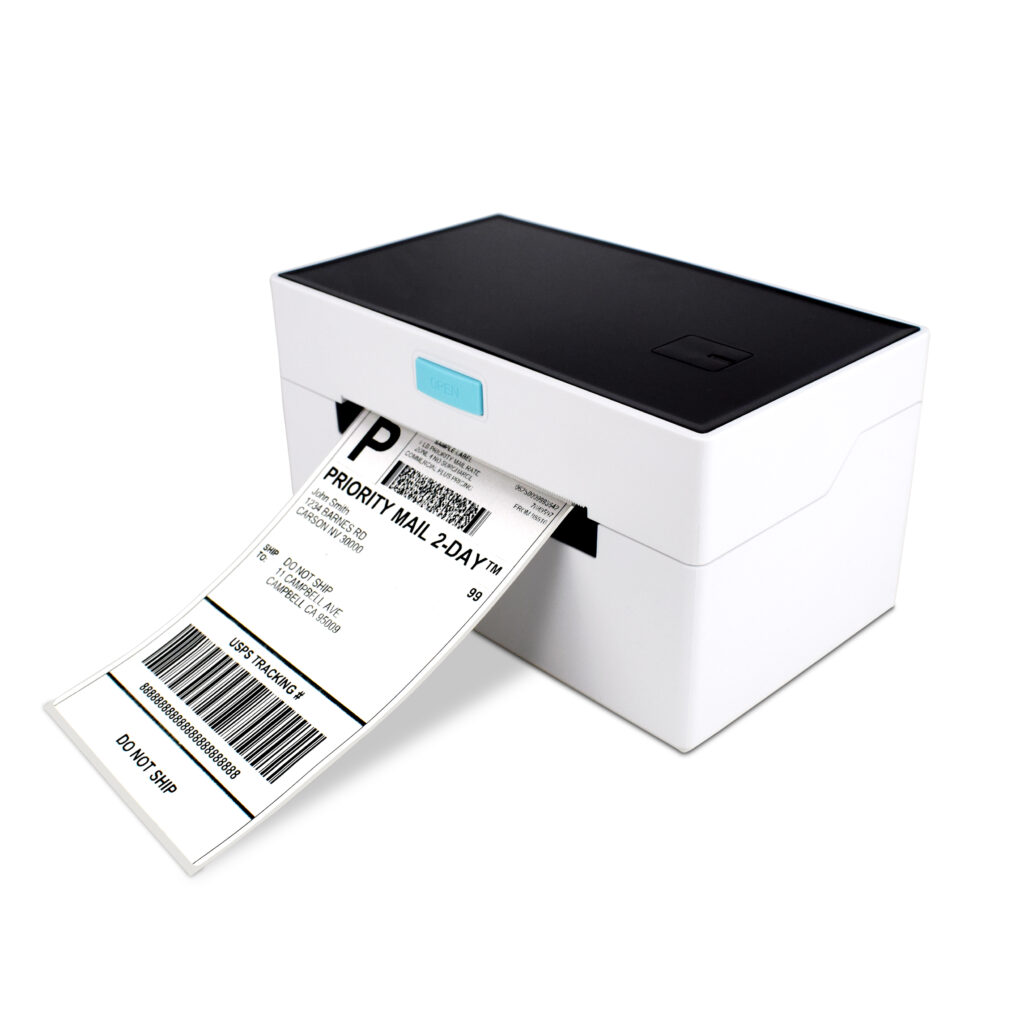
- Label printers — the POS-9220 accepts 110 x 100 mm (width x diameter), which is the 4-inch format courier waybills use.
A roll that is too large does not damage anything immediately. It sits proud of the tray, the cover does not latch, and the printer either refuses to start or prints with the head unlatched and half the width grey. That failure mode is worth recognising, because it looks like a print head fault.
Head life is measured in metres of paper, not years
Thermal heads are rated by the length of paper they can pass. The POS-8250 head is rated at 100 km; the integrated mechanisms in the KSA and POS116A are rated at 50 km. Converting that to a calendar figure is simple arithmetic, and it is worth doing before a site is quoted:
| Receipts per day | Paper per year | Life of a 50 km head | Life of a 100 km head |
|---|---|---|---|
| 300 at 25 cm | 27.4 km | 1.8 years | 3.6 years |
| 600 at 25 cm | 54.8 km | 11 months | 1.8 years |
| 1,000 at 25 cm | 91.3 km | 6.5 months | 13 months |
The paper itself is part of that number. Thermal coating is abrasive in proportion to its pigment and filler load, and cheap grades with a high calcium carbonate content wear the protective glaze on the head faster than coated retail grades. A 30% cheaper roll that shortens head life by 20% is not cheaper: a head replacement costs more than a year of the difference. The same arithmetic applies to the cutter, which is the part that fails first on an 80 mm printer — the 8370 quotes a 1.5 million cut rating, which at 600 receipts a day is seven years.
Storage: most faded receipts were never a printer problem
A thermal image is a dye system that develops when heated. It also develops slowly at temperatures it should never see, which is why the failures arrive looking like a printer fault:
- Heat. Image formation starts well below the print temperature. A roll left on a dashboard, a shelf above a fryer or in a delivery van in summer can be grey before it is loaded.
- Light. Ultraviolet fades the coating. Receipts pinned to a sunlit wall lose contrast in weeks; the roll in the drawer is fine.
- Plasticiser. PVC folders, cling film, some adhesive tapes and hand cream all migrate plasticiser into the coating and erase it. A receipt stored in a PVC sleeve can go blank in days.
- Pressure and moisture. A heavy box on a pallet of rolls, in a humid stockroom, produces flat spots and a mottled first metre.
Practical rule: store rolls in their cartons, off the floor, below 25 °C and away from windows; treat coated stock as good for two to three years and uncoated as good for one. If receipts have to survive longer than that — a warranty claim, a tax record — the paper is the wrong medium and the answer is a scan or a thermal-transfer label, which is the subject of direct thermal vs thermal transfer.
BPA-free, phenol-free and the density setting
Developer chemistry is a purchasing question in some markets and a legal one in others. Phenol-free and BPA-free grades are available across the standard widths, and they behave slightly differently: the coating is less reactive, so the same printer at the same density produces a lighter image. Expect to raise density one step, or accept a slightly softer black, and check that the change still scans — a faded receipt that no longer reads in a barcode scanner is a support ticket waiting to happen.
If the requirement comes from a customer specification rather than local law, get it in writing with the grade name, because “BPA-free” is used loosely and does not always mean phenol-free.
The eight lines that belong on a paper purchase order
Paper specification
Width — 79.5 ± 0.5 mm for an 80 mm printer, 57.5 ± 0.5 mm for 58 mm.
Caliper — 0.07 mm nominal, tolerance ± 0.005 mm.
GSM — 60–65 gsm for standard retail, 55 gsm for portable work where weight matters.
Length per roll — in metres, not “80 x 80”.
Outer diameter and core — 80 mm OD on a 12.7 mm core is the default; state the printer model if it is not a desk unit.
Coating — top-coated or not. Top coat improves abrasion and resistance to oils; it also adds caliper.
Developer — BPA-free / phenol-free if required, with the grade name.
End-of-roll signal — a warning stripe or a red core line, so staff replace the roll before the queue finds out.
With those eight lines a paper quote becomes comparable. Without them, three suppliers will quote three different products under the same code and the cheapest one will be the shortest roll.
Questions we get about rolls
Is 80 x 80 the same as 80 mm wide and 80 metres long?
No. The first number is paper width in millimetres, the second is the outer diameter of the roll. Length is a derived figure — 80 mm OD on a 12.7 mm core at 0.07 mm caliper is about 70 m. A roll sold as “80 x 80” with 55 m on it is a thicker paper, not a shorter one, and the difference shows up as more frequent changes.
Does thicker paper last longer in the printer?
It lasts fewer metres, and head life is measured in metres. A thicker grade can feel more substantial and jams less in a badly aligned mechanism, but on a printer with a rated caliper range it costs roll length and can push the motor current up. Choose thickness for the mechanism, not for the feel.
Can I run 80 gsm paper in a printer specified for 60 gsm?
Only inside the caliper range the mechanism states — usually 0.06–0.08 mm. 80 gsm uncoated is often around 0.09 mm, which is outside it. The symptom is not a clean failure: the printer feeds, prints lighter, and reports paper-out at random.
Why does the print look grey on a new carton of paper?
Three candidates, in order of likelihood: the caliper changed and the density setting was not re-checked; the coating is a phenol-free grade that needs one more density step; or the head has glaze wear and is delivering less heat per dot. Test with a known roll before touching the head.
Do receipts need to be BPA-free?
It depends on the market and the customer. Where it is required, specify the grade; where it is a preference, note that phenol-free coatings print lighter and can scan less reliably at low density.
Where to go next
If the width is still open, 80 mm vs 58 mm works through what changes on the receipt — characters per line, paper per year and the queue at the counter. If the printer is the open question, the receipt printer range lists speed, head rating and cutter life per model, and what is a thermal printer explains the mechanism underneath all of it.
For label stock the arithmetic is different, because the gap between labels carries the registration: label paper and die-cut sizes covers it.
Tell us the printer and the volume
Two numbers let us answer a paper question properly: the printer model, and receipts per day. Send both and we will tell you which roll OD and caliper the mechanism actually accepts, and how many rolls a year the volume implies — including the cases where the answer is a different printer rather than a different paper.
Send us the model and the daily count, or see the receipt printer range for head ratings and roll limits per model.
Specifying the hardware? The hardware side is covered in The five lines on a POS bill — which of them are hardware and which are not.