
If you want more information about our industry and products, please contact us.
Get to Know Us Now
A POS deployment gets specified around the terminal, the printer and the software. The cash drawer is usually the last line on the quote, ordered by size and price, and it is the only component in the system that holds money. When it fails, the store does not lose a transaction — it stops trading, or it trades with an open drawer and a queue watching it.
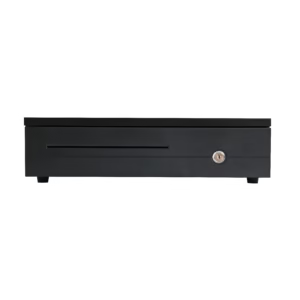
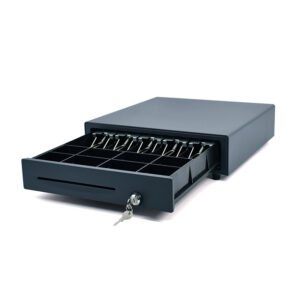
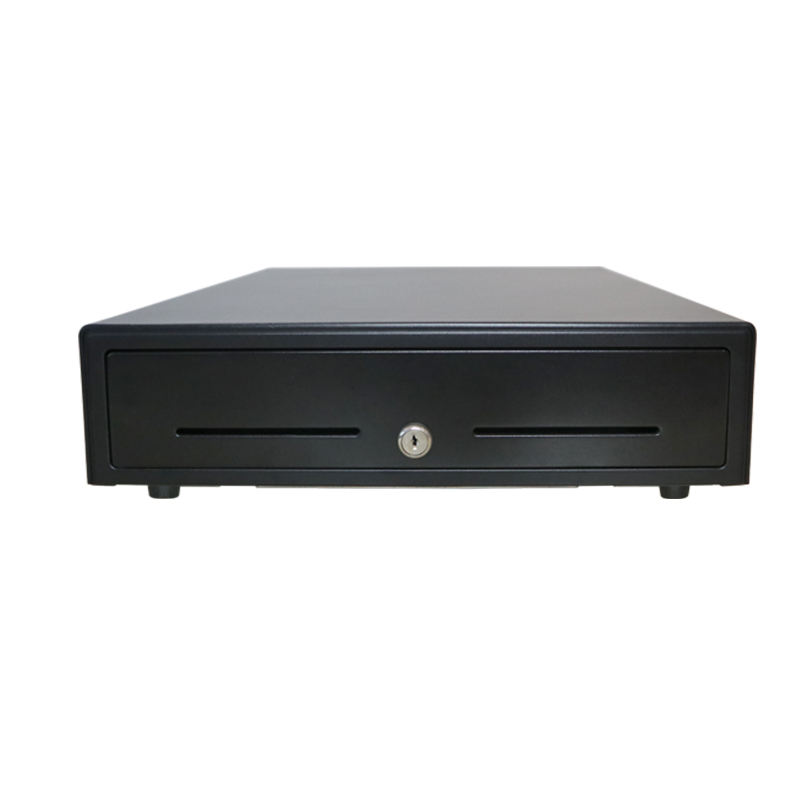
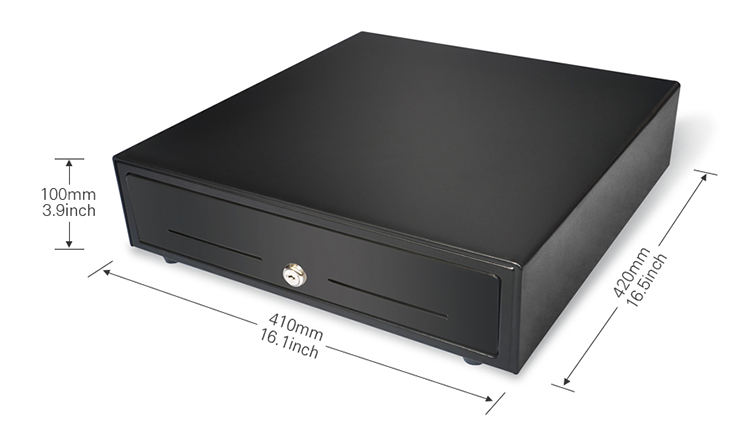
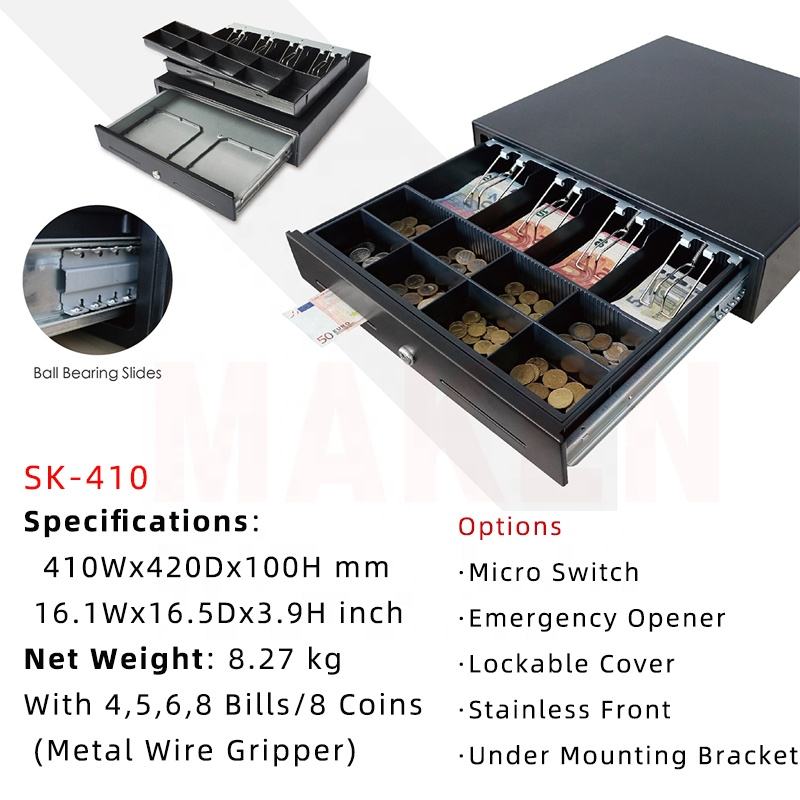
The POS-410A is a heavy-duty steel drawer built for counters that open a thousand times a week: 410 × 420 × 100 mm, cold rolled steel and SECC construction, ball-bearing slides, a three-position lock, and a status micro switch that reports the drawer state back to the POS. Rated MTBF is over one million open/close cycles.
Most buyers read “lock” as a key. In practice a drawer lock has three states, and the difference between them decides how the counter operates during a shift:
Running a shift in manual mode is how unexplained shortages happen. The lock is a control, not a convenience — specify the workflow, and set the drawer so that the default trading state requires a transaction.
The POS-410A includes a cash drawer status micro switch. It reports open/closed to the POS, which allows three things that a plain drawer cannot do:
If your POS software supports drawer status, order the switch. If it does not, the switch is harmless — it simply goes unread.
The drawer runs on ball-bearing slides rather than rollers, which is the difference between a drawer that still closes flush in year three and one that starts to sag and jam. Release time is about 0.3 seconds from the kick-out pulse — fast enough that the cashier does not wait, which matters at a counter doing a transaction every 40 seconds.
Slide noise is more important than it sounds in restaurants and hotel lobbies: a metal drawer slamming shut every minute is part of the room’s sound. Ball-bearing slides with a proper closing damper make the drawer quieter than the printer next to it.
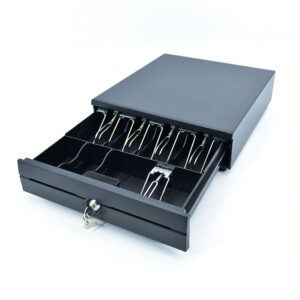
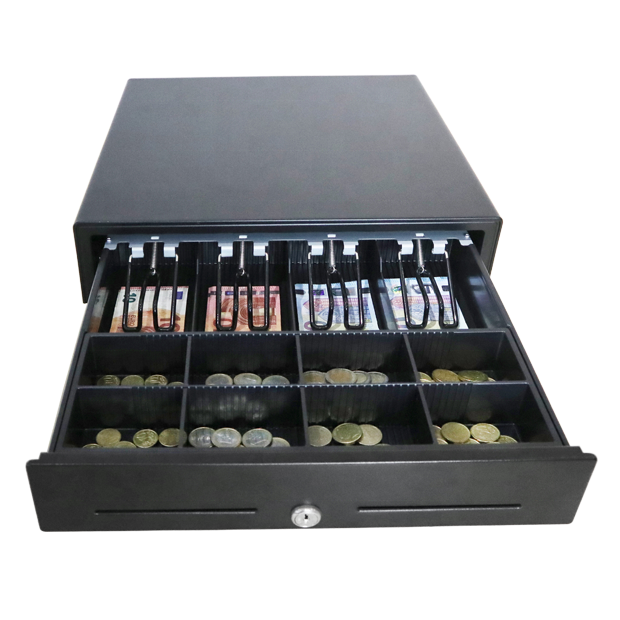
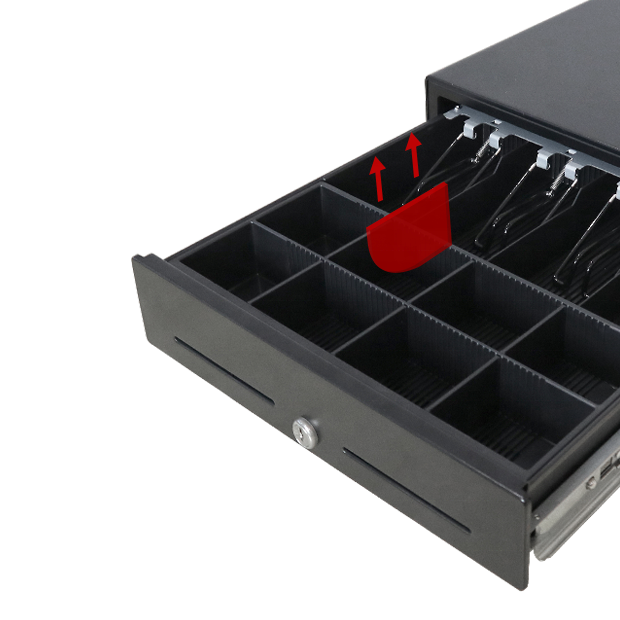
The insert is shatter-resistant plastic with metal wire note grips, available in 4, 5, 6 or 8 bill compartments and 8 adjustable coin slots, plus two media slots for cheques, vouchers or large notes.
Choose the layout against the currency, not the price. A market with six circulating note denominations needs six compartments or the cashier starts folding notes into the wrong slot, and a miscount at close is almost guaranteed. Markets with high-value notes and heavy card usage are usually fine with four. The 8-compartment version exists for currencies with many denominations or for sites that separate large notes for security pickups.
The drawer supports RJ11, RJ12, USB, RS232 and a DC Φ2.5/3.5 jack, plus custom wiring for OEM programmes. Which one you need is decided by what is sending the pulse:
Two failure modes account for most drawer wiring problems. First, voltage: a 24 V drawer on a 12 V port will not fire reliably, and a 12 V drawer on a 24 V port will burn out. Second, pin-out: RJ11 connectors are identical across vendors but not always wired the same way, so a drawer that opens on power-up, or never opens, is usually a pin-out mismatch rather than a broken drawer.
At 410 mm wide and 420 mm deep, the drawer needs a clear 420 mm behind the counter edge plus the drawer’s travel when open — in practice about 800 mm of front-to-back clearance. Under-counter cabinets and till pods are usually designed around a 410 or 420 mm drawer, so check the opening rather than the drawing: a 5 mm difference in chassis width is enough to stop a drawer sliding into a fitted pod.
Height is 100 mm, which is the common insert height for this class and allows the drawer to sit under a standard counter without a custom cut-out.
If your printer has a 12 V RJ11 drawer port and supports the ESC/POS kick-out command, yes. Confirm the drawer’s rated voltage matches the port, and check the pin-out if it does not open.
Yes, in manual mode with the key — that is what the third lock position is for. In electronic mode it opens only when the POS sends the pulse, which is the setting to trade in.
Yes, through the built-in status micro switch, provided your POS software reads drawer status.
Each compartment takes a standard bundle with the metal wire grip holding it flat. The limit is the compartment width, not the depth — for currencies with very wide notes, confirm the layout against a sample note before ordering.
They are the same drawer under two order codes, with identical dimensions and specifications. Treat them as interchangeable and standardise on whichever is in stock.
Yes. Standard colours are black and beige; custom finishes and branding are available for OEM orders, with the caveat that powder-coat colour matching adds lead time.
Next step: tell us your currency’s note denominations, the drawer port on your printer or terminal, and the counter opening you have to fit — we will confirm the tray layout, the interface and a factory-direct quote. Email sales@dcapos.com or contact us.
Related: POS-350A compact cash drawer · POS-410B cash drawer · POS peripherals · POS-8250 80 mm receipt printer · thermal printers · POS systems
| MODEL NUMBER | POS-410A |
| PHYSICAL | |
| Dimension | 410(W)x420 (D)x100(H) mm |
| Construction | Thick gauge cold rolled steel & SECC |
| Finish | Textured hybrid powder coat |
| Color | Black, beige and custom type |
| Slide | Ball bearing slide for smooth & stable operation |
| CASH TRAY (INSERT) | |
| Construction | Shatter-resistant plastic |
| Currency layout | 4,5,6,8-bill with metal wire grips, 8 adjustable coin slots |
| Media slots | 2 |
| OPERATION | |
| Drawer lock | 3-positioin lock |
| Interface | RJ11,RJ12,USB,RS232,DCΦ2.5/3.5Jack,custom type |
| Solenoid voltage | 12 V or 24 V, specified at order — must match the printer’s drawer port |
| Lifecycle | MTBF 1,000,000 times+ |
| Micro switch | Cash drawer status micro switch |


 c


First time specifying a POS cash drawer? Read what is inside a cash drawer before you compare sizes, then what a POS system is made of to check the kick-out it will be driven from.