Restaurant operations are becoming more mobile.
Customers expect faster service.
Staff need more flexibility.
And restaurants are increasingly looking for ways to improve table ordering and payment without creating delays at the front counter.
That’s one reason handheld POS terminals have become more common.
From restaurants and cafés to bubble tea chains and quick-service brands, Android handheld POS devices are becoming an important part of restaurant operations.
For restaurant owners, POS software companies, and distributors, choosing the right handheld POS terminal matters.
A device used all day needs to stay responsive, connect reliably, and support restaurant workflows without slowing staff down.
In this guide, we’ll explain how restaurant handheld POS terminals work, what features matter most, and how to choose the best Android handheld POS hardware in 2026.
What Is a Handheld POS Terminal?
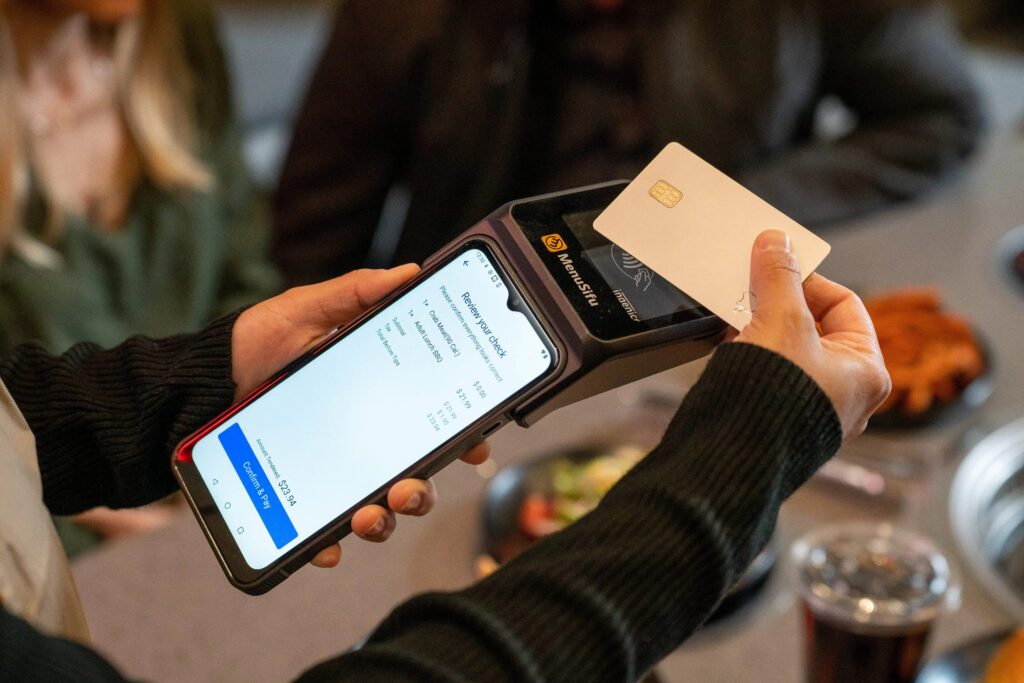
A handheld POS terminal is a portable Android POS device used by restaurant staff for order entry and payment.
Unlike countertop POS terminals, handheld devices allow staff to move freely.
Typical use includes:
- taking table orders
- processing payment
- queue ordering
- takeaway ordering
- loyalty membership
- order confirmation
- line-busting during busy periods
Most restaurant handheld POS devices include:
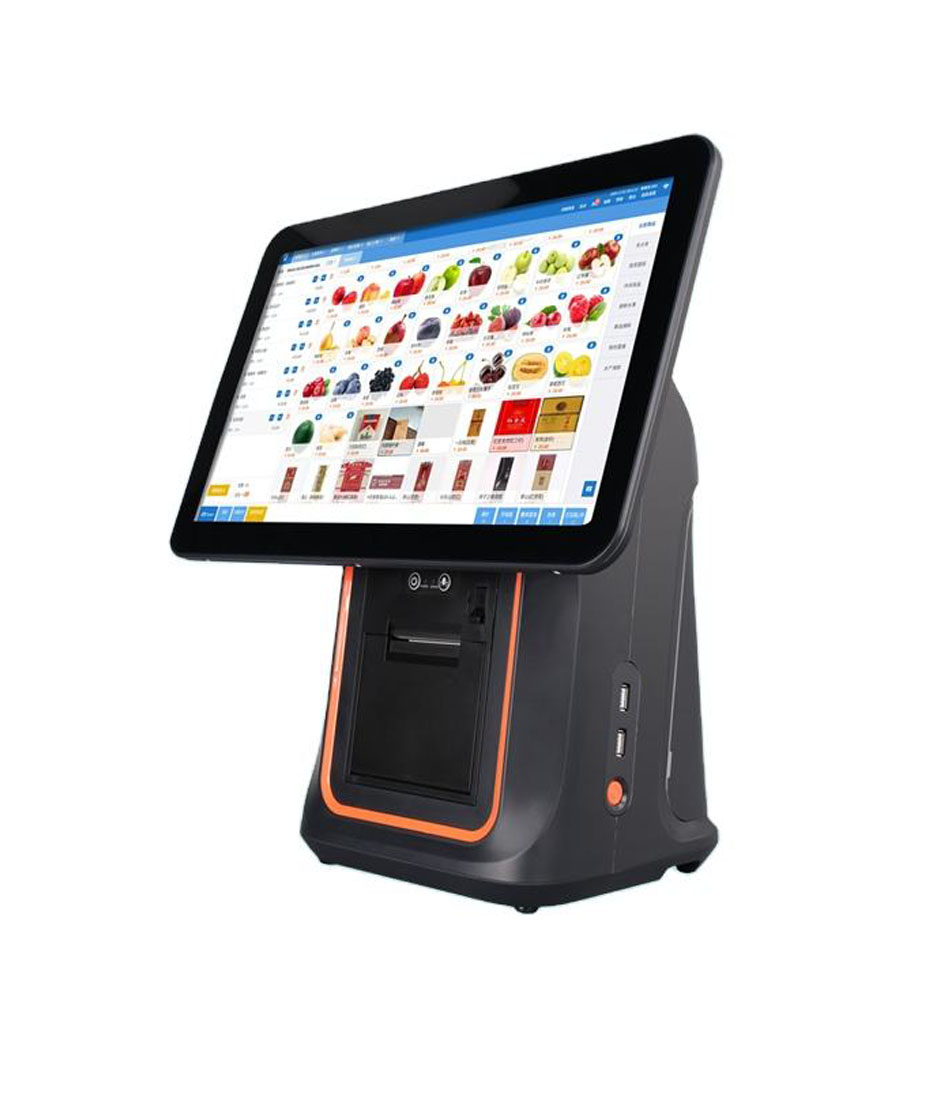
- touchscreen display
- Android operating system
- Wi-Fi
- Bluetooth
- optional NFC payment
- QR payment support
- long battery life
They are designed for daily restaurant use.
Portable.
Fast.
Easy to carry.
Why Restaurants Are Using Handheld POS
Traditional restaurant workflow often looks like this:
Customer orders → server writes order → staff enters order at POS → payment happens later.
That creates extra steps.
Handheld POS simplifies the process.
Server takes the order directly.
Order sends to kitchen immediately.
Payment can happen at the table.
That improves:
- speed
- order accuracy
- customer experience
- staff efficiency
For busy restaurants, this makes a noticeable difference.
Main Benefits of Handheld POS for Restaurants
1. Faster Table Ordering
Restaurant staff can enter orders directly at the table.
No need to walk back and forth.
This helps during:
- lunch rush
- dinner service
- large dining areas
- outdoor seating
Orders reach kitchen faster.
Customers receive service faster.
2. Better Order Accuracy
Restaurants often have detailed requests.
Examples:
- no onion
- less spicy
- extra cheese
- add dessert
- sugar level
- ice level
Entering directly on handheld POS reduces mistakes.
Less manual communication.
Fewer missed details.
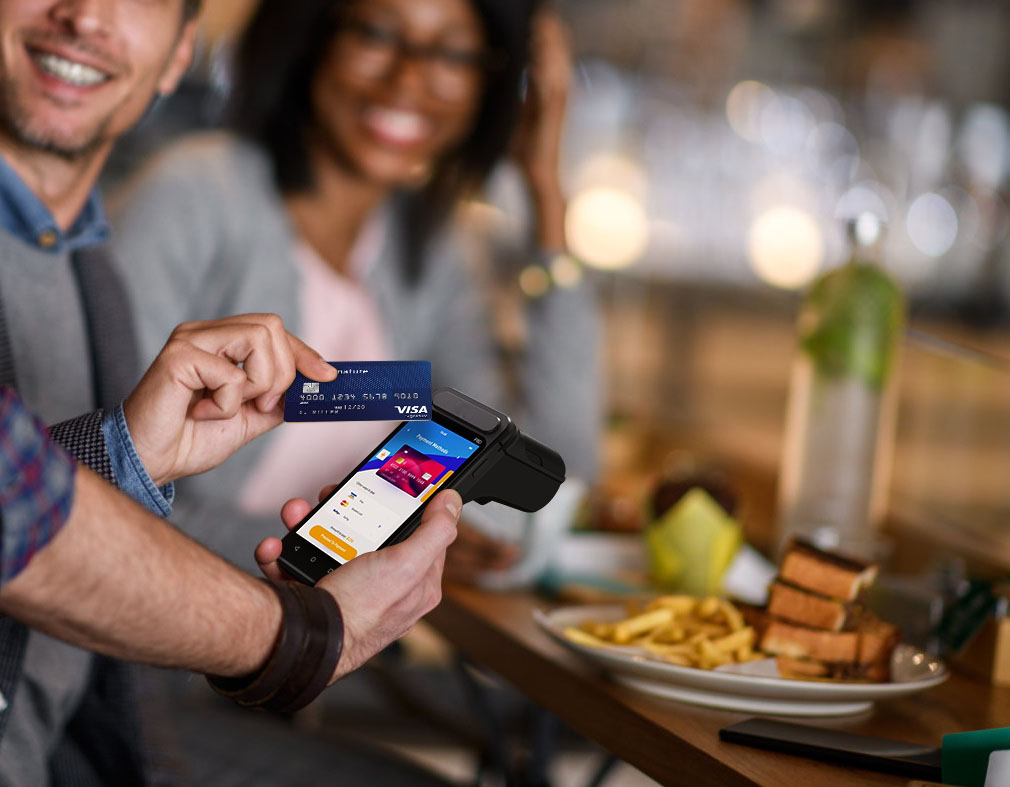
3. Mobile Payment at Table
Customers increasingly expect flexible payment.
Handheld POS may support:
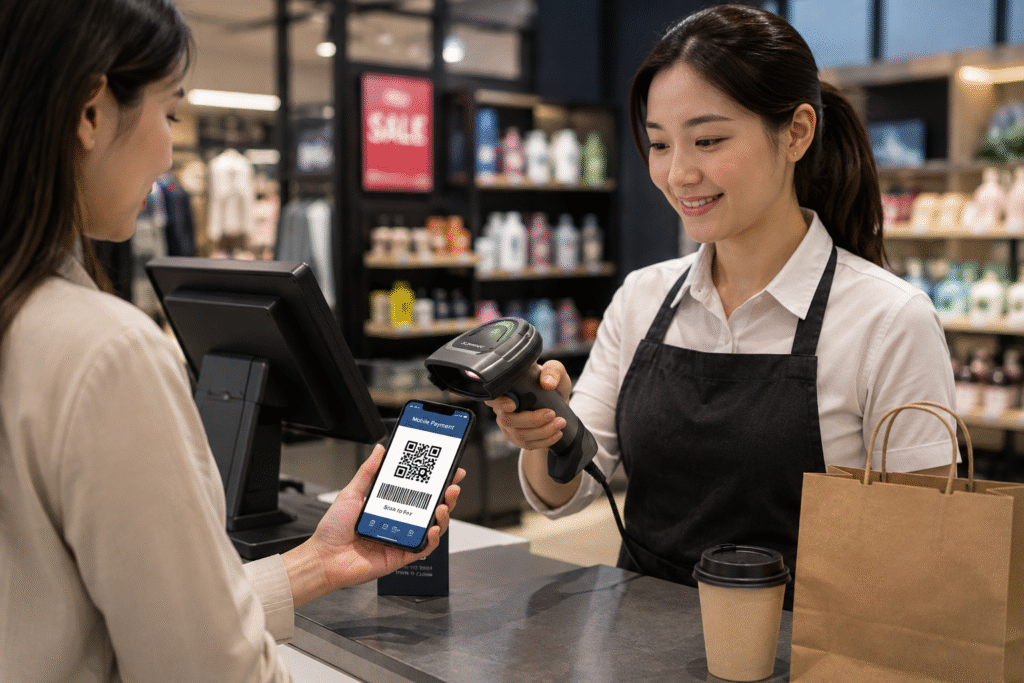
- QR code payment
- NFC tap
- digital wallet
- contactless payment
- loyalty code
Payment happens immediately.
No waiting at cashier.
That improves experience.
4. Higher Table Turnover
Faster ordering plus faster payment helps tables move more efficiently.
Especially important for:
- busy restaurants
- cafés
- weekend service
- chain restaurants
Small workflow improvements matter.
5. Better Customer Service
Staff spend more time with customers.
Less time walking between table and cashier.
That improves service quality.
And often improves customer satisfaction.
Which Restaurants Benefit Most?
Full-Service Restaurants
Very practical for:
- table ordering
- direct payment
- special requests
Especially useful when dining area is large.
Coffee Shops
Useful for:
- outdoor seating
- queue ordering
- events
Staff can serve customers without relying only on counter POS.
Bubble Tea Shops
Helpful during:
- queue ordering
- mall kiosks
- pop-up events
Orders move faster.
Quick-Service Restaurants
Useful for:
- queue reduction
- busy lunch traffic
- extra ordering station
Portable POS helps reduce line pressure.
Key Features to Compare Before Buying
Before choosing a handheld POS terminal, compare these details.
Android OS Compatibility
Android remains the most flexible option.
Benefits include:
- easier software deployment
- OTA updates
- SDK integration
- customization
- long-term scalability
For POS software companies, Android is easier to manage across multiple devices.
Screen Size
Common sizes:
- 5-inch
- 6-inch
- compact portable display
Screen should be:
- easy to read
- easy to carry
- comfortable during long shifts
Battery Life
Restaurant teams use handheld POS for long hours.
Battery should support:
- lunch + dinner shift
- repeated transactions
- Wi-Fi connection
- frequent screen use
Reliable battery matters.
Connectivity
Check:
- Wi-Fi
- Bluetooth
- optional 4G
- USB charging
Stable connection matters for kitchen sync and payment.
Touchscreen Response
Staff tap quickly.
Screen needs:
- accurate response
- fast loading
- stable touch performance
Slow response creates frustration.
Durability
Restaurant handheld POS devices are used constantly.
Look for:
- commercial-grade casing
- stable performance
- long-term reliability
Restaurant hardware needs durability.
Handheld POS vs Countertop POS
Quick comparison:
| Feature | Handheld POS | Countertop POS |
|---|---|---|
| mobility | excellent | fixed |
| table ordering | strong | limited |
| customer payment | flexible | counter only |
| portability | yes | no |
| accessories | lighter | more expansion |
| cashier workflow | flexible | central station |
Most restaurants benefit from both.
Countertop POS + handheld POS often works best.
Typical Handheld POS Cost in 2026
Approximate range:
| Type | Price Range |
|---|---|
| Android handheld POS | $180–$350 |
| payment-enabled handheld | $250–$500 |
| OEM customized handheld | depends on project |
Price depends on:
- screen size
- Android version
- NFC module
- battery
- branding
Long-term reliability matters more than entry price.
FAQ
Is handheld POS useful for restaurants?
Yes.
Especially for table ordering and mobile payment.
Is Android handheld POS reliable?
Yes.
Commercial Android handheld POS is widely used in restaurants.
Do cafés need handheld POS?
Busy cafés often benefit from portable ordering and payment.
Can handheld POS replace countertop POS?
Usually handheld POS works best together with countertop POS.
Final Thoughts
Restaurants are moving toward more flexible workflows.
Customers expect faster service.
Staff need mobility.
A handheld POS terminal helps restaurants improve:
- order speed
- payment experience
- order accuracy
- table turnover
- customer service
For many restaurants in 2026, Android handheld POS is becoming an important part of daily operations.
Looking for Restaurant Handheld POS Hardware?
DCAPOS provides Android POS hardware for:
- restaurants
- cafés
- bubble tea shops
- QSR chains
- POS software companies
- distributors
Support includes:
- OEM / ODM customization
- Android firmware customization
- logo branding
- SDK support
- fast sample delivery
- global shipping
Contact our team to discuss your restaurant handheld POS project.