Mobile POS is one of the few terms in retail hardware that describes three different things. A phone running a payment app, a tablet on a stand, and a purpose-built handheld terminal are all sold as mobile POS, and only one of them is a handheld. The difference is not software. It is four physical parts, and each one has a measurable consequence on a shift.
Three products, one label
| What it is | What it does well | Where it stops |
|---|---|---|
| Phone with a card reader | Taking a payment anywhere, with hardware you already own | Scanning, all-day use, and anything that needs a receipt printer |
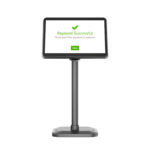
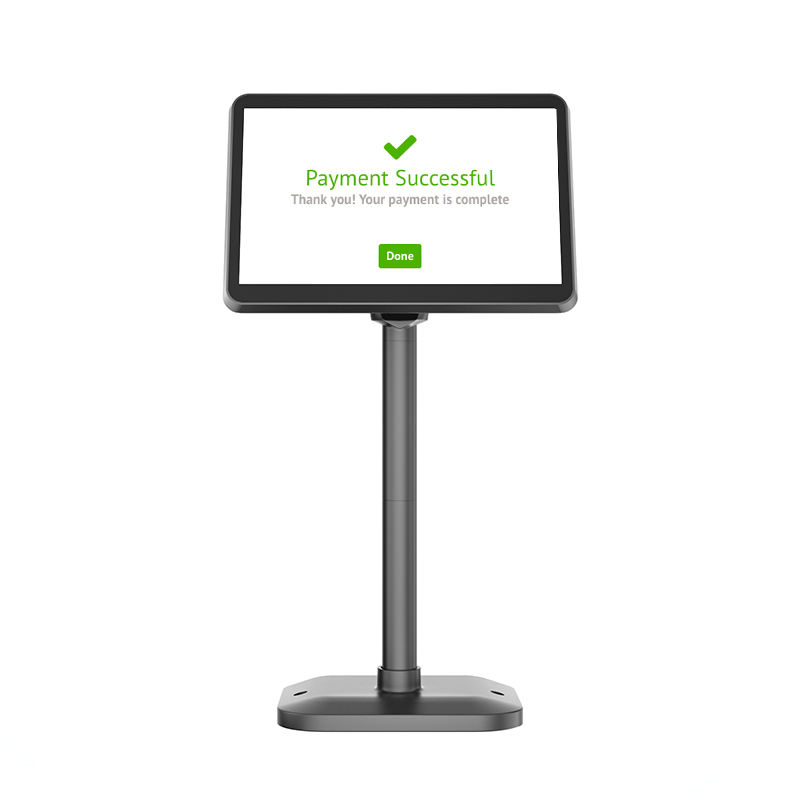
| Tablet on a stand or in a case | A larger screen for a menu or a product grid, at a fixed position | Being carried. The stand is the product, and the tablet leaves with staff |
| Handheld terminal | Scanning, carrying, printing and surviving a full shift away from a desk | Price per unit, and the fact that it does one job |
Small shops usually start with the first, move to the second when the screen gets tiring, and only buy the third when something specific forces them to. That progression is reasonable. What is not reasonable is expecting the first two to behave like the third, because the gap is hardware and no application update closes it.
The first physical difference: what reads the barcode
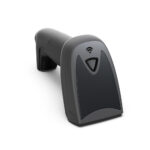
A phone camera is designed to make an image look good. A scan engine is designed to recover a symbol. Those are different problems, and the difference shows up in four measurable ways.
| Property | Phone camera | Dedicated 2D imager |
|---|---|---|
| Decode time, good light | 200 to 400 ms per attempt | 30 to 80 ms per attempt |
| Decode time, low light or glare | 1 to 2 s, or a failed attempt | Unchanged, because the imager has its own fill light |
| Aiming | Frame the code in the preview, then wait for confirmation | A visible aimer line puts the code in the field on the first attempt |
| Damaged or curved label | Often fails, no retry strategy | Reads partial symbols, and retries at a different exposure |
| Screen codes and loyalty QR | Works well | Works well |
The consequence is not a slower scan. It is a changed habit. When a code will not read on the second attempt, staff stop pointing the device and start typing the number, which is faster in that moment and produces a wrong price at some rate that nobody measures. A shop that scans two hundred items a day and mistypes one percent of them has two pricing errors a day, and the customer who notices is the one who tells other people.
This matters more for some categories than others. Packaged goods with flat, clean, well-printed labels are close to a best case for a phone camera. Produce with a curved film label, bakery items with a folded sticker, and anything that has been in a freezer are where the gap opens.
The second: a battery you can change in ten seconds
A phone that runs a payment app is doing light work: the screen is on for part of the time, the radio is idle between transactions, and the camera runs for a second at a time. A device used for selling does different work. The screen is on continuously, the wireless radio is active, the scanner fires hundreds of times, and a Bluetooth printer draws several amps in bursts.
| Load | Phone, typical | Handheld, typical |
|---|---|---|
| Screen | On 20 to 40 percent of the time, auto-lock | On continuously for the shift, at higher brightness |
| Radio | Idle between payments | Associated all shift, roaming between access points |
| Scan engine | Camera, a few dozen times a day | Imager, hundreds to thousands of times a day |
| Printer | External Bluetooth, occasional | Integrated or cabled, every transaction at peak |
| Realistic runtime | 5 to 7 hours of mixed use | Design target is one full shift, 8 hours or more |
The reason a replaceable battery matters is arithmetic. Charging a phone from a power bank during service takes twenty to thirty minutes to add meaningful charge, and during that time the device is tethered to a cable on the counter, which is where it gets pulled off. Swapping a pack takes ten seconds and the unit is at full capacity immediately. A shop that runs two shifts needs either two devices per position or one device with two batteries; the second option is cheaper and only exists on hardware designed for it.
The test that predicts the problem
Run the device for one full trading day with the screen at the brightness you will actually use, connected to the printer, scanning every item. Most phone-based setups end the day between 10 and 25 percent. That number is your margin for a busy Saturday, and it is not enough.
The third: wireless that behaves in a stockroom
Every device drops a connection sometimes. What differs is what happens next. Phones typically hold on to a distant access point until the signal is unusable, then re-scan and re-associate, which takes one to three seconds during which nothing is sent. On a phone this is invisible, because the user is looking at a screen and the app retries. In a shop it produces an order that was taken, confirmed to the customer, and never reached the kitchen.
| Behaviour | Phone | Handheld terminal |
|---|---|---|
| Roaming threshold | Set by the OS, not configurable | Configurable, typically around -70 dBm |
| Fast roaming support | Depends on the model and the OS version | 802.11k and 802.11v usually exposed in settings |
| Behaviour at the edge of coverage | Holds on until failure | Can be told to roam early |
| Offline queueing | Application-dependent | Application-dependent, but the device stays up |
The practical fix is not a better phone. It is one more access point, placed so that no working position is at the edge of two cells. That is true for handhelds as well. The difference is that a handheld with a configurable threshold will roam at the point you choose rather than the point the operating system chooses, and in a stockroom with steel shelving that choice is the difference between a working device and one that appears to work.
The fourth: surviving a drop onto a tiled floor
A phone is a glass sandwich in a thin metal frame, and its ingress rating protects it from water rather than from impact. A handheld is usually a plastic shell around a small board, rated for a drop onto concrete from 1.2 to 1.8 metres, with the corners designed to absorb it.
Drops happen at waist height, at the counter, and from a shelf. A device that is carried all day gets dropped roughly once every few months per unit, and the difference between a cracked screen and a scuff is what decides whether the shop has a spare unit or an emergency purchase at retail price. If you choose the phone route, budget for a rugged case and treat the case as part of the device cost rather than an accessory.
When the phone really is enough
There are shops where none of the above matters, and it is worth being honest about them because the phone route is cheaper and faster to start.
| Condition | Phone is enough | Buy a handheld |
|---|---|---|
| Daily transactions | Under 50 | Over 80 |
| Position | One fixed counter, staff never carry the device | Floor, tables, stockroom, market stall |
| Scanning | Occasional, or none at all | Every item, or stocktake |
| Receipts | Digital only, or handwritten | Printed for every sale |
| Shift length | One short shift, device can charge between | Two shifts, or one long one |
| Spare device | The owner’s own phone is the spare | A spare unit is required, and it should be the same model |
A coffee window with forty transactions a day, a single counter and digital receipts is a legitimate phone deployment. It will work for a year or two. What it will not do is scale to a second position, and the moment the shop adds a queue, the phone becomes the bottleneck rather than the till.
The three-year comparison
Prices below are typical hardware figures for a single position, before software. The point is not the totals, it is which lines repeat.
| Line | Phone-based | Handheld-based |
|---|---|---|
| Device | 400 to 900 dollars, replaced every 2 to 3 years | 250 to 450 dollars, 3 to 5 years |
| Card reader | 40 to 80 dollars, replaced when the connector changes | Built in on most terminals, or a supported reader |
| Printer | 100 to 200 dollars, Bluetooth, its own battery to manage | Integrated or cabled, powered from the terminal |
| Mount or case | 30 to 80 dollars, replaced with the phone | Cradle or holster, usually reused |
| Three-year total | 1,200 to 2,600 dollars across two device generations | 600 to 1,100 dollars, one battery replaced |
The phone route is competitive in year one and loses by year three, mostly because the device is replaced on a consumer cycle and every accessory is replaced with it. That is not an argument against starting on a phone. It is an argument for not buying expensive phone accessories, because they will not survive the next device.
If you start on a phone, start deliberately
- Use a cheap case and a cheap stand. Both will be thrown away with the phone.
- Use a printer that runs on its own battery and connects over Bluetooth, so it survives the move to a handheld later.
- Measure the runtime in a real shift before adding a second position. If the device ends the day under 30 percent, the next position should be a handheld.
- Keep the payment reader separate from the phone. A reader with its own SDK and its own certification moves to the next device; one that lives inside the phone application does not.
FAQ
Can I use my own phone for a shop POS?
For a low-volume counter with digital receipts, yes, and many shops start that way. The two things that end the arrangement are printed receipts and scanning, because both draw power and both need hardware the phone does not have.
Is a tablet better than a phone for mobile POS?
A tablet is better at being a screen and worse at being carried. If the device stays on a stand, a tablet is a reasonable choice. If it moves, a tablet is a phone with more weight and the same missing parts.
What is the smallest change that makes a phone setup usable?
A dedicated 2D scanner connected over Bluetooth, and one more access point. Those two fix the most common failures, cost a fraction of a handheld, and stay useful if you later buy terminals.
Where to go next
The four parts that separate a phone from a handheld are the scan engine, the battery, the wireless behaviour and the shell. Only the first can be added later.
Ranking handheld specifications by retail station How 1D laser and 2D imager engines differ A 5.5-inch handheld terminal with a field-replaceable battery · the four POS form factors · the three clocks inside a single sale · using a handheld for stocktake