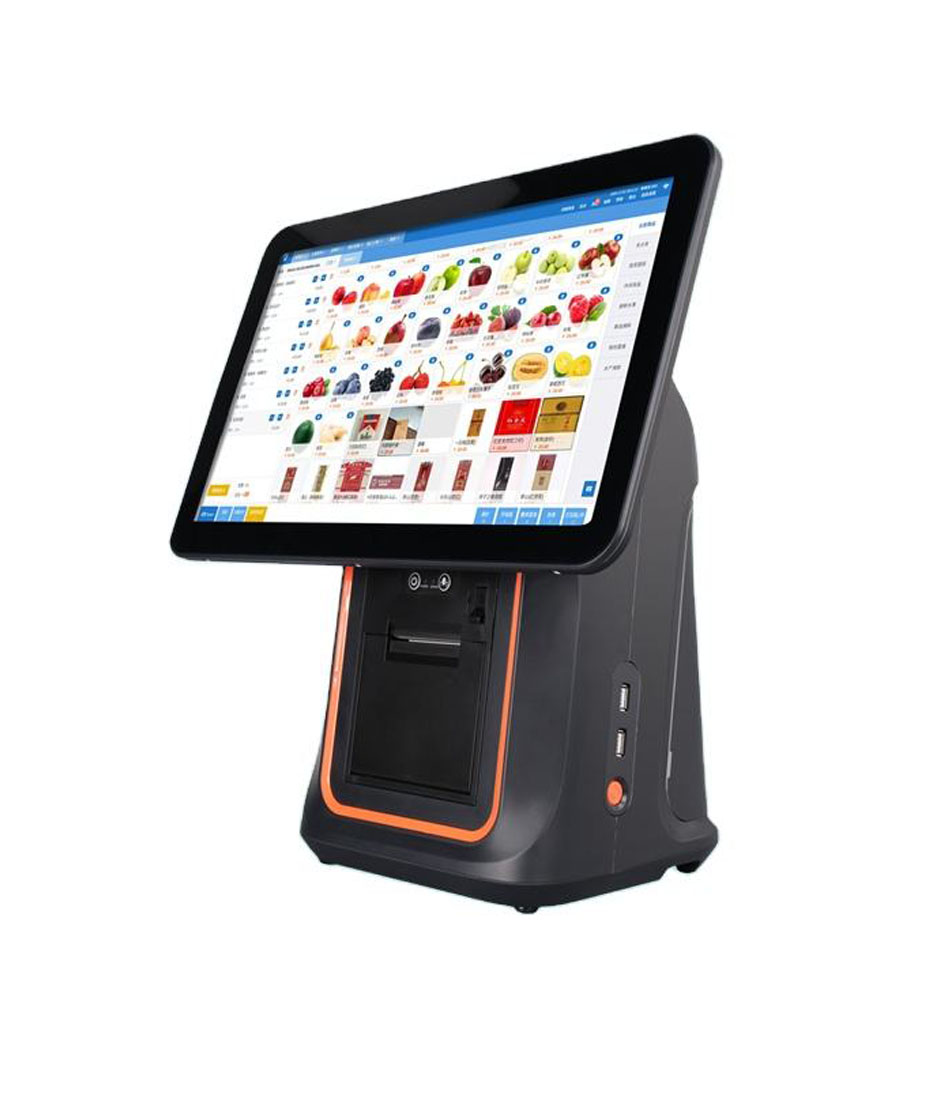
Square sells four things that sit on a counter, and they are not four versions of one thing. A Register, a Stand, a Terminal and a Handheld each replace a different part of an old counter, and only two of them give your existing peripherals somewhere to plug in. That is the part the product pages leave to the accessories list.
The list matters more than it used to, because the peripherals are no longer Square’s: a printer, a drawer and a scanner can come from anyone, and most counters end up with three brands on them. What decides whether that works is not the software, it is the hub, the jack and the paper width. Below, each box is described by what it removes from the counter and what it leaves behind.
Four boxes, and the one number that separates them
The four are sold as a range, but they differ in more than screen size. Two have a printer inside or none at all, two run on a battery, and the accessory hubs are not the same unit under different plastic.
| Box | Screen | Printer | Power | What it replaces |
|---|---|---|---|---|
| Register | Two: operator and customer | None | Mains only | The till computer and its customer display |
| Stand | The iPad you supply | None | Mains or the iPad’s battery | A counter build, not a device |
| Terminal | 5.5 inch | Built in, 57 mm | Battery or mains | A card terminal and a receipt printer |
| Handheld | Touch, pocket size | None | Battery | A second lane at peak, not a register |
Read the third column first. Only one of the four can print, and the two that replace a register most directly cannot print at all. That is the whole structural difference from the machine being replaced: a traditional register had a printer in the body and a drawer underneath, and neither is included here.
Register replaces the till and the customer display, and stops there
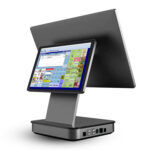
Register is the only box with two screens as standard, which is what makes it a register rather than a terminal: the operator faces one panel, the customer faces the other, and the second one runs on a one-metre cable as standard with a two-metre cable available for counters where the customer stands further back. It is IP54 rated, it must be plugged in at all times, and it reserves a 360 mm circle of counter for the drill or adhesive mount.
What it does not have is a printer. Every receipt comes from a printer you add, over the accessory hub or the network, or from an emailed receipt. A shop moving from an all-in-one till to Register is therefore removing two boxes from the counter and adding one back: the screen and the customer display are gone, the printer is not.
Terminal replaces the terminal and the printer in one shell
Terminal is the opposite trade. It has a 5.5-inch screen and prints on 57 mm paper from a roll up to 38 mm in diameter, and it runs on a battery, which means it can be handed to a customer at a table and then put back on the counter. For a small shop it collapses a card machine and a receipt printer into one device with one power supply.
The limit is on the other side. Its printer is inside the shell, so there is no external kick-out jack to run to a cash drawer, and Square lists no drawer port on Terminal. A shop that takes cash needs a drawer that hangs off a different printer, which puts a second printer on the counter and undoes the consolidation. Terminal is the right box for a counter that takes cards and email receipts; it is the wrong box for a counter with a cash till.
Stand replaces nothing, and that is the point
Stand is the cheapest of the four because it contains the least: a mount, a reader built into the base, and a hub. The screen is an iPad you already own or buy separately, which is why the compatibility list is specific about models, screen sizes and the USB-C connector. It reserves a 350 mm circle, ten millimetres less than Register, and it can run from the iPad’s battery when the power goes.
What it replaces is a counter build rather than a device: the mount, the reader, the cabling and the hub, in one purchase. What it hands you instead is the iPad’s lifecycle. The battery in a tablet that lives on a counter and charges continuously is the first thing to age, and it is a consumable you did not plan to replace.
Handheld replaces a second lane, not a register
Handheld is a pocket-sized POS with a barcode scanner built in, a battery, and no hub at all. It cannot take a printer, a drawer or a wired scanner, so it cannot be the only box on a counter that handles cash. Its job is the queue: stock counts, table service, a second checkout at peak. Counters that buy it as a register end up keeping the old till for cash.
The hub is not the same unit on all four, and this is where most counters break
Every article about Square accessories says the hub has three USB ports. That is true of Stand and of the optional hub for Terminal, and it is not true of Register, whose accessory hub carries five USB ports and an Ethernet jack. The difference is not cosmetic: it decides whether a scanner, a printer, a drawer and a customer display can coexist.
| Box | USB ports | Ethernet | Included |
|---|---|---|---|
| Register | 5 | Yes | Yes, in the box |
| Stand | 3 (USB-A) | Via adapter | Yes, in the box |
| Terminal | 3 | Yes | No, bought separately |
| Handheld | None | No | Not applicable |
Register is also the box that can carry a USB drawer without giving anything up: five ports minus a printer minus a scanner still leaves three. On Stand the same build spends all three and the scanner is the one that loses. A counter specified from the accessories page alone will be built for the wrong box, and the error surfaces at the point where somebody plugs in a scale.
A printer is where a Square counter stops being Square
Once a printer is on the counter, the drawer stops being a Square decision. The drawer connects to the printer’s RJ11 kick-out jack, and the printer sends the pulse. There is no drawer driver and no drawer in the device list; Square’s own troubleshooting path for a printer-driven drawer is four checks and then a hand-off to the drawer maker.
The jack carries the voltage, not the app
The drawer coil is wound for the voltage the printer’s port supplies. A port on pin 4 at 24 V will not reliably fire a 12 V drawer, and the polarity and timing are set by the printer, not by the point of sale software.
This is also where the printer list starts to matter: the printers Square supports are the Epson and Star models with a kick-out port, and the units without one, such as the Star mPOP family, carry their own drawer in the base instead. The full electrical chain is in the printer-driven drawer guide, and the pulse measurement in the voltage test.
Scanners are the one class Square does not certify
Square publishes a tested scanner list, but the mechanism is keyboard emulation and nothing else: the scanner types the barcode into the focused field and ends it with a character. A scanner that is not on the list is untested, not excluded. Three checks decide it: the interface mode, the keyboard layout, and the terminator. They are in the HID mode guide.
The port is the constraint, not the scanner. On a Stand, a USB scanner takes the third port and a Bluetooth one takes none, which is usually the cheapest way to keep the hub free. On Register, port pressure is not a real problem for the first three accessories.
Kiosk mode switches the accessories off
One mode deserves its own paragraph because it inverts the arithmetic. When Stand runs the Square Kiosk Lite app, it cannot be connected to external accessories over Bluetooth, USB or Ethernet. The same hardware running the ordinary POS app takes the same printer and scanner as any other Stand.
A self-service counter that needs a scanner to read a loyalty code or a staff badge therefore cannot be a kiosk-mode Stand with a scanner bolted on. It has to run the POS app, which changes what the customer sees on screen. That is a software constraint with a hardware consequence: the kiosk is specified by the app it runs, not by the stand it is mounted on.
Offline is 24 hours, and the drawer is what keeps working
Card payments taken offline are stored and uploaded when the connection returns, and they are declined if the device has not reconnected within 24 hours. Cash does not care. In an outage the drawer is the only part of the counter still behaving normally, which is an argument for specifying it properly rather than treating it as the last line on the order. The general case is in what offline mode covers.
What to stock if you build these counters
The pattern across the four boxes is that Square sells the part that touches the payment and leaves the part that touches the paper and the cash to whoever makes it. For a reseller that is the useful half: printers with a real kick-out port, drawers matched to their voltage, and scanners that default to HID out of the box.
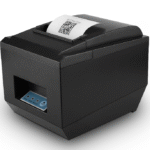
- One 80 mm printer with an RJ11 port per counter that takes cash, rather than a 58 mm unit that cannot drive a drawer.
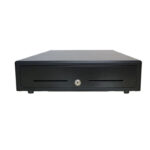
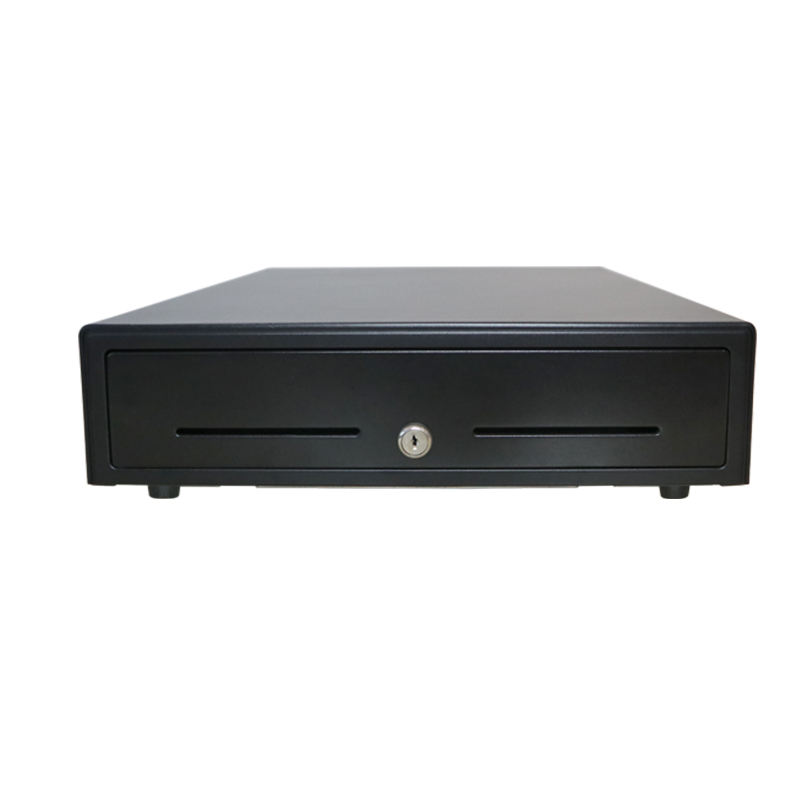
- Drawers at 405 or 410 mm for a standard counter, with the coil matched to the printer’s port voltage rather than to the shop’s mains.
- HID scanners in USB for Register and Stand, Bluetooth only where the hub is full or the device is a phone.
- Spare rolls at 57 mm if any Terminal is on site; it is the one box that cannot take the 80 mm stock the rest of the counter uses.
The terminal side of the same counter is in POS terminals, and the dual-screen shape that Register competes with is the DCA-156A: 15.6-inch operator panel, a second display on the pole, and an RJ11 port on the base for the drawer. The printer that pairs with it is the POS-8360, and the drawer is the POS-410B.
Questions before you buy
Does Square Register include a receipt printer?
No. Register has two screens and a reader, and no printer. Receipts come from a supported printer connected to the accessory hub or the network, or from an emailed receipt. The hub has five USB ports, so adding one does not displace the scanner.
Which Square hardware can open a cash drawer?
None of them directly. The drawer connects to a receipt printer’s RJ11 kick-out jack and the printer sends the pulse. Register and Stand need an added printer; Terminal’s printer is internal and has no external drawer jack.
Can I keep my existing receipt printer and use it with Square?
Usually yes, if it is an ESC/POS unit Square lists, which in practice means the Epson and Star models with a drawer port. Printers outside the list can work when they present the same interface, but the reason to prefer a listed model is the drawer port and the paper width, not the logo.
How many USB accessories will a Square Stand take?
Three, on the hub in the box. The card reader is built into the stand on the current generation, so the ports are free for a printer, a scanner and one more. On Register the number is five.
Can a Square kiosk use a barcode scanner?
Not in Kiosk Lite mode: that app cannot use Bluetooth, USB or Ethernet accessories at all. The same Stand running the ordinary POS app can. If the kiosk has to scan, it is a POS counter with a kiosk-shaped screen, not a kiosk.
Where to go next
The same four boxes exist in Shopify’s world with a different set of ports and a much shorter printer list, in what the Shopify app cannot do. The scanner side is in HID mode on Square, and the drawer side in the port you cannot see.
If you are fitting several of these counters and want the peripheral half specified rather than guessed, send the box you have chosen and the drawer width you need through the contact form. The answer is a port, a voltage and a part number, and it is cheaper to ask than to re-order a drawer that fits the counter and not the printer.
Specifying the hardware? The hardware side is covered in Android barcode scanners — what USB-HID versus USB-COM changes.