
If you want more information about our industry and products, please contact us.
Get to Know Us Now
A POS monitor is the piece most buyers do not think about, because it looks like a solved problem: buy a touchscreen, plug it in. Then the site’s software is laid out for 1024 × 768, the 16:9 panel it was installed on shows four cart lines instead of six, and the cashier starts scrolling during a queue.
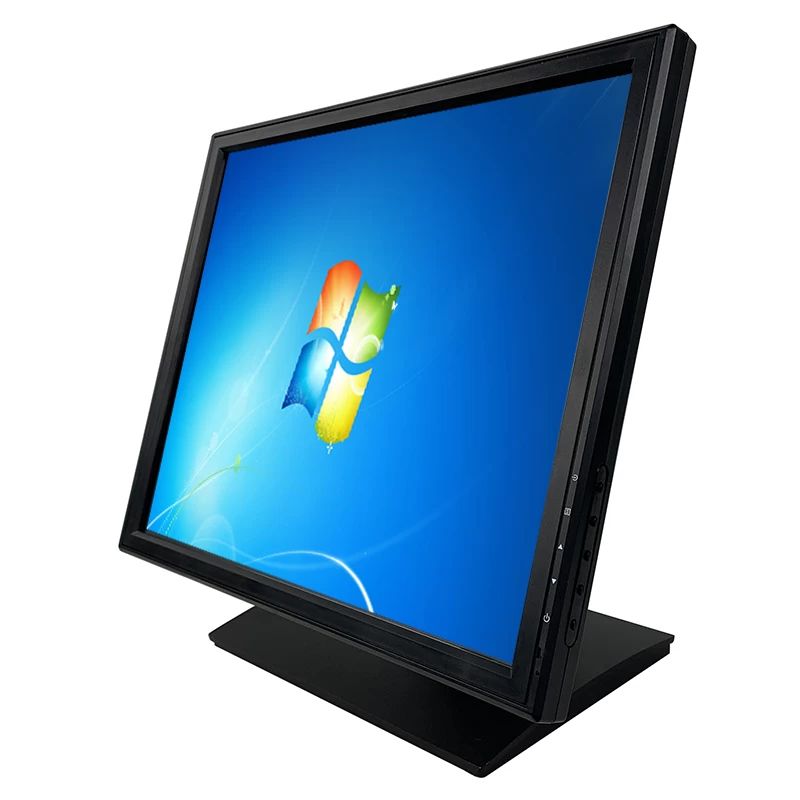
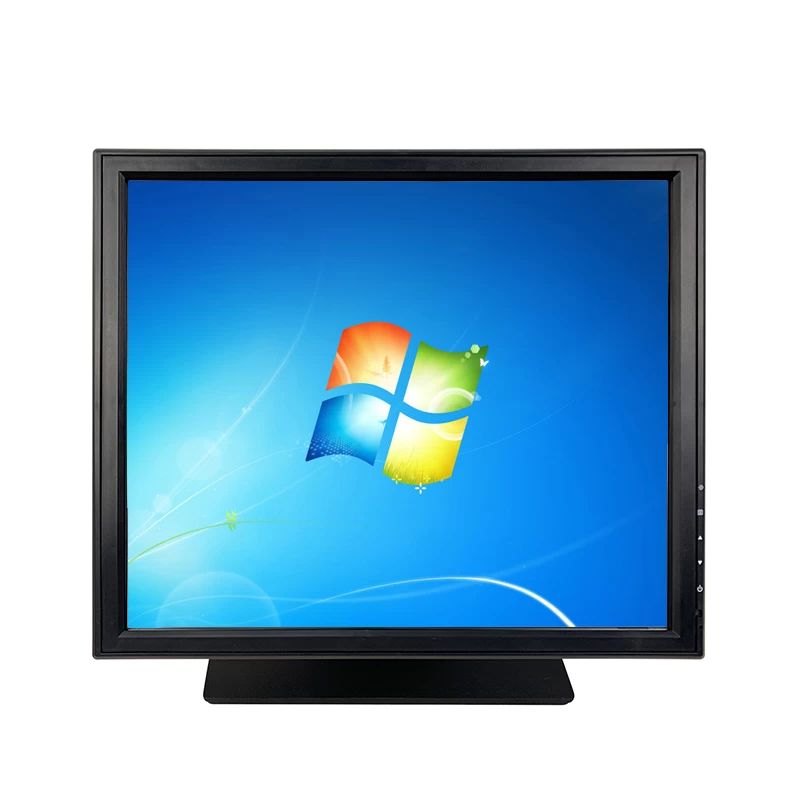
The DCA-1701 is a 17-inch 1280 × 1024 touchscreen monitor with a 5:4 aspect ratio — the shape POS software was designed around. It has no computer inside it, which is the point: it is a display and a touch digitizer, driven by whatever PC the installation already has.
Aspect ratio is the specification that quietly breaks software. Take a POS application designed for 1024 × 768: a product grid on the left, a cart panel on the right, a row of function keys along the bottom. Move it to a 1366 × 768 widescreen panel and you gain 342 horizontal pixels and lose nothing vertically — except that everything designed to fit in 768 pixels of height now competes with a taskbar, and the cart, which was the tallest element, loses lines.
On a 1280 × 1024 5:4 panel there is 256 pixels more vertical space than 768, which is where a cart with fifteen lines actually needs it. That is why 5:4 stayed standard in POS for so long, and why it is still specified where the application is not being redesigned.
Resolution is 1280 × 1024 with a 5:4 ratio, a 337.92 × 270.336 mm display area and a 0.264 mm pixel pitch. Brightness is 300 cd/m² with 1000:1 contrast, 16.7 million colours, a 160° horizontal and 150° vertical viewing angle and a 5 ms response time. For a till that shows a product grid and a total, that is more than adequate; for video it is adequate and no more.
The touch is capacitive, built as ITO film on ITO glass — a film-on-glass construction rather than a film-on-film one, which is sturdier and optically cleaner.
Three specifications matter in daily use:
Total light transmittance is 72% or above. That figure is why the panel is specified at 300 cd/m² rather than the 250 of a non-touch equivalent: the touch stack absorbs light, and the number that matters is what reaches the customer’s eye.
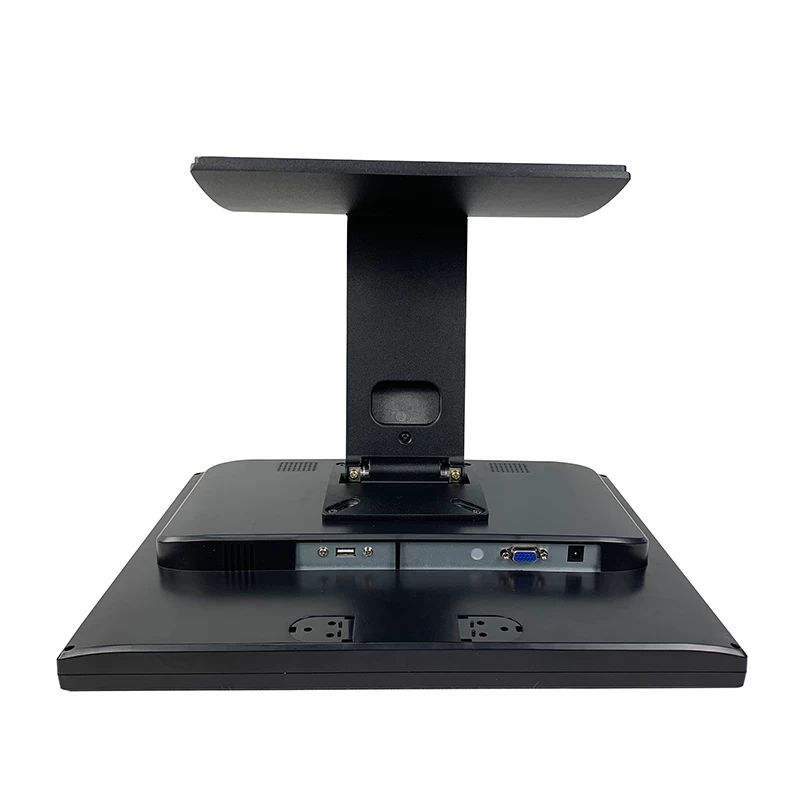
Rear I/O is one 12 V DC input, one USB port for the touch digitizer, and one 15-pin VGA input, with HDMI available as an option and audio in optional (an internal speaker is also an option).
Two practical notes on that arrangement:
Side keys provide auto-adjust, menu, up, down and power, and the OSD supports eight languages.
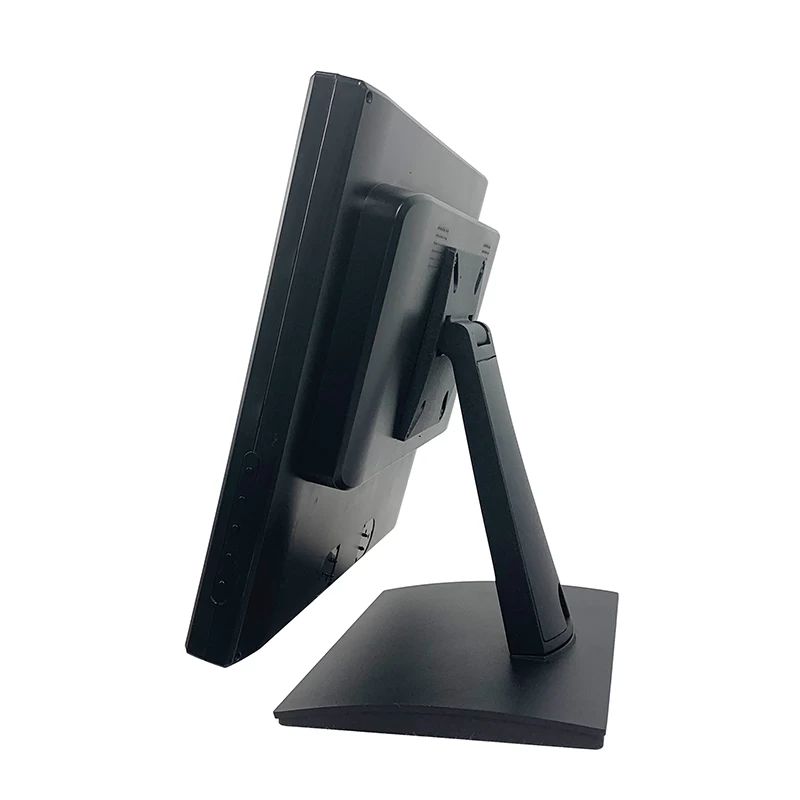
A metal base with a plastic body in black, with VESA 75 × 75 for wall mounting (the bracket is a separate item). Physical size is such that four units ship in one carton at 630 × 450 × 430 mm and 25 kg, with a single package at 445 × 180 × 415 mm and 8.0 kg.
Power is a 110–240 V adapter with DC 12 V / 4 A output, and the mains cord is available for US, EU, UK or a custom type. The box includes a USB cable for touch, a VGA cable, a touch pen and a driver disk.
Operating range is 0–40 °C at 10–80% RH non-condensing, storage −10 to 60 °C. Certification covers CE, RoHS, CCC and FCC.
The same monitor is offered in 7, 10.1, 12, 13.3, 15, 17 and 21.5-inch sizes, all with capacitive touch. That matters for two reasons: a site can standardise on one supplier across a counter (a 17-inch at the till, a 10.1-inch at a service point), and a replacement for an existing installation can match the size and aspect ratio already in place rather than forcing a re-layout.
No. It is a monitor with a capacitive touch digitizer, driven by an external PC over VGA or HDMI, with USB for touch.
Because POS software laid out for 1024 × 768 needs the vertical space. 1280 × 1024 gives 256 more vertical pixels than a 768-line widescreen panel.
300 cd/m² with an anti-glare fog surface. It handles shop lighting and a nearby window; it is not a sunlight-readable outdoor panel.
Yes, VESA 75 × 75 — the mounting bracket is a separate item.
Rated for more than 35 million touch activations, with a response time under 8 ms.
12 months minimum, CE / RoHS / CCC / FCC certified. OEM branding is available — ask at quotation stage.
Next step: tell us the resolution and aspect ratio your software expects, the mounting position and the host’s video output — we will confirm the size and interface and quote factory-direct. Email sales@dcapos.com or contact us.
Related: 21.5-inch kitchen display · POS peripherals · POS-CD10H customer display · DCA-155W POS terminal · POS systems
| Model | DCA-1701 |
| Name | 17 inch touch screen display |
| Color | Black |
| Material | Metal base with plastic body |
| VESA | 75*75mm for wall mounting(need extra wall mounting bracket) |
| OSD Language | Support 8kinds of international languages |
| Display | |
| Display area | 337.92(W)×270.336(H) mm |
| Pixel pitch | 0.264*0.264 |
| Aspect ratio | 5:4 |
| Resoluiton | 1280*1024 |
| Brightness | 300cd/m2 |
| Contrast | 1000:1 |
| Display color | 16.7M |
| View angle | Horizon: 160; Vertical :150 |
| Response time | 5ms |
| Touch function | |
| Touch screen | Capative touch screen |
| Structure | ITO Film and ITO Glass FIT |
| surface treatment | Fog surface, anti-glare |
| Responding speed | <8ms |
| Surface hardness | Pencil hardness:3H |
| Total light transmittance | 72% above |
| Touch life | >35000000 times |
| Connectivity | |
| Rear I/O | 12V DC in jack*1 |
| USB *1 for touch function | |
| 15PIN D-sub VGA *1 | |
| HDMI*1 for option | |
| Audio in*1 for option (built in speaker for option) | |
| Side key function | Auto, Menu,Up,Down,Power Swicth |
| Environment | |
| Operating temperature | 0 to 40 degrees centigrade |
| Storage temperature | -10 to 60 degrees centigrade |
| Working humidity | 10%~80% No condensation |
| Storage humidity | 10%~90% No condensation |
| Package | |
| Package with foam inside | 445*180*415mm/8.0kg |
| 4 in 1 carton | 630*450*430mm/25kg |
| Accessories | |
| Power adapter | 110-240V/50-60HZ AC power input ,DC12V/4A output adaptor |
| Cable | Power cord compatible with USA /EU / UK etc and customized available,USB cable for touch,VGA cable(HDMI cable for option) |
| Touch related | Touch pen,driver disk |
| Other | |
| Certification | CE,ROHS,CCC,FCC |

First time specifying a 17-inch touch monitor? Read VFD or pole LCD before you size a second screen, then what a POS system is made of to see where a second screen sits in the flow.