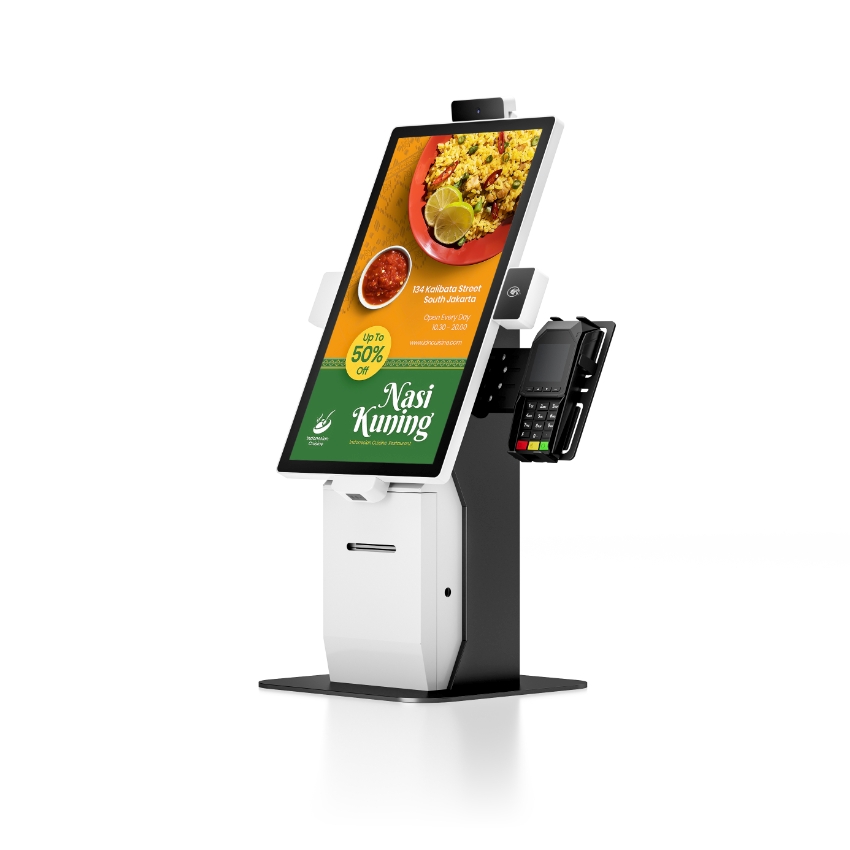
A POS system works by moving one sale through five hand-offs: the scanner reads a code, the application looks up the price from its local catalogue, the cashier takes a tender, the printer prints an ESC/POS receipt, and the sale is written to a database that the cloud copies later. The devices are not in a queue — the printer starts before the card authorisation returns, and the cloud sync starts after the customer has the receipt.
That last point explains most of what looks like a bug at the counter. A till that freezes for five seconds when the Wi-Fi drops, a drawer that opens a beat after the receipt, a receipt that prints while the card terminal is still thinking — all of it follows from which clock each device is running on.
One sale, three clocks
The same transaction seen as a single sequence is misleading. Drawn as three parallel tracks it becomes obvious which parts the shop controls and which parts it waits on.
The printer’s track is the only one with a number you can calculate in advance. Thirty lines of receipt at the default 3.75 mm line pitch is 112.5 mm of paper; at 260 mm/s that is 0.43 s, and at the 200 to 220 mm/s of a budget or embedded mechanism it is 0.51 to 0.56 s. Everything else on the timeline depends on the item count, the network and the customer.
Where the price actually comes from
The scanner does not know what anything costs. It decodes a pattern of bars into a number and sends that number, as keystrokes or as a USB HID string, to the application. Everything after that is a database lookup.
A till holds a local copy of the catalogue — item number, description, price, tax class, sometimes a linked item for a modifier. That local copy is why a till can keep selling during an outage, and it is also why prices go wrong: the back office changes a price, the change syncs on a schedule, and the till keeps selling at yesterday’s price until it does. When a customer is charged the old price, the fault is in the sync, not in the scanner.
- PLU entry. For items without a barcode — a loose pastry, a weighed item — the cashier types a short code. Same lookup, manual input.
- Barcode. EAN-13 and UPC-A are 13 and 12 digits; the leading digit and the last check digit are not part of the item number the catalogue stores.
- Price embedded in the barcode. Used for weighed goods: the label carries weight and price, so the till must not look the item up again or it will double-apply.
Tender: why card is the slow one
Cash is the fastest tender in the system. The cashier enters the amount, the drawer opens, and the sale is complete — nothing leaves the building. Card is the opposite: the amount goes to a card terminal or to payment software, then to the acquirer, then to the issuer, and comes back with an authorisation code. That round trip is the only part of the sale that is outside the shop’s control, and it is why the receipt is usually sent to the printer before the response arrives.
What the till must store is not the card number — it never sees one — but the authorisation code, the last four digits, the card scheme and the amount. Without those four fields, a refund three weeks later becomes a manual reconciliation against a terminal roll.
QR payment sits between the two. The customer scans, the wallet confirms, and the till receives a callback. It is as fast as cash when the network is good and as slow as card when it is not, and it needs the same four fields stored.
Printing: what the 0.43 s is made of
A receipt printer does not render a page. It receives a byte stream — text, line feeds, a cut command, a drawer pulse — and executes it line by line. The time is therefore paper length divided by paper speed, and paper length is line count times line pitch.
| Receipt | Paper length | At 260 mm/s | At 200 mm/s |
|---|---|---|---|
| 15 lines (small sale) | 56 mm | 0.22 s | 0.28 s |
| 30 lines (typical basket) | 113 mm | 0.43 s | 0.56 s |
| 60 lines (itemised, logo, terms) | 225 mm | 0.87 s | 1.13 s |
Two practical consequences. A logo adds print time in proportion to its height, not to its file size — a 200-pixel-tall logo is 25 mm of paper and 0.1 s, every single receipt. And a printer that suddenly prints slower usually is not throttled by the software: it is being fed a 12 V supply where the specification asks for 24 V, or it has a thermal head that is being given less energy to compensate.
The drawer is a pulse, not a device
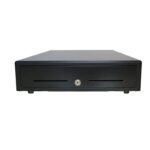
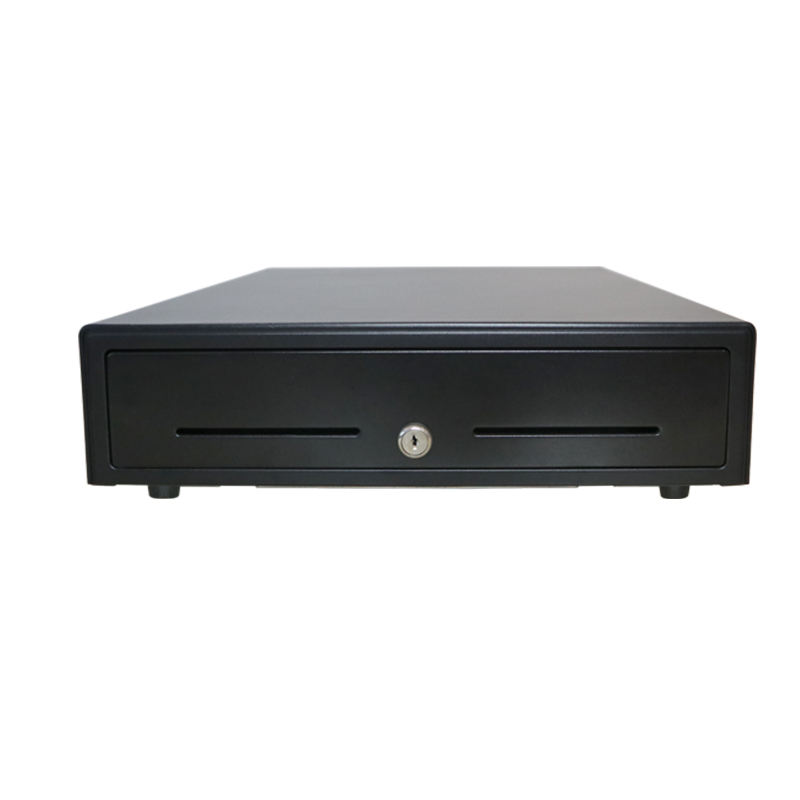
The till does not open the drawer. The printer does, on the ESC/POS kick-out command embedded in the print job, through a 12 V / 1 A or 24 V / 1 A port on an RJ11 connector. A solenoid pulls a latch, a spring pushes the till out, and the whole movement takes about 0.3 s.
The two numbers that must match
The printer supplies the voltage; the drawer expects one. A POS-8250 80 mm printer puts 12 V / 1 A on its drawer port and a POS-8370 in the same range puts 24 V / 1 A on the same RJ11 connector. A 24 V drawer on the 12 V port clicks and stays shut; a 12 V drawer on the 24 V port fires once and burns the solenoid. Neither failure looks like a wiring problem at the counter.
The same mechanism explains why a drawer can open with no sale. A key turned to the manual position releases the latch without a pulse — that is how the float gets counted in the morning, and also how a shortage gets created in the evening.
What happens when one part fails
Because the five hand-offs are independent, a failure in one produces a signature that points at it. The table is the one we use on support calls:
| What the cashier sees | Layer | First thing to check |
|---|---|---|
| Receipt prints, drawer stays shut | Drawer pulse | Port voltage against the drawer solenoid rating |
| Drawer opens, no receipt | Printer | Paper, head, and whether the job reached the printer queue |
| Sale completes, stock never moves | Sync queue | The queue log on the terminal, not the back office |
| Customer charged twice | Tender | Two systems each recording the same card transaction |
| Wrong price at the till | Local catalogue | Last successful price-file sync time |
| Screen freezes, then recovers | Network | PSP timeout setting on the payment application |
| Half the receipt is blank | Print head | A dead block of dots from static damage, not a layout bug |
The last row is worth dwelling on. A pale vertical stripe running the full height of every receipt is the classic dead-block signature: a group of heating elements destroyed by a static discharge, usually in a dry room with a bad ground. It is not the paper and it is not the driver, and no setting will bring it back.
Why the till must not wait for the cloud
The cloud is a copy, not the source of truth during a transaction. Every step above completes locally: price from the local catalogue, tender authorised by the acquirer, receipt printed by the printer, sale written to a local database. The sync is a queue that drains behind the sale.
Designs that invert this — where the price lookup or the sale record is a network call — behave differently in exactly the conditions a shop cares about: a busy Saturday, a router reboot, a builder cutting a cable. When a POS system is described as “cloud-based”, the question to ask is not where the data lives but what the till does when it cannot reach it.
- Sales queued and synced later: the shop keeps trading, and the risk is a merge conflict, not a closed till.
- Sales refused until the cloud answers: every network event is a queue at the counter.
- Catalogue-only sync, sales local: a common compromise — prices are stale during an outage, but every sale is still recorded.
What this means when you are buying
None of the above is visible on a specification sheet, which is why it is worth asking as five questions before signing:
- What does the till do when the network drops — queue, refuse, or fall back to local prices?
- Where is the catalogue stored, and how often does it sync?
- Does the printer have a drawer port, and at what voltage?
- Which four fields does the system store for a card sale?
- How many lines is a typical receipt in your layout, and at what print speed?
FAQ
How long does a POS transaction take?
The part you control is the receipt: 30 lines at 260 mm/s is about 0.43 s, and the drawer adds 0.3 s. The part you do not control is the card authorisation, which is a round trip to the acquirer and the issuer. A cash sale is complete in well under a second; a card sale ends when the network answers.
Does a POS system need internet?
Not to complete a sale if the software keeps a local catalogue and a local database. It needs the network to sync sales, update prices and take card payments. The design question is what happens in the gap, and that is a property of the application rather than the hardware.
How does the cash drawer know when to open?
It receives a pulse. The printer fires 12 V or 24 V down the RJ11 cable on an ESC/POS kick-out command that is part of the print job; the solenoid pulls a latch and a spring pushes the till out. The drawer has no power supply of its own and no data connection.
Why does the receipt print before the card is approved?
Because the print job is queued locally and the authorisation is a network round trip. Printing first keeps the counter moving, and the merchant copy is marked as pending or completed by the application once the response arrives. If the card is declined, the till voids and reprints rather than re-sending.
What is ESC/POS?
The command set that receipt printers understand: text, line feeds, alignment, barcodes, cut and drawer pulse. It is not a page description language — there is no font embedding and no layout engine, so the receipt layout lives in the application and the printer only executes bytes.
Where to go next
A POS system is five hand-offs and three clocks. Once you know which hand-off a symptom belongs to, most counter problems stop looking like software bugs.
the five parts of a POS system EPOS and POS: the same stack the drawer pulse, 12 V versus 24 V why the printer prints without ink printers, displays and card readers