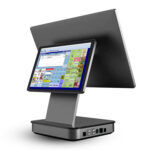
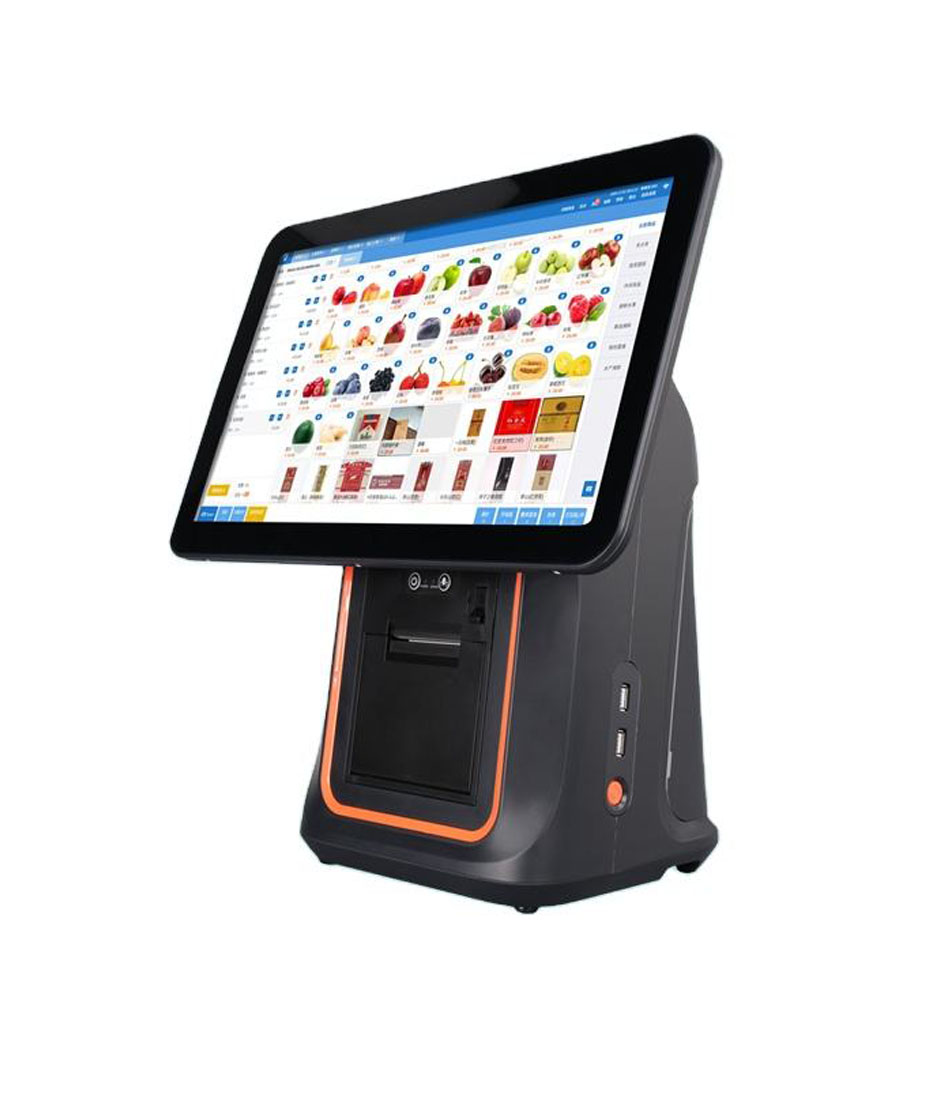
Most of what a new cashier calls a broken machine is a machine that stopped at one of four checkpoints during startup. Knowing the four, roughly how long each takes, and what failure looks like at each one turns a call to the supplier into a thirty-second diagnosis.
Startup is four stages, not one
Pressing the power button starts a sequence that ends when the printer beeps. Each stage has its own duration and its own way of failing, and the stage where it stops tells you which component to look at.
| Stage | Normal duration | What you should see | Failure looks like |
|---|---|---|---|
| Power and backlight | 2 to 5 seconds | An indicator light, then the panel lights up with a logo | No light at all, or a light with a black screen |
| Operating system boot | 30 to 60 seconds on Android, 45 to 90 on Windows | Logo, then a home screen or an app launcher | Stuck on the logo, or a loop back to it |
| POS application start | 10 to 30 seconds | Login prompt, then a product grid | Login appears but the grid stays empty |
| Peripheral self-test | 2 to 5 seconds | Printer feeds a few millimetres and beeps, drawer kicks, scanner beeps on trigger | Any one of those missing |
Add the four durations together and a normal cold start is between 45 seconds and just over two minutes. Anything beyond three minutes is not slow, it is stuck, and the difference matters because staff who expect slow will wait, and staff who expect fast will power-cycle the unit in the middle of a boot, which is how file systems get corrupted.
Stage one: power, and the two ways it fails
A terminal with no indicator light has no power reaching the board. That is a cable, an adapter or an outlet, in that order. The check takes fifteen seconds: swap the adapter with a known good one, try a different outlet, and look at whether the adapter body is warm. An adapter that is cold after ten minutes of being plugged in is not delivering anything.
A terminal with an indicator light and a black screen has power and no backlight, which is either a failed panel or a board that never finished initialising. Hold the power button for ten seconds to force a full discharge, then start again. If nothing changes, it is hardware, and no amount of pressing will help.
The adapter that is almost good enough
A 36 W adapter on a terminal that peaks near 55 W will boot the machine perfectly and fail the moment the printer heats. That produces a unit that starts fine, prints half a receipt, and reboots, which reads as a software fault and is actually a supply fault.
Stage two: the boot, and why the clock is a clue
Boot time depends on what the device is doing on the way up. Android units that load a custom launcher and a POS service typically take 30 to 60 seconds. Windows units take longer, and the tail is dominated by whatever startup items have accumulated. A unit that took 45 seconds in January and takes three minutes in June has not developed a hardware fault, it has a startup list that grew.
One case deserves a separate mention because it looks like a failure and is not: the device was powered off while applying an update, or an update is being applied at boot. The screen shows a progress indicator or a spinning logo for five to ten minutes. Interrupting that is the fastest way to turn a slow boot into a device that needs re-imaging. If a unit is doing this, leave it alone and put a sign on it.
The related habit worth building: turn off automatic operating system updates on terminals, and apply them yourself on a Monday morning before opening. A terminal that decides to update at 12:30 on a Saturday is not defective, it is following a default that nobody changed.
Stage three: the application, and the empty product grid
The application starting is not the same as the application working. Login screens appear from local code; the product grid, the price list and the tax table come from a server or a local database. A grid that stays empty while the login succeeds means the application cannot reach its data.
| Symptom | What it means | First check |
|---|---|---|
| Login works, grid empty, no error | The data sync has not run, or ran against an empty catalogue | Last sync timestamp in the settings screen |
| Login works, grid empty, error on sync | Network reachable but the server refused the request | Whether the device clock is correct, then the API address |
| Login fails, no error shown | The device cannot reach the authentication endpoint at all | Ping the server from the device, and check the DNS setting |
| Grid loads, prices all zero | Catalogue synced without the price list | Whether the price list is a separate sync job |
The clock deserves its own line because it breaks more deployments than any network problem. A device whose date is wrong by more than a few minutes fails certificate validation on every HTTPS call, and the error message usually says the connection failed rather than the certificate expired. Check the date before diagnosing the network.
Stage four: the peripherals, in the order they fail
The last stage is the one staff skip, and it is the one that decides whether the first customer of the day gets a receipt. Four checks, in this order, because the order is the order in which the failures occur.
- Printer: it should feed two to three millimetres and beep. No feed means no paper, a lid not latched, or a mechanism jam. A feed with no beep often means the paper sensor is dirty rather than the printer being dead.
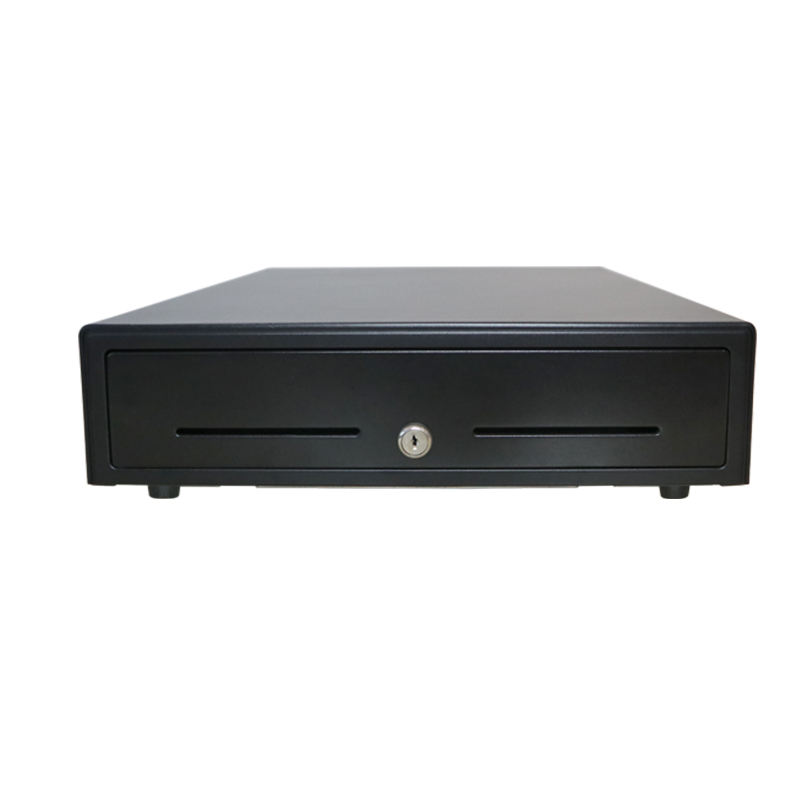
- Drawer: it should kick open when the printer or terminal sends the pulse. A drawer that clicks and stays shut is a voltage mismatch, not a broken drawer.
- Scanner: one trigger pull should produce a beam and a beep on a known good barcode. A beam with no beep on one barcode and a beep on another is a label problem, not a scanner problem.
- Customer display: it should show the welcome screen. A display that stays dark is usually unpowered or unaddressed, and it is the only peripheral whose failure never stops a sale, which is why it goes last.
Write these four on a card and tape it inside the counter. The cost of the card is nothing and it converts a class of support calls into a thirty-second self-check.
A shift, from open to close
Once the machine is up, the day has a fixed shape. The steps below are the minimum a new cashier needs; the point of listing them is that each one has a failure that only appears if the step is skipped.
| Moment | What is done | If skipped |
|---|---|---|
| Before opening | Cash float counted into the drawer, and recorded | The day’s cash cannot be reconciled, and every shortage is unexplained |
| First sale | A test sale with a printed receipt, then voided | A printer fault is discovered with a customer waiting |
| During service | Voids and refunds require a supervisor code | Discounts become the easiest way to steal, and nobody notices for months |
| Shift change | Cash counted, drawer swapped, handover signed | Two cashiers share one drawer and neither is accountable |
| End of day | Z report printed, cash counted against it, card batch settled | The card batch rolls into the next day and the reconciliation is off by a day |
The end-of-day step is the one that most often gets skipped in a small shop, and the consequence is cumulative. A card batch that is not settled daily is settled whenever somebody remembers, which means the deposit for Saturday arrives on Tuesday, and the monthly reconciliation turns into an investigation.
The six numbers on the end-of-day report
A beginner does not need to understand the whole report. Six numbers, checked in this order, catch almost every discrepancy before it becomes a habit.
| Number | What it should equal | If it does not |
|---|---|---|
| Gross sales | The sum of the day’s receipts | Compare with the card terminal total and the cash count together |
| Net sales | Gross minus discounts and refunds | A large gap means discounts were applied and not authorised |
| Transaction count | The number of receipts printed | A mismatch means some sales were not printed, which is a printer or a queue problem |
| Cash expected | Opening float plus cash sales minus cash refunds | The count that matters; everything else is context |
| Card total | The batch total on the payment terminal | If these differ, one system captured a sale the other did not |
| Voids and refunds | Zero, or each one explained | An unexplained void is either a training gap or a control gap |
The habit that prevents most of these: count the drawer at the same time every day, and print the Z report before counting rather than after. Counting first and adjusting the report afterwards is how a systematic error gets absorbed for months.
FAQ
How long should a POS terminal take to start?
Between 45 seconds and about two minutes from cold, depending on the operating system and how much is loaded at startup. Beyond three minutes the unit is stuck, not slow, and should be left alone rather than power-cycled mid-boot.
Why does the printer feed paper but print nothing?
The paper is probably in the wrong way round. Thermal paper has a coated side, and the head only marks that side. A roll loaded with the coating facing away feeds perfectly and prints a blank strip, which reads as a dead print head.
What should a cashier do if the screen freezes during service?
Finish the current transaction on paper if possible, then hold the power button for ten seconds for a full discharge and restart. Note the time and what was on screen. A freeze that repeats at the same point in the same operation is a software pattern, and the note is what makes it fixable.
Where to go next
The four startup stages and the six end-of-day numbers are the whole of operating a terminal. Everything else is practice.
The nine configuration items that decide whether setup holds Nine field failures and what actually causes them What paper width changes on a receipt · how one sale moves through the system · how a drawer is wired and triggered · drawers sized to the terminal
Specifying the hardware? The hardware side is covered in A one-counter build, part by part — what actually has to be bought for a single till — and in The five lines on a POS bill — which of them are hardware and which are not.