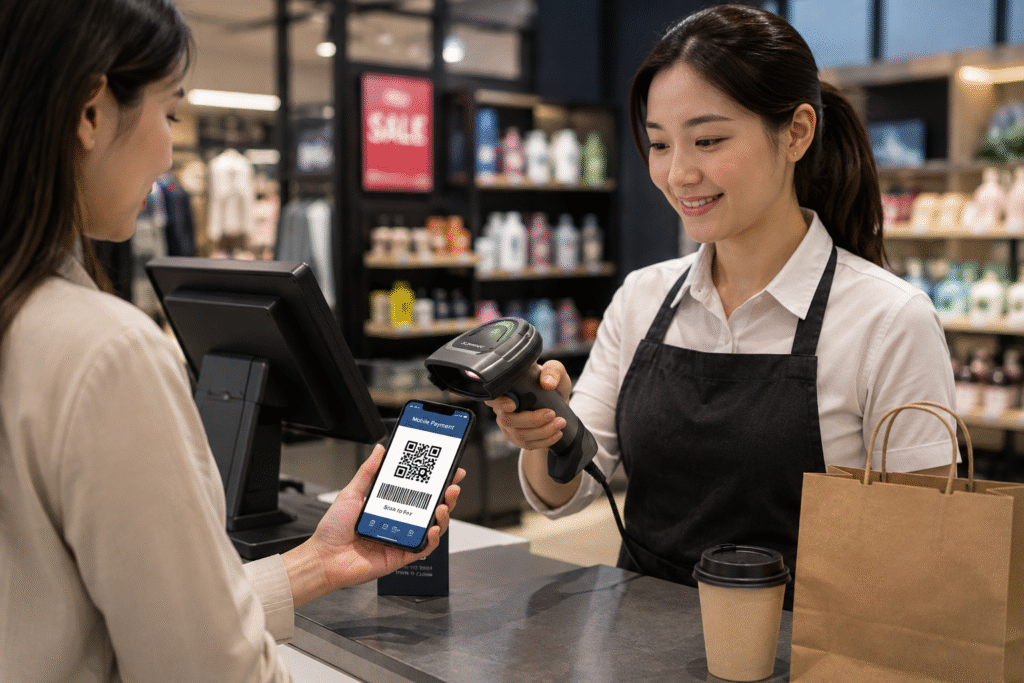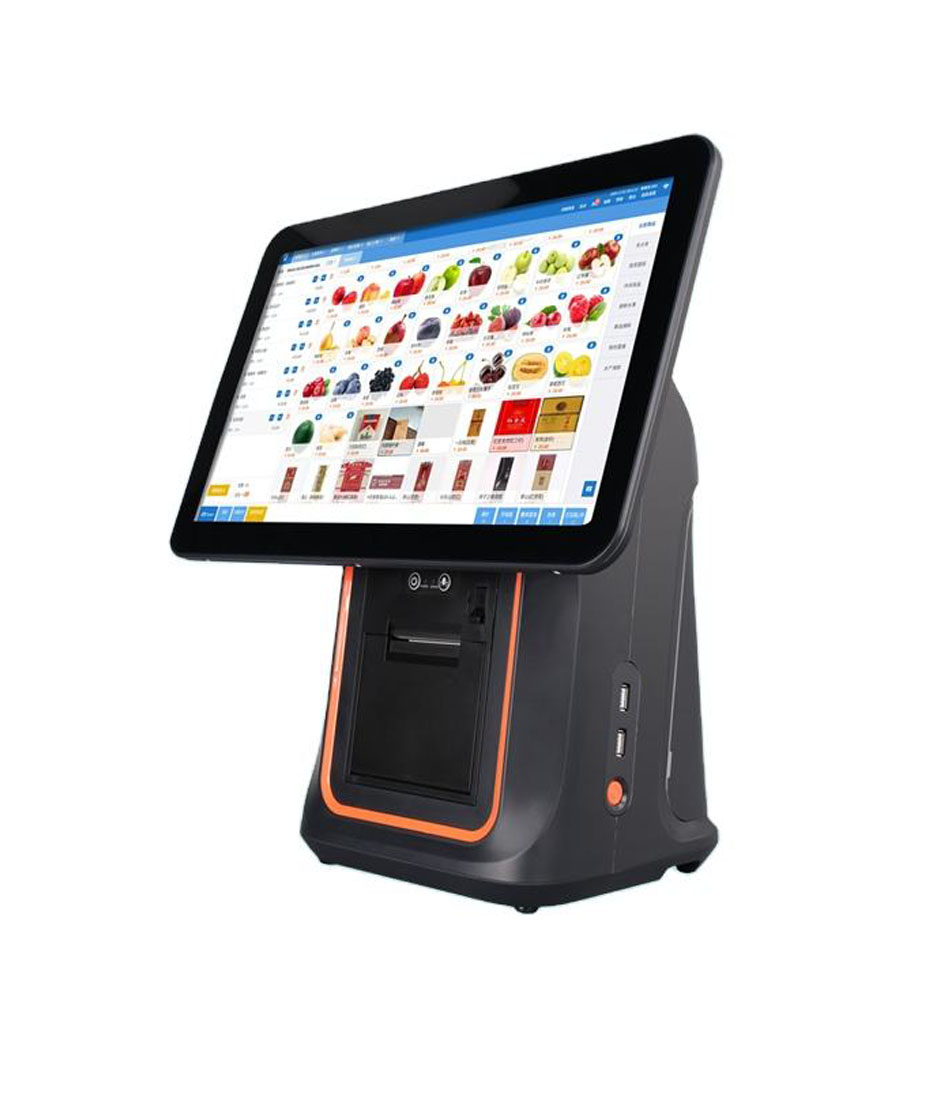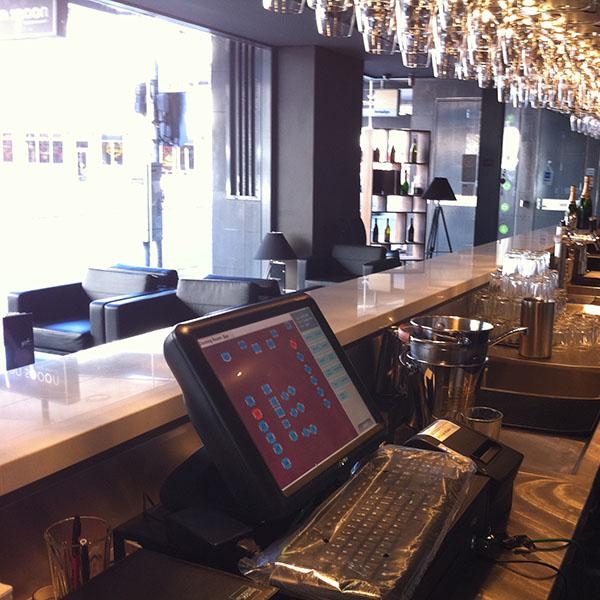
Choosing the right POS hardware is one of the most important technology decisions for a restaurant.
For years, Windows-based POS systems dominated the industry.
Today, however, Android POS terminals are becoming increasingly popular among restaurants, cafés, bubble tea shops, and quick-service chains.
Both platforms can manage orders, process payments, and support restaurant operations.
But they differ significantly in hardware cost, deployment flexibility, maintenance requirements, and scalability.
So which one is the better choice in 2026?
In this guide, we’ll compare Android POS terminals and Windows POS systems to help restaurant owners, POS software providers, and distributors make the right decision.
What Is an Android POS Terminal?
An Android POS terminal is a commercial POS device that runs the Android operating system.
Modern Android POS hardware typically includes:
- Touchscreen display
- Wi-Fi and Bluetooth
- Ethernet connectivity
- Receipt printer integration
- Customer display support
- QR payment support
- NFC payment capability
Android POS systems are widely used in:
- Restaurants
- Cafés
- Bubble tea stores
- Food courts
- Retail stores
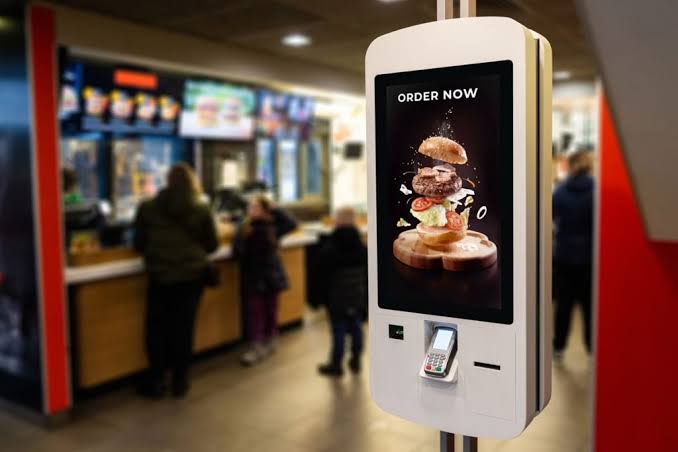
- Self-service kiosks
They are designed to provide a simple, cost-effective, and scalable POS solution.
What Is a Windows POS System?
A Windows POS system uses Microsoft Windows as the operating system.
Traditionally, Windows POS systems have been common in:
- Large restaurants
- Enterprise retail stores
- Supermarkets
- Hospitality businesses
A Windows POS setup often includes:
- Windows PC or POS terminal
- Touchscreen monitor
- Cash drawer
- Receipt printer
- Barcode scanner
- Additional peripherals
Windows systems are known for compatibility with legacy software and enterprise-level applications.
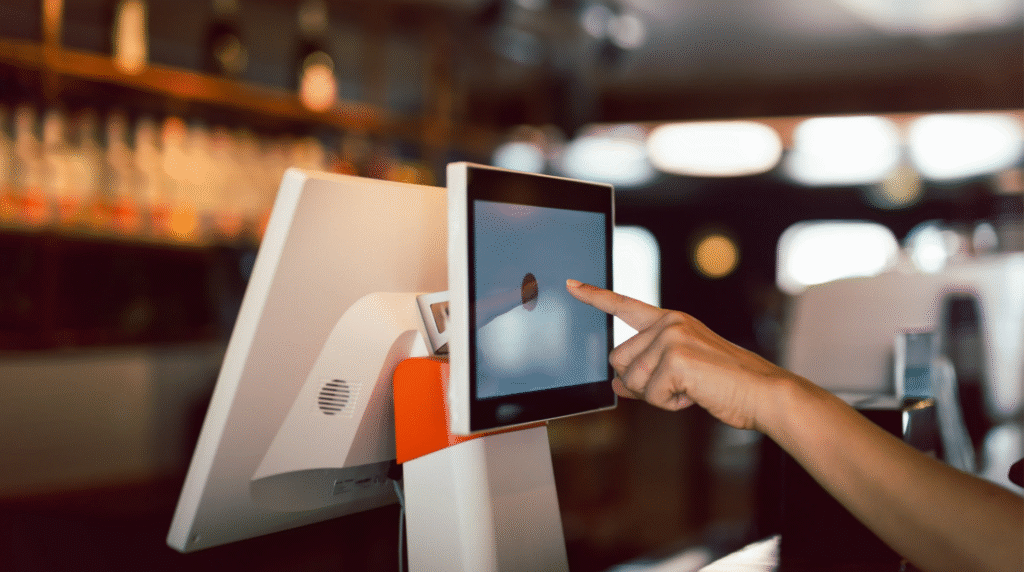
Android POS vs Windows POS: Key Differences
Let’s compare the areas that matter most.
1. Hardware Cost
One of the biggest differences is cost.
Android POS
Typically includes:
- integrated touchscreen
- compact design
- built-in connectivity
Typical hardware range:
$150–$700
depending on screen size and configuration.
Windows POS
Usually requires:
- Windows terminal
- additional components
- higher-performance hardware
Typical cost:
$500–$2000+
For restaurants opening multiple locations, hardware savings can be significant.
Winner: Android POS
More affordable for most restaurant deployments.
2. Deployment Speed
Restaurants need systems that can be installed quickly.
Android POS devices usually offer:
- simple setup
- app installation
- OTA updates
- remote management
Software can often be deployed in minutes.
Windows systems may require:
- software installation
- driver configuration
- operating system updates
- additional IT support
Winner: Android POS
Faster deployment and easier management.
3. User Interface
Restaurant staff need intuitive software.
Android interfaces feel familiar because many users already use Android smartphones.
Benefits:
- easy learning curve
- faster staff training
- simplified operation
Windows systems may offer more complexity.
While powerful, they often require more training.
Winner: Android POS
More user-friendly for restaurant environments.
4. Software Flexibility
This category depends on the software provider.
Android POS benefits:
- SDK integration
- OTA updates
- custom firmware
- kiosk mode support
Windows benefits:
- enterprise software compatibility
- advanced integrations
- legacy system support
Winner: Depends on Business Needs
Restaurants often prefer Android.
Large enterprises may still prefer Windows.
5. Hardware Design
Android POS hardware is typically:
- compact
- modern
- all-in-one
Popular formats include:
- countertop POS
- handheld POS
- self-order kiosks
- dual-screen terminals
Windows systems are often larger.
They may require separate components and occupy more counter space.
Winner: Android POS
Better suited for modern restaurant environments.
6. Maintenance and Updates
Restaurants want reliable systems.
Android POS typically provides:
- remote firmware updates
- centralized management
- lower maintenance requirements
Windows systems often need:
- operating system updates
- antivirus management
- driver maintenance
For multi-location restaurants, maintenance becomes a major consideration.
Winner: Android POS
Lower long-term maintenance effort.
7. Scalability
As restaurant businesses grow, scalability matters.
Android POS systems are widely used for:
- restaurant chains
- cafés
- bubble tea brands
- food courts
- franchise operations
Adding additional devices is usually straightforward.
Winner: Android POS
More scalable for growing restaurant businesses.
Quick Comparison Table
| Feature | Android POS Terminal | Windows POS System |
|---|---|---|
| Hardware Cost | Lower | Higher |
| Deployment | Faster | Slower |
| User Interface | Easier | More Complex |
| Maintenance | Lower | Higher |
| Counter Space | Compact | Larger |
| Scalability | Strong | Strong |
| Legacy Software Support | Moderate | Excellent |
| Restaurant Suitability | Excellent | Good |
Which Restaurants Should Choose Android POS?
Android POS is ideal for:
- Quick-service restaurants
- Coffee shops
- Bubble tea chains
- Food courts
- Small restaurant groups
- Franchise operations
Benefits:
- lower cost
- easier deployment
- modern hardware
- simple management
Which Businesses Should Choose Windows POS?
Windows POS may still be suitable for:
- enterprise restaurant groups
- businesses using legacy software
- complex enterprise integrations
In these cases, Windows compatibility may outweigh hardware costs.
FAQ
Is Android POS replacing Windows POS?
In many restaurant environments, Android POS adoption is growing rapidly due to lower costs and easier deployment.
Is Android POS reliable for restaurants?
Yes.
Commercial Android POS terminals are widely used in restaurants worldwide.
Which POS system is cheaper?
Android POS systems generally have lower hardware and maintenance costs.
Which POS system is easier to manage?
Android POS is usually easier to deploy, update, and maintain.
Final Thoughts
Both Android POS terminals and Windows POS systems can support restaurant operations.
However, the industry is moving toward more flexible, cost-effective, and scalable solutions.
For most restaurants in 2026, Android POS hardware offers:
- lower costs
- easier deployment
- better scalability
- modern hardware design
- simpler maintenance
Windows POS systems still have a place in some enterprise environments, but Android has become the preferred choice for many restaurants looking to modernize their operations.
The right decision depends on your software requirements, business size, and long-term growth plans.
Looking for Android POS Hardware?
DCAPOS provides Android POS solutions for:
- Restaurants
- Cafés
- Bubble tea shops
- Quick-service chains
- POS software companies
- Distributors
Available support includes:
- OEM / ODM customization
- Android firmware development
- SDK support
- Logo branding
- Fast sample delivery
- Global shipping
Contact our team to discuss your Android POS hardware project.