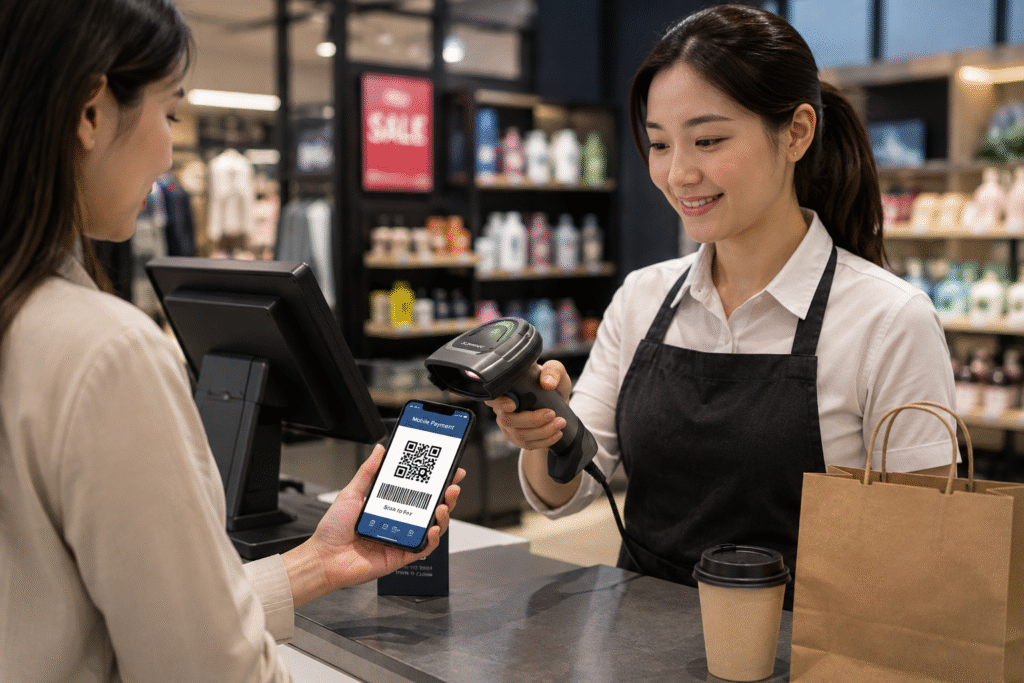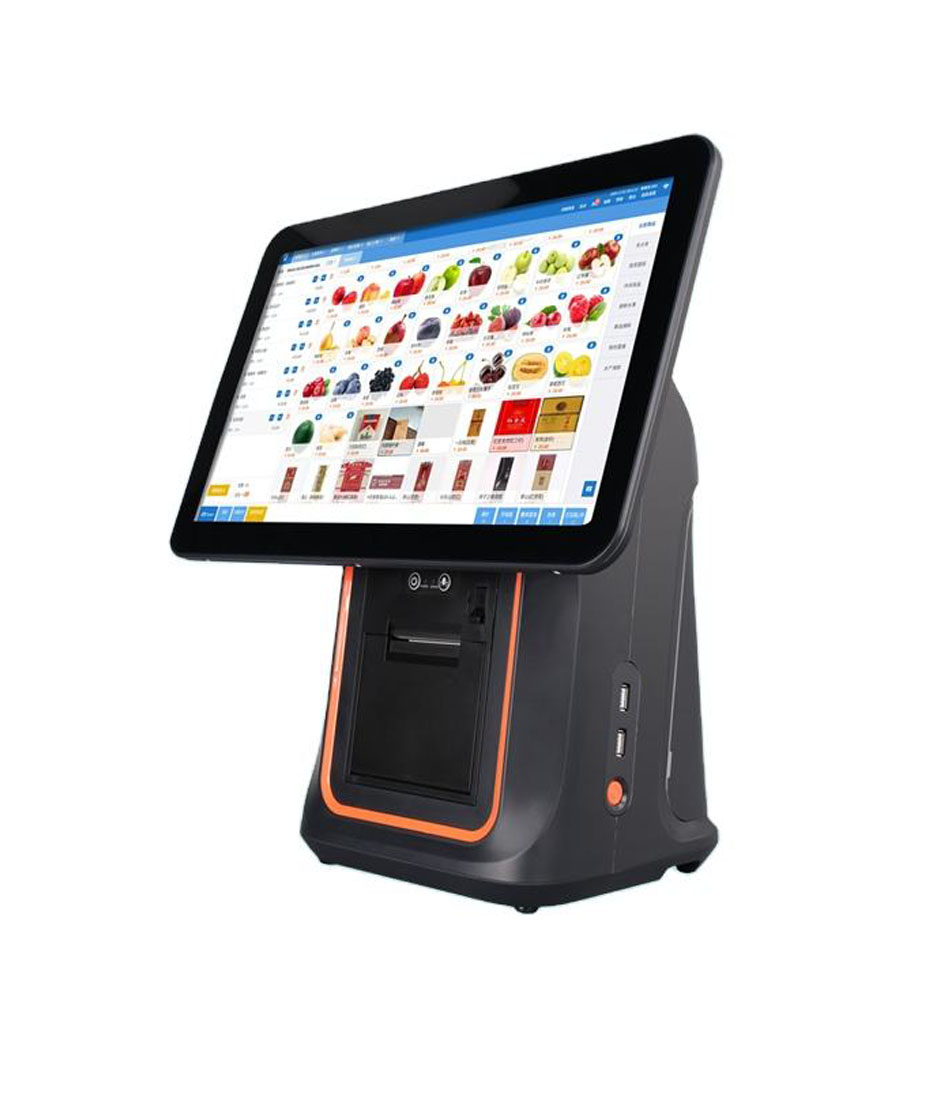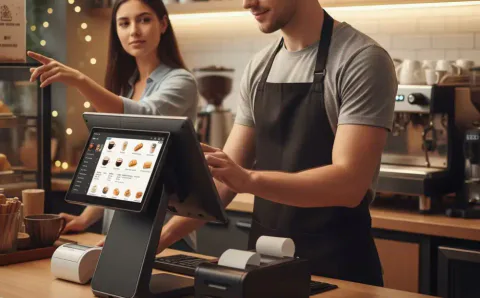
A countertop POS terminal is still one of the most important devices inside a restaurant.
Even with mobile ordering, QR menus, and self-service kiosks becoming more common, the countertop POS remains the center of daily restaurant operations.
It handles orders.
It processes payments.
It connects with printers.
It helps staff move quickly during busy service hours.
For many restaurants, the POS terminal at the counter is the first and last customer touchpoint during checkout.
That’s why choosing the right countertop POS terminal matters.
A POS terminal that feels fine during setup may become frustrating once the restaurant gets busy.
Slow touchscreen response, unstable printer connection, limited ports, or poor workflow can create problems every day.
In this guide, we’ll explain what restaurant owners, POS software companies, and distributors should look for before buying a countertop POS terminal in 2026.
What Is a Countertop POS Terminal?
A countertop POS terminal is a fixed POS device installed on a restaurant counter.
It is usually used for:
- order entry
- checkout
- payment
- receipt printing
- kitchen ticket management
- loyalty program handling
- customer order confirmation
Most restaurant countertop POS terminals today are Android-based and designed for long daily operation.
Compared with tablets or mobile POS devices, countertop POS terminals are usually more stable and offer better connectivity for restaurant accessories.
Why Restaurants Still Use Countertop POS Terminals
Restaurants have changed.
Customers may order through apps or scan QR menus.
But countertop POS terminals still play a major role.
They help restaurants manage:
- dine-in checkout
- takeaway payment
- cashier workflow
- kitchen communication
- promotions
- customer support
For many quick-service restaurants and cafés, the countertop POS is the main checkout station.
For full-service restaurants, it often supports takeaway and front counter payments.
It remains one of the most used devices in the restaurant.
What to Look for Before Buying a Countertop POS Terminal
Not every POS terminal is built for restaurant use.
Here are the most important features to compare.
1. Screen Size That Fits Your Counter
Screen size matters.
But bigger is not always better.
Most restaurants typically choose:
- 10-inch POS terminal
- 15-inch POS terminal
- dual-screen countertop POS
Small cafés often prefer compact hardware.
Quick-service restaurants may need larger screens for faster order entry.
Before buying, think about:
- counter width
- customer traffic
- menu complexity
- number of staff using the POS
A clean counter layout often improves workflow more than a larger display.
2. Android POS Compatibility
Android POS terminals are now widely used in restaurants.
Why?
Because Android gives more flexibility.
Benefits include:
- easier software deployment
- OTA updates
- lower hardware cost
- SDK support
- custom branding
- better scalability
For POS software companies, Android also makes deployment easier across multiple hardware models.
For distributors, Android offers more flexibility for different markets.
3. Dual-Screen or Single Screen?
Many restaurants now choose dual-screen countertop POS terminals.
A dual-screen setup includes:
- main screen for staff
- customer-facing display
Benefits:
- order confirmation
- QR payment
- loyalty display
- upsell promotion
- better checkout experience
For restaurants with frequent customer interaction at the counter, dual-screen POS can improve efficiency and reduce order mistakes.
Single-screen POS may still work well for smaller stores.
The best choice depends on workflow.
4. Payment Support
Restaurants increasingly accept multiple payment methods.
A countertop POS terminal should support:
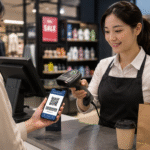
- QR payment
- NFC tap
- Apple Pay
- Google Pay
- bank card
- digital wallet
Customers expect fast checkout.
Especially during peak hours.
Slow payment flow creates unnecessary queues.
Fast payment improves customer experience.
5. Connectivity for Restaurant Accessories
A restaurant POS usually connects with multiple devices.
Common accessories include:
- thermal receipt printer
- kitchen printer
- barcode scanner
- customer display
- cash drawer
- kitchen display system
Check for:
- USB ports
- Ethernet
- Wi-Fi
- Bluetooth
- RJ11
Restaurant operations become much easier when hardware connectivity is stable.
6. Touchscreen Response
Staff interact with POS screens constantly.
A slow touchscreen becomes noticeable very quickly.
Restaurants need:
- fast touch response
- clear display
- stable performance
- accurate tap control
During busy service, speed matters.
A responsive screen reduces frustration.
7. Long-Term Stability
Restaurant POS terminals often run:
10–14 hours every day.
Often near:
- kitchen heat
- steam
- busy counters
- repeated touch interaction
Commercial-grade POS hardware should remain stable.
Reliability matters more than flashy specifications.
Unexpected downtime during lunch rush is expensive.
Countertop POS Terminal vs Tablet POS
Some smaller restaurants begin with tablets.
That can work.
But dedicated countertop POS hardware usually offers:
| Tablet POS | Countertop POS Terminal |
|---|---|
| consumer-grade | commercial-grade |
| limited ports | multiple interfaces |
| portable | fixed and stable |
| fewer accessories | full restaurant integration |
| shorter lifecycle | long-term deployment |
For growing restaurants, dedicated POS hardware usually performs better over time.
Typical Countertop POS Terminal Cost
Approximate price range:
| Type | Estimated Price |
|---|---|
| compact Android POS | $150–$300 |
| dual-screen POS | $300–$650 |
| customized OEM POS | depends on project |
Pricing depends on:
- screen size
- Android version
- CPU platform
- branding
- peripherals
- payment module
Lowest price isn’t always best.
Reliable hardware often saves more later.
How to Choose the Right POS Hardware Supplier
If you are buying restaurant POS hardware for distribution or software deployment, ask:
- OEM / ODM available?
- Android firmware customization?
- SDK support?
- stable long-term supply?
- branding options?
- sample availability?
- global shipping support?
For software companies:
firmware matters.
For restaurant chains:
supply consistency matters.
For restaurants:
daily reliability matters.
FAQ
What is a countertop POS terminal for restaurants?
A fixed POS device installed on a restaurant counter for order entry and payment.
Is Android countertop POS good for restaurants?
Yes.
Android POS terminals are flexible, stable, and widely used in restaurant environments.
Should restaurants choose dual-screen POS?
For many restaurants, yes.
It improves payment flow and customer interaction.
Is countertop POS better than tablet POS?
For long-term restaurant use, countertop POS hardware is usually more reliable and easier to expand.
Final Thoughts
A countertop POS terminal may seem like basic restaurant hardware.
But it affects daily operations more than most people expect.
The right POS terminal improves:
- order speed
- payment experience
- customer interaction
- kitchen workflow
- long-term operational efficiency
For many restaurants in 2026, Android countertop POS hardware remains the most practical and scalable choice.
Choosing the right hardware early often saves time, reduces maintenance issues, and supports future growth.
Looking for Countertop POS Terminals for Restaurants?
DCAPOS provides Android countertop POS terminals for:
- restaurants
- cafés
- bubble tea shops
- QSR brands
- POS software companies
- distributors
Support includes:
- OEM / ODM customization
- logo branding
- Android firmware customization
- SDK support
- fast sample delivery
- global shipping
Contact our team to discuss your restaurant POS hardware project.