Three lines on a POS specification sheet look like they carry no technical weight, and they decide whether the terminal still works in year three. Brightness in nits, the number of ports and their current budget, and the rating on the power adapter. Each one has a cheap version that passes a showroom inspection and fails in a shop.
Brightness: the number nobody asks about until the sun comes out
Panels are quoted in nits, which is candela per square metre. The useful comparison is not between two panels, it is between the panel and the light falling on it. A shop interior sits around 300 to 500 lux. A counter next to a glass front on an overcast afternoon sees 2,000 to 5,000 lux. Direct sun through the same glass is over 30,000.
| Position | Ambient light | Nits needed | A 250-nit panel |
|---|---|---|---|
| Interior counter, no window | 300 to 500 lux | 250 to 350 nits | Acceptable |
| Two metres from a shopfront window | 1,000 to 3,000 lux | 500 to 700 nits | Washed out at midday, readable after 4 pm |
| Facing the window, or a glass door | 3,000 to 10,000 lux | 700 to 1,000 nits | A mirror. Customers cannot read the total |
| Outdoor or semi-outdoor counter | Over 10,000 lux | 1,000 nits and anti-glare | Unusable, and the touch layer adds a second reflection |
Two multipliers matter as much as the raw figure. The first is surface finish. A glossy cover glass reflects four to eight percent of the light hitting it; a matte or anti-glare etched surface reflects one to two, which is the difference between reading a screen and reading the window behind you. The second is the touch layer. An add-on resistive film or a thick protective sheet adds another reflective surface and costs ten to fifteen percent of the transmitted brightness.
The test that settles it
Take the unit to the position it will actually stand in, at the time of day the shop is busiest, and read a total from 700 mm away. If you have to shade the screen with your hand, the panel is the wrong panel, and no amount of software theme work fixes it.
Ports: the count is not the specification
A terminal with four USB ports sounds better than one with two. It is not, if all four share a two-amp budget. USB 2.0 allows 500 mA per port and USB 3.0 allows 900 mA, but those are per-port limits, not a guarantee that the supply can feed every port at once. On a small board the ports sit behind a single regulator, and the budget is shared.
| Device | Steady current | Peak current | When it runs out |
|---|---|---|---|
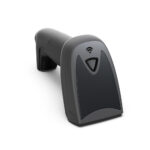
| 2D imager scanner | 150 to 250 mA | 400 mA on decode | Scanner drops frames, then re-enumerates |
| Thermal printer, 80 mm | 300 mA idle | 2 to 3 A while heating | Print fades or stops, and the terminal may restart |
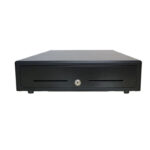
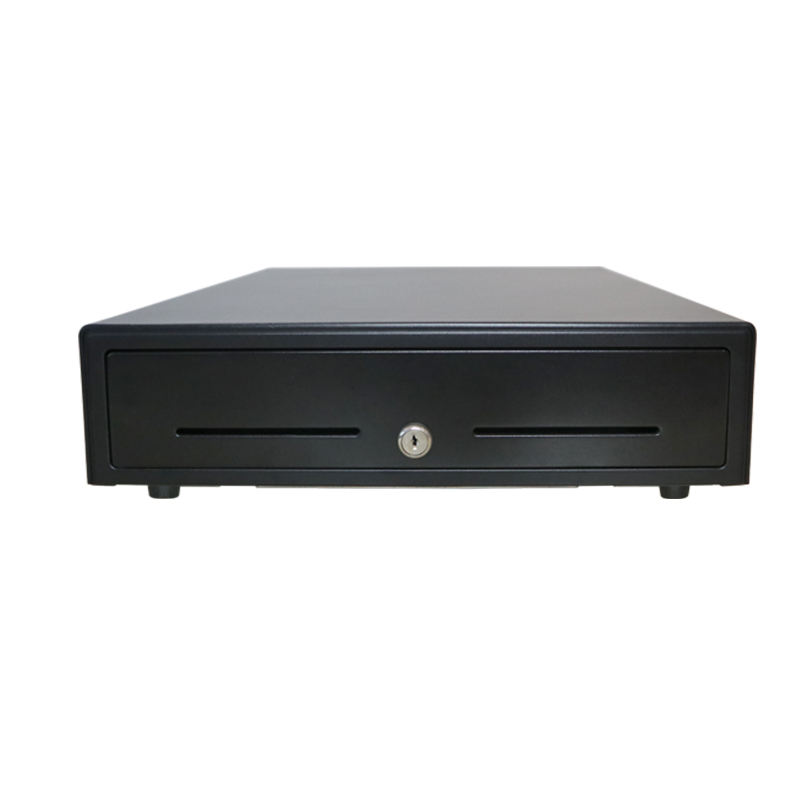
| Cash drawer, RJ11 | Not on USB | 12 V or 24 V pulse, 1 A for 200 ms | Drawer does not kick, or the port dies |
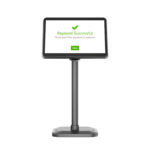
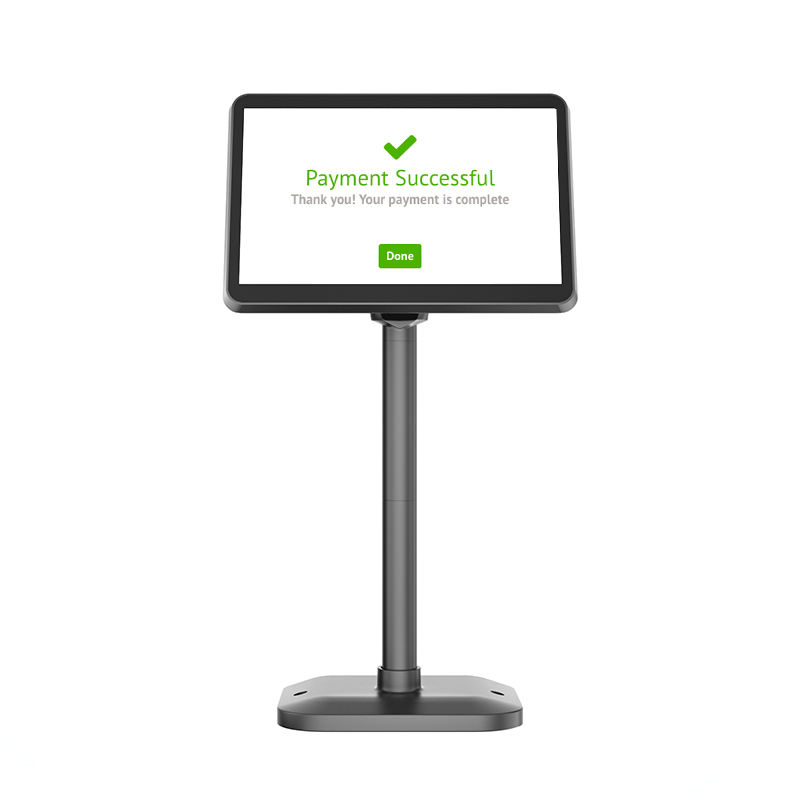
| Pole display | 300 to 500 mA | 600 mA at power-on | Backlight flickers, or it never enumerates |
| Label printer | 400 mA | 3 A while heating | Same as the receipt printer, plus a stalled motor |
This is why a terminal that restarts exactly when it prints is almost never a software fault. The printer draws its peak current, the shared rail sags, the processor browns out and reboots. The fix is not a firmware update. It is either an externally powered printer or a terminal whose adapter has headroom.
The connector type matters as much as the count. A cash drawer on RJ11 is driven by a 12 V or 24 V pulse and expects the drawer to match; a drawer designed for 24 V on a 12 V port will click and stay shut, which reads as a dead drawer rather than a voltage mismatch. Buyers who move a drawer from an old till to a new terminal hit this constantly.
Power: the adapter is part of the machine
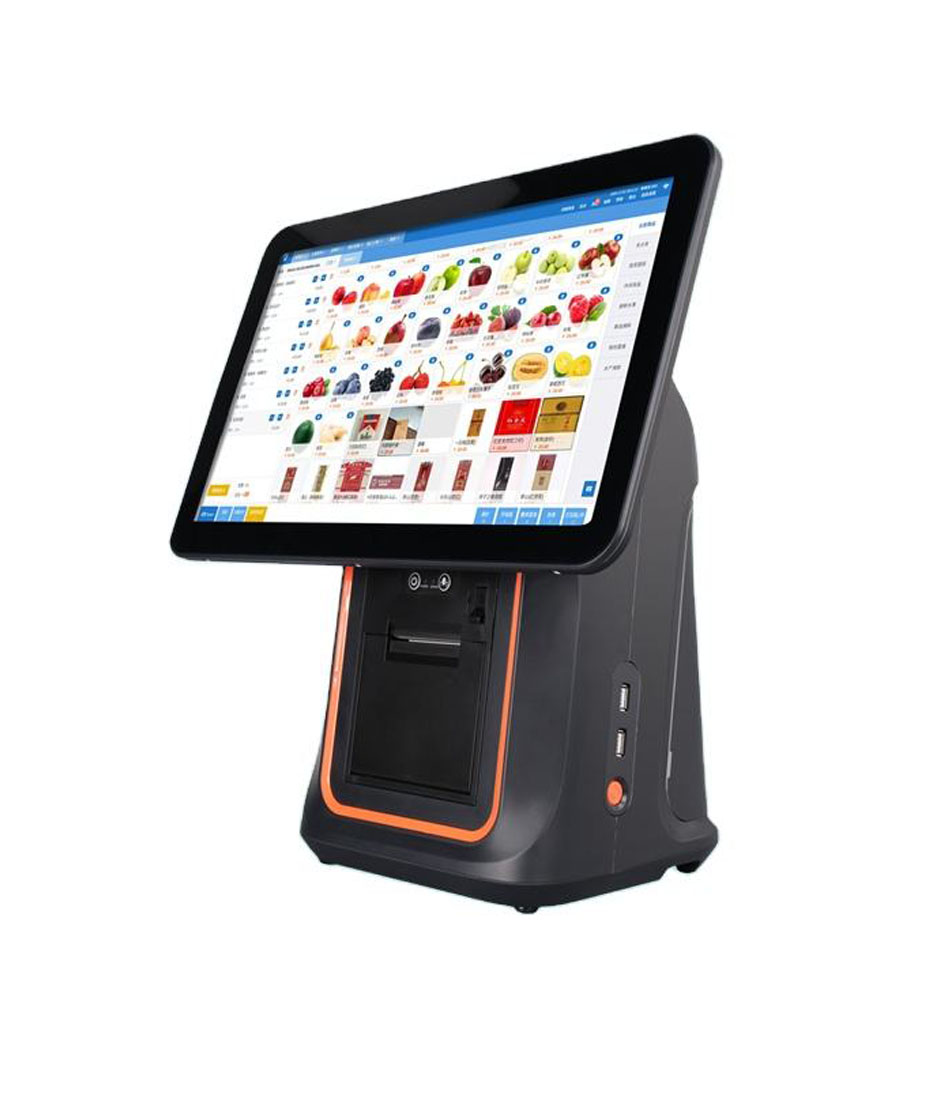
A 12 V 3 A adapter delivers 36 W. A 15.6-inch Android terminal with a built-in 80 mm printer, a battery charging and the panel at full brightness can peak near 55 W. The average might be 18 W, which is exactly why the problem hides: the unit works all day and fails for a second at a time.
| Rating | Continuous | Handles | Fails when |
|---|---|---|---|
| 12 V 2 A | 24 W | A tablet-class unit, no printer | Anything with a thermal printer |
| 12 V 3 A | 36 W | A terminal with a printer if the battery is not charging | Peak print plus charging |
| 12 V 5 A | 60 W | Terminal, printer, battery and peripherals at once | Rarely, if the cable is short and thick |
| 9 to 36 V wide input | Depends on the supply | Vehicle, kiosk and unstable mains | Only if the supply itself is undersized |
Two details beyond the rating. Cable length and gauge: a thin 1.5 m cable drops voltage under peak load, and the same adapter with a 1 m 20 AWG cable behaves differently. And connector lock: a barrel jack that pulls out when a cleaner moves the counter produces an intermittent fault that nobody can reproduce, which is the most expensive kind of fault to diagnose.
Why these three and not the ones on the brochure
Brochures lead with the processor model, the RAM, the storage and the camera. Those numbers are easy to compare and rarely decide whether the unit survives. The three specifications below are the ones that show up in return requests, warranty arguments and the note taped to the counter that says do not use this in the morning.
| Parameter | On a brochure | In year two |
|---|---|---|
| Processor, RAM, storage | Front page, in bold | Rarely. A four-year-old mid-range chip runs a POS application perfectly well |
| Camera megapixels | Features section | Almost never. A dedicated imager replaces it for scanning anyway |
| Brightness and finish | Small table, or omitted | Every sunny afternoon, and every complaint about the total being unreadable |
| Port count and current | A logo strip | The day a second printer is added and the terminal starts rebooting |
| Adapter rating | Omitted entirely | The first hot day, when printing and charging happen at the same time |
There is a reason these three get left off. They require the supplier to have measured the unit rather than copied a chipset datasheet. A supplier who knows the panel is 350 nits and matte has stood in front of it by a window at least once.
The other reason is that they interact. A bright panel draws more current, which tightens the adapter budget, which decides whether the printer can run at full density. Buyers who increase brightness without checking the supply end up with a screen they can read and receipts that fade halfway down the page, and the two symptoms look unrelated until somebody measures the 12 V rail.
The three-line email to send before ordering
One message, three questions, and a request for answers in numbers. Suppliers who have the data reply within a day. Suppliers who do not will send a brochure, which is also an answer.
- What is the panel brightness in nits, and is the cover glass glossy, matte or anti-glare?
- How many USB ports, and what total current in amps is available across all of them at once?
- What is the power adapter rating, and what is the measured peak draw with the printer heating and the battery charging?
Add a fourth line if the terminal will sit near a window or a door: ask whether the same chassis is available with a higher-brightness panel, and what the difference in power draw is. That question separates a supplier who assembles from a supplier who builds, because the second one has already done the thermal work for that configuration.
Reading the three lines on a quotation
None of the three is usually printed. That is the point. Ask for them in writing, and ask in a form that has a yes or no answer, because a supplier who cannot answer has not measured the unit either.
| Ask this | Usable answer | Answer that is not |
|---|---|---|
| Panel brightness and surface finish | A figure in nits, plus glossy, matte or anti-glare | High brightness, sunlight readable |
| USB port count, and the current available across all of them | A count, plus a total in amps or watts | Multiple USB ports for all peripherals |
| Power adapter rating, and peak draw with the printer running | A voltage and current, plus a measured peak | Includes a power adapter |
Three questions, three numbers. They take one email to answer, and they are the difference between a terminal that survives a summer and one that gets replaced in its second year for reasons nobody records.
FAQ
Is a higher nit rating always better?
Not always. A very bright panel at full brightness draws more power, runs hotter and shortens the backlight life. The right target is the ambient light at the installed position, plus a margin, not the highest number on the sheet.
Can I add a powered USB hub to get more ports?
Yes, and it is often the correct fix, because a powered hub supplies its own current instead of borrowing from the terminal. What it does not fix is a terminal whose own adapter is undersized, since the hub does not help the internal rail.
Why does my drawer only work from the printer port?
Because the printer carries the 12 V or 24 V kick-out line and the terminal may not. If the drawer is wired to the terminal and the terminal has no driven RJ11, the drawer will never open regardless of the software setting.
Where to go next
Brightness, port current and adapter rating are the three lines worth asking for in writing before a purchase order, because each one is cheap to check and expensive to discover later.
How the 12V and 24V cash drawer kick-out signal works What 80mm and 58mm paper widths change in practice Android POS terminals with published power and port specifications · the five parts of a POS system · what an EPOS system is
Specifying the hardware? The hardware side is covered in The five lines on a POS bill — which of them are hardware and which are not.