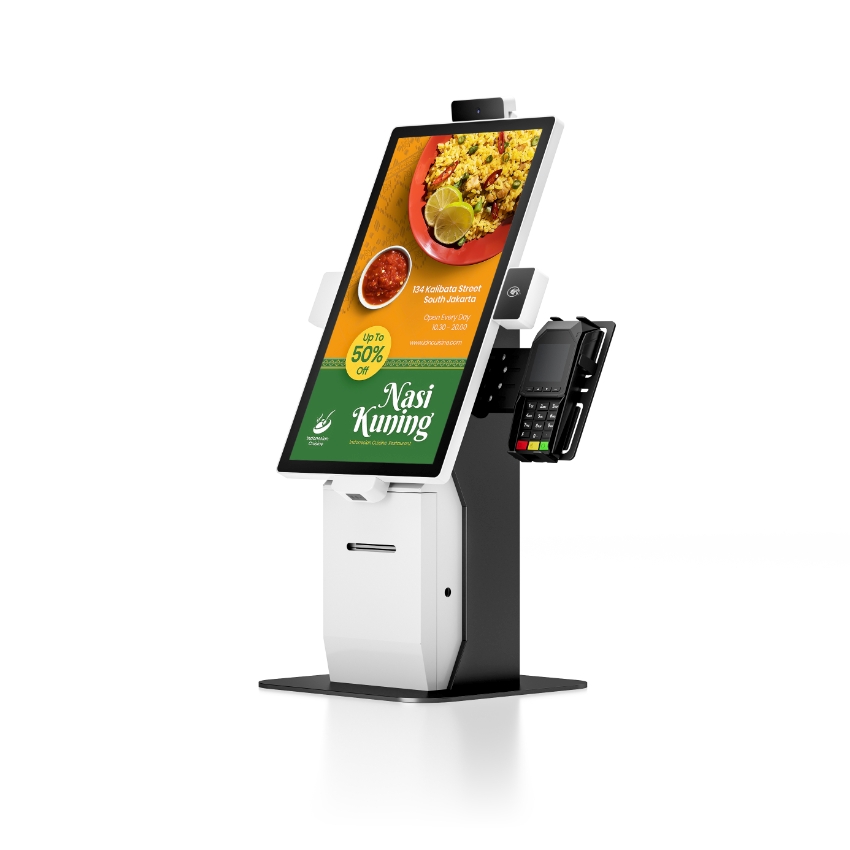
Put a commercial POS terminal and a consumer tablet side by side and read the two datasheets. The processor is often the same family, the panel is the same generation, the memory is the same size. The difference in lifespan is not hidden in the specifications, because it is not a specification: it is four quantities, each of which can be estimated before you buy.
Those four are powered hours per year, battery charge cycles, backlight half-life at the temperature the device actually runs at, and the length of the firmware support window. Everything else that gets called “industrial grade” is a consequence of one of them.
Number one: between 3 and 12 times the powered hours
The first error in a tablet-versus-terminal comparison is that it compares calendar age. Components age in powered hours, and the two devices accumulate them at completely different rates.
| Deployment | Hours per day | Hours per year | Equivalent to |
|---|---|---|---|
| Consumer tablet, personal use | 2–4 | 730–1,460 | One year of a till is three years of a tablet |
| Tablet used as a till | 10–12 | 3,650–4,380 | Already outside the design assumption |
| Countertop POS terminal | 12–14 | 4,380–5,110 | The design case |
| Kitchen display or kiosk | 24 | 8,760 | A different thermal problem entirely |
A three-year-old till has run for about 13,000 hours. A four-year-old family tablet has run for about 3,000. The till is the older machine by every measure that matters to a component, and it is the one still expected to work, which is the actual argument for buying hardware designed for that duty cycle rather than hoping a consumer device tolerates it.
Number two: the battery is the consumer device’s clock
A lithium pack is rated for a number of full cycles to 80% of its original capacity. For consumer cells that figure is typically 500 cycles, sometimes 300 in a cheap pack. A tablet used as a till is charged every night, which is 365 cycles a year, which puts 80% capacity at around sixteen months.
Capacity is not the only mechanism, and the second one is worse. Calendar ageing depends on temperature and state of charge: a pack stored at 40 °C at full charge loses on the order of 20% of its capacity a year. A tablet left plugged in on a counter, sitting at 100% in a 35 to 40 °C cabinet, is in the worst possible state for its chemistry. The visible result is a swollen back cover within 18 to 24 months, and a swollen pack is a fire risk, not a maintenance item.
Commercial hardware deals with this in three ways, and only the third is a spec. Countertop terminals have no battery at all — they run from mains with a small coin cell for the clock, which removes the failure entirely. Handhelds use removable packs so the device does not sit on a charger all night; it charges in a cradle at a controlled rate and the pack is swapped at shift change, which spreads the cycles over two packs instead of concentrating them on one. And the packs are a catalogue part, so a three-year-old device can be given a new one.
Number three: backlight half-life, and why 10 degrees matters more than the rating
An LED backlight is rated to a number of hours at which its output falls to half. For the edge-lit assemblies used in POS panels that figure is usually 30,000 to 50,000 hours, measured at 25 °C.
The temperature in that rating is the junction temperature of the LED, not the room. A display running in a sealed plastic housing at 45 °C ambient has a junction around 65 °C, and LED degradation roughly doubles for every 10 degrees. Twenty degrees above the rating point is a factor of four, so the same panel delivers about 12,500 useful hours instead of 50,000 — under three years at 12 hours a day.
This is why a terminal in its fourth year looks tired rather than broken. It is not a fault; it is the backlight reaching the end of its curve. It is also why a terminal designed for the duty cycle carries a metal back plate bonded to the panel frame: the plate is a heat spreader, and spreading heat is the cheapest way to buy back half-life. A consumer tablet has no such plate because it was never expected to run at full brightness for twelve hours.
The check that takes one minute
Put a three-year-old terminal next to a new one, both at 100% brightness, in a lit room. If the old one looks yellow and dim, the backlight is the reason and no software setting will fix it. Ask what the replacement display assembly costs before assuming the unit is finished.
Number four: the firmware support window
Consumer tablets get three to four years of operating system updates, and then they stop. For a personal device that is annoying. For a payment terminal it is a compliance problem, because the software above it keeps moving.
Three things break when firmware support ends, and they break in this order. The certificate store stops receiving updates, so connections to payment gateways begin to fail one root certificate at a time. The payment application raises its minimum API level, and the new version will not install. And the device management agent drops the operating system from its supported list, which means the terminal disappears from remote monitoring — you find out it has failed when a customer calls.
Commercial terminals quote five to seven years, and the honest constraint on that number is not the vendor’s willingness but the chip vendor’s board support package. When a system-on-chip goes to end-of-life, the BSP freezes, and no amount of goodwill produces an Android version that the silicon was never validated against. This is worth asking about explicitly: which SoC, what is its lifecycle status, and until when.
The parts that are not numbers but still decide the outcome
Three physical differences matter and none of them appear in a comparison table. The first is fastening: a commercial housing is assembled with machine screws into brass inserts, which can be opened and closed twenty times; a consumer tablet is clipped and glued, and comes apart once. The second is port retention: a till needs four to six ports with cables that stay in while a customer leans on the counter, and a single USB-C is not that. The third is mounting: a 75 or 100 mm VESA pattern is a standard bracket, while a tablet needs a purpose-made case that costs as much as the tablet and hides the ports.
Three years, costed twice
Here is the same six-site deployment, costed both ways. Prices are indicative and the point is the shape of the curve, not the absolute number.
| Line | Six consumer tablets | Six commercial terminals |
|---|---|---|
| Hardware at start | 6 × 380 = 2,280 | 6 × 900 = 5,400 |
| Replacement events in 3 years | Two full sets (battery and OS both expire) | None |
| Hardware over 3 years | 18 units = 6,840 | 6 units = 5,400 |
| Mounts and enclosures | 6 × 70 = 420 | VESA bracket, 6 × 25 = 150 |
| Device management licence | 6 × 3/month × 36 = 648 | 6 × 3/month × 36 = 648 |
| Batteries and service parts | Not replaceable; unit is replaced | 6 packs, about 270 |
| Staff time for swaps | 12 device swaps, re-enrolment each time | None planned |
The tablet route is cheaper on day one by about 3,100, and more expensive by year three. The real difference is not the money. It is that twelve device swaps mean twelve re-enrolments, twelve chances for a site to lose its printing configuration, and a support burden that arrives in a cluster every twenty months rather than being spread out.
Why the failures cluster in year four
Electronics fail in three phases, and a POS fleet compresses all three into a shorter window than a consumer product because the duty cycle is higher. The first phase is infant mortality — the first few hundred hours, where a cold joint or a marginal component gives up. That one happens in the factory, if the burn-in rack is doing its job.
The second phase is the flat middle, where the failure rate is dominated by random events: a power surge, a spilled drink, a dropped handheld. It is low and it is flat, and it is what most people mean by reliability.
The third phase is wear-out, and on a terminal it starts around year three and is fully visible by year four. Three components reach their curve at almost the same time: the backlight, the battery if there is one, and the electrolytic capacitors in the power path. The result is a fleet that looks fine for three years and then generates a cluster of failures in a single quarter, which is exactly when a replacement decision gets made under pressure rather than planned.
The planning consequence is simple. If the expected service life is six years, the spare budget belongs in year three, not spread evenly, and the replacement round should be planned for year five rather than triggered by the first cluster. The alternative is buying replacements at whatever price is available in the quarter the failures arrive.
When a tablet really is the right answer
There are deployments where the tablet wins and it is dishonest to pretend otherwise. A pop-up shop open for six weeks, a market stall that packs down every night, tableside ordering where the device only shows a menu and never prints — in all three, the tablet is cheaper, lighter and the failure modes do not have time to appear.
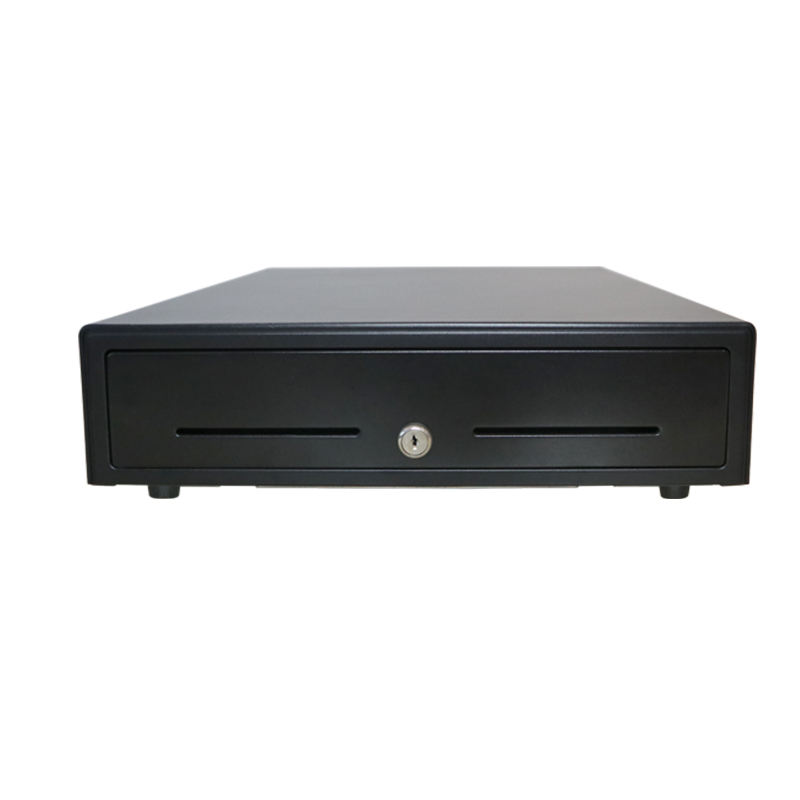
The decision rule that holds up is about the deployment horizon and the peripheral list. Under twelve months, or no printer and no cash drawer, a tablet is fine. Over two years, or with a drawer, a printer and a scanner attached, the four numbers above decide the outcome before the first unit is unboxed.
FAQ
Can a consumer tablet be used as a POS terminal?
It can run the application, and it can print over Bluetooth. What it cannot do is hold a cash drawer reliably, survive a twelve-hour duty cycle for three years, or keep receiving security patches past year four. It is a valid choice for short deployments.
Do commercial terminals have batteries?
Countertop models usually have only a coin cell for the real-time clock, which is why they last. Handhelds have removable lithium packs, and the pack is the wear item — worth checking that it is a catalogue part rather than a custom shape.
Is a brighter screen always better?
No. Brightness costs heat, and heat costs half-life. A 400 cd/m² panel run at full output in a sealed housing will dim faster than a 250 cd/m² panel run at 70%. Buy the brightness the site needs and set the default lower.
Where to go next
Buy on duty cycle, not on the spec sheet. For the models built for a twelve-hour day:
DCA-155A 15.6-inch Android terminal DCA-Q3A with integrated printer Windows POS systems for long-life deployments tablet POS: when it works and when it does not terminal vs tablet, decided by the counter what ends a terminal’s life, and when · what all-in-one means in practice