Pizza is the only food format where the ticket rebuilds the product. A burger is a burger with additions. A half-and-half pizza is a size, a crust, a base, a left half, a right half, and two removals — and if any one of those lines is missing from the ticket, the pizza comes back. That is why pizza POS hardware is a printing and routing decision before it is a screen decision.
It is also the format where one order has to reach three places at once: the oven, the prep bench and the expo counter, plus a dispatch decision if the shop delivers. Most pizza POS guides spend their length on features and none of it on the two things that actually go wrong: the ticket loses its last lines, and the pass has to sort paper from four stations.
A half-and-half pizza is nine lines, and that is the whole problem
Write out a single 16-inch half-and-half order the way a ticket prints it and the count is not intuitive.
| What prints | Lines |
|---|---|
| Order header, ticket number, time, order type | 3 |
| Size and crust | 2 |
| Base: sauce, cheese | 2 |
| Left half: two toppings | 2 |
| Right half: two toppings | 2 |
| Removals: no onion, no olives | 2 |
| Notes: cut into 8, well done | 2 |
| Total | 15 lines for one pizza |
Four pizzas and two sides is comfortably forty lines. At Font A on 203 dpi the line pitch is about 3.75 mm, so forty lines is 150 mm of paper before the header and footer. That ticket is not slow to print — at 250 mm/s it is under a second. It is slow to read, and it is long enough that the tail matters.
Why the bottom of the ticket disappears
Most thermal printers buffer the incoming job. A small 58 mm unit typically holds four to eight kilobytes. When a long ticket fills the buffer mid-job and there is no flow control on the link — which is common on USB, where the printer enumerates as a bulk device and the driver does not assert RTS/CTS — the tail of the job is simply dropped. The printer does not report an error, because from its point of view it printed what it received.
This is why the failure looks random. The ticket is generated correctly, the customer pays, the pizza goes in, and the crust type or the allergy note that was on line 38 never printed. On a short ticket it never happens. On a four-pizza order at 8 PM on a Friday it happens often enough that staff start calling the printer temperamental.
Two ways to test this before you buy
Print a forty-line test ticket ten times in a row on the demo unit and count the lines on each. Then do it with the printer set to the fastest speed and the darkest density — both increase the data the buffer has to hold. If any copy is short, the link needs flow control, not a faster printer.
The practical fixes are unglamorous: enable hardware flow control where the interface allows it, keep long modifier lists off the ticket and on the kitchen display instead, and put the allergy and crust lines near the top rather than the bottom. Printing the important lines first is free and it survives a truncation.
Routing: one printer per station, not one printer per shop
A pizza shop has four destinations and they are not interchangeable. The oven needs size, crust and toppings. The prep bench needs the build order for the day. Expo needs the whole ticket and the order type. Dispatch needs the address, the promise time and the driver assignment.
| Station | What it needs | What happens without its own device |
|---|---|---|
| Oven | Size, crust, toppings, doneness | Reads the pass ticket across the line, drops pizzas |
| Prep | Build order, batch quantities | Walks to the oven to read, prep falls behind |
| Expo | Full ticket, order type, cut instructions | Sorts three metres of paper per order |
| Dispatch | Address, promise time, driver | Retypes from the receipt, wrong address rate climbs |
The single-printer-at-the-pass arrangement fails for a reason that has nothing to do with speed: somebody has to sort the paper. In a shop doing forty orders an hour, that is 120 tickets an hour arriving in one place for four destinations. The sorting is the bottleneck, and it is done by the most expensive person in the building.
Sizing a KDS in usable pixels, not inches
Kitchen display units are sold by diagonal, and the number that matters is how many complete tickets stay visible without scrolling. That is a division problem.
Take a 21.5-inch 1920 x 1080 panel. Subtract about 80 pixels for the header and 20 for padding, leaving roughly 1000 pixels of card area. A pizza ticket is eight to twelve lines. At 18 pixels per line plus padding, a twelve-line card needs about 260 pixels. That is three cards stacked. Two columns gives six tickets on screen.
Drop to 14-pixel text and you fit five cards per column and ten on screen — but 14 px on a 21.5-inch panel is 0.248 mm per pixel, so the glyph is about 3.5 mm tall. At the 1.5 metres between the pass and the oven door that is marginal after a two-hour service with steam in the air. This is the real trade-off on a KDS: bigger text means fewer visible tickets, and a wider screen does not buy back ticket height.
| Panel | mm / px | 12-line card at 18 px | Cards per column | On screen, 2 columns |
|---|---|---|---|---|
| 21.5″ 1920 x 1080 | 0.248 | 260 px | 3 | 6 |
| 23.6″ 1920 x 1080 | 0.272 | 260 px | 3 | 6 |
| 27″ 1920 x 1080 | 0.311 | 260 px | 3 | 6 |
| 27″ 2560 x 1440 | 0.234 | 260 px | 5 | 10 |
The conclusion that follows is uncomfortable for anyone buying on diagonal: a 27-inch 1080p KDS shows exactly the same number of tickets as a 21.5-inch one. It only makes each ticket larger, which is worth something at three metres and nothing at one. If you need more tickets on screen, the resolution has to go up, not the diagonal.
Heat, flour and steam at the pass
The pass in a working pizza shop sits at 35 to 45 °C with flour dust in the air and a steam plume from the wash-up. That is a hostile environment for anything with a fan.
A fanless industrial unit with an aluminium case sheds heat through the chassis and has no intake to clog. A consumer tablet in a sealed enclosure has nowhere to put the heat, so it throttles — and thermal throttling on a touch device presents as touch lag, not as a warning message.
Tell-tale
The screen responds normally for the first two hours of service and gets progressively sluggish after that, then recovers overnight. That is thermal throttling, and no amount of cleaning the touch panel will fix it. Ask what the enclosure does with heat before you mount anything within two metres of an oven.
Delivery apps: the tablet pile
A delivery-active pizza shop usually ends up with three marketplace tablets, one POS and one printer, and the staff retype orders between them. Every retype is an error and a delay, and the errors concentrate in addresses and modifiers.
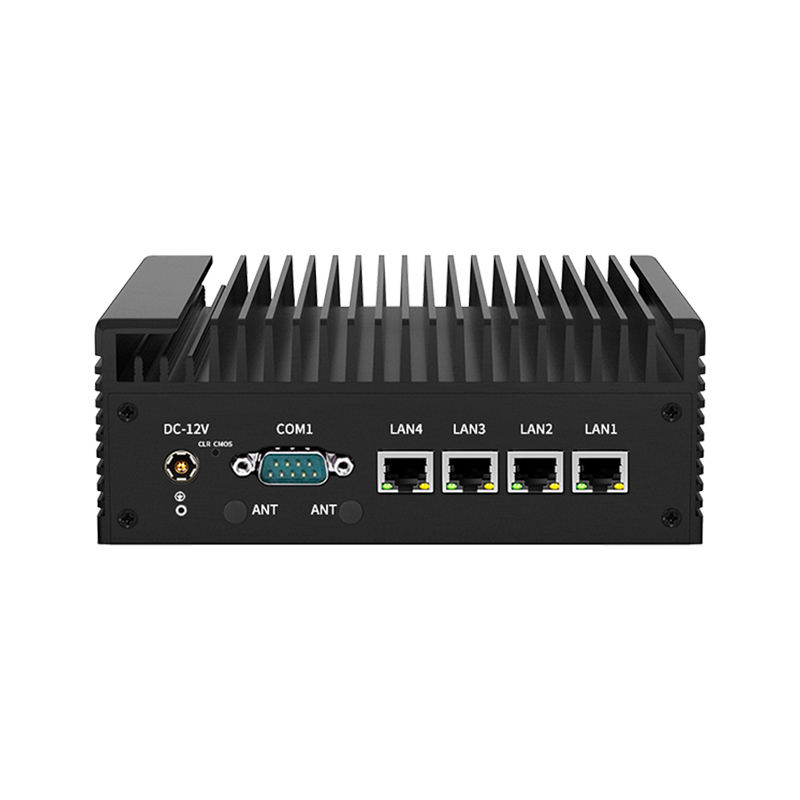
There are two hardware answers. The cheap one is a printer per tablet, so at least the kitchen gets one paper stream instead of three screens. The better one is a middleware box that pulls all the marketplaces into the POS — which needs a device with enough USB ports and enough network interfaces to sit between them, typically a small industrial mini PC rather than a POS terminal.
Hardware by station
| Station | Device | Spec that decides it |
|---|---|---|
| Counter | 15.6″ Android terminal | Modifier grid for half-and-half, RJ11 drawer, 4+ USB |
| Oven | 80 mm printer, auto cutter | 48 chars/line, partial cut, wall or shelf mount |
| Prep | Second 80 mm printer or small KDS | Batch quantities, no address lines |
| Expo | 21.5–23.6″ KDS | Resolution over diagonal, fanless, network-fed |
| Dispatch | Separate display or mini PC | Multiple USB for marketplace tablets |
What it costs, and where the money is wasted
In a pizza shop the recurring waste is not the terminal, it is the paper and the remakes. A forty-line ticket on 80 mm is about 150 mm of stock; a shop doing 300 orders a day burns roughly 45 metres of paper daily, or about 1.4 km a month. At that volume a cheap roll with a thin coating fades and jams, and the cost difference between a good roll and a bad one is smaller than a single remake.
The other waste is duplicated hardware bought to fix a routing problem: a second printer at the pass because the first one is in the wrong place. Put the printers where the stations are, and the second printer stops being a spare part and becomes a station.
Five checks before you sign
- Print a forty-line ticket ten times and count lines on every copy. Short copies mean no flow control.
- Ask where the allergy and crust lines print, and move them to the top of the ticket if they are at the bottom.
- Bring your real ticket layout and ask to see it on the KDS at 18 px. Count how many complete tickets fit without scrolling.
- Put the demo unit within two metres of a heat source for two hours and check for touch lag.
- Count the delivery tablets you actually run. If it is more than one, the printer-per-tablet answer costs less than the middleware but does not remove the retyping.
FAQ
Do I need a KDS if I already print kitchen tickets?
Not for a shop under about thirty orders an hour — paper works and it never reboots. Above that, the constraint becomes sorting and searching, and a KDS wins because it can filter by station and by promise time. The transition point is when somebody is employed mainly to organise paper.
Can a pizza shop run on a tablet POS?
For card-only counters with no drawer and no kitchen printing, yes. Pizza usually fails one of those conditions: cash on delivery needs a drawer, and kitchen tickets need a printer, and a tablet has neither an RJ11 port nor a built-in 80 mm head.
How many tickets should be visible on the pass screen?
Enough to cover the next fifteen minutes of oven capacity, which for most shops is six to ten. Fewer than six and the expeditor scrolls during service; more than ten and the text gets small enough to misread at oven distance.
Where to go next
A pizza shop needs the printer at the oven, the display at the pass, and a terminal at the counter that can carry a half-and-half modifier tree without paging. Those are three different products:
kitchen display and all-in-one PCs KDS 21.5 / 23.6 / 27 inch POS-8370 80 mm, wall mount Android POS terminals why receipt printers fail in kitchens 80 vs 58 mm in practice