Comparing a cash register with a POS system by feature list produces an argument that never resolves, because the two devices are not competing on features. They compete on five years of cost, and the arithmetic changes direction depending on two things: how many orders a day, and how much of the money arrives by card.
What is actually being compared
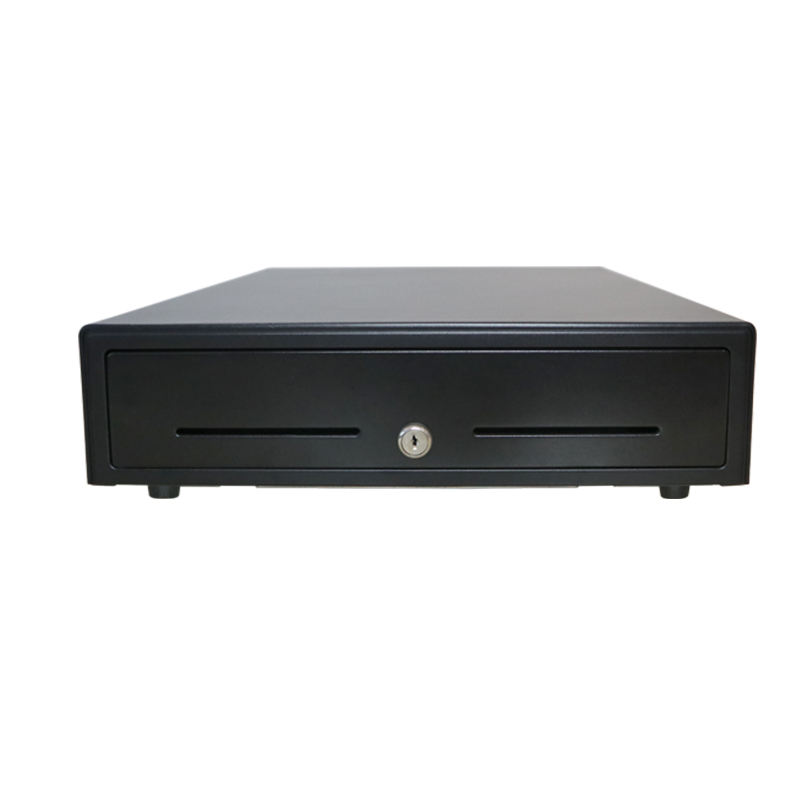
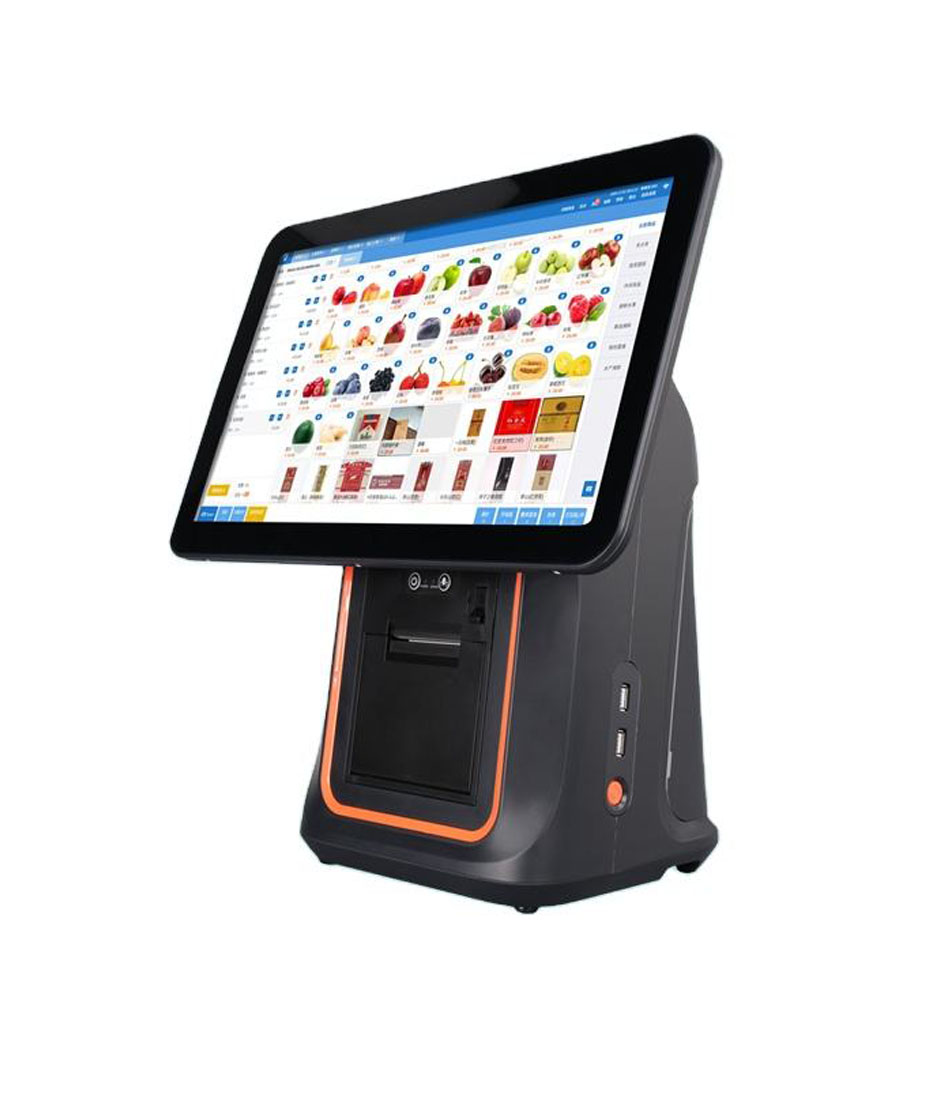
A cash register is an adding machine with a drawer, a printer and a fixed set of keys. A POS system is a computer with a screen, running software that talks to a server. Both take money. What separates them is not the transaction, it is everything that happens around it: recording what was sold, connecting a payment, telling the kitchen, and producing a number at the end of the day that can be trusted.
| Cash register | POS system | |
|---|---|---|
| What it records | A total per transaction, sometimes per department | Every line item, with time, cashier and payment method |
| Payments | Cash. Card only through a separate terminal | Cash, card and QR, recorded together |
| Stock | Not tracked | Tracked, if the catalogue is maintained |
| Reports | A Z total and a department breakdown | Sales by item, hour, category and staff member |
| What it needs | A power outlet | A power outlet, a network, and somebody who maintains the catalogue |
| Failure mode | A paper jam or a flat battery in the printer | A paper jam, a network fault, a software update, or a full disk |
That last row matters more than it looks. A cash register has fewer ways to fail because it does fewer things. A POS system has more ways to fail because it depends on a network and on software that changes. Neither is automatically better; the question is whether the extra capability earns its extra maintenance.
The four lines that differ
Hardware price is the line everybody compares and the least informative. Four other lines move in opposite directions, and they are where the five-year answer lives.
| Line | Cash register | POS system | Which way it moves |
|---|---|---|---|
| Purchase | 150 to 400 dollars | 300 to 700 dollars per terminal | Register, once |
| Software | Included. No subscription, no updates | Often 25 to 80 dollars per month | POS, every month, for five years |
| Consumables | Paper, and a ribbon or thermal head every year or two | Paper, plus a head at a similar rate | Roughly equal |
| Labour for reconciliation | Manual counting, manual deposit, no item-level record | Automatic, if the catalogue is clean | POS, and this is the largest line |
| Cost of an error | Invisible until a stocktake disagrees | Visible, and correctable | POS |
The labour line is the one that decides most comparisons and the one buyers estimate worst. Reconciling a cash register means counting the drawer, comparing with the Z total, and finding the difference by memory. Twenty minutes a day is a conservative figure for a small shop, and twenty minutes a day is 120 hours a year.
Three scenarios, five years each
Prices are typical hardware and software figures for one position. Labour is valued at 15 dollars an hour, which is a placeholder: substitute your own rate, because the conclusion is sensitive to it.
| A: cash-only counter | B: mixed payment | C: members and stock | |
|---|---|---|---|
| Orders per day | 60 | 150 | 150 |
| Card share of takings | Under 10 percent | 60 to 80 percent | 60 to 80 percent |
| Register, five years | 250 + 90 paper + 100 repairs = 440 | Not viable: card takings are invisible to the till | Not viable |
| POS, five years | 450 + 1,800 software + 450 paper + 60 battery = 2,760 | 450 + 1,800 + 450 + 60 = 2,760 | 450 + 1,800 + 450 + 60 = 2,760 |
| Reconciliation labour, five years | Register 600 hours, POS 100 hours | Register not viable, POS 100 hours | POS 100 hours, register does not support the model |
| Five-year verdict | Register is cheaper by roughly 2,300 dollars | POS is cheaper once labour and card reconciliation are counted | POS is the only option that works |
Read scenario A honestly, because it is the case where the register wins and buyers often refuse to believe it. Sixty orders a day, almost all cash, one person who knows the prices. A POS system costs about 2,300 dollars more over five years and delivers item-level sales data that nobody in that shop has time to read. The register is the correct purchase, and the correct decision is to keep the money.
Scenario B is where the arithmetic flips, and it flips for a reason that has nothing to do with features. Once most of the money arrives by card, the till and the card terminal hold two separate records of the same day. Somebody has to compare them, and that comparison is the labour line. A POS system that records the card payment inside the transaction removes the comparison entirely, which is worth about 500 hours over five years by the figures above.
The cost that does not appear in either column
There is a fifth line that neither device quotes and both incur: the cost of a decision made without data. It is easy to dismiss as a slogan, so here is a concrete version. A shop that cannot see item-level sales cannot tell whether the third coffee grinder paid for itself, whether the Tuesday promotion moved anything, or whether the two products that keep running out are the two that sell. Those are not analytical questions; they are the everyday questions of running the place, and a register answers none of them.
The counter-argument is equally concrete. A POS system only answers them if somebody maintains the catalogue, which means entering every product, every price and every tax rate, and keeping them current. A POS system with a stale catalogue produces reports that are wrong in a way that looks authoritative, which is worse than no report. This is the real cost of the upgrade: not the subscription, but the hours of data entry in the first month and the discipline afterwards.
What the register still does better
Three things, and they are worth stating because they are usually left out of comparisons written by people selling POS systems.
- It starts in two seconds. There is no boot, no login and no sync. In a shop with one person opening at six in the morning, that matters.
- It cannot be updated into a different product. A register bought in 2020 does the same thing in 2026, which is a limitation and also a guarantee.
- It has no network dependency. If the internet is down, the register does not care. A POS terminal has to be configured to keep selling offline, and that configuration is often skipped.
The second and third points are the ones that convince experienced owners, and they are legitimate. A POS system that depends on a server and has no offline mode is a worse business tool than a register, regardless of what its reports can do.
If you move, move in a controlled way
The transition is where most of the avoidable damage happens, and it has four steps that are worth doing in order rather than all at once.
- Run both systems in parallel for a week, with the new one as the record and the old one as the cross-check. The differences you find in that week are the configuration errors, and finding them then is far cheaper than finding them in month three.
- Enter the catalogue before the terminals arrive, not after. A terminal installed on a Friday with an empty catalogue produces a Saturday of guessing, and the guesses get remembered as prices.
- Keep one register. Not as sentiment: as the thing that takes money when the network, the server or the software is having a bad morning. A shop with a POS system and no fallback has a single point of failure it did not have before.
- Train twice, a week apart. The second session is the one that covers refunds, voids and the end-of-day, which are the three operations that generate the first month of support calls.
The parallel week is the step people skip because it doubles the work for five days. It is also the only step that catches a tax setting or a rounding rule while the old system is still there to say what the right answer was.
A decision rule that survives contact with a shop
Four questions, answered in order. The first one that produces a yes ends the comparison.
| Question | If yes |
|---|---|
| Do you need member pricing, or stock levels that are actually maintained? | A POS system. A register cannot represent either |
| Does more than half the money arrive by card? | A POS system, for the reconciliation labour alone |
| Do you need to send orders to a kitchen or a second station? | A POS system. This is not a feature a register can be given |
| None of the above, under 100 orders a day, mostly cash? | A cash register, and put the difference into the fit-out |
The rule is deliberately blunt because the honest answer for a small cash business is often that the cheaper device is the right one. The mistake in both directions is the same mistake: buying for the business you intend to have rather than the business you run today, and paying for capability that nobody has time to use.
FAQ
Can a cash register take card payments?
Only through a separate card terminal, and the two records then have to be reconciled by hand. That reconciliation is the main reason mixed-payment shops move to a POS system, more often than any feature.
Is a POS system more reliable than a register?
It has more components, so it has more failure modes, but it also fails more visibly. A register with a drifting total is silently wrong; a POS terminal with a network fault announces itself. Reliability is about detection as much as about failure rate.
What happens to a POS system when the internet goes down?
It depends entirely on configuration. Most support an offline mode that queues transactions locally, but it has to be enabled and tested. A shop that has never pulled the cable does not know whether its offline mode works.
Where to go next
The comparison turns on card share and reconciliation labour, not on features. Answer those two and the decision makes itself.
Three POS bundles and what each one costs The four-gate process for a POS rollout Brightness, ports and power: three specifications that decide year three · what counts as a POS system · the three clocks inside a single sale