There are five shapes of POS hardware in common use: the countertop all-in-one with a printer inside the chassis, the countertop terminal with a separate printer, the handheld terminal, the self-service kiosk, and a tablet or phone on a stand. They run the same software and take the same payments. What separates them is where the sale happens — whether the customer comes to the till, and whether the till moves between sales.
That question matters more than the feature list, because the shape sets three things that are expensive to change later: the counter depth it needs, how a jam gets cleared, and who is standing in front of it when it fails.
The question that sorts them
Every deployment we quote is decided by the same two facts. Draw them first, then choose a screen size.
Countertop all-in-one: one box, one cable, one failure point
The all-in-one puts the panel, the mainboard and a thermal printer in one chassis: 15.6 inches on a 363 × 350 × 210 mm base at 3.2 kg, or about 5 kg once a printer and peripherals are added. It runs from a single 12 V adapter — 2 A, about 24 W, without a printer, and 5 A or 7.5 A, 60 to 90 W, with one.
The trade is explicit. You get one power cable, no peripheral shelf and a counter that looks tidy. You give up service access: when the printer jams, the whole terminal leaves the counter, and the till is down until someone opens the roll door at the back office. That is why busy counters — a bar at 8 pm, a quick-service lane at lunch — usually keep the printer separate even when the terminal is an all-in-one.
The embedded mechanism is also slower. It prints at about 200 mm/s against 260 mm/s for a standalone 80 mm counter printer, because it has less room for the motor and shares a power budget with the panel. On a 30-line receipt that is 0.56 s against 0.43 s — irrelevant once, noticeable at the twentieth customer in a queue.
Countertop terminal with a separate printer: the shape that survives volume
The same terminal without a printer, plus an 80 mm printer on the counter and a drawer underneath. Footprint is larger, there are two power cables plus a data cable, and the counter looks like equipment. In exchange each part is replaceable on its own: a printer fails, a spare goes in, and the till keeps selling while the broken unit is repaired.
This is the shape to choose when the site prints more than a few hundred receipts a day, or when the printer sits at a different position from the screen — a kitchen pass, a drive-through window, a second counter three metres away.
Handheld: the till walks to the customer
A handheld is a 5.5 to 6-inch screen with a battery, a radio and a scanner in one body — around 410 g with the battery, which is the number that decides whether staff carry it for eight hours or leave it on a shelf. Battery capacity in this class runs from 2,600 mAh to 5,000 mAh, and the practical difference is whether a unit lasts a full shift with the radio on.
Handhelds win where the customer does not come to a counter: table service, queue busting, stocktake in an aisle, ticket scanning at a gate. They lose where the transaction needs a drawer and a printed receipt — both are separate devices, and the drawer needs either a nearby printer or a terminal with a drawer port.
Self-service kiosk: the till has no staff in front of it
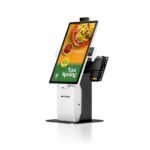
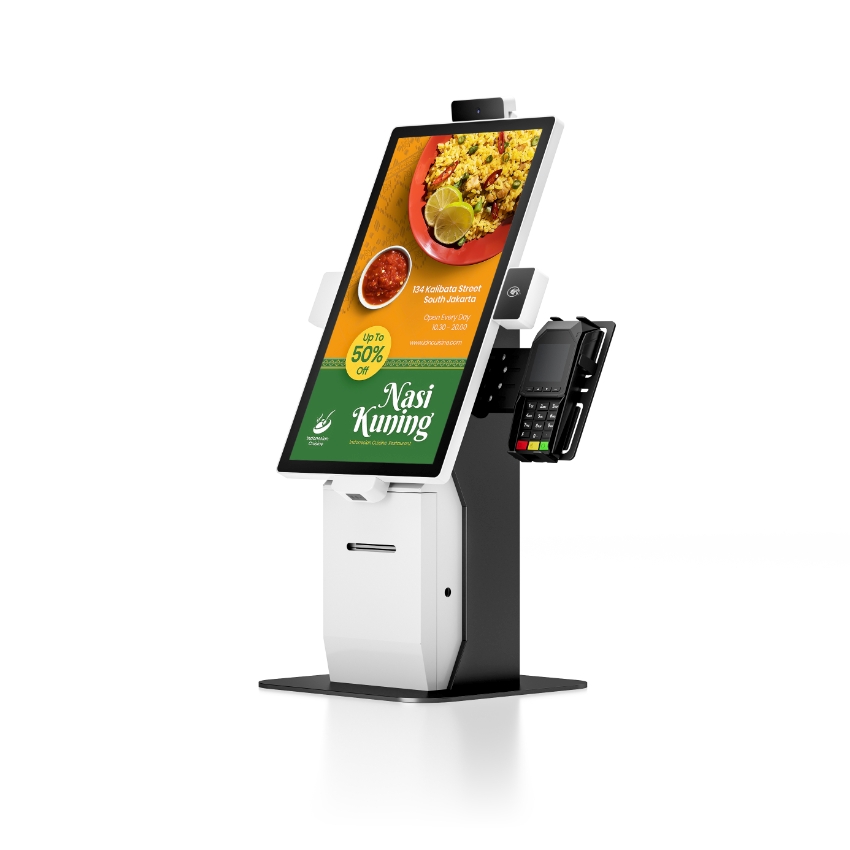
A kiosk is a locked enclosure with a 15.6 to 23.8-inch 1920 × 1080 panel at 350 to 450 nits, a capacitive touch layer, and usually an embedded 80 mm printer at 72 mm print width running 170 mm/s. It is built for a public space: the screen has to survive being pointed at, and the cabinet has to survive being leaned on.
Two specifications matter more than the screen. Brightness, because a kiosk facing a window at 350 nits is a mirror at midday. And service access, because a paper jam inside a locked cabinet is a staff call-out — the roll door has to be reachable with a key by someone who is not a technician.
Tablet on a stand, and the phone in a pocket
These two are the same idea at different sizes: consumer hardware running a POS application. They are the cheapest way to start and the fastest to deploy, and they have a hard ceiling that shows up in three specific places.
- No drawer port. A tablet has no 12 V or 24 V kick-out output. The drawer either hangs off a Bluetooth printer that has one, or it is opened by key — which removes the audit trail that makes a drawer worth having.
- Consumer service life. A commercial terminal is specified over five years of 12-hour days; a tablet is specified over a warranty period measured in months, and its OS updates stop on the manufacturer’s schedule, not yours.
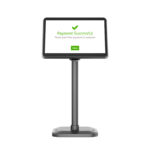
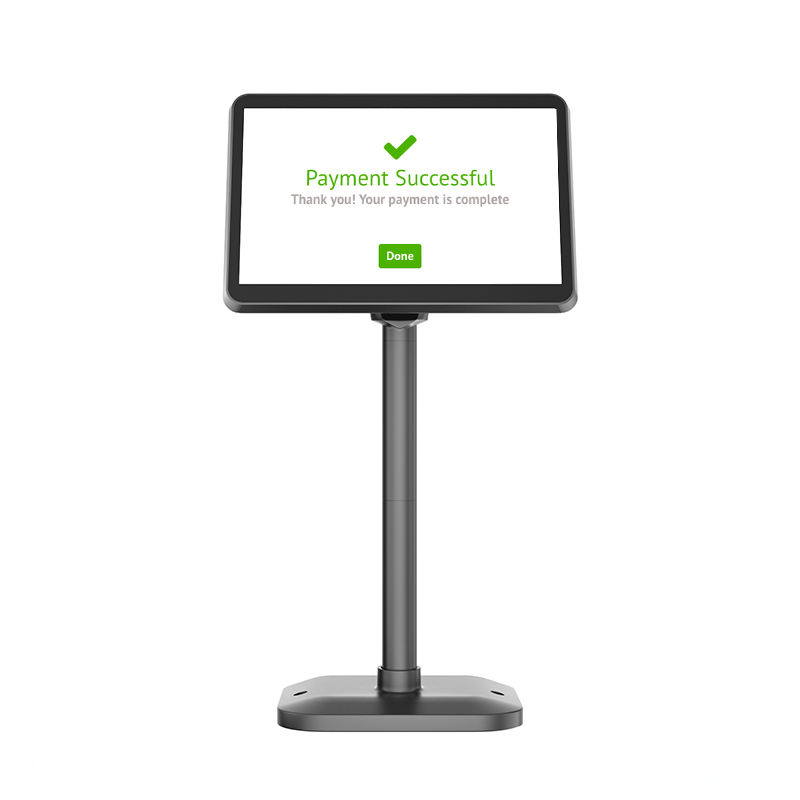
- One screen, one job. A tablet cannot drive a customer-facing display and a receipt printer and a drawer at the same time without a hub, and the hub reintroduces the box the tablet was meant to replace.
Where they are right: a market stall, a pop-up, a food truck, a single-till cafe that takes card only. Where they are wrong is a fixed counter with cash and a queue.
The five shapes side by side
| Shape | Footprint | Who serves | Clearing a jam | Fits when |
|---|---|---|---|---|
| All-in-one countertop | 363 × 350 × 210 mm base, one cable | Staff, standing | Terminal leaves the counter | Small counter, moderate volume |
| Terminal + separate printer | Two devices, three cables | Staff, standing | Swap the printer, keep selling | High volume, or printer at another position |
| Handheld | 410 g, 5.5–6 inch screen | Staff, walking | No printer attached | Table service, stocktake, queue busting |
| Self-service kiosk | Floor-standing, 15.6–23.8 inch | The customer | Locked cabinet, key access | Ordering, check-in, self-checkout |
| Tablet or phone | A stand, or a hand | Either | No printer attached | Pop-up, market, card-only site |
The footprint nobody budgets for
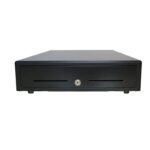
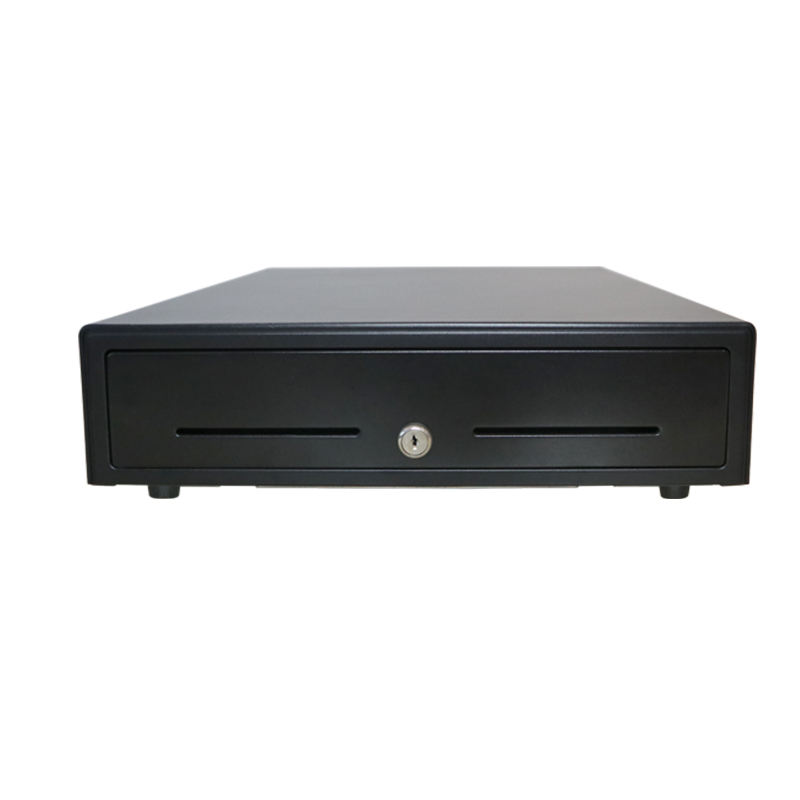
A 410 × 420 mm drawer needs 420 mm of counter depth plus roughly 380 mm of travel when it is open — about 800 mm of front counter in total. A counter specified at 350 mm deep will take the terminal and refuse the drawer, and no amount of screen-size negotiation fixes that.
What changes when you add a second lane
A single till is a device decision. Two tills is a systems decision, and the shape usually changes with it. Two all-in-ones mean two printers to jam and two roll stocks to carry; one terminal with two printers means one catalogue and a spare that fits both positions. At three lanes and above, the network and the receipt printer stop being peripherals and become the constraint.
The same logic applies to the drawer count. Drawers are per lane, not per shop, and each one needs its own pulse source — either that lane’s printer or a terminal drawer port at the matching voltage.
FAQ
What are the main types of POS system?
Five physical shapes: the countertop all-in-one with the printer inside the chassis, the countertop terminal with a separate printer, the handheld terminal, the self-service kiosk, and a tablet or phone on a stand. Software categories — cloud, on-premise, mPOS — cut across all five and do not change the footprint or the service access.
Which type is best for a restaurant?
Usually two shapes together: a countertop terminal with a separate 80 mm printer at the till, and handhelds for order taking at the table. A single all-in-one works in a small cafe where the printer is not the bottleneck; it stops working when a jam takes the only till offline during service.
Is a tablet POS a real POS system?
It is a real till for a card-only site with modest volume. It is not equivalent for cash handling: there is no drawer port, so the drawer opens by key or through a Bluetooth printer, and neither gives the transaction-level audit trail a counter with cash needs.
Do all POS systems need a cash drawer?
No — only sites that take cash. A card-only site should leave the drawer off the quote entirely: the steel box under the counter is a security liability rather than an asset, and the cash-up procedure it implies has nothing to reconcile.
What decides the screen size?
The counter and the customer, not the software. A 15.6-inch panel is the default because it fits a 363 × 210 mm footprint and shows a 48-character receipt preview; larger panels are for kiosks and customer-facing ordering, where the screen is read from a metre away.
Where to go next
Choose the shape from the counter outwards: who stands there, where the printer sits, and how a jam gets cleared. The screen size follows.
Android POS terminals Windows POS terminals handheld POS terminals self-service kiosks what an all-in-one actually integrates