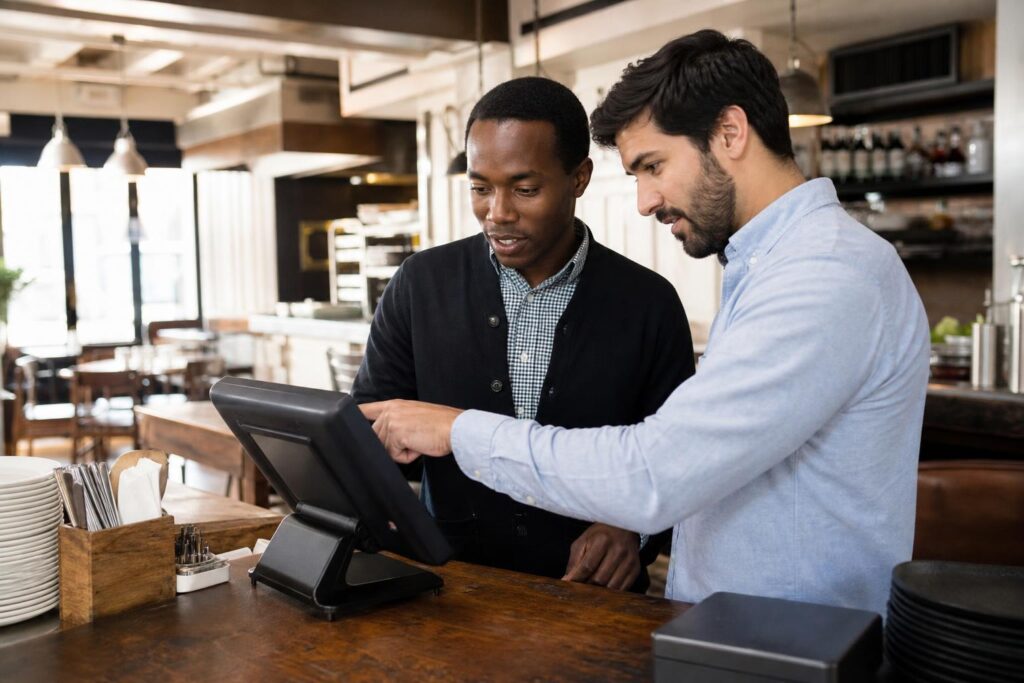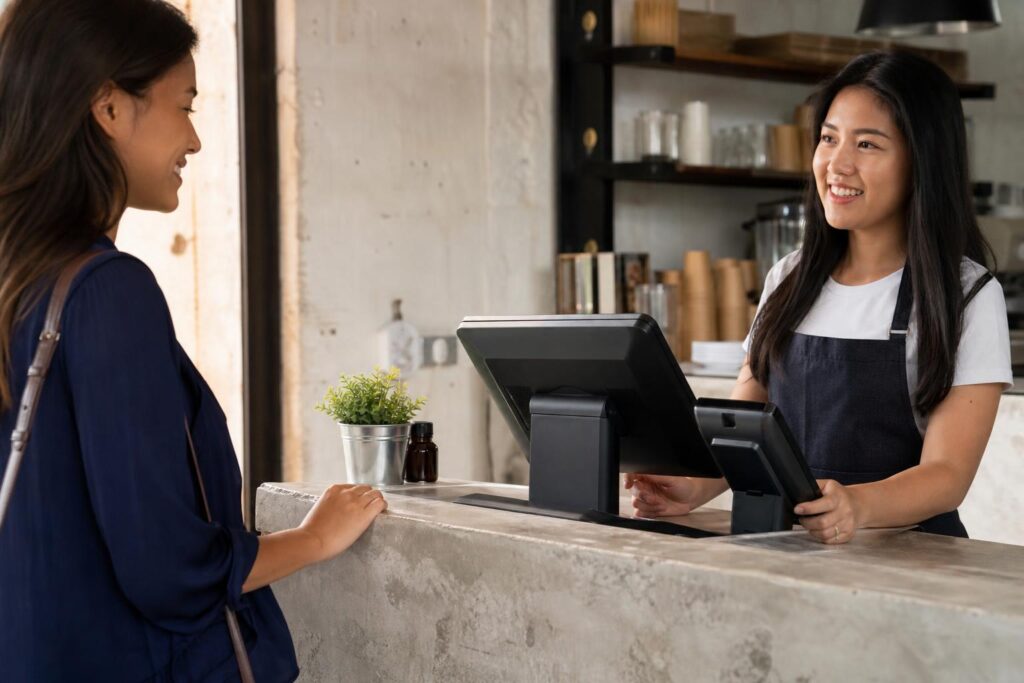
Choosing the right restaurant POS terminal is no longer just about processing payments. Modern restaurants rely on POS hardware for order management, kitchen communication, customer experience, and daily operations.
Whether you run a quick-service restaurant, café, food truck, or full-service dining business, the POS terminal you choose can directly affect service speed, staff efficiency, and long-term operating costs.
In this guide, we’ll break down the key factors restaurant owners and POS software companies should consider before selecting restaurant POS hardware in 2026.
What Is a Restaurant POS Terminal?
A restaurant POS terminal is the hardware device used to process orders and payments inside a restaurant environment. Unlike a standard retail POS system, restaurant POS hardware is designed to handle:
- Fast-paced ordering
- Table management
- Kitchen ticket printing
- QR ordering
- Split payments
- Customer displays
- Delivery integrations
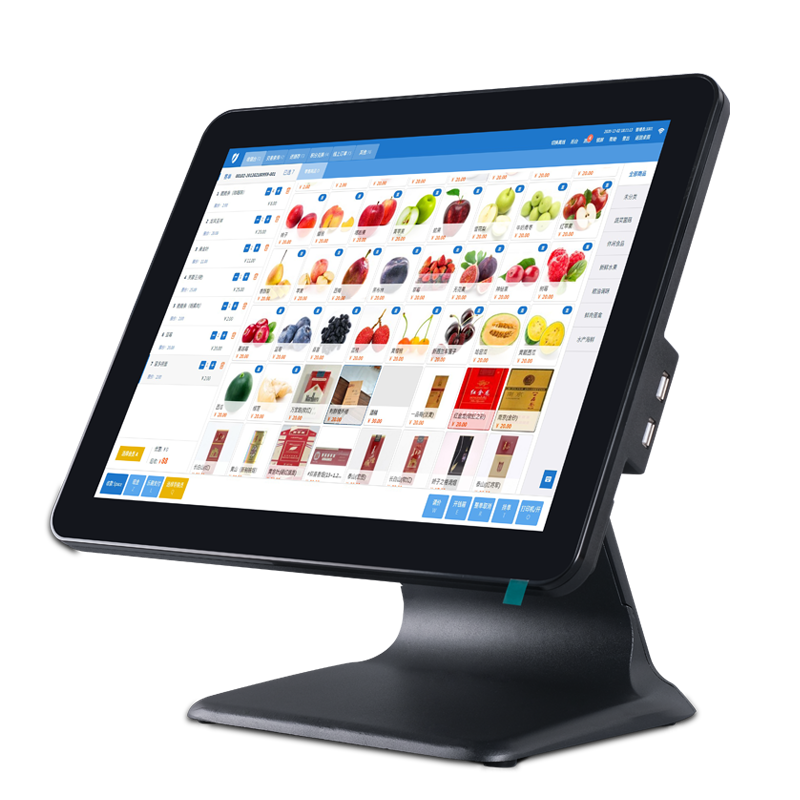
Most modern restaurant POS terminals today are Android-based and support touchscreen operation, cloud POS software, NFC payment, and multiple peripheral devices.
Types of Restaurant POS Terminals
Different restaurant formats require different hardware setups.
Countertop POS Terminal
Countertop POS terminals are commonly used in:
- Quick-service restaurants
- Bubble tea shops
- Cafés
- Bakery counters
They typically feature:
- 10–15 inch touchscreen
- Receipt printer support
- Cash drawer connection
- Customer-facing display
For many small restaurants, a compact Android POS terminal is often enough. Larger dual-screen systems may look more premium, but they also take up more counter space and increase hardware costs.
Handheld POS Terminal
Handheld POS devices are popular in:
- Full-service restaurants
- Outdoor dining
- Bars
- Busy table-service environments
Staff can take orders and payments directly at the table, reducing wait times and minimizing order mistakes.
In restaurants with limited staff, handheld POS systems can noticeably improve table turnover efficiency during peak hours.
Self-Ordering Kiosk
Self-service kiosks are becoming increasingly common in fast food and chain restaurant environments.
They help reduce queue times and labor pressure while increasing average order value through upselling features.
Kiosks are especially useful for:
- Burger chains
- Fried chicken stores
- Food courts
- Cinema restaurants
Key Features to Look for in a Restaurant POS Terminal
Not every POS terminal is designed for restaurant use. Here are the most important features buyers should evaluate.
1. Screen Size and Visibility
Restaurant staff interact with POS screens continuously throughout the day.
A responsive touchscreen with good brightness is critical in busy environments.
Recommended sizes:
| Restaurant Type | Recommended Screen Size |
|---|---|
| Small café | 10-inch |
| Quick-service restaurant | 15-inch |
| Full-service restaurant | Dual-screen setup |
| Self-order kiosk | 21-inch+ |
Dual-screen terminals are becoming more popular because they improve customer interaction during payment.
2. Android Compatibility
Android POS terminals dominate the restaurant market because they offer:
- Lower hardware cost
- Easier software integration
- Flexible customization
- Faster deployment
For POS software providers, Android hardware also simplifies application development and remote updates.
When selecting hardware, verify Android version compatibility with your POS software platform.
3. Payment Support
Modern restaurant POS systems should support multiple payment methods, including:
- NFC tap payment
- QR payment
- Credit cards
- Mobile wallets
- Contactless transactions
Customers increasingly expect fast, frictionless checkout experiences.
Slow payment processing can quickly create bottlenecks during lunch and dinner rush periods.
4. Peripheral Connectivity
Restaurant operations often require multiple accessories connected to the POS terminal.
Typical peripherals include:
- Receipt printers
- Kitchen printers
- Barcode scanners
- Cash drawers
- Customer displays
- Kitchen display systems
Before purchasing hardware, confirm available interfaces such as:
- USB
- RJ11
- Bluetooth
- Wi-Fi
- Ethernet
5. Durability and Heat Resistance
Restaurant environments are harder on hardware than retail stores.
POS terminals near kitchens may experience:
- Oil exposure
- Steam
- Heat
- Long operating hours
Commercial-grade restaurant POS terminals should support stable 24/7 operation without overheating issues.
This is especially important for restaurants in Southeast Asia and high-temperature environments.
Restaurant POS Terminal vs Tablet POS
Some small businesses start with consumer tablets because the upfront cost is lower.
However, restaurant-grade POS terminals usually offer:
| Tablet POS | Restaurant POS Terminal |
|---|---|
| Consumer-grade hardware | Commercial-grade hardware |
| Limited ports | Multiple peripheral ports |
| Lower durability | Designed for long operation |
| Basic payment support | Integrated POS ecosystem |
For growing restaurants, dedicated POS hardware is generally more reliable over time.
How Much Does a Restaurant POS Terminal Cost?
Pricing depends on hardware configuration and restaurant requirements.
Typical ranges:
| POS Type | Estimated Price Range |
|---|---|
| Basic Android POS terminal | $150–$300 |
| Dual-screen POS terminal | $300–$600 |
| Handheld POS terminal | $180–$500 |
| Self-order kiosk | $800–$3000+ |
Restaurants should evaluate long-term stability and software compatibility instead of focusing only on the lowest hardware price.
Cheap consumer hardware often creates maintenance problems later.
Choosing the Right POS Hardware Supplier
If you are sourcing restaurant POS terminals for distribution or software integration, supplier reliability matters as much as the hardware itself.
Look for suppliers that provide:
- OEM / ODM customization
- Stable Android firmware
- Long-term hardware supply
- SDK support
- Global shipping experience
- Technical documentation
For software companies, stable firmware and after-sales support are often more important than small hardware price differences.
FAQ
What is the best POS terminal for a restaurant?
The best restaurant POS terminal depends on your business model. Quick-service restaurants often prefer countertop Android POS systems, while full-service restaurants benefit from handheld POS devices.
Are Android POS terminals good for restaurants?
Yes. Android POS terminals are widely used in restaurants because they are cost-effective, flexible, and compatible with most cloud POS software platforms.
What size POS screen is best for restaurants?
Small cafés typically use 10-inch terminals, while busy restaurants often prefer 15-inch dual-screen systems for better workflow efficiency.
Can restaurant POS terminals work offline?
Many restaurant POS systems support offline operation for order processing and temporary payment storage during internet interruptions.
Final Thoughts
The best restaurant POS terminal is the one that fits your workflow, restaurant size, and software ecosystem.
For some restaurants, a compact Android POS terminal is enough. Others may require handheld devices, customer displays, kitchen integrations, or self-order kiosks.
Instead of focusing only on price, restaurant owners and POS software companies should evaluate reliability, compatibility, and long-term operational efficiency.
As restaurant technology continues to evolve in 2026, choosing scalable POS hardware can help reduce operational friction and improve customer experience over time.
Need Restaurant POS Hardware for Your Project?
We provide Android-based restaurant POS terminals for:
- Restaurants
- Cafés
- QSR chains
- POS software companies
- Distributors and system integrators
Available services include:
- OEM / ODM customization
- Logo branding
- SDK support
- Global shipping
- Fast sample delivery
Contact us to discuss your restaurant POS hardware requirements.