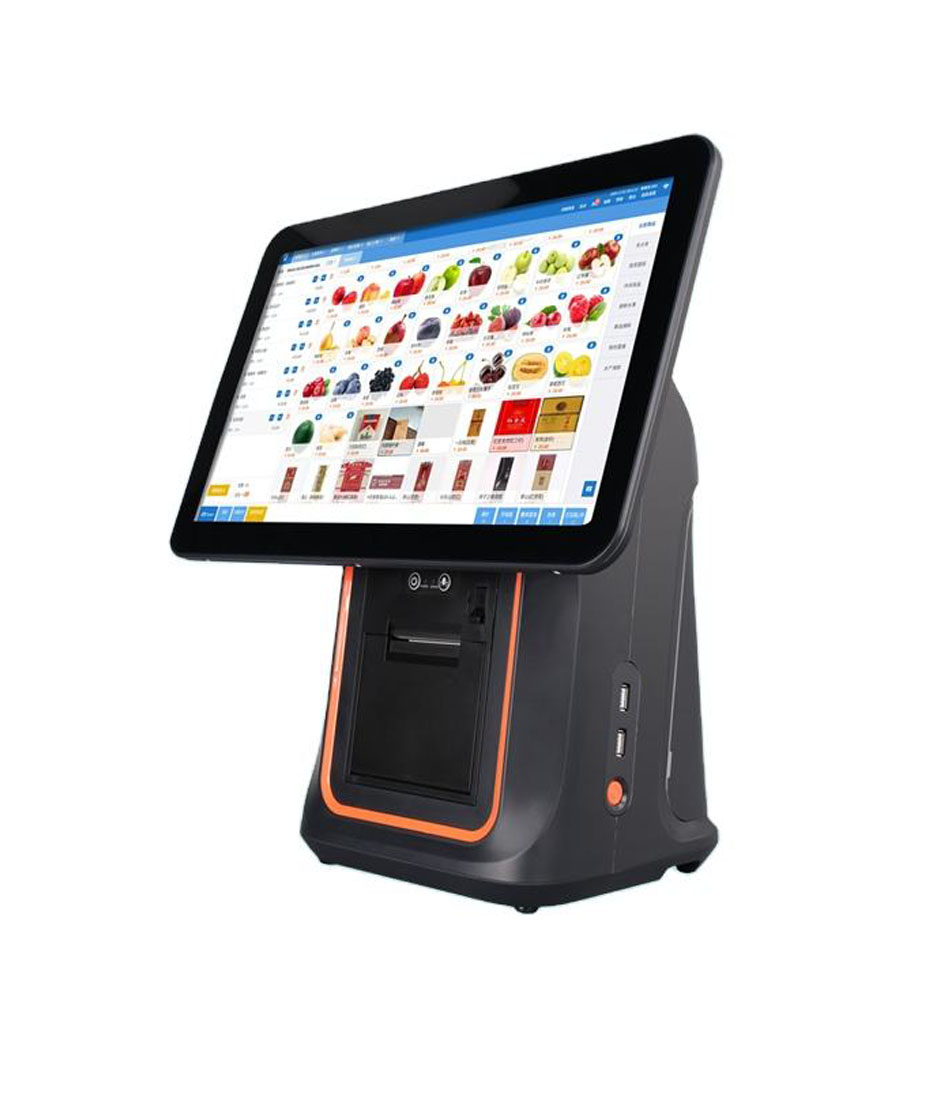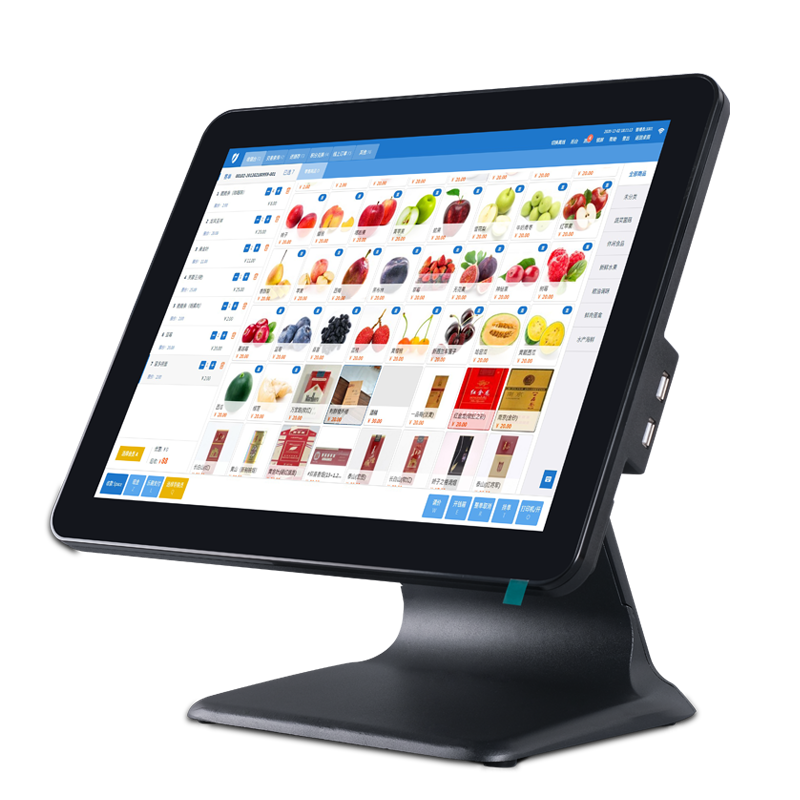
When businesses purchase a commercial POS terminal, they usually focus on specifications such as the processor, screen size, memory, and operating system.
However, a reliable commercial POS system is the result of years of engineering, testing, manufacturing, and support.
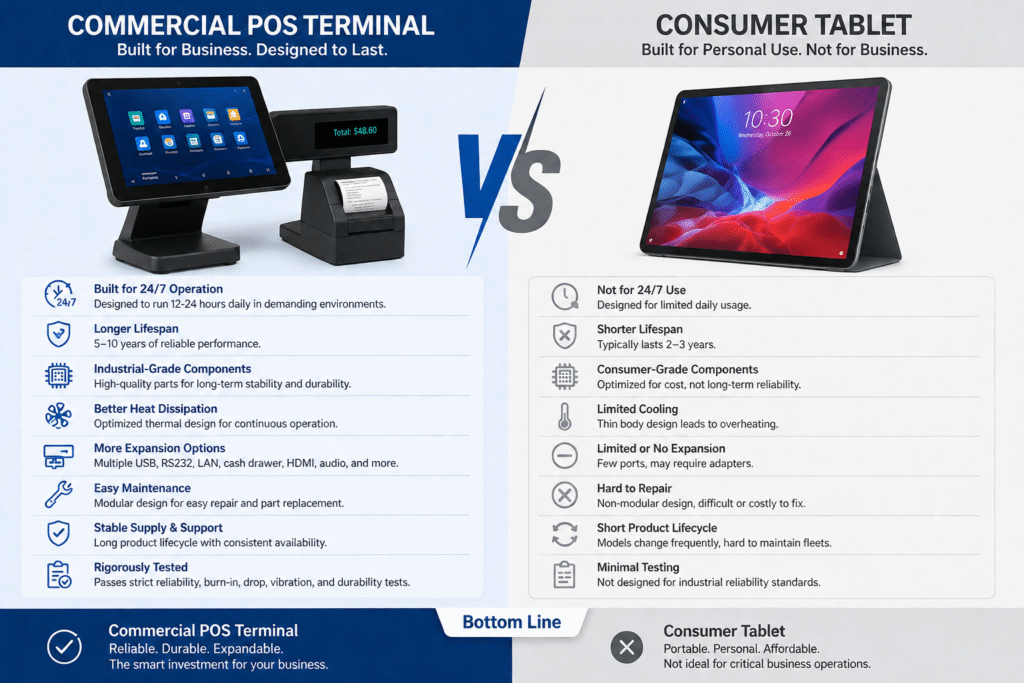
Unlike consumer tablets or smartphones, commercial POS terminals are designed to operate continuously in demanding environments such as restaurants, retail stores, supermarkets, hotels, and healthcare facilities.
Behind every successful POS terminal is a complete product lifecycle that spans from concept development to end-of-life management.
In this article, we’ll walk through the entire lifecycle of a commercial POS terminal and explain why each stage is critical to product reliability and long-term success.
Stage 1: Market Research and Product Planning
Every successful product starts with understanding customer needs.
Before any engineering work begins, product managers conduct extensive market research to answer important questions:
- Which industries will use the product?
- What software platforms need to be supported?
- What hardware interfaces are required?
- What are the pain points of existing solutions?
- Which future technologies should be considered?
For example:
A restaurant POS terminal may require:
- Dual displays
- Kitchen printer support
- NFC payments
- High brightness screens
A retail POS terminal may need:
- Barcode scanners
- Multiple USB ports
- Customer displays
- Inventory management capabilities
At this stage, the Product Requirement Document (PRD) is created, defining the project’s objectives and technical specifications.
Stage 2: Industrial Design (ID)
Once the product requirements are clear, the industrial design team begins developing the product’s appearance and user experience.
The goal is to create a POS terminal that is:
- Professional
- Ergonomic
- Durable
- Easy to install
- Suitable for commercial environments
Key design considerations include:
Display Viewing Angles
POS operators use the system for many hours every day.
Proper screen positioning improves comfort and productivity.
Cable Management
A clean counter improves customer experience and simplifies maintenance.
Product Appearance
The product should look modern while maintaining a professional business image.
At the end of this stage, the team produces:
- Product sketches
- 3D CAD models
- Appearance renderings
- Design specifications
Stage 3: Mechanical Engineering
The mechanical engineering team converts the industrial design into a manufacturable product.
This stage involves designing:
- Internal structures
- Heat dissipation systems
- Mounting mechanisms
- Hinges and stands
- Structural reinforcements
Commercial POS terminals must survive years of daily use.
Engineers therefore analyze:
- Structural strength
- Material selection
- Weight distribution
- Assembly efficiency
- Serviceability
Every detail affects product reliability.
Stage 4: Electronic Hardware Development
The hardware engineering team develops the electronic architecture.
This includes:
- Motherboard selection
- CPU platform integration
- Memory configuration
- Display interfaces
- Touch controllers
- Power management
- Peripheral interfaces
A commercial POS terminal may support:
- USB
- RJ45 Ethernet
- HDMI
- RS232
- Cash drawer ports
- Audio interfaces
The hardware platform must be stable, scalable, and suitable for long-term supply.
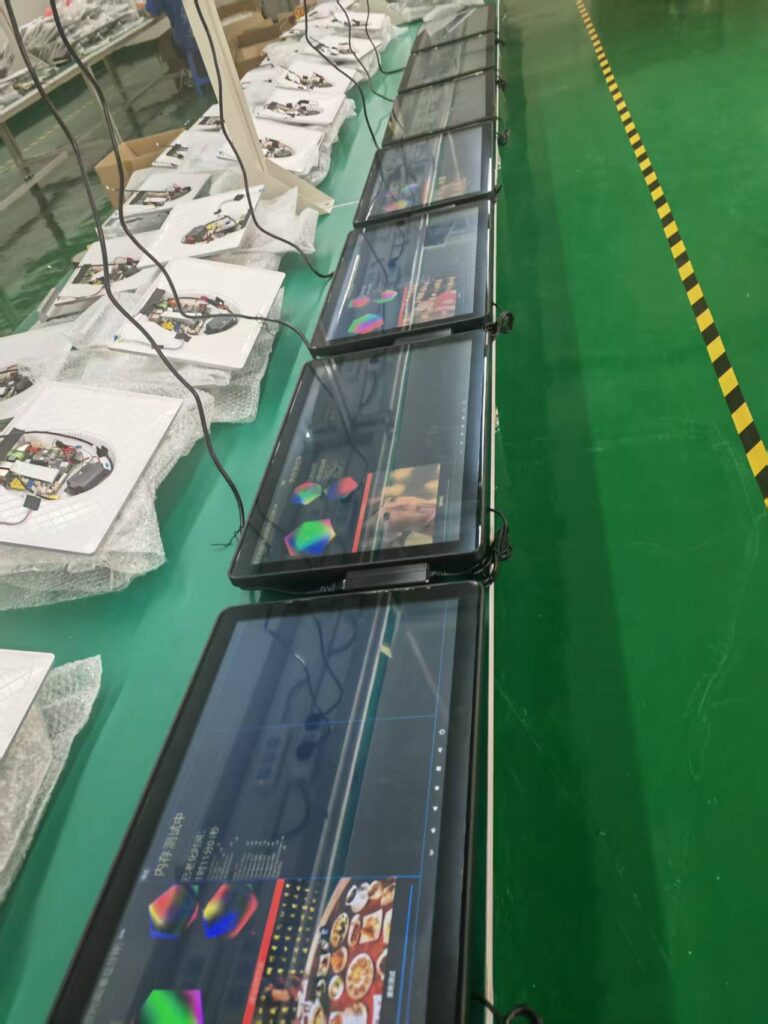
Stage 5: Software and Firmware Development
Hardware alone cannot deliver a great user experience.
Software engineers develop and optimize:
- Android firmware
- Drivers
- Peripheral compatibility
- Boot animations
- Device management tools
- OTA update capabilities
Software testing focuses on:
- Stability
- Performance
- Compatibility
- Security
- System responsiveness
This stage is particularly important for OEM and ODM projects.
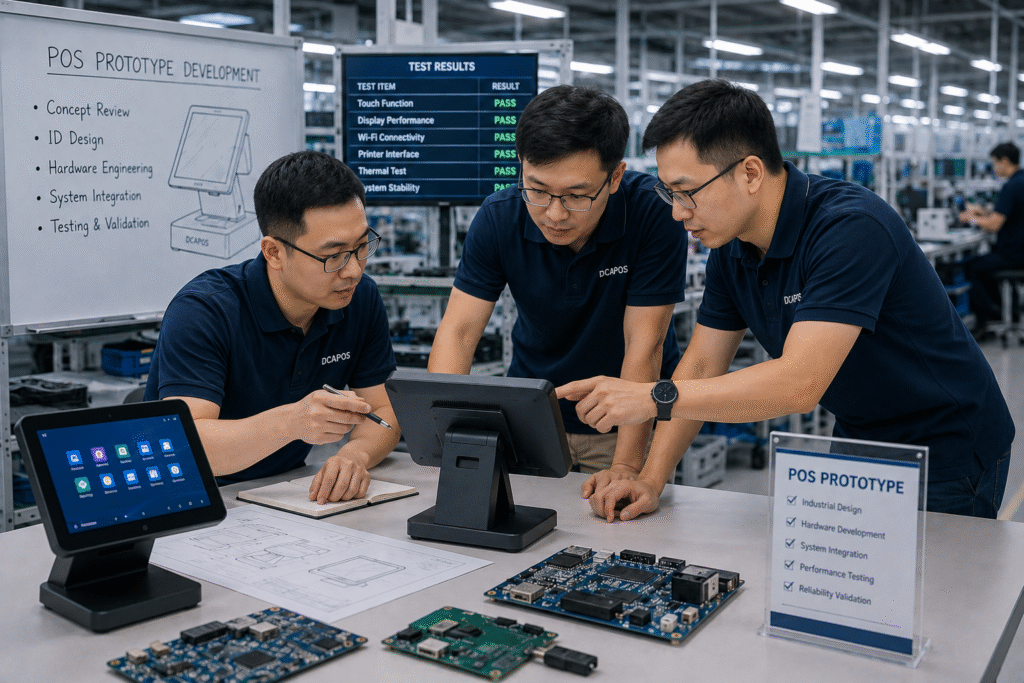
Stage 6: Prototype Development
After the initial design is completed, prototype samples are built.
The objective is to validate the design before mass production.
Most commercial POS projects include three development stages:
EVT (Engineering Validation Test)
Verifies:
- Basic functionality
- Hardware design
- Initial software compatibility
DVT (Design Validation Test)
Verifies:
- Mechanical design
- Thermal performance
- Appearance
- Reliability improvements
PVT (Production Validation Test)
Verifies:
- Manufacturing process
- Production efficiency
- Product consistency
Each stage helps reduce risks before full production begins.
Stage 7: Tooling and Mold Development
For mass production, precision tooling is required.
This includes:
- Plastic injection molds
- Metal stamping tools
- Die-casting molds
Tooling quality directly affects:
- Product appearance
- Dimensional consistency
- Assembly precision
- Manufacturing efficiency
Developing production molds often takes several weeks and represents a major investment.
Stage 8: Reliability and Certification Testing
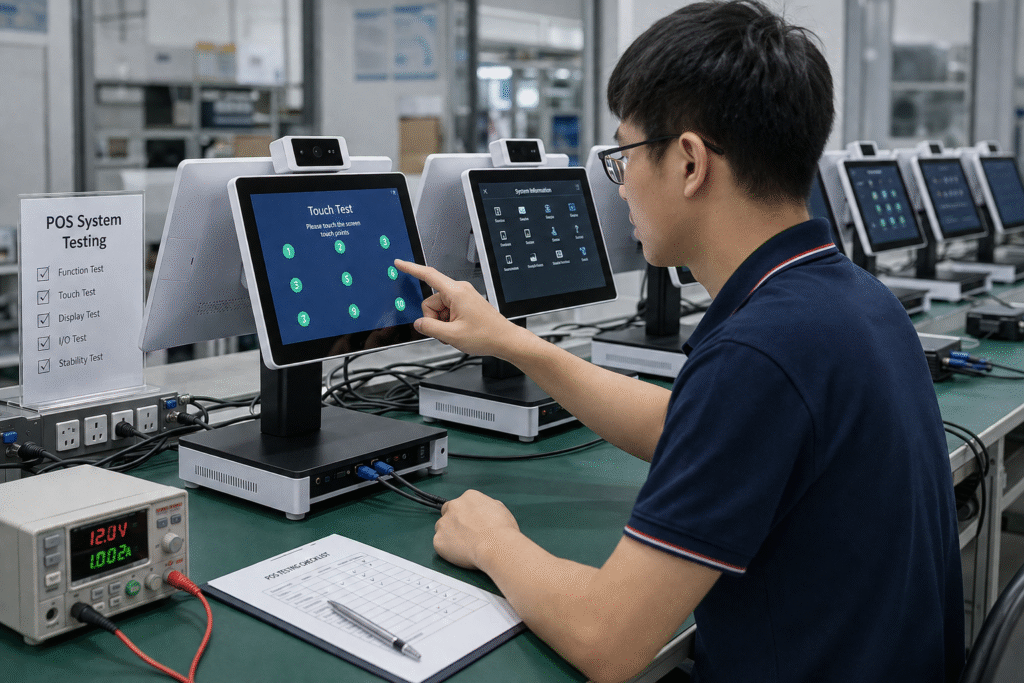
Before mass production approval, the product undergoes extensive testing.
High-Temperature Testing
Ensures stable operation in hot environments.
Low-Temperature Testing
Verifies reliable startup in cold conditions.
Continuous Operation Testing
Commercial POS systems often run:
- 12 hours per day
- 16 hours per day
- 24 hours per day
Long-duration testing validates stability.
Touchscreen Life Testing
Simulates years of daily operation.
Vibration and Drop Testing
Ensures the product can withstand transportation and handling.
Certification Testing
Depending on target markets, products may require:
- CE
- FCC
- RoHS
- UKCA
- CCC
Certification ensures compliance with global safety and EMC requirements.
Stage 9: Mass Production
After all validation is complete, mass production begins.
A professional factory typically implements multiple quality control processes:
IQC (Incoming Quality Control)
Inspection of incoming materials.
IPQC (In-Process Quality Control)
Monitoring of assembly processes.
FQC (Final Quality Control)
Verification of completed products.
OQC (Outgoing Quality Control)
Final inspection before shipment.
These systems help ensure product consistency and reliability.
Stage 10: Global Deployment
After manufacturing, POS terminals are deployed worldwide.
Typical applications include:
- Restaurants
- Coffee shops
- Retail stores
- Hotels
- Healthcare facilities
- Warehouses
- Self-service kiosks
During deployment, manufacturers often provide:
- SDK support
- Software integration
- Firmware customization
- Technical documentation
- Installation guidance
Successful deployment requires close cooperation between hardware and software teams.
Stage 11: Product Maintenance and Lifecycle Support
Unlike consumer electronics, commercial POS terminals often remain in service for five years or longer.
Long-term support may include:
- Firmware updates
- Security patches
- Hardware repairs
- Spare parts availability
- Technical support
- Replacement planning
A reliable manufacturer plans product support long before mass production begins.
Stage 12: End-of-Life (EOL) Management
Eventually, every product reaches the end of its lifecycle.
Professional manufacturers carefully manage the End-of-Life (EOL) process.
This includes:
- Advance customer notification
- Final purchase opportunities
- Spare parts planning
- Replacement product recommendations
- Migration support
Proper EOL management minimizes disruption for customers.
Why Understanding the Product Lifecycle Matters
Many POS terminals may appear similar on the outside.
However, the long-term reliability of a product depends on everything that happens throughout its lifecycle.
A mature lifecycle management process results in:
- Better reliability
- Lower failure rates
- Longer product availability
- Easier maintenance
- Better software compatibility
- Reduced ownership costs
For POS software companies and system integrators, choosing a manufacturer with a structured lifecycle process significantly reduces business risk.
Final Thoughts
A commercial POS terminal is much more than a touchscreen computer.
It is the result of a long and carefully managed lifecycle that includes:
- Market research
- Industrial design
- Engineering
- Prototyping
- Tooling
- Testing
- Manufacturing
- Global deployment
- Long-term support
- End-of-life management
Every stage contributes to the reliability, stability, and longevity of the final product.
At DCAPOS, we believe that building great POS hardware requires more than assembling components—it requires disciplined engineering, rigorous testing, and long-term commitment to product support.
Understanding the complete lifecycle of a commercial POS terminal helps customers make better decisions when choosing a manufacturing partner and ensures that their POS hardware can support business growth for years to come.