Restaurant technology has changed quickly over the last few years.
Many restaurants that once relied on traditional cash registers or tablet-based checkout systems are now moving to Android POS terminals for better flexibility, faster deployment, and easier software integration.
For restaurant owners, software providers, and POS distributors, Android POS hardware has become one of the most practical choices in 2026.
But not every Android POS terminal fits every restaurant.
A small café has very different needs compared with a fast-food chain or a full-service restaurant.
In this guide, we’ll break down how Android restaurant POS terminals work, which features matter most, and how to choose the right hardware for your business.
Why Restaurants Are Choosing Android POS Terminals
Restaurants need POS hardware that can handle long operating hours, busy customer traffic, and multiple payment scenarios.
Android POS systems have become popular because they are easier to customize than many closed POS ecosystems.
For restaurants, that usually means:
- Faster deployment
- Lower hardware cost
- Easier software integration
- More flexible customization
- Better compatibility with cloud POS systems
- Remote management and OTA updates
For POS software companies, Android also simplifies development because restaurant apps can be deployed across multiple hardware models with fewer limitations.
That flexibility matters even more for restaurants operating across multiple locations.
What Is an Android POS Terminal?
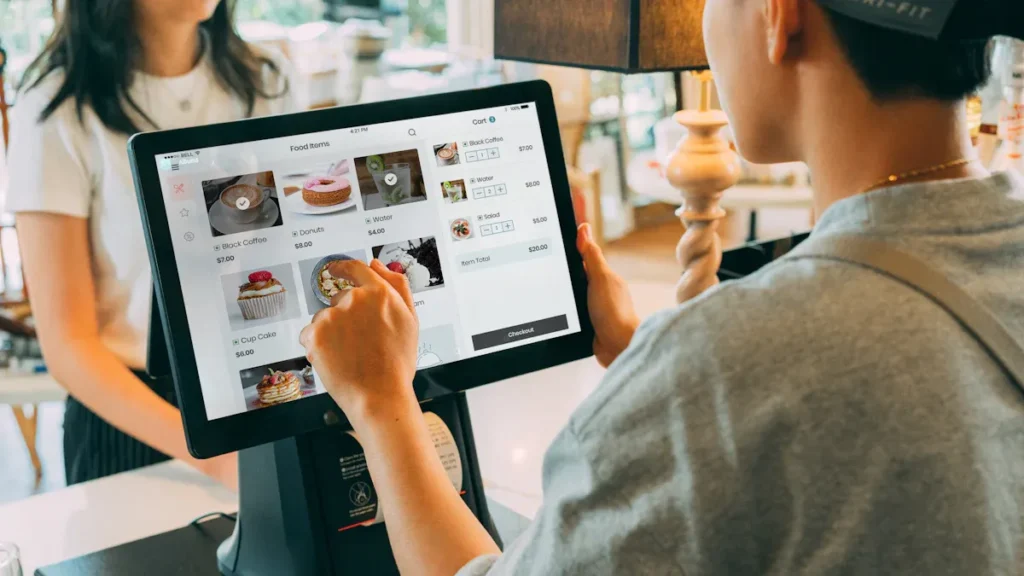
An Android POS terminal is a commercial touchscreen device powered by Android OS and designed for order processing and payment.
Unlike a consumer tablet, a restaurant POS terminal is built for daily commercial use.
Typical features include:
- Touchscreen display
- Built-in payment support
- Wi-Fi and Bluetooth
- Receipt printer integration
- Customer-facing display
- Cash drawer support
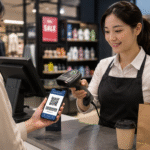
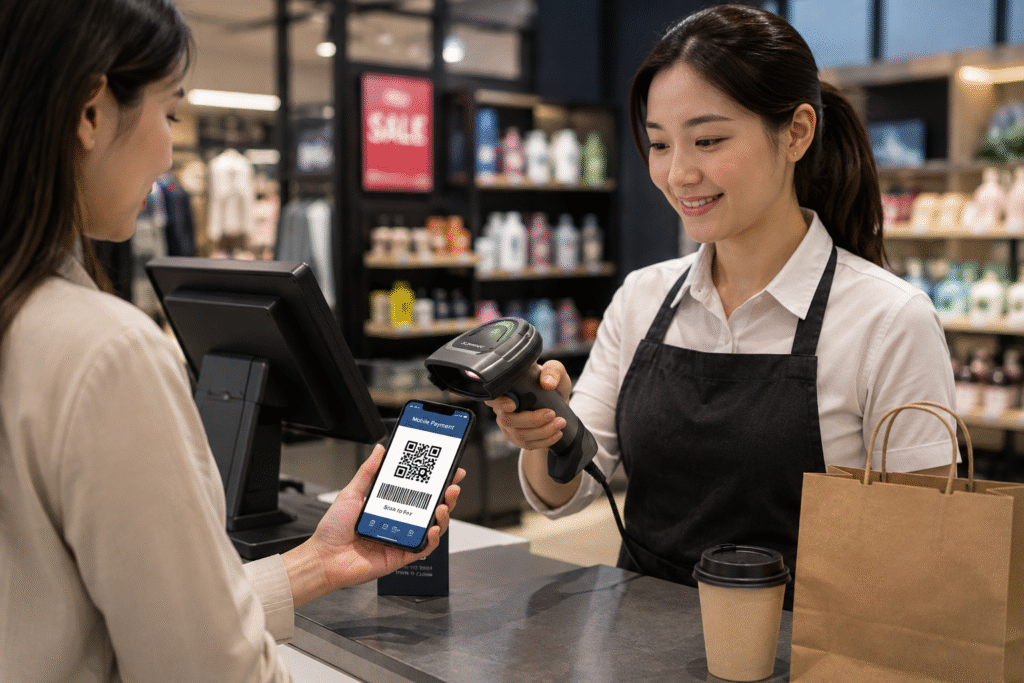
- QR and NFC payment
- Ethernet connectivity
The hardware is designed to stay stable during continuous restaurant operations.
That matters during lunch rush.
It matters even more on weekends.
Which Restaurants Benefit Most from Android POS?
Android POS terminals work well across different restaurant formats.
Quick-Service Restaurants
Fast-food and takeaway businesses usually need:
- Fast ordering
- Quick payment
- Countertop setup
- Customer-facing display
- Kitchen printer integration
A 15-inch Android POS terminal often works well here.
Speed matters more than anything.
Customers want fast checkout.
Staff need simple workflows.
Coffee Shops and Bubble Tea Stores
Smaller counters often prefer compact Android POS terminals.
Most need:
- Small footprint
- Clean touchscreen UI
- QR payment
- Loyalty system integration
- Receipt printer connection
A compact 10-inch setup is usually enough.
Adding oversized hardware often reduces counter space without improving workflow.
Full-Service Restaurants
Table-service restaurants usually combine:
- Countertop POS
- Handheld POS devices
- Kitchen display system
- Customer payment at table
Android handheld POS terminals are especially useful here.
Servers can take orders directly and complete payment without returning to the counter.
That improves table turnover and reduces order mistakes.
Chain Restaurants
Restaurant chains usually care more about:
- Standardized deployment
- Central software control
- Long-term hardware availability
- Branding customization
- Multi-location support
For chains, supplier stability matters more than choosing the lowest price.
Replacing hardware models every few months creates operational problems.
Consistency matters.
Key Features to Compare Before Buying
Not every Android POS terminal is built for restaurant use.
Here are the features worth checking.
1. Screen Size
Recommended sizes:
| Restaurant Type | Recommended Display |
|---|---|
| Café | 10-inch |
| Counter service | 15-inch |
| Full-service | 15-inch dual screen |
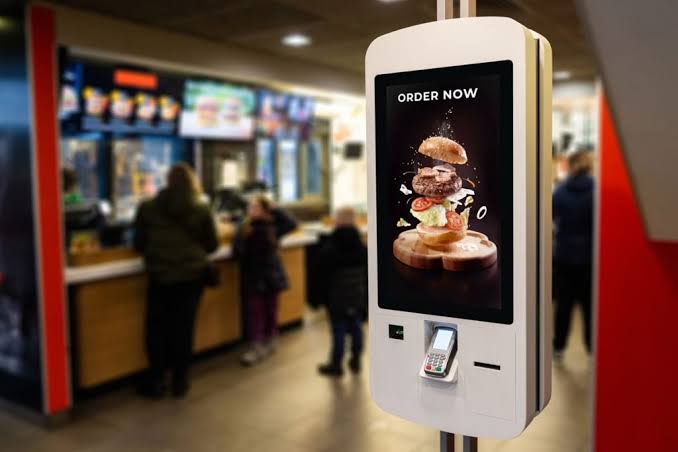
| Self-order kiosk | 21-inch+ |
A larger screen feels premium.
But in smaller stores, oversized terminals can slow movement and reduce usable workspace.
Choose based on workflow—not appearance alone.
2. Payment Options
Restaurant checkout has changed.
Most customers expect:
- Contactless payment
- NFC tap
- Mobile wallet
- QR payment
- Card payment
Restaurants with slow payment flow often create unnecessary queues.
A POS terminal should reduce friction.
Not add another step.
3. Connectivity
Restaurants often connect multiple accessories.
Check:
- USB
- Bluetooth
- Wi-Fi
- Ethernet
- RJ11
Typical connected devices include:
- Receipt printer
- Kitchen printer
- Barcode scanner
- Cash drawer
- Customer display
Missing one hardware port can create a bigger issue later than most buyers expect.
4. Android Version Compatibility
This matters more than many buyers realize.
Before ordering, confirm:
- Android OS version
- Software SDK compatibility
- OTA update support
- Security patch plan
For POS software companies, stable Android firmware matters more than headline CPU specs.
Reliable deployment usually beats higher benchmark numbers.
5. Heat Resistance and Stability
Restaurant hardware runs long hours.
Often:
- 10+ hours daily
- Warm environments
- Steam near kitchen
- Heavy screen interaction
Commercial Android POS hardware should stay stable without overheating or lag.
Restaurants care about uptime.
If checkout freezes during rush hour, customers notice immediately.
Android POS Terminal vs iPad POS
Some restaurants start with tablets.
That can work.
But restaurant-grade Android POS hardware usually offers more flexibility.
Comparison:
| iPad POS | Android POS Terminal |
|---|---|
| Consumer device | Commercial hardware |
| Limited ports | More hardware expansion |
| Higher accessory cost | Flexible peripheral support |
| Brand ecosystem restrictions | Easier customization |
| Frequent model changes | Longer hardware lifecycle |
For growing restaurants and POS integrators, Android usually offers better long-term control.
How Much Does an Android Restaurant POS Terminal Cost?
Typical pricing:
| Type | Estimated Price |
|---|---|
| Compact Android POS | $150–$280 |
| Dual-screen POS | $300–$650 |
| Handheld POS | $180–$450 |
| Self-order kiosk | $800–$3000+ |
Lower hardware cost is useful.
But support and reliability often matter more.
Replacing unstable hardware later usually costs more than buying the right model at the beginning.
How to Choose the Right Supplier
If you are sourcing Android POS hardware for distribution or software integration, ask:
- Is OEM available?
- Can firmware be customized?
- Is SDK support provided?
- Is long-term supply stable?
- Can branding be added?
- Are samples available quickly?
- Does the supplier support global shipping?
For POS software providers, technical cooperation matters.
For distributors, supply consistency matters.
For restaurant groups, deployment speed matters.
The right supplier supports all three.
FAQ
Are Android POS terminals reliable for restaurants?
Yes. Commercial Android POS terminals are widely used in restaurants because they are affordable, stable, and compatible with modern POS software.
What size Android POS terminal is best?
10-inch works well for cafés.
15-inch is common for restaurants.
Dual-screen terminals work well when customer interaction at checkout matters.
Can Android POS terminals connect to kitchen printers?
Yes.
Most restaurant Android POS systems support kitchen printers through USB, LAN, Bluetooth, or Wi-Fi.
Is Android POS better than tablet POS?
For long-term restaurant use, Android commercial POS hardware is usually more durable and easier to expand.
Final Thoughts
The best Android POS terminal for restaurants depends on your workflow.
A small café may only need a compact countertop terminal.
A busy restaurant may need:
- Counter POS
- Handheld POS
- Kitchen integration
- Customer display
- Self-order hardware
The goal isn’t simply buying hardware.
It’s building a checkout system that supports faster service, smoother operations, and better customer experience.
Restaurants that choose scalable POS hardware early usually save time and reduce upgrade costs later.
Need Android POS Hardware for Restaurant Projects?
DCAPOS provides Android POS hardware for:
- Restaurants
- Bubble tea shops
- QSR brands
- POS software companies
- Distributors
- System integrators
Available support includes:
- OEM / ODM customization
- Logo branding
- Android firmware customization
- SDK support
- Fast sample delivery
- Global shipment
Contact our team to discuss your restaurant POS hardware project.