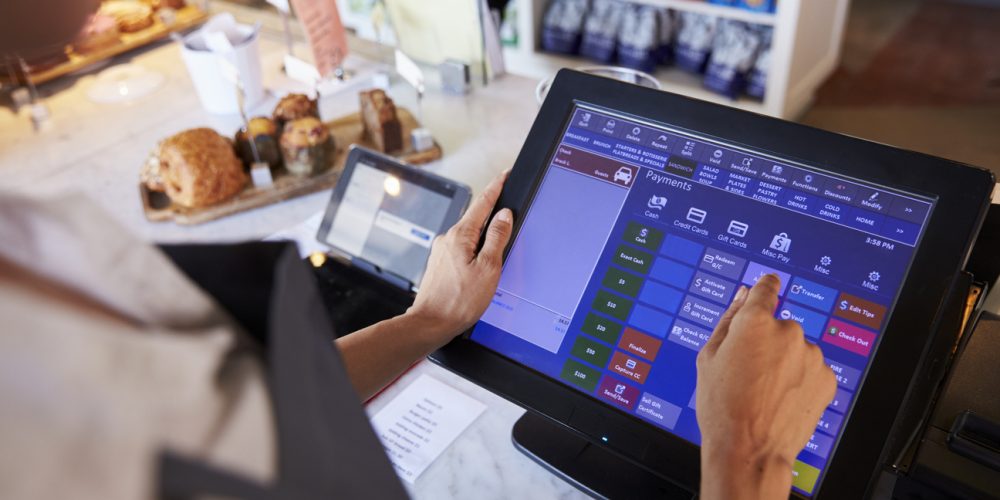
Choosing POS hardware for a restaurant seems simple at first.
Many restaurant owners start by comparing two common options:
A restaurant POS terminal or a tablet POS setup.
Both can process payments.
Both can run restaurant software.
Both can look modern on the counter.
But after a few busy weeks of real operation, the differences become much clearer.
A lunch rush puts pressure on the touchscreen.
Kitchen printers need to stay connected.
Staff move quickly between customers.
Payment speed matters.
Durability matters.
And the wrong hardware choice often creates daily friction that is expensive to fix later.
In this guide, we compare restaurant POS terminals vs tablet POS systems in 2026—so restaurant owners, POS software companies, and distributors can choose the right setup based on real operational needs.
What Is a Restaurant POS Terminal?
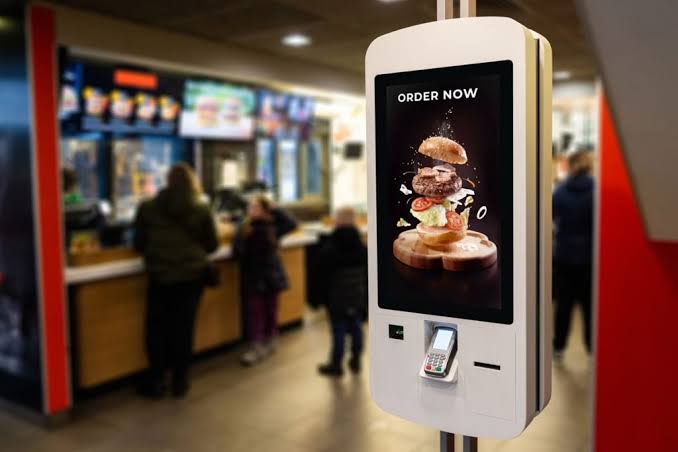
A restaurant POS terminal is commercial hardware designed specifically for restaurant checkout and order management.
It typically includes:
- touchscreen display
- Android operating system
- receipt printer connectivity
- customer-facing display
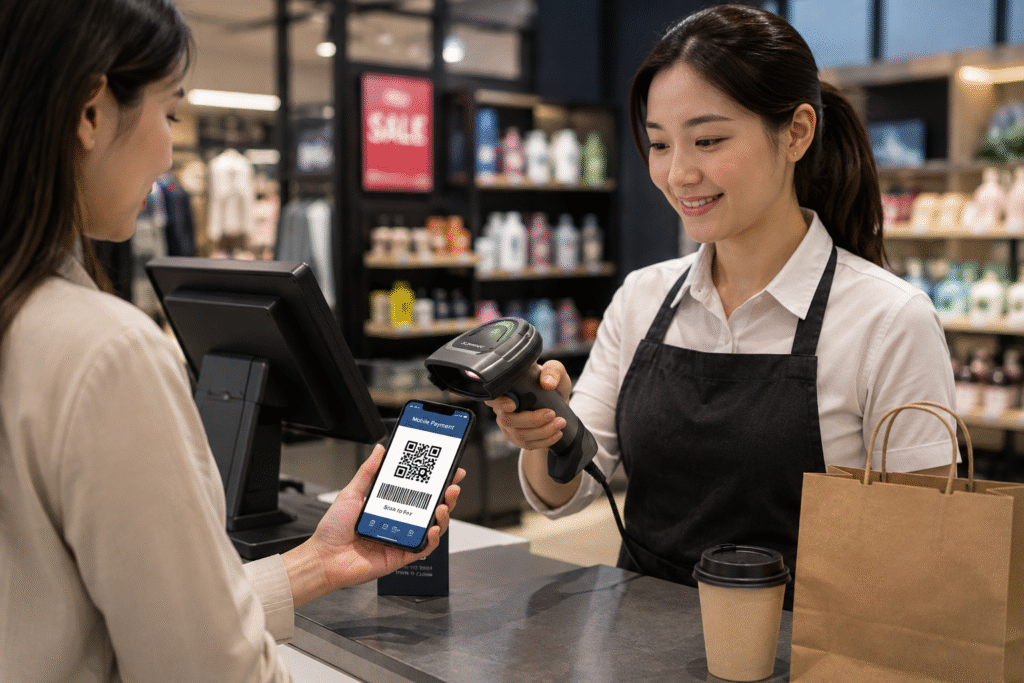
- NFC / QR payment support
- Ethernet and Wi-Fi
- cash drawer connection
- kitchen printer integration
Restaurant POS terminals are built for continuous daily commercial use.
That matters in busy restaurants.
Especially during lunch and dinner peaks.
What Is a Tablet POS?
A tablet POS usually uses a consumer tablet such as Android tablet or iPad with POS software installed.
Restaurants may add:
- tablet stand
- Bluetooth printer
- mobile card reader
- Wi-Fi payment device
Tablet POS is popular because:
- lower startup cost
- fast setup
- simple for small stores
For some businesses, it works well.
But restaurants often place heavier demands on the system.
That’s where differences start.
Restaurant POS Terminal vs Tablet POS: Key Differences
Let’s compare the most important categories.
1. Hardware Durability
Restaurants operate in demanding environments.
Typical challenges include:
- long operating hours
- heat near kitchen
- repeated touch interaction
- spills
- fast-paced staff movement
Commercial restaurant POS terminals are designed for this.
Consumer tablets are not.
A tablet may work well in a small café.
But in a busy quick-service restaurant, long-term wear becomes noticeable much faster.
Commercial hardware usually lasts longer.
2. Connectivity and Accessories
Restaurants often connect multiple devices.
Common accessories include:
- receipt printer
- kitchen printer
- barcode scanner
- customer display
- cash drawer
- label printer
A restaurant POS terminal usually offers:
- USB
- Ethernet
- Bluetooth
- Wi-Fi
- serial / RJ ports
Tablet POS often depends on adapters or wireless accessories.
That can work.
But more accessories usually means more failure points.
In restaurant operations, stable wired connection is often more reliable.
3. Checkout Speed
During peak hours, seconds matter.
Restaurants often need fast access to:
- table orders
- split bills
- modifier options
- payment
- reprint receipt
A dedicated POS terminal is usually optimized for this workflow.
A tablet may feel responsive at first.
But consumer hardware plus multiple accessories may feel slower during busy periods.
The difference is small until the queue builds.
Then it becomes obvious.
4. Screen Size and Customer Experience
Tablet POS usually uses:
- 10-inch tablet
- portable screen
Restaurant POS terminals offer more options:
- 10-inch
- 15-inch
- dual-screen
- customer-facing display
For restaurants handling payment at counter, a customer display improves:
- payment confirmation
- QR payment
- loyalty programs
- order accuracy
This creates a smoother checkout experience.
5. Software Flexibility
Both tablet POS and Android POS can run modern restaurant software.
But Android POS hardware often gives software providers more flexibility.
Benefits include:
- firmware customization
- SDK support
- OTA update
- branding
- long-term hardware consistency
For restaurant POS software companies, hardware consistency matters.
A stable platform reduces deployment problems.
6. Long-Term Cost
Tablet POS usually looks cheaper at first.
Example:
Tablet + stand + printer + payment device.
Restaurant POS hardware often costs more upfront.
But over time:
Commercial POS hardware usually provides:
- longer lifespan
- fewer accessory problems
- easier maintenance
- more stable deployment
For restaurants planning long-term growth, total ownership cost matters more than entry price.
Quick Comparison Table
| Category | Restaurant POS Terminal | Tablet POS |
|---|---|---|
| Hardware durability | commercial-grade | consumer-grade |
| Ports | more built-in | limited |
| Customer display | easy | often external |
| Kitchen integration | stronger | depends on accessories |
| Software customization | flexible | limited |
| Long-term reliability | stronger | varies |
| Setup cost | higher | lower |
| Scalability | better | moderate |
Which Restaurants Should Choose Tablet POS?
Tablet POS may work well for:
- very small cafés
- pop-up stores
- temporary retail
- mobile beverage carts
Advantages:
- simple
- affordable
- portable
For smaller operations, tablet POS can be practical.
Which Restaurants Should Choose Dedicated POS Hardware?
Restaurant POS terminals usually work better for:
- quick-service restaurants
- full-service restaurants
- cafés with higher volume
- restaurant chains
- bubble tea stores
- POS software deployment
- distributors
Benefits:
- stable workflow
- stronger connectivity
- better hardware lifespan
- easier scaling
For growing businesses, dedicated hardware usually creates fewer problems later.
Common Buying Questions
Is tablet POS enough for a restaurant?
For very small restaurants or cafés, yes.
For high-volume operations, dedicated restaurant POS hardware is usually more reliable.
Is Android POS better than tablet POS?
For commercial restaurant use, Android POS hardware usually offers better integration and long-term flexibility.
Do restaurants need customer-facing display?
Not always.
But it improves payment flow and reduces ordering mistakes.
Which is more affordable?
Tablet POS often costs less at the beginning.
Restaurant POS hardware usually performs better long-term.
Final Thoughts
Restaurant POS terminal vs tablet POS is not only about hardware price.
It depends on workflow.
A small café may do well with a tablet.
A busy restaurant usually benefits from dedicated Android POS hardware.
Restaurants need reliable checkout.
Fast payment.
Stable kitchen integration.
Smooth customer experience.
Choosing the right hardware early helps reduce downtime and makes scaling much easier.
Looking for Restaurant POS Hardware?
DCAPOS provides Android POS hardware for:
- restaurants
- cafés
- quick-service chains
- bubble tea shops
- POS software companies
- distributors
Available support includes:
- OEM / ODM
- Android firmware customization
- SDK support
- logo branding
- fast sample delivery
- global shipping
Contact our team to discuss your restaurant POS hardware project.